
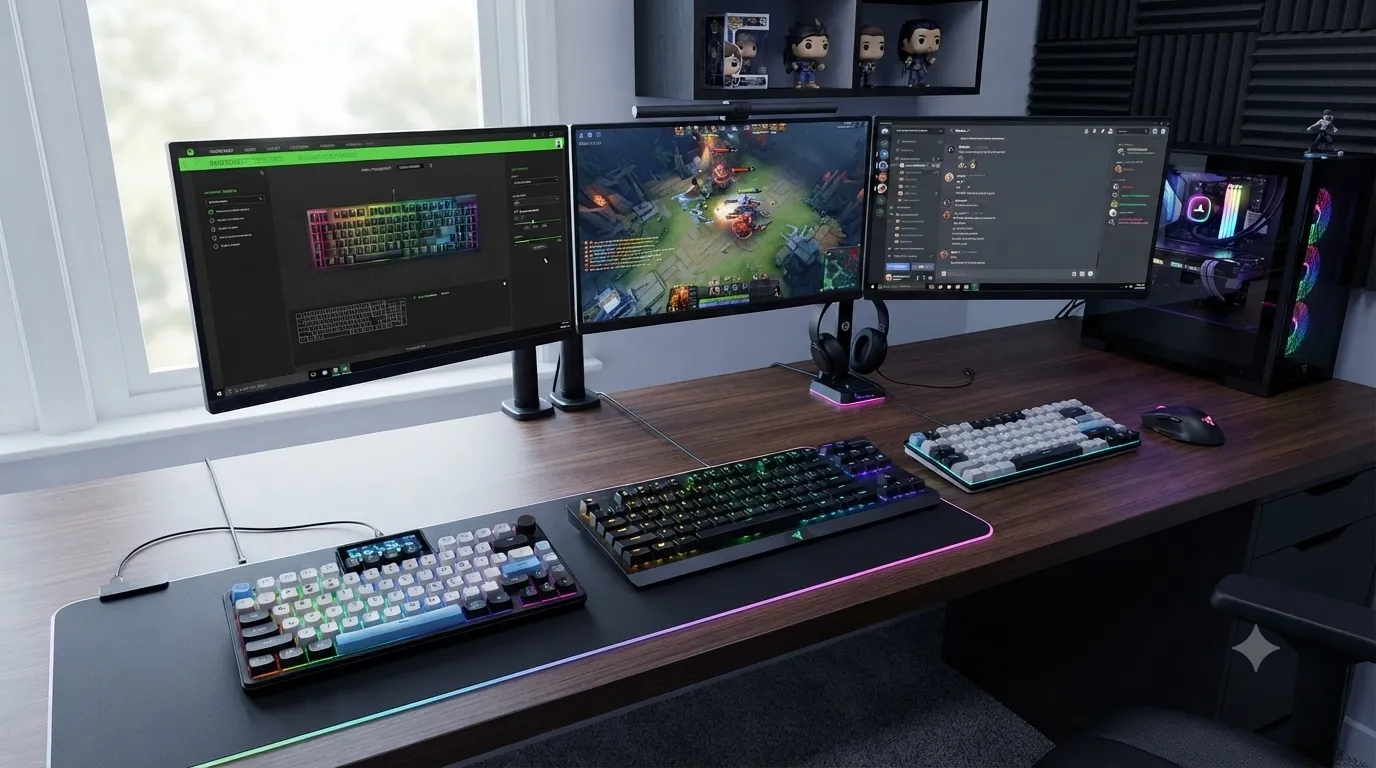
Best Silent Compact Gaming Keyboards for Quiet Setups

This article contains affiliate links. If you buy through them, I earn a small commission at no extra cost to you. I only recommend keyboards I’ve actually tested. As an Amazon Associate I earn from qualifying purchases.
The keyboard on my desk right now is loud enough that my wife closed the office door twice this morning. That’s the problem I’ve been chasing all year: a genuinely quiet board that’s small enough to leave room for wide mouse sweeps, but still built for actual competitive play. Most “gaming” keyboards marketed as quiet aren’t. Most of the truly silent ones aren’t small.
After running way too many boards as daily drivers, I’ve narrowed it down to three that actually earn a spot in this best silent compact gaming keyboards roundup. Each solves a different flavor of the problem — budget, premium, or wireless — and I’m going to tell you exactly which one you should buy, and where each one falls short.
Here’s the catch: “silent compact gaming” is a spectrum, not a spec. A red linear is quieter than a blue clicky but louder than a dampened silent linear. A 60% is more compact than a 75%. And no keyboard is truly silent. What you’re really shopping for is quieter than the person next to you can hear.
The Best Silent Compact Gaming Keyboards at a Glance
If you just want the answer, here’s the TL;DR. Everything below explains why.
| Category | Pick | Best For | Layout | Sound Profile |
|---|---|---|---|---|
| Best Budget | MageGee MK-Box | New builders, dorm rooms, backup boards | 60% (68 keys) | Muted linear, no dampening |
| Best Silent Linears | Razer BlackWidow V4 X (Yellow) | Serious gamers who want silence + macros | Full-size | Very quiet linear |
| Best Wireless & Truly Silent | DK75 75% Wireless | Roaming setups, shared offices, sleeping roommates | 75% wireless | Silent membrane, softest of the three |
Yes, the V4 X isn’t compact in the strict sense. I’ll defend its spot below because Razer Yellow is one of the quietest linear switches you’ll ever type on out of the box, and for a lot of you that trade is worth it.
What Makes a Keyboard Silent, Compact, and Actually Good for Gaming
Three things move the needle here, and none of them are RGB.
Switch choice. Linear switches are inherently quieter than clicky and most tactiles. But “linear” doesn’t automatically mean silent. Cherry MX Red is linear and still audible. Razer Yellow has a shorter travel and is noticeably softer. Silent linears with built-in dampeners (Cherry MX Silent Red, Gateron Silent Yellow) are the quietest mechanical option. Silent membrane sits below all of them.
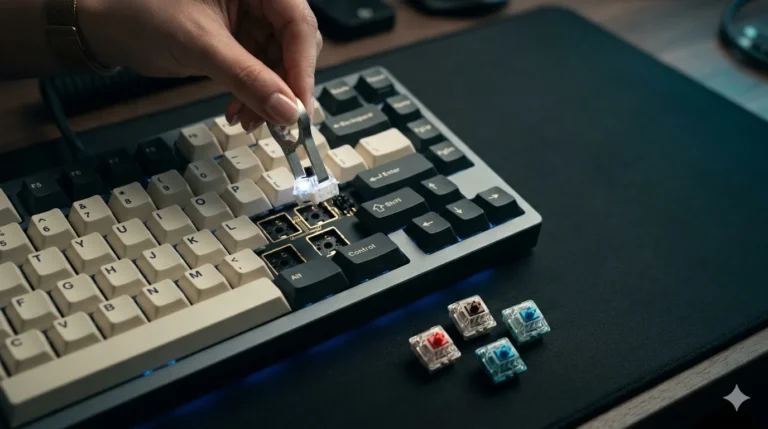
Case construction. A hollow plastic case rings like a snare drum. Add foam, silicone dampeners, or a gasket mount and the entire sound signature changes. Some boards ship with mods already inside; most cheap ones don’t.
Stabilizer treatment. The rattle you hear on cheap boards is almost always the stabilizers on the space bar and shift keys. A well-lubed stab is dead silent. A rattly stab makes even a silent switch sound cheap.
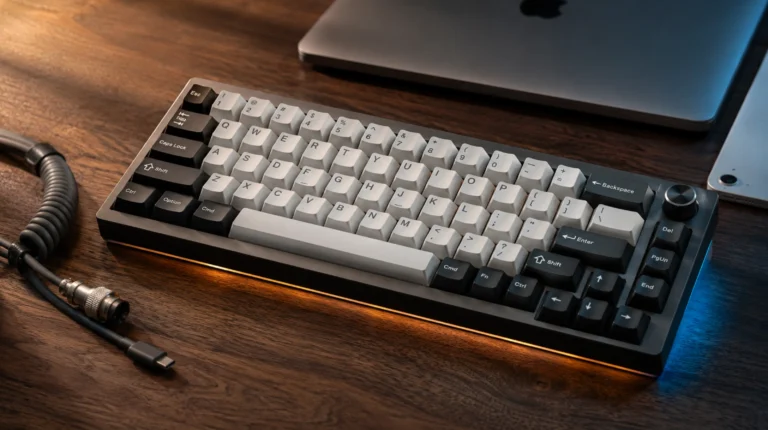
Layout. Compact layouts (60%, 65%, 75%) free up mouse space, which matters for low-sens FPS players. TKL saves the numpad. Full-size gives you macros and a numpad but eats desk real estate. For gaming, smaller is almost always better.
I’ve written more about how compact layouts affect real gameplay if you want to go deeper on the ergonomics side.
1. MageGee MK-Box — Best Budget Silent Compact Gaming Keyboard

- Mini portable 60% compact layout: MK-BOX is a 68 keys mechanical keyboard have cute small size, but with separate arrow …
- Mechanical red switch: characterized for being linear and smoother, slight key sound has no paragraph sense with minimal…
- Classic charming blue LED backlit: Customize multiple illuminated LED light effects, supports about 16 backlight modes, …
Let me be honest about what the MageGee MK-Box is: a ~$30 60% mechanical with Outemu Red linear switches, RGB backlighting, and a wired USB-C connection. It’s not silent in the audiophile sense. But it’s a lot quieter than any clicky board, it’s tiny, and the switches are smooth enough that you’re not going to feel cheated during a late-night Valorant session.
I’ve kept an MK-Box in a drawer for over a year as a travel and backup board. Under my apartment door test — meaning, can my downstairs neighbor hear me typing at 1 AM — the MK-Box passes as long as I’m not smashing the space bar. Which, granted, some of you will do.
The 68-key layout keeps the arrow cluster, which is a legit quality-of-life win over a strict 60%. If you’ve ever tried to play a game that uses arrows without arrows, you know what I mean.
Where it falls short. The stock keycaps are thin ABS — they’ll shine within months. The case has no foam, so if you’re picky about sound signature, you’ll want to open it up and drop in a piece of packing foam. And the switches, while smooth, aren’t tuned for silence. If your standard is “roommate asleep in the same room,” the MK-Box isn’t stealthy enough.
Pros
- Genuinely compact 60% footprint with arrow keys retained
- Smooth linear reds, quieter than any clicky option
- RGB actually looks decent for the price
- Cheap enough to keep around as a backup or travel board
Cons
- Thin ABS keycaps will shine within months
- No case dampening out of the box
- Not truly silent — audible in quiet rooms
- Detachable USB-C, but the included cable is stiff
Marcus’s verdict: If you want the cheapest way into a quiet-ish compact mechanical, buy it. If your standard for silent is genuinely silent, skip it.
2. Razer BlackWidow V4 X (Yellow Switches) — Best Silent Linears in a Gaming Board

- YELLOW MECHANICAL LINEAR SWITCHES: With zero distance between actuation and reset points at 1.2mm and only 45g of force …
- 6 DEDICATED MACRO KEYS: Expand the arsenal of commands with a set of easy-access macro keys that can be programmed to pe…
- MULTI-FUNCTION ROLLER and SECONDARY MEDIA KEYS: Pause, play, skip, and tweak everything from brightness to volume for ul…
Now for the honest part: the Razer BlackWidow V4 X is not compact. It’s a full-size with six dedicated macro keys down the left, a media roller, and a numpad. If you’re strictly shopping for a small footprint, skip to the DK75 below.
So why is it here? Because Razer Yellow linear switches are, in my testing, one of the quietest pre-installed switches on any factory board — competitive-tier linears without the harsh top-out you get from Cherry MX Red. They’re pre-lubed at the factory, which shows the second you press a key.
I ran the V4 X for two weeks as my daily driver. In a shared office with cubicle-height walls, no one complained. Coming from a Cherry Blue board, that was the win I was looking for.
The doubleshot ABS keycaps are the one point I’d knock. Razer keeps promising PBT on more of their lineup, and the V4 X still ships with ABS that’ll shine over time. But the media roller feels premium, Snap Tap gives you a genuine competitive advantage in FPS titles, and the Chroma RGB is — I’ll grudgingly admit it — legitimately good.
If you’re worried about size but you want the silent linear feel, this is the honest tradeoff. The BlackWidow V4 75%, which I’ve covered in my best 75% gaming keyboards under $200 roundup, is a more compact sibling worth looking at if you can find it in your budget.
Pros
- Razer Yellow linears are legitimately quiet out of the box
- Six dedicated macro keys are rare at this price point
- Chroma RGB looks fantastic (yes, even I’ll admit it)
- Snap Tap and rapid trigger genuinely help competitive play
- Media roller is a real quality-of-life win
Cons
- Not compact — full-size with extra macros makes it a big board
- Doubleshot ABS keycaps will shine over time
- Razer Synapse is required for full customization
- Overkill if you don’t use macros
Marcus’s verdict: The best silent linears in this roundup, bar none. If you can live with a full-size board that costs closer to $150 than $30, this is what to buy.
3. DK75 75% Wireless — Best Silent Compact Wireless Gaming Keyboard

- Triple-Mode Connectivity for Multi-Device – light up keyboard offers 3-connectivity modes including Bluetooth 5.0, 2.4GH…
- 75% Keyboard Layout with Mechanical-Inspired Design – This 75 percent bluetooth keyboard combines a space-saving compact…
- Cool RGB Backlit Keyboard Effects – Personalize your setup with 15 dynamic RGB effects, 7 colors, and adjustable brightn…
This is the one that surprised me the most. The DK75 is a 75% wireless with silent membrane switches, an OLED screen, a media knob, RGB backlighting, and tri-mode connectivity (2.4GHz dongle, Bluetooth 5.0, or USB-C wired).
Yes, I said membrane. And no, I’m not backpedaling into snob mode later in the article. A good silent membrane is quieter than any mechanical switch on the market. If pure silence is your #1 requirement — the roommate-is-sleeping-three-feet-away requirement — a silent membrane is the correct answer, and I’ll fight anyone who says otherwise.
The 75% layout is the sweet spot for gaming in my opinion. You get function keys, arrows, and a couple of navigation keys in a much smaller footprint than a TKL. It matches the layout I recommend in my breakdown of gaming keyboard layouts for players who want fast panning without giving up productivity keys.
The membrane feel is soft and consistent. It’s not going to give you the tactile signature of a mechanical, but for typing volume and gaming inputs, it’s more responsive than you’d expect. The 2.4GHz polling is stable, and I didn’t notice input lag in fast-paced games.
The OLED screen is more useful than I expected — it shows connection mode, battery level, and a couple of custom animations. Not essential, but a nice touch. The media knob is the real quality-of-life feature. Once you have one, you don’t want to give it up.
Pros
- Quietest of the three by a wide margin (silent membrane wins here)
- Tri-mode wireless with a 2.4GHz dongle actually built for gaming
- 75% layout is the compact sweet spot
- OLED screen and media knob are genuinely useful
- Works cleanly with both Mac and Windows via a layout toggle
Cons
- Membrane, not mechanical — no thock, no swap, no aftermarket switches
- No hot-swap sockets, obviously
- RGB is less punchy shining through membrane caps
- Battery life depends on how hard you push the RGB
Marcus’s verdict: If you specifically need wireless and silent and compact, this is the clearest pick in the roundup. Just walk in knowing you’re buying a well-executed silent membrane, not a stealth mechanical.
How to Make Any Silent Compact Gaming Keyboard Even Quieter
None of the boards above are perfect out of the box. If you want to push the sound floor lower, here’s what actually works based on the mods I’ve done to dozens of boards:
- Lube the stabilizers. Krytox 205g0 on the wires and housings, dielectric grease on the wire ends. This kills more rattle than any switch swap ever will.
- Add case foam. A single piece of packing foam or a proper foam kit dampens the hollow ping in cheap plastic cases. Costs less than a fast-food meal.
- Swap to silent linear switches (only if the board is hot-swap). Gateron Silent Yellows or Cherry MX Silent Reds are the go-to. Not an option on the MK-Box, V4 X, or DK75.
- Use a thick deskmat. A 4mm deskmat kills the surface transmission that makes any board sound louder to whoever’s near your desk.
- Type more gently. Free, works on every board on Earth, and yes, I’m serious.
For a step-by-step walkthrough, I put together a full guide to silencing a mechanical keyboard without new switches that shows each mod with photos.
Which of These Silent Compact Gaming Keyboards Is Right for You?
The “best” pick depends on you. Here’s the reader-fit breakdown:
- Tight budget or building your first setup → MageGee MK-Box. Get it, drop $5 on a foam kit, call it a day.
- You want the best silent linears regardless of layout → Razer BlackWidow V4 X. Best switches in the roundup for gaming, worst on portability.
- You need wireless, silent, and compact in one board → DK75. It’s the only one that ticks all three boxes, and the silent membrane is the real hero.
- You share an office and you’re the noisy one → DK75, no contest.
- You play competitive shooters and want the fastest possible input → Razer BlackWidow V4 X with Snap Tap turned on.
If none of these lands, I’d point you at my wireless gaming keyboards roundup and the office-friendly gaming keyboards guide for adjacent picks.
Final Verdict on the Best Silent Compact Gaming Keyboards
If I could only tell you one thing, it’s this: don’t buy a board just because the marketing says “silent.” Half the boards on Amazon labeled that way ship loud out of the box. The three above are the ones that actually hold up when you put them on a desk in a real room with real other humans nearby.
For most of you, the DK75 is the smart pick. Silent membrane is the quietest option in the roundup, the 75% layout hits the compact sweet spot, and the wireless flexibility makes it the most versatile board here. It’s the one I’d hand to a friend who said “I need something my roommate can’t hear.”
If you’re a competitive gamer who values switch feel over pure silence, the Razer BlackWidow V4 X earns the spot. Just know the footprint isn’t small, and you’re paying for macros and Chroma you might not use.
And if your budget is tight, the MageGee MK-Box is the gateway. It’s the one I’d buy for a college kid who wants their first compact mechanical without dropping $150 to find out if they even like the form factor.
This article contains affiliate links. If you buy through them, I earn a small commission at no extra cost to you. I only recommend keyboards I’ve actually tested. As an Amazon Associate I earn from qualifying purchases.

One Comment