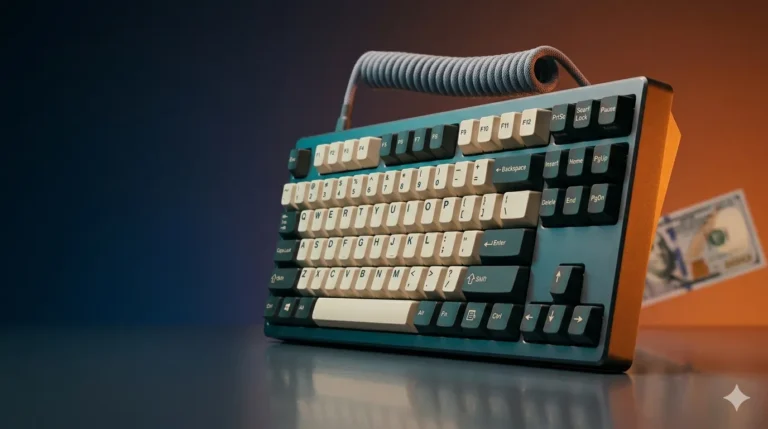
Best TKL Gaming Keyboard: 6 Top Picks Tested & Ranked

This article contains affiliate links. If you buy through them, I earn a small commission at no extra cost to you. I only recommend keyboards I’ve actually tested. As an Amazon Associate I earn from qualifying purchases.
Three months. Six boards. Roughly 1.2 million keystrokes if my logger is being honest. That’s what went into figuring out which is genuinely the best TKL gaming keyboard worth your money right now — and which ones are just riding the Hall effect hype train into your wallet.
Quick refresher if you’re new to tenkeyless: TKL chops off the numpad on the right, leaving you with the function row, arrows, and the nav cluster. You get a more centered typing position, more mouse room, and a desk that doesn’t feel like a parking lot. For FPS players especially, it’s the right shape.
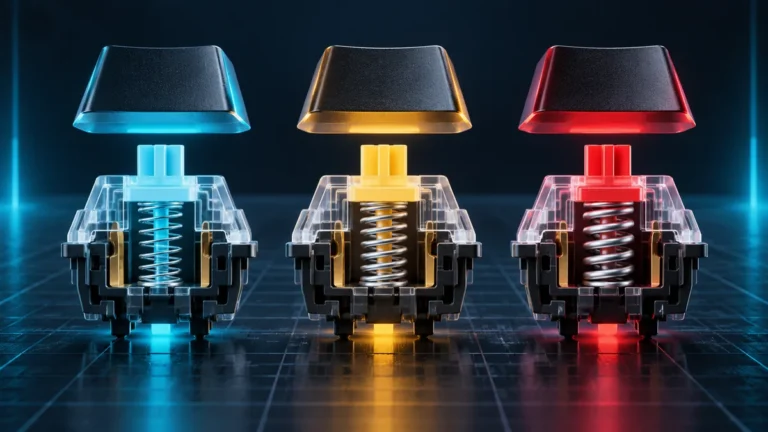
Here’s the catch though. The gap between a “good” TKL and a “great” one today is mostly about magnetic switches, adjustable actuation, rapid trigger, and whether the firmware actually works without driving you up a wall. Specs alone won’t tell you that. Three weeks of daily driving will.
Below is the ranked list, plus the popular ones I’d quietly skip, and a clear pick at the end.
Quick Comparison: Best TKL Gaming Keyboard Picks by What You Actually Need
| Pick | Keyboard | Switch | Wireless | Best For | Price Tier |
|---|---|---|---|---|---|
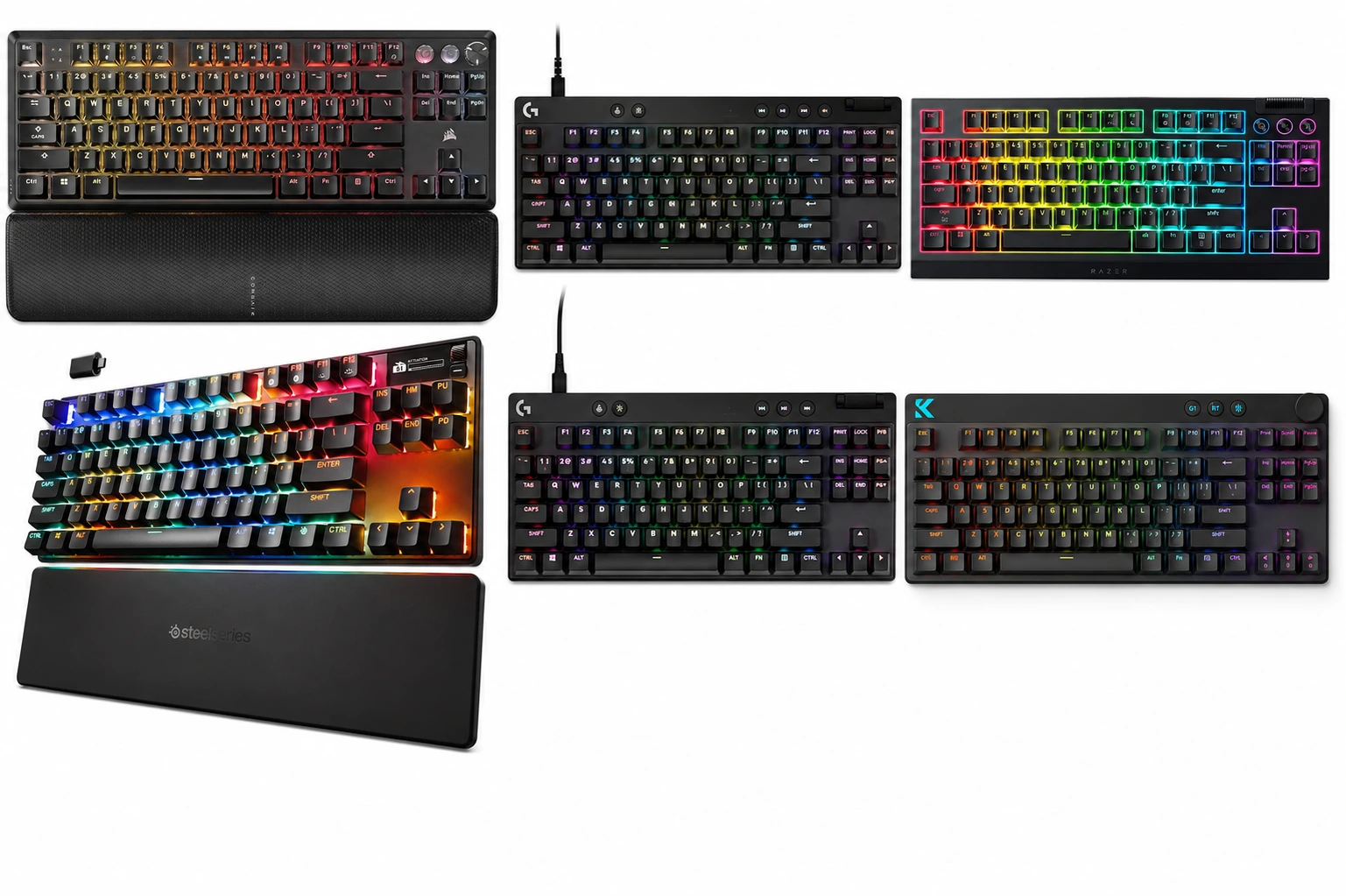
| 🥇 Best Overall | SteelSeries Apex Pro TKL Wireless Gen 3 | OmniPoint 3.0 Hall Effect | Yes (2.4G + BT) | One board that does everything well | $$$$ |
| 🎯 Best for Competitive FPS | Logitech G PRO X TKL Rapid | Magnetic Analog | No | Valorant / CS2 ranked grinders | $$$ |
| 💸 Best Budget Hall Effect | MCHOSE Mix 87 | Apollo Magnetic | No | Magnetic switches on a real budget | $ |
| 🔘 Best Tactile / Wireless | Razer BlackWidow V4 TKL HyperSpeed | Razer Orange Tactile | Yes | Typists who also game | $$$ |
| 🛠️ Best Hot-Swap / Modder | SteelSeries Apex 9 TKL | Optical (hot-swap) | No | Tinkerers who want to swap switches later | $$ |
| ⚡ Best Wired All-Rounder | Corsair K70 PRO TKL | MGX Hyperdrive Hall Effect | No | High-polling wired with tank build | $$$ |
How I Tested These Boards
Every keyboard did at least three full days as my daily driver — long writing sessions, ranked Valorant, a couple hours of CS2, the obligatory aim-trainer pain. I checked polling stability, listened for stab rattle on the long keys, ran each board through its own software, and made notes on the friction points you only catch when a board sits on your desk for real.
Now, the rankings.
1. SteelSeries Apex Pro TKL Wireless Gen 3 — Best Overall

- THE WORLD’S FASTEST KEYBOARD — Push the boundaries with cutting-edge OmniPoint 3.0 switches and Rapid Trigger, Protectio…
- OMNIPOINT 3.0 — More than just fast, our newly redesigned Hall Effect Switch have 20x faster actuation and 11x quicker r…
- GAME-READY PRESETS — Gain a competitive edge in your favorite game with just a few clicks using GG QuickSet’s game-ready…
The Apex Pro TKL Wireless Gen 3 is the board I’d hand to someone with $250+ to spend who wants one TKL that does everything well. OmniPoint 3.0 magnetic switches let you set per-key actuation as shallow as 0.1mm or as deep as 4.0mm, and Rapid Trigger here doesn’t feel weirdly delayed the way some early-gen Hall effect boards did.
The OLED screen is genuinely useful for switching profiles on the fly, and dual wireless (2.4G + Bluetooth) is stable across both. I got about five days on a single charge with RGB at half brightness, which is comfortably better than what Razer typically claims at similar power draw.
Pros
- Best-in-class magnetic switch tuning and software in this group
- Dual wireless with rock-solid 2.4G
- PBT keycaps — yes, finally, on a SteelSeries flagship
- OLED is more useful than gimmicky once you set it up
Cons
- Expensive. No way around that.
- Software install is mandatory for the good stuff
- Spacebar stab has a slight rattle out of the box
2. Logitech G PRO X TKL Rapid — Best for Competitive FPS

- Tournament-Grade Responsiveness and Precision: The PRO X TKL RAPID Wired Gaming Keyboard features magnetic analog (Hall-…
- React Instantly and Perform at Your Peak: The Rapid Trigger mode on this PC gaming keyboard allows key reactivation with…
- Optimize for Your Play Style: Achieve peak speed and accuracy with customizable actuation points and sensitivity; tailor…
The G PRO X TKL Rapid is what I’d take to a LAN tournament. Magnetic analog switches with rapid trigger that feels instant, a tournament-friendly wired connection, and a build that doesn’t flex even when you’re slamming WASD. The volume roller and dedicated media buttons are nicer than they have any right to be.
Where it loses to the Apex Pro is software polish and the missing OLED, but for pure competitive use, this is the more focused tool. It’s also a meaningful chunk cheaper.
If you want a deeper read on why magnetic switches are reshaping competitive boards, I broke that down here.
Pros
- Rapid trigger response is genuinely fast and consistent
- Detachable USB-C with clean cable routing
- Compact bezels, fits cramped tournament setups
- Excellent stock stabilizers — almost no rattle
Cons
- Wired only
- G Hub is still G Hub (you’ve been warned)
- ABS keycaps will shine over time
3. Corsair K70 PRO TKL — Best Wired All-Rounder

- Speed is Everything: It’s all about speed. With Rapid Trigger, ultra-fast polling rates, and per-key adjustable switches…
- Space-Saving Tenkeyless Layout: The sleek, streamlined tenkeyless layout fits in nearly every gaming setup, while leavin…
- MGX Hyperdrive Magnetic Switches*: Pre-lubricated CORSAIR MGX Hyperdrive magnetic switches deliver a smooth, ultra-respo…
The K70 PRO TKL is the safe pick. Corsair’s MGX Hyperdrive Hall effect switches feel almost identical to OmniPoint 3.0 in linear smoothness, the aluminum frame doesn’t budge under daily abuse, and the per-key 8000Hz polling is the real deal — not just a number on a spec sheet. I noticed the snappier feedback in tracking-heavy moments, but I’ll be honest: above 4000Hz, most players won’t actually feel it.
ABS double-shot keycaps are the one real disappointment. At this price, PBT should be the default.
Pros
- 8000Hz polling that actually works
- Pre-lubed switches feel great straight out of the box
- Classic Corsair tank build
- Per-key Rapid Trigger + SOCD configurable in software
Cons
- ABS keycaps at a premium price
- iCUE is a heavy install for what most people will use
- No wireless option
4. SteelSeries Apex 9 TKL — Best for Hot-Swap and Modders

- Play at the Speed of Light – Outpace leading optical keyboards with 33% faster actuation using custom OptiPoint switches…
- 2-point Actuation – Adapt to any game by changing the registration depth from a speedy, light 1mm press to a deliberate …
- Swappable Switches – Customize, upgrade, and repair your keyboard by changing the switches to your favorite stye of Opti…
The Apex 9 TKL doesn’t get the press the Apex Pro does, but I keep recommending it. Optical hot-swap sockets let you change switches without soldering, the aluminum alloy frame feels closer to a $200 board, and the PBT double-shot keycaps are crisp. It’s the board I’d hand to someone learning to mod.
You don’t get magnetic-switch tuning here, so it’s not the right pick if rapid trigger is the headline feature you want. But for a TKL you can grow into and tinker with, it’s underrated.
Pros
- Hot-swap optical sockets — switch experimentation is free
- PBT double-shot keycaps standard
- Solid aluminum frame
- Fair price for the build quality
Cons
- Optical switches only (not standard MX hot-swap)
- No magnetic switch tuning
- No wireless
5. Razer BlackWidow V4 TKL HyperSpeed — Best Tactile Wireless

- RAZER HYPERSPEED WIRELESS & BLUETOOTH — Game lag-free with ultra-fast 2.4 GHz wireless and pair a compatible Razer mouse…
- HOT-SWAPPABLE DESIGN — Compatible with 3 or 5-pin switches, the keyboard’s socketed PCB allows an easy swap out of its p…
- OPTIMIZED TYPING EXPERIENCE — Enjoy a clean typing sound and feel, achieved through a top-mounted stainless-steel plate,…
Most of this list is magnetic linear. The BlackWidow V4 TKL HyperSpeed is what I’d buy if you actually like tactile switches and don’t want to give up gaming performance. Razer’s Orange tactile switches are quieter than the Greens, give you a clear bump, and feel great for typing. HyperSpeed wireless is excellent — I genuinely could not tell it apart from wired in blind tests.
The multi-function roller is more useful than the SteelSeries OLED for most workflows. Hot-swap sockets on a Razer board is a nice surprise too.
Pros
- Hot-swap sockets, yes really
- Excellent wireless latency
- Multi-function roller is more practical than it sounds
- Long battery life — easily a full work week
Cons
- No magnetic switches, so no rapid trigger
- Synapse software is still bloated
- ABS keycaps at this price is annoying
6. MCHOSE Mix 87 — Best Budget Hall Effect

- Compact TKL Layout with Soft Typing: The Mix 87 hall effect keyboard is a 80% compact wired gaming keyboard that saves d…
- Pro-Level Web and Desktop Driver Customization: Use the MCHOSE driver to customize the Mix 87 hall effect keyboard: rema…
- 0.08ms Ultra-Low Latency: True 0.08ms latency with an esports-grade 8K polling rate and up to 256K scan rate. Critical W…
The Mix 87 is the surprise of the bunch. Apollo magnetic switches, hot-swap, 8K polling, a volume knob, RGB that doesn’t look cheap, adjustable actuation — and it’s typically under $90. Not long ago this spec sheet would’ve been a $200 board.
The catch? Software is rough. The English is occasionally machine-translated, firmware updates require patience, and the stabilizers really do need lube out of the box if you care about sound. But for the money, you’re not getting closer to flagship-tier performance anywhere else.
Pros
- Magnetic switches at a genuinely budget price
- 8K polling, adjustable actuation, rapid trigger, SOCD
- Hot-swap sockets, gasket mount, volume knob
- Best raw value of any TKL gaming keyboard I tested this round
Cons
- Software is rough around the edges
- Stabilizers need lube
- Brand support if something fails is hit-or-miss
Head-to-Head: SteelSeries Apex Pro TKL Wireless Gen 3 vs Corsair K70 PRO TKL
This is the comparison most readers actually ask about. Both are flagship-tier, both use Hall effect, both want your $200+. They aim at different players though.
| Feature | SteelSeries Apex Pro TKL Wireless Gen 3 | Corsair K70 PRO TKL |
|---|---|---|
| Switch | OmniPoint 3.0 (0.1–4.0mm) | MGX Hyperdrive (0.1–4.0mm) |
| Polling Rate | 1000Hz wireless / 4000Hz wired | 8000Hz wired |
| Wireless | Yes (2.4G + BT) | No |
| Keycaps | PBT Double-Shot | ABS Double-Shot |
| Screen | OLED | None |
| Stabilizers | Decent, slight rattle | Excellent, pre-lubed |
| Software | SteelSeries GG | iCUE |
| Best For | All-purpose flagship | Wired competitive build |
If you need wireless, this isn’t really a contest — the Apex Pro wins by default. If you’re committed to wired and want the cleanest stab tuning and highest raw polling, the K70 PRO is the better instrument out of the box.
What I’d Quietly Skip
A few unsolicited opinions, because the TKL market has gotten a little silly:
- Don’t pay flagship money for ABS keycaps. PBT should be the floor above $180.
- Don’t buy a Hall effect board you can’t tune in software. Adjustable actuation is the whole point. Broken software means you bought a worse linear board.
- Don’t chase 8000Hz polling unless the rest of your system can keep up. A 240Hz panel on a mid-tier CPU at 4K isn’t showing you the difference. Save the money.
- Don’t fall for “esports tested” branding by itself. Most pros use whatever their sponsor ships them. The marketing badge means very little.
- Don’t ignore stabilizers. A $250 board with rattly stabs sounds worse than a $90 board that’s been lubed properly.
My Pick for the Best TKL Gaming Keyboard
If I had to buy one TKL today with my own money, knowing what I know after three months of testing: the SteelSeries Apex Pro TKL Wireless Gen 3. It’s the most complete package — magnetic switches that actually feel tuned, wireless that doesn’t compromise, PBT keycaps from the factory, and the only board here where I never thought “I wish it had X.”
But — and this is the honest take — if you’re strictly a wired competitive player who wants the cleanest input on a budget less painful than the Apex Pro, the Logitech G PRO X TKL Rapid is the more focused tool. And if your wallet is tight, the MCHOSE Mix 87 punches so far above its price tag that I keep one on my secondary rig and nobody who’s typed on it has guessed what it cost.
This article contains affiliate links. If you buy through them, I earn a small commission at no extra cost to you. I only recommend keyboards I’ve actually tested. As an Amazon Associate I earn from qualifying purchases.