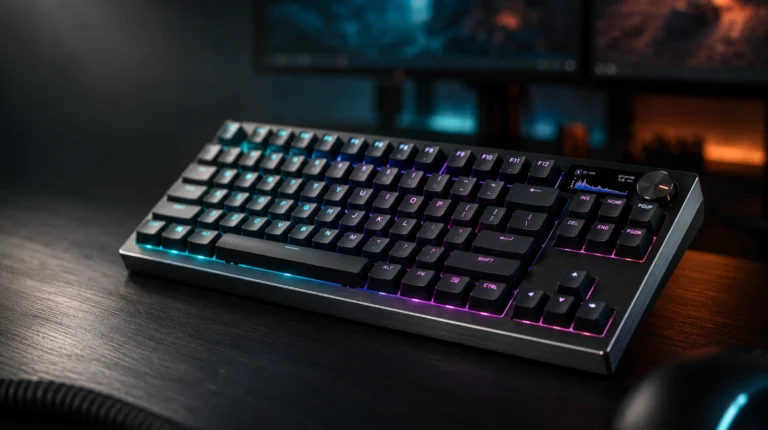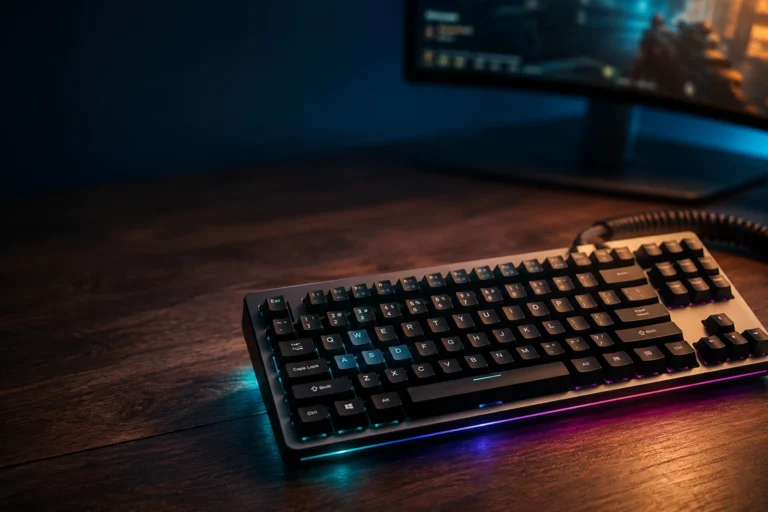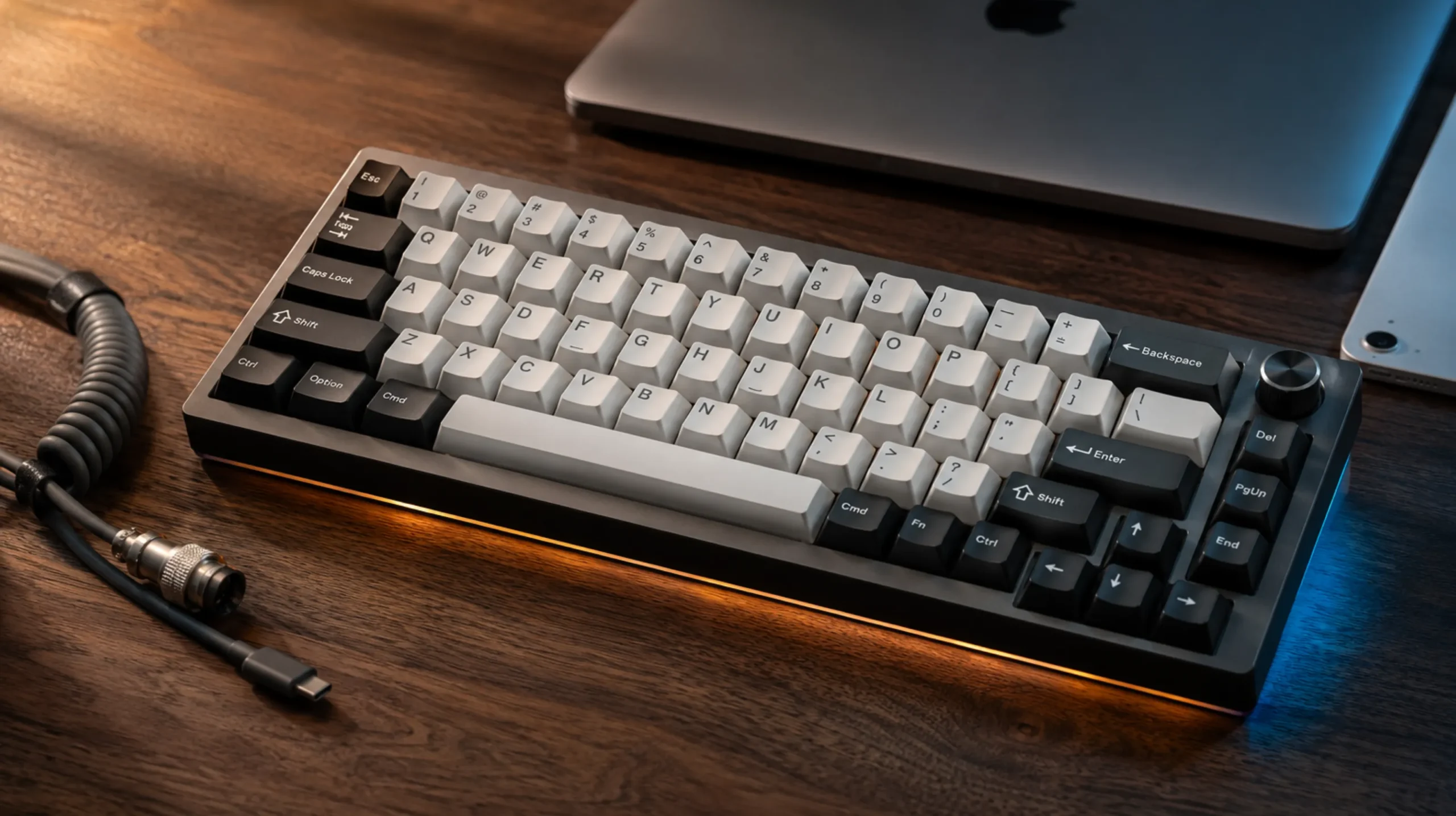
Best Wireless Gaming Keyboard for Mac: 5 Tested Picks

This article contains affiliate links. If you buy through them, I earn a small commission at no extra cost to you. I only recommend keyboards I’ve actually tested. As an Amazon Associate I earn from qualifying purchases.
Most “Mac-compatible” gaming keyboards are Windows boards with a Cmd legend slapped on the side. After cycling through a stack of them on an M2 Mac mini and a 14-inch MacBook Pro for the better part of a year, I can tell you the difference between a board that works on macOS and one that just connects to it. They’re not the same thing.
What you actually want from the best wireless gaming keyboard for Mac is Bluetooth that wakes from sleep without eating your first three keystrokes, proper Option/Command behavior, function-row keys that don’t pick a fight with macOS shortcuts, and ideally a way to flip between machines without re-pairing every morning. That’s a shorter list than the marketing copy implies — and a lot of boards still miss it.
I’ve narrowed this down to five wireless boards that actually pull it off. From a $50 travel-friendly 60% to a $250 enthusiast unit that’s worth the money if you care about typing feel. Here’s the short version, then the testing notes.
Best Wireless Gaming Keyboard for Mac: Quick Comparison
| Pick | Best For | Layout | Switches | Wireless | Why It’s Here |
|---|---|---|---|---|---|
| ASUS ROG Azoth | Best overall premium | 75% | ROG NX Snow (linear, pre-lubed) | BT + 2.4G + USB-C | Gasket-mount feel, OLED, real PBT caps. Check price → |
| EPOMAKER x Aula F75 MAX | Best under $100 | 75% | Hot-swap (various) | BT + 2.4G + USB-C | TFT screen, knob, gasket mount at half the Azoth’s price. Check price → |
| EPOMAKER TH108 V2 PRO | Best full-size with numpad | 108-key | Sea Salt Silent (linear) | BT + 2.4G | Ships with Mac and Win modifier caps in the box. 10,000 mAh battery. Check price → |
| Womier Q61 V2 | Best for tinkerers | 60% | POM Linear | BT + 2.4G + USB-C | QMK/VIA out of the box. Build a true macOS layer in a browser tab. Check price → |
| 60% Triple-Mode Blue Switch | Best budget for iPad/Mac travel | 60% | Clicky Blue | BT + 2.4G + USB-C | $50-ish, triple mode, fits in a backpack pocket. Check price → |
What “Mac-friendly” actually means on a wireless keyboard
Before getting into specific boards, here’s what I look for on every unit before it earns daily-driver status on macOS:
- Mac modifier mapping — does the board ship with a Mac layout in firmware, or are you stuck remapping Cmd/Option/Ctrl manually in System Settings?
- Proper Mac legends — does it actually come with Cmd/Option keycaps in the box, or just Win/Alt?
- Multi-device pairing — three Bluetooth slots minimum so you can swap between Mac, iPad, and a second machine without re-pairing.
- 2.4GHz support that works on Mac — some boards’ dongles only properly handshake on Windows. Worth verifying.
- Clean sleep/wake — if you lose the first few keystrokes every morning, that board’s going back in the drawer.
- Function row that doesn’t fight macOS — F-keys should send media controls (brightness, volume, Mission Control) without holding Fn.
If a board ticks four of those, it’s solid. If it ticks all six, it’s a keeper.
For a deeper look at how Bluetooth, 2.4GHz, and wired connections actually compare for input lag and stability, I broke that down in this wireless-vs-wired explainer.
1. ASUS ROG Azoth — Best Overall Premium Pick

- Tri-mode connectvity: Seamlessly connect to three devices via Bluetooth. Experience ultra-low latency gameplay with ROG …
- Gasket Mount & Premium Sound Tuning: A silicone gasket mount and three layers of integrated dampening foam work in harmo…
- Hot Swappable, Pre-Lubricated Mechanical Switches: Customize your keystrokes with ROG NX Snow linear switches (buttery s…
The Azoth is the board I’d buy if someone told me to pick one wireless gaming keyboard for a Mac and stop overthinking it.
Why it works on macOS: The pre-lubed ROG NX Snow linear switches are genuinely smooth out of the box — no stem wobble, no scratch. The PBT doubleshot keycaps don’t shine after six months like ABS does. And the 75% layout keeps the arrow cluster and a column of nav keys without bloating into a TKL footprint.
The good:
- Tri-mode (BT 5.1, 2.4GHz, USB-C) all work reliably on macOS Sonoma and Sequoia.
- Gasket-mount with foam dampening produces that lower-pitched typing sound without the muddy thock some boards push too hard.
- OLED screen actually shows useful info — battery, connection mode, current device.
- Hot-swap sockets if you want to swap to tactiles later.
The catch: Armoury Crate doesn’t run on macOS, so to remap keys at the firmware level, you’ll need a Windows machine for initial setup. Once your layout is flashed, it sticks — but plan for that one-time hurdle. Also, at this price point, ABS legends are a nitpick I’d raise on a cheaper board; PBT is non-negotiable here, and ROG delivers.
Who should buy it: Anyone who wants a premium 75% on Mac and is willing to spend ~$250 once instead of churning through $80 boards twice a year.
2. EPOMAKER x Aula F75 MAX — Best 75% Under $100

- Compact Size, Function Core: With 80 programmable keys and a customizable screen, the F75 Max upgrades from its successf…
- Stylish and Ergonomic: Say goodbye to wrist strain and finger fatigue, as this Cherry-profile keyboard becomes your ergo…
- Satisfying Creamy Sound: Indulge in the creamy smooth melody of F75 MAX, composed by the rhythmic thud of every keystrok…
This is the value pick of the list. The F75 MAX has no business feeling this good at its price.
Why it works on macOS: Triple-mode wireless that doesn’t drop. Hot-swap sockets, gasket-mounted with five layers of internal foam, and a TFT display that’s more useful than the Azoth’s OLED because it shows battery percentage and connection at a glance — handy when you can’t remember if you left it on 2.4GHz overnight.
The good:
- Knob in the top-right that you can map to volume, scroll, or zoom on macOS.
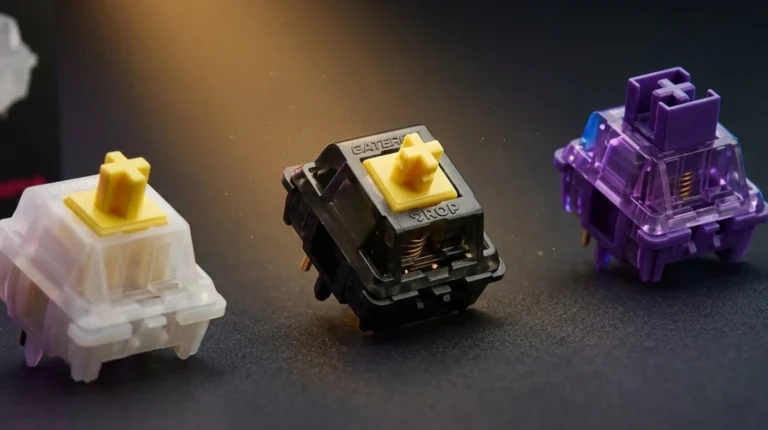
- Hot-swap means if you don’t love the stock switches, you can swap to whatever you want — Gateron Yellows, Kailh Box Whites, whatever.
- Sound profile out of the box is impressively low-pitched for sub-$100. EPOMAKER did the foam work most brands skip.
The catch: The keycaps are ABS, not PBT, which is the price compromise. They’ll shine eventually. Pick up a $25 PBT set and the board becomes a near-Azoth experience for a third of the cost. Also, the bundled software is Windows-only for deep customization, though basic Mac mapping works via macOS’s built-in modifier swap.
Who should buy it: Anyone who wants the modern enthusiast typing feel without paying enthusiast prices.
3. EPOMAKER TH108 V2 PRO — Best Full-Size with Mac Keycaps

- Multi-Device Full Sized Keyboard: Designed to thrive wherever your digital life takes you, the EPOMAKER TH108 V2 PRO key…
- Custom Keyboard with Screen & Knob: High-tech utility and playful display, the TH108 V2 PRO custom keyboard blends both …
- Professional Gaming Keyboard: Engineered for elite gamers, the TH108 V2 PRO gaming keyboard is a stable, high-performanc…
If you actually use the numpad — spreadsheets, video editing scrubbing, finance work — a TKL or 75% isn’t the answer. This is.
Why it works on macOS: The TH108 V2 PRO is one of the very few full-size wireless boards that ships with Mac modifier keycaps in the box. Not aftermarket. Not “compatible.” Actually included. That alone puts it ahead of 90% of full-size wireless boards.
The good:
- 10,000 mAh battery. I went almost three weeks of daily use with RGB off before it asked for a charge.
- Sea Salt Silent linears are the right call for a shared space — they’re quiet enough for an open-plan office without feeling mushy.
- Gasket mount, hot-swap, and PBT keycaps standard.
- Built-in screen and knob that work in both Mac and Win modes.
The catch: It’s a big, heavy board — not something you’re throwing in a laptop bag. And the silent switches, while great for offices, won’t satisfy if you specifically want a louder, clackier sound. If that’s you, the F75 MAX or Azoth is the better pick.
Who should buy it: Mac users who need a numpad, want a desk anchor, and value quiet over clack.
4. Womier Q61 V2 — Best for Tinkerers and Customizers

- 60% Wireless Gaming Keyboard with with Dedicated Knob: Q61 V2 wireless mechanical keyboard uses a fun design balanced in…
- QMK/VIA Keyboard Programmable: QMK/VIA is open-source software for keyboards that allows anyone to program and remap eac…
- Hot-swap Creamy Keyboard & Full POM Linear Switches: Wireless mechanical keyboard Hot swappable keyboard features a gask…
The Q61 V2 is the board I’d point you to if you want to actually own your layout instead of renting it from a manufacturer’s app.
Why it works on macOS: QMK and VIA support, out of the box. That means you open a web browser, plug the board in, and remap any key on any layer in real time — no software install, no Windows-only utility. Build a dedicated macOS layer with Mission Control, Spotlight, and screenshot shortcuts mapped exactly where you want them. Save it to the board’s onboard memory. Done.
The good:
- Gasket-mount with proper foam stack — the typing feel is well above what 60% boards usually offer.
- Hot-swap sockets, so the POM linears can go if you want to try something else.
- South-facing RGB that doesn’t interfere with Cherry-profile aftermarket caps.
- True 60% layout fits in a sleeve for travel.
The catch: You’re giving up a function row, arrow cluster, and nav keys. If you’re not comfortable with layers, a 60% will frustrate you on day one. Stick to 75% or TKL until you’re sure. For a fuller comparison of layout tradeoffs, this rundown on 60% vs 75% vs TKL covers what you actually lose and gain.
Who should buy it: Anyone who’s tired of bloated brand software and wants direct firmware-level control over a clean 60%.
5. 60% Triple-Mode Wireless with Clicky Blues — Best Budget Travel Board

- More Connection Options: Supporting both wired and wireless connections, this wireless gaming keyboard can be connected …
- 60% Compact, 100% Portable: By eliminating the numeric keypad, function key row, and navigation cluster, this 60 percent…
- Immersive RGB Brilliance: Equipped with 16 RGB backlight modes, 8 color choices, 6 brightness levels, and per-key custom…
Last pick, and the most honest one on this list. This is a no-name 60% I expected to dislike. I don’t.
Why it works on macOS: For around $50, you get triple-mode wireless (BT, 2.4GHz, USB-C), 61 keys, RGB, and Blue clicky switches. It pairs to an iPad, a MacBook, and a Mac mini with three separate BT slots. The keycaps are ABS and the case is plastic — at this price, that’s expected, not a deal-breaker.
The good:
- Genuinely portable. Fits in a backpack pocket.
- The triple-mode is the surprise. Most $50 boards skip 2.4GHz entirely.
- Blue switches are loud and crisp — if you like clicky, you’ll like this. If you don’t, skip it.
The catch: You are buying a budget board. Stabilizers rattle. Switches aren’t lubed. The keycaps will shine inside a year. This isn’t a daily driver replacement for an Azoth — it’s a knock-around travel board for coffee shops, hotels, and iPad sessions. Take it for what it is.
Who should buy it: Anyone who wants a cheap, portable wireless mechanical for travel without spending real money. Or someone curious about clicky Blues before committing to a pricier board.
How to actually choose between these
Picking the best wireless gaming keyboard for Mac comes down to three questions:
- What’s your budget ceiling? Under $60 = the 60% travel board. Around $100 = the F75 MAX. $120-150 = the TH108 V2 PRO. $250 = the Azoth. Don’t stretch beyond what fits comfortably — the differences past $250 are diminishing returns.
- What layout matches how you actually work? If you live in spreadsheets, get a full-size. If you game and code, 75% is the sweet spot. If you value desk space and portability, 60%.
- Do you want to tinker or just type? If “remapping firmware” sounds fun, get the Q61 V2. If it sounds like a homework assignment, get the Azoth or F75 MAX and use macOS’s built-in modifier swap.
One honest take that the brands won’t tell you: a great $90 board outperforms a mediocre $200 board every time. I’ve reviewed too many premium-priced boards with cheap stabilizers and shiny ABS legends to pretend price equals quality. The F75 MAX punches well above its weight, and if I had to recommend one board to someone who’d never owned a mechanical, that’d be it. The Azoth wins the overall crown, but it doesn’t humiliate the F75 MAX — it just edges it.
For switch picks specifically, I dug into the linear-vs-tactile-vs-clicky question with sound clips in this switch comparison piece, which is worth a read before you commit to a hot-swap board. And if you’re coming from a stock Apple Magic Keyboard, this guide on switching from chiclet to mechanical covers the adjustment period nobody warns you about.
The verdict
If I had to pick one: ASUS ROG Azoth. It’s the most complete wireless gaming keyboard you can buy for Mac right now, and after three months of daily use I haven’t found a real complaint beyond “needs a Windows machine for first-time firmware setup.”
If you want the smarter value play, the EPOMAKER x Aula F75 MAX gives you 80% of the Azoth experience for less than half the money. That’s the buy I’d recommend to a friend.
And if you’re starting at the cheap end with a Mac and an iPad and just want something mechanical that doesn’t suck — the budget 60% Blue Switch board is the one nobody talks about, and it’s fine. Better than fine, actually, for the price.
That’s the list. No fluff, no padding, no “but every keyboard is great in its own way.” Some of these are great. Some are good. Pick the one that matches your hands and your desk.
This article contains affiliate links. If you buy through them, I earn a small commission at no extra cost to you. I only recommend keyboards I’ve actually tested. As an Amazon Associate I earn from qualifying purchases.