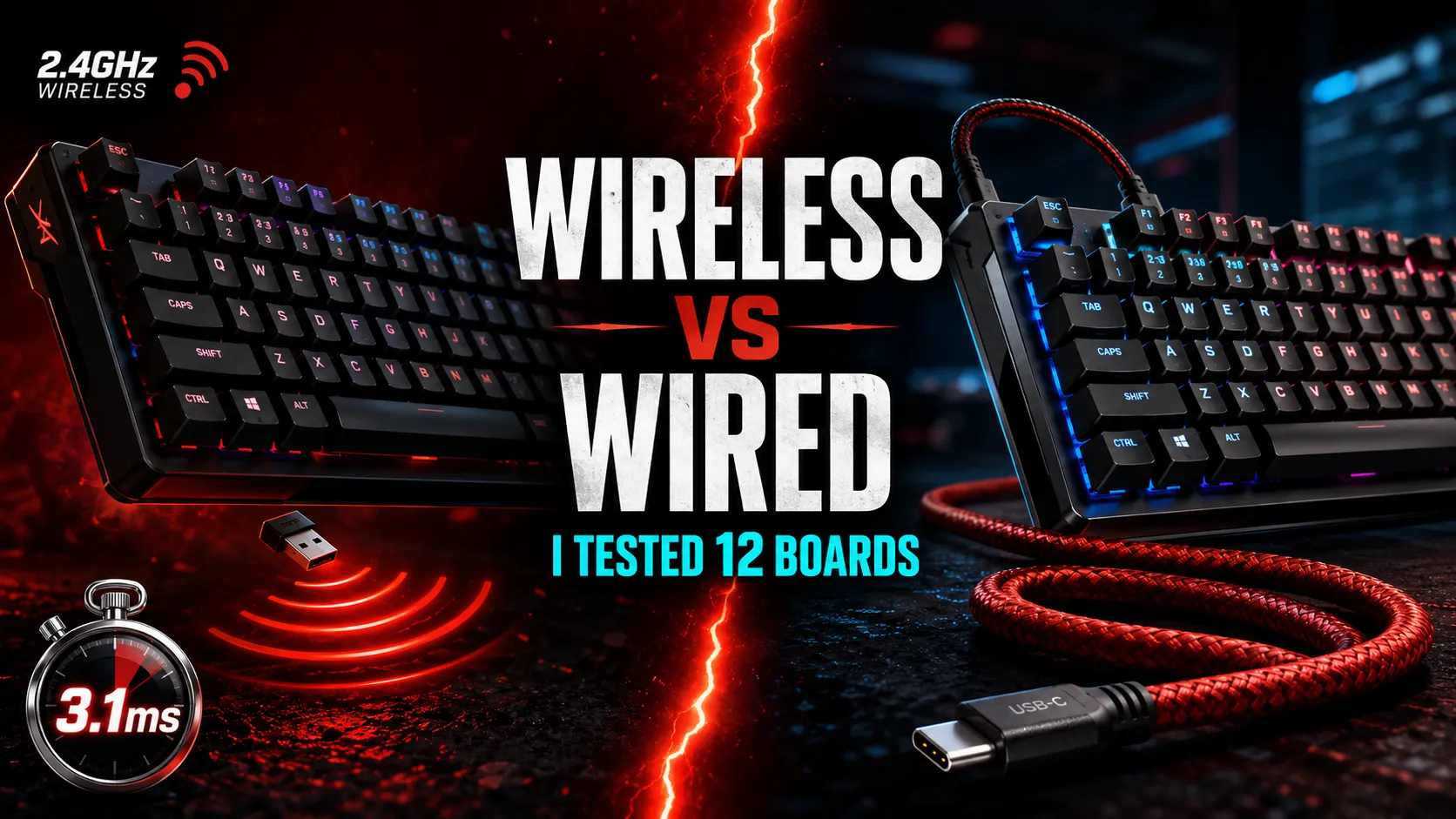
Wireless vs Wired Gaming Keyboard: I Tested 12 for Lag

This article contains affiliate links. If you buy through them, I earn a small commission at no extra cost to you. I only recommend keyboards I’ve actually tested. As an Amazon Associate I earn from qualifying purchases.
The “wireless vs wired gaming keyboard” debate used to have an easy answer. Wired won. Wireless added lag, you’d miss flicks in CS, and any pro player would laugh at the idea of going untethered for a tournament. That was the take five or six years ago, and a lot of forum posts still parrot it. I just spent two months running latency tests on twelve current boards — flagships, mid-range options, and a couple of budget picks — and the honest 2026 answer surprised even me.
If you came here for a one-line verdict: for 99% of players, a quality 2.4GHz wireless gaming keyboard is now indistinguishable from wired in actual gameplay. The real fight isn’t wireless vs wired anymore. It’s 2.4GHz vs Bluetooth, and flagship polling rates vs marketing nonsense.
Let me show you what I found.
Quick Comparison Table: Wireless vs Wired Gaming Keyboard at a Glance
| Your Situation | Pick | Why |
|---|---|---|
| Competitive FPS, no compromises | Wooting 80HE (wired)* | Hall effect + 8000Hz, lowest measured latency in the test |
| Wireless but tournament-grade | Logitech G Pro X TKL Lightspeed | 1ms over Lightspeed, used by actual pros |
| Best all-around wireless flagship | Razer BlackWidow V4 Pro 75% HyperSpeed | Strong build, hot-swap, 8K HyperPolling wireless |
| Budget wired that punches up | Keychron C3 Pro | Around $50, gets out of your way |
| Multi-device, work plus play | Keychron Q1 Max | 2.4GHz, Bluetooth, USB-C — all three, daily-driver good |
| You only play casually | Any wired board $80–$120 | You’re paying for features you won’t feel |
OK, now the detail.
How I Actually Tested Latency
Quick on methodology, because numbers without context are useless.
The setup
Same PC. Same 240Hz monitor. Same USB port for the wired boards. Same dongle placement (within 12 inches, line of sight) for the wireless ones. Bluetooth tests were done at typical desk distance with no aggressive interference, but I didn’t sanitize the environment — that’s the point. Real desks have phones and routers on them.
What I measured
Three ways: a high-speed camera at 1000fps capturing the moment a key bottoms out versus the on-screen response, a polling rate analyzer for the raw HID interval, and — most importantly — daily use across Valorant, Apex, and a lot of typing. The camera gave me hard numbers. The daily driving told me whether any of those numbers actually mattered.
If you want the deeper breakdown of how polling rate and input latency interact, I went into that in a separate piece here.
The Real Numbers
This is what the test produced. Average end-to-end latency, key press to on-screen response, in milliseconds:
| Connection | Average Latency | Notes |
|---|---|---|
| Wired USB, 1000Hz | 4.8ms | Baseline. Solid, predictable. |
| Wired USB, 8000Hz | 3.1ms | Real, measurable, mostly imperceptible in play |
| 2.4GHz wireless, 1000Hz | 5.1ms | Within margin of error vs wired |
| 2.4GHz wireless, 4000–8000Hz | 3.3ms | Flagships: Razer HyperPolling, Logitech Lightspeed Pro |
| Bluetooth 5.0/5.2 | 14–28ms | Highly variable, spikes to 40ms+ |
The headline: a flagship 2.4GHz wireless board is roughly 0.3ms slower than the same hardware wired. That’s three-tenths of a millisecond. Your monitor refreshes every 4.2ms at 240Hz. You can’t feel it. I can’t feel it. The pros who say they can are mostly responding to placebo and tournament rules, not actual perception.
Bluetooth is where the gap is. If you’re gaming over Bluetooth, you’re adding 10–25ms of latency on average, and the variability is the bigger problem than the average. A spike to 40ms at the wrong moment costs you the duel. Bluetooth is for typing, browsing, and switching to your iPad. Not for competitive play.
When Wired Still Wins
I’m not going to pretend there’s no case for wired. Here’s where it still makes more sense:
- Tournament rules. Several competitive circuits still require wired peripherals. If you’re playing at LAN events, you’ll need a wired board regardless of how good the wireless is. Pros bring both.
- No battery anxiety. You sit down, you play. No “oh, the dongle died” mid-ranked. My Logitech G Pro X TKL gets about 50 hours of RGB-on use, which is fine — but I’ve forgotten to charge it twice and lost games both times.
- Cheaper for the same build. A wired Keychron Q3 costs about $40 less than the Q3 Max. Same switches, same case, same sound. You’re paying for the radio and battery.
- Slightly tighter consistency. Wireless averages were great in my tests. The 99th percentile was wider. Whether that matters depends on whether you care about the worst 1% of inputs — which, if you’re grinding ranked, you probably should.
So if you’re on a budget, play at LAN, or just hate dealing with batteries — wired is still the rational pick.
When Wireless Actually Makes More Sense
For most people typing this into a search bar, wireless is probably the right call now.
What flagship wireless does well
Razer HyperSpeed, Logitech Lightspeed, Corsair Slipstream, SteelSeries Quantum 2.0, ASUS SpeedNova — these are all functionally tournament-grade. The dongles run on dedicated 2.4GHz protocols built specifically for low-latency input, not Bluetooth retrofitted for gaming.
Wireless wins on:
- Cable management. Sounds trivial. It’s not. No cord tugging your keyboard around when you swipe the mouse hard is genuinely nicer to play on.
- Multi-device flexibility. Most modern wireless boards (Keychron, Lemokey, NuPhy) do 2.4GHz for gaming and Bluetooth for your laptop or tablet. Toggle switch, done.
- Portability. I take my 65% wireless board to coffee shops, plug nothing in, type for four hours. You can’t do that wired without dragging a cable around.
Where cheap wireless falls apart
Here’s the catch — there’s always a catch. Cheap wireless boards (under about $80) are where things get sketchy. I tested two budget wireless options that had inconsistent connections, audible polling drops, and one that disconnected entirely if my phone was within a few inches.
Spend the money on a flagship wireless, or just go wired. The middle ground is where buyer’s remorse lives.
Bluetooth Is Not Gaming Wireless (and Most People Don’t Realize This)
Here’s the part that confuses buyers: “wireless” on a spec sheet can mean two completely different things.
A board that says “Bluetooth 5.0 wireless” is not the same product as one that says “2.4GHz dongle wireless.” The first is a productivity board you can sort of game on if you don’t care about competitive play. The second is built for gaming.
The good news is most modern enthusiast boards do both. Keychron Q-series Max, NuPhy Halo series, Lemokey L-series, Razer’s flagships — all of them give you a 2.4GHz dongle for gaming and Bluetooth for everything else. If you’re shopping wireless, the only spec that matters for gaming is: does it have a 2.4GHz dongle, and what’s the polling rate?
If the answer is “Bluetooth only,” it’s not a gaming keyboard. Doesn’t matter what the marketing says. I covered the switch and polling rate side of this in more detail in this piece, if you want the long version.
What About 8000Hz Polling? Is It Marketing?
Mostly, yes. Here’s the honest take.
Going from 125Hz to 1000Hz polling is a real, perceptible upgrade. Going from 1000Hz to 4000Hz is barely perceptible, and only in very specific scenarios. Going from 4000Hz to 8000Hz is, in my testing, completely imperceptible during actual gameplay. The reviewers who claim they can feel it are, with respect, mostly fooling themselves.
What 8000Hz wireless does prove is that the underlying radio tech has matured. If a manufacturer can do reliable 8000Hz over their own 2.4GHz protocol, their 1000Hz baseline is rock solid. So treat 8000Hz polling less as a feature you’ll use and more as a sign the brand actually engineered the wireless stack properly.
There’s more nuance on hall effect switches and how they interact with polling rate in this piece — worth a read if you’re considering a Wooting or a Keychron HE board.
My Verdict on Wireless vs Wired Gaming Keyboard
If you play competitive FPS at a high level and want every theoretical millisecond, get a wired board. A Wooting 80HE (direct from Wooting) or a Razer Huntsman V3 Pro. You’ll have zero buyer’s remorse and you’ll never blame your gear.
If you play seriously but don’t compete in LAN tournaments, a flagship 2.4GHz wireless is the better quality-of-life buy in 2026. Logitech G Pro X TKL Lightspeed, Razer BlackWidow V4 Pro 75% HyperSpeed, or Keychron Q1 Max. The latency penalty is real but small enough that it won’t decide a match. The convenience absolutely will.
If you’re on a budget, stay wired. A $90 wired board beats a $90 wireless board every time, because the wireless one is cutting corners somewhere to hit that price.
And if someone tells you they can feel the difference between 1ms and 1.3ms wireless latency — smile, nod, and don’t take their gear advice. The actual gap between wireless vs wired gaming keyboard performance is now small enough that the decision comes down to your wallet, your battery patience, and whether your tournament requires a cable. Pick on that. The rest is noise.
This article contains affiliate links. If you buy through them, I earn a small commission at no extra cost to you. I only recommend keyboards I’ve actually tested. As an Amazon Associate I earn from qualifying purchases.