
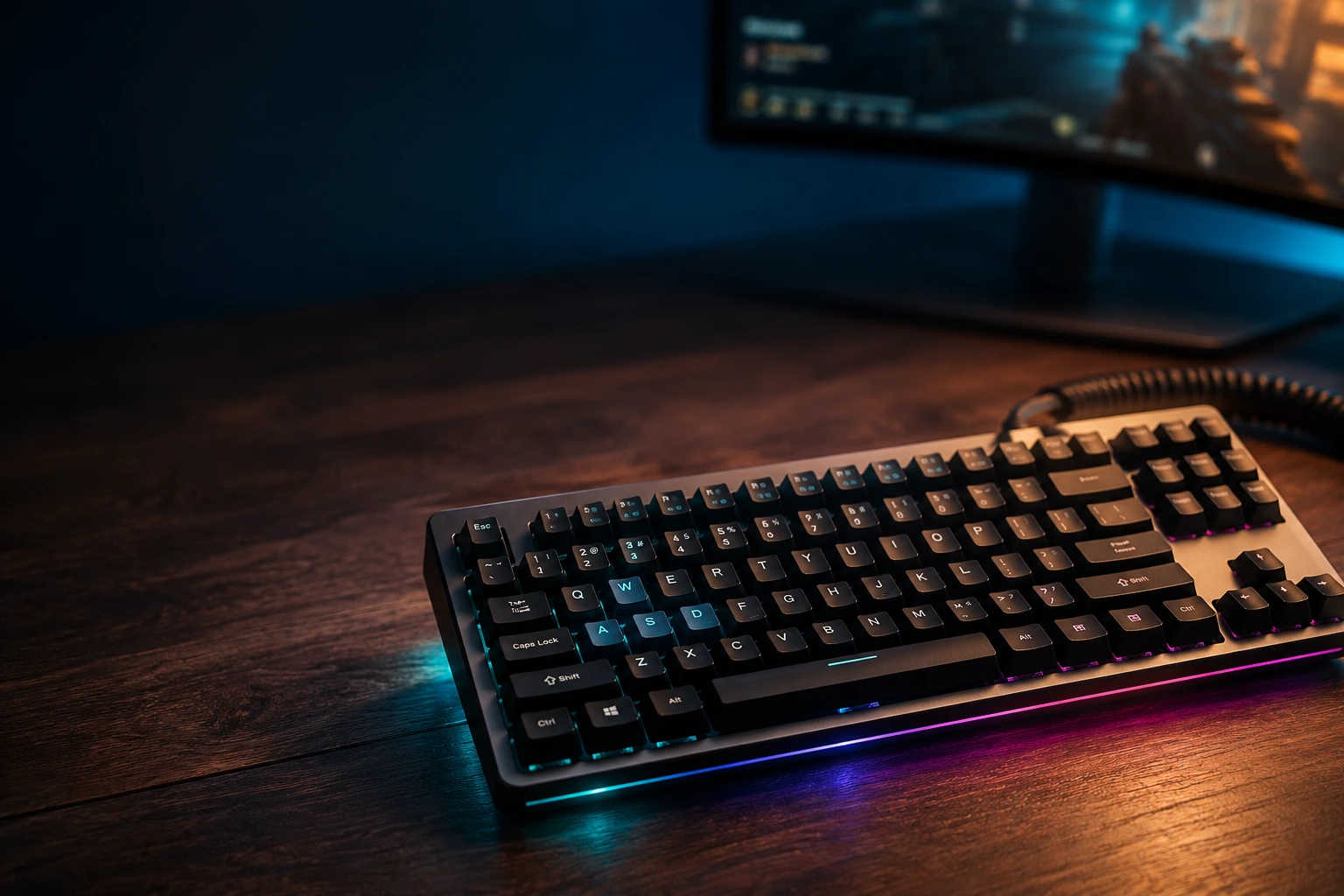
Best TKL Gaming Keyboard: Honest Picks From a Reviewer

This article contains affiliate links. If you buy through them, I earn a small commission at no extra cost to you. I only recommend keyboards I’ve actually tested. As an Amazon Associate I earn from qualifying purchases.
Walk into any LAN event and count the keyboards on the tables. You’ll see a sea of TKL boards. Almost no full-size in sight. That’s not an accident — tenkeyless is the layout that won the competitive scene, and it’s held that crown for more than a decade.
I’ve spent fourteen years opening, modding, and reviewing keyboards out of my place in Austin. The TKL stack on my shelf right now has nine boards on it, ranging from a $79 Royal Kludge that genuinely surprised me up to a Wooting 80HE that costs more than my first car payment. I’ve typed on every one of them. I’ve gamed on every one of them with friends who care way too much about peeker’s advantage. Now I’m going to save you a few hundred bucks by being blunt about which TKL gaming keyboard actually deserves your money — and which ones are coasting on brand recognition.
Here’s the catch up front: the “best” pick changes depending on what game you play and what your wallet looks like. So let’s start with the cheat sheet, then I’ll get into the weeds.
TKL Gaming Keyboard Quick Comparison Table
This is the section you came for if you’re just trying to buy something tonight. Each pick below is one I’ve actually tested for at least two weeks of daily use plus competitive sessions. Prices are MSRP — you’ll often find $20–$40 off if you wait for a sale.
| Best For | Pick | Switch Type | Price Range | Standout Spec |
|---|---|---|---|---|
| Best Overall TKL Gaming Keyboard | Wooting 80HE | Lekker magnetic (Hall effect) | $239 | Rapid Trigger + adjustable actuation 0.1–4.0 mm |
| Best Competitive FPS Pick | Razer Huntsman V3 Pro TKL | Razer analog optical Gen-2 | $199 | 8000 Hz polling, dual-step actuation |
| Best Budget TKL | Keychron C3 Pro (wired) | Gateron Red / Brown | $44 | Sound profile and build that punch way above price |
| Best Premium / Endgame | SteelSeries Apex Pro TKL Gen 3 | OmniPoint 3.0 magnetic | $249 | OLED screen, Quick Tap (Rapid Trigger), aluminum top |
| Best Wireless TKL | Logitech G Pro X TKL Lightspeed | GX Brown / Tactile | $199 | True 1 ms wireless, low latency, durable shell |
| Best Hot-Swap for Modders | Keychron Q3 Max | Gateron Jupiter (your choice) | $219 | Full aluminum, gasket mount, QMK/VIA, tri-mode wireless |
A few honest notes before you click anything:
- The Wooting 80HE and the Apex Pro Gen 3 do basically the same magnetic-switch trick, but they feel very different in the hand. I’ll explain below.
- That Keychron C3 Pro at $44 isn’t a typo. It’s the board I keep recommending to friends who don’t believe a cheap keyboard can feel good.
- If you don’t play FPS, you can skip the magnetic switch debate entirely. Save your money.
Why TKL Is the Layout That Won Competitive Gaming
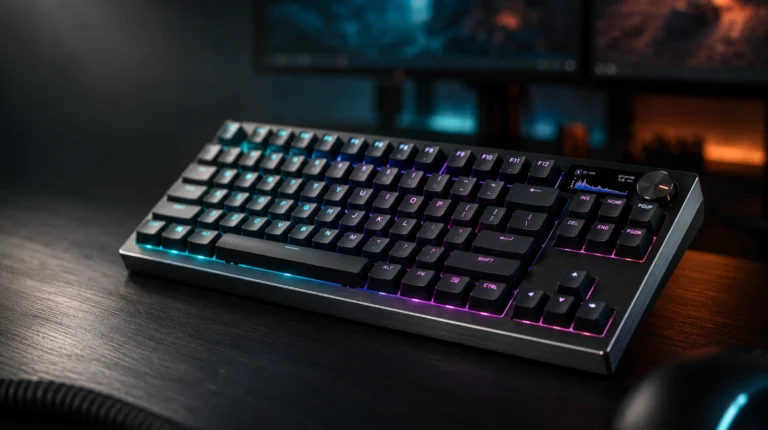
TKL stands for tenkeyless. You’re losing the number pad on the right side, and that’s it — function row, arrows, and the nav cluster (Insert, Home, Page Up, etc.) all stay. You end up with about 87 to 88 keys, depending on the brand, in a footprint that’s roughly 80% the width of a full-size board.
That missing numpad is the whole story. In a shooter, your right hand sits on the mouse, and you need room to swipe. A full-size board pushes your mouse hand further out from your shoulder, which forces a wider arm angle and, over a long session, genuinely hurts. I’ve felt it. Pros figured this out years ago, which is why you’ll see TKL or smaller dominating every major CS, Valorant, Apex, and Overwatch lineup.
A few things TKL gets right that smaller layouts compromise on:
- Dedicated arrow keys. Useful for menu navigation in-game and absolutely essential outside of gaming, when you’re actually doing work.
- Real function row. Discord push-to-talk, OBS hotkeys, your in-game macros — having F1 through F12 as physical keys beats holding a Fn modifier every time.
- A nav cluster. Page Up / Page Down on real keys matters more than people admit, especially if you also code, edit videos, or write.
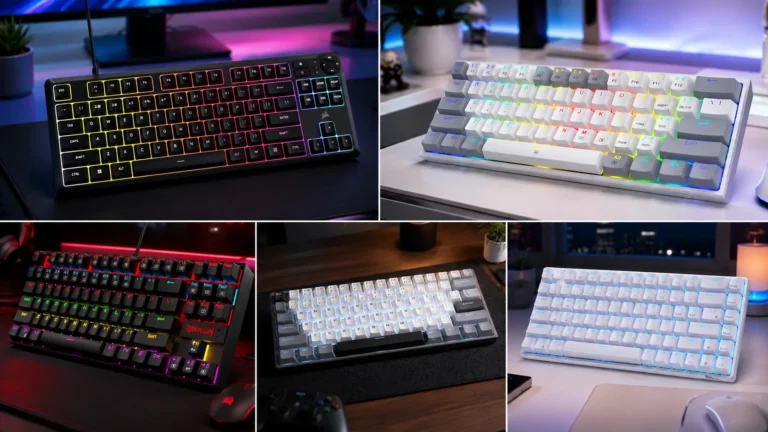
The board you’ll see less of at LANs is 60% or 65%. Those layouts give you more mouse room but trade away the function row and arrows. They’re great if you’ve already memorized every layer and modifier — most people haven’t. TKL is the layout that hits the sweet spot of mouse room and usability without making you relearn how to keyboard.
What Actually Matters in a TKL Gaming Keyboard
The marketing for gaming boards is, to put it generously, a swamp. Let me cut through it. Here are the specs that actually move the needle when you’re holding an angle in Valorant or trying to track in Apex.
- Switch type and actuation distance. This is the single biggest factor in how the board feels and performs. For gaming, I lean linear (no bump) or magnetic Hall effect. Tactiles like Browns are fine, but the bump can slow your reset on rapid taps. More on switches in a minute.
- Polling rate. 1000 Hz is the floor. 4000 Hz and 8000 Hz are real, but the difference between 1k and 8k is in the noise floor for most players. Your monitor and mouse matter more.
- NKRO (N-Key Rollover). Every board worth buying in 2026 supports it. If a “gaming” board doesn’t, run.
- Build quality and stabilizer tuning. A board that rattles when you press space bar is a board you’ll resent in three weeks. Sound is personal, but stabilizer rattle is objectively bad.
- Software and remapping. QMK, VIA, or first-party software that doesn’t suck. Razer Synapse has gotten better. SteelSeries GG is solid. Logitech G Hub is fine. Wooting’s Wootility is fantastic.
- Wired vs. wireless latency. Wired is still king for competitive play by a few milliseconds. Wireless has closed the gap dramatically — Logitech Lightspeed is genuinely indistinguishable in blind testing for me.
Things that are mostly marketing:
- RGB. It looks cool. It will not make you a better player. I have never once thought “if only my underglow was brighter.”
- “Gamer” font on keycaps. Looks dated within two years.
- Polling rates above 4000 Hz on a TKL gaming keyboard, unless you’re running a 360 Hz+ monitor and a 26000 DPI sensor that can actually take advantage. Otherwise, you’re spending CPU cycles on nothing.
The Best TKL Gaming Keyboards in 2026: Detailed Picks
1. Best Overall: Wooting 80HE
I ran the 80HE as my daily driver for about three weeks straight, switching only when I had to test something else. It’s the best TKL gaming keyboard I’ve used, full stop. The Lekker switches are magnetic, which means there’s no physical contact closing the circuit. Instead, the board reads how far you’ve pressed the switch and triggers wherever you tell it to — 0.1 mm if you want a hair-trigger for counterstrafing, 3.0 mm for a heavier feel.
The killer feature is Rapid Trigger. Once a key is pressed, it re-actuates the instant you start releasing it, instead of waiting for it to come fully back up. For counterstrafing in CS or Valorant, this is the difference between a clean stop and a slide. It’s not hype — it’s mechanically different from a normal switch.
The catch: The 80HE is sound-tuned reasonably well from the factory, but it’s not a thocc-monster. If you came here for ASMR keyboard sound, this isn’t the board. It’s a tool. A very good one.
Verdict: If you primarily play FPS at any kind of serious level, this is the one to beat. It’s also the board I’d buy if I could only own one.
2. Best for Competitive FPS: Razer Huntsman V3 Pro TKL

- CHOSEN BY PRO’S FOR ADVANCED FPS MOVEMENT — With Rapid Trigger, Adjustable Actuation and Razer Snap Tap, the Huntsman V3…
- RAZER SNAP TAP — Prioritize the latest input between two selected keys without having to release the previous one, and e…
- RAPID TRIGGER — A step up from traditional mechanical or optical keyboards to achieve the most responsive and precise in…
The Huntsman V3 Pro TKL is Razer’s answer to Wooting and SteelSeries, and they actually pulled it off. Analog optical switches let you set your actuation point anywhere from 0.1 mm to 4.0 mm, with Rapid Trigger on board. The 8000 Hz polling is real, even if it barely matters in practice.
I tested it head-to-head with the 80HE for a long Apex session and the feel is honestly close. Razer’s switches are slightly stiffer at the bottom of the press, and the included wrist rest is better than Wooting’s. The Synapse software is finally usable — I’d say roughly on par with Wootility now, though I’d still hand the edge to Wootility for sheer polish.
The catch: You’re locked into Razer’s ecosystem and you can’t hot-swap the switches. If the board’s vibe doesn’t click for you, there’s no fix.
Verdict: A genuine alternative to the Wooting if you prefer Razer’s aesthetics or already live in their ecosystem.
3. Best Budget TKL Gaming Keyboard: Keychron C3 Pro

- QMK/VIA software support: QMK / VIA is open-source software for keyboards that allows anyone to program and remap each k…
- Gasket mount design: The C3 Pro uses a gasket mount structure to reduce sound resonance while adding more typing flexibi…
- 1000 Hz polling rate & NKRO: Empowered by the high- performance ARM architecture MCU with 256KB Flash, it provides a 100…
This is the board I shove at every friend who says “I want a mechanical keyboard but I’m not spending $200.” The C3 Pro is $44. Forty-four dollars. It’s got a steel plate, double-shot ABS keycaps (not the best, but acceptable), south-facing RGB, and Gateron Reds or Browns that feel honestly fine.
I ran a C3 Pro through a full week of testing — daily typing, a couple of competitive Valorant sessions, some Elden Ring — and the only thing I missed from boards five times its price was the build feel. Sound-wise it’s nothing special, but it’s quiet, the stabilizers don’t rattle, and nothing about it tells you it’s a budget board until you pick it up.
The catch: No hot-swap. Plastic case. The keycaps will shine within a year of heavy use.
Verdict: If you’re new to mechanical, on a budget, or building a second board for the office, just buy it. You’re not going to find better in this price tier.
4. Best Premium Endgame Pick: SteelSeries Apex Pro TKL Gen 3

- TRIPLE THREAT POWERED BY QUICKSET — Apex Pro is the only line of keyboards in the world with Rapid Trigger, Rapid Tap, a…
- RAPID TRIGGER FOR FASTER ACTIONS — Stop fast, start your next move faster. Resets the moment you release a key.
- RAPID TAP FOR FASTER MOVEMENT — Snaps to your latest key press to strafe and dodge faster.
The Apex Pro TKL Gen 3 is the most polished mainstream board with magnetic switches I’ve used. SteelSeries’ OmniPoint 3.0 switches give you the same per-key adjustable actuation and Quick Tap (Rapid Trigger) as the Wooting, but the build feels more premium — there’s an aluminum top plate, the OLED screen is genuinely useful for Discord notifications and song info, and the included magnetic wrist rest is the nicest in the segment.
In practice, the OmniPoint switches feel slightly snappier than Lekkers, slightly less smooth. I prefer Wooting’s switches by a hair, but I’d happily live on the Apex Pro every day.
The catch: At $249, it’s the most expensive mainstream pick here. And SteelSeries GG software is fine, not great. You’re paying for build quality and brand support.
Verdict: Buy it if you want the most refined, complete package and you’re not specifically optimizing for esports performance.
5. Best Wireless TKL: Logitech G Pro X TKL Lightspeed

- Designed with Pros, Engineered to Win: PRO X TKL gaming keyboard is the next gen of the trusted tenkeyless PRO keyboard;…
- Play with tournament-proven speed and reliability of LIGHTSPEED wireless: Connect compatible mouse and PRO X TKL wireles…
- PRO-Grade Tech: Game mode control, standard keyboard layouts for 3P compatibility, media controls and volume roller, RGB…
If you’re tired of cable management or you take your board to LANs, the G Pro X TKL Lightspeed is the one I trust. Logitech’s Lightspeed wireless has been the only wireless tech I’d actually use competitively for years now, and the TKL form factor makes it travel-ready. Battery’s solid — I got around 40 hours with RGB on, more with it off.
The included GX switches (linear, tactile, or clicky) aren’t my favorite — they’re a little dry-feeling out of the box — but they’re hot-swappable if you want to drop in something better. The case is matte plastic, but it’s the durable kind, not the creaky kind.
The catch: No magnetic switches, no Rapid Trigger. It’s a great wireless TKL, not a competitive performance leader. If you want both wireless and Rapid Trigger, you’re waiting another year or two for the tech to converge in this price range.
Verdict: The pick for streamers, LAN-goers, and anyone who’s just done with cables.
6. Best Hot-Swap for Modders: Keychron Q3 Max

- Upgraded Wireless Full Metal Keyboard: The Q3 Max combines advanced 2.4 GHz wireless, Bluetooth, and Type-C wired connec…
- 2.4 GHz & Bluetooth: Enhanced performance with the seamless 2.4 GHz wireless connection and a rapid 1000 Hz polling rate…
- Remap with Keychron web app: Simply connect the Q3 Max to your device with a cable, open the Keychron Launcher web app, …
The Q3 Max isn’t really a “gaming” keyboard in the marketing sense, but I’m including it because a lot of people who get serious about TKL want a board they can keep building on. The Q3 Max is full CNC aluminum, gasket-mounted, hot-swappable, supports QMK and VIA, has tri-mode wireless (Bluetooth, 2.4 GHz, wired), and weighs about four pounds. It feels like a piece of equipment.
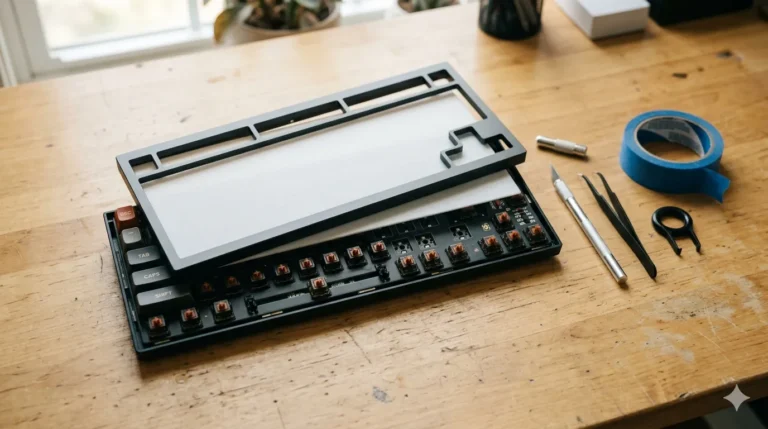
I ran mine with lubed Gateron Jupiter Banana switches and dampened the stabilizers with a little dielectric grease, and it became the most pleasant board to type on in my collection. Not the fastest for competitive Valorant — that’s still the Wooting — but for everything else, it’s the one I keep coming back to.
The catch: It’s heavy. The 2.4 GHz dongle adds some latency compared to wired. And if you don’t care about modding, you’re paying for features you’ll never touch.
Verdict: If you want a board you can grow into and tinker with for years, this is the answer.
Switch Recommendations: What to Pick for Gaming
A quick honest take on switches for gaming, since this is where people get the most confused and overspend the most:
- Linear switches (red, yellow, magnetic): My default recommendation for gaming. No bump means no resistance during fast double-taps. Gateron Yellows are a personal favorite at the budget end. Lekker and OmniPoint at the premium end.
- Tactile switches (brown, clear): Fine for gaming if you also do a lot of typing. The bump can throw off your reset timing on rapid taps, but for most non-competitive players, it’s not going to matter.
- Clicky switches (blue, green): Skip these for gaming. Skip these in any shared space. Your roommate will thank me.
- Magnetic / Hall effect: The current frontier. If you play competitive FPS and have the budget, this is genuinely worth it. If you don’t, save the money.
Most people honestly can’t tell the difference between a lubed $0.30 switch and a stock $0.80 switch in a blind test. I’ve run that test on myself with three boards lined up. I was wrong as often as I was right. Don’t overpay for marginal sound differences.
What’s Marketing Fluff (And What Isn’t) on a TKL Gaming Keyboard
The part of the spec sheet you should ignore:
- “Gaming-grade” anything that isn’t a measurable spec
- 8000 Hz polling on its own — only useful if your monitor and mouse can match it
- “Optical switches” as a generic claim — Razer’s analog opticals are real, but most “optical” marketing on cheap boards just means a different sensor in a switch that feels the same
- RGB zone counts. More zones do not mean better lighting.
The part of the spec sheet that’s worth your attention:
- Adjustable actuation distance (real difference in feel and competitive play)
- Rapid Trigger / Quick Tap (real difference for counterstrafing)
- Stabilizer quality (you’ll notice every day)
- Hot-swap sockets (let you change switches without soldering)
- Build material (aluminum tops dampen vibration and feel better long-term)
My Final Verdict on the Best TKL Gaming Keyboard
If you want the single best TKL gaming keyboard available right now and money is no object, buy the Wooting 80HE. It’s the one I’d put on my own desk if I had to pick one. The magnetic switches and Rapid Trigger aren’t a gimmick — they’re the most meaningful gaming-feature upgrade I’ve tested in five years.
If you want something nearly as good with a more refined package and a slick OLED screen, the SteelSeries Apex Pro TKL Gen 3 is the play. If you want Razer’s ecosystem, the Huntsman V3 Pro TKL holds its own.
If you’re on a budget and just want a great board to start with, stop overthinking it and buy the Keychron C3 Pro. It’s the smartest $44 you’ll spend on PC gear this year, and you can upgrade later when you actually know what you want.
The one thing I’ll leave you with: the keyboard matters less than people who sell keyboards want you to think. A great player on a $50 TKL will beat a mediocre player on a $300 one every single time. Buy the board you’ll actually enjoy typing on for the next three years, plug it in, and go play. That’s it.
This article contains affiliate links. If you buy through them, I earn a small commission at no extra cost to you. I only recommend keyboards I’ve actually tested. As an Amazon Associate I earn from qualifying purchases.
2 Comments