TKL vs 75 Percent Keyboard: Which Wins for Gaming?

This article contains affiliate links. If you buy through them, I earn a small commission at no extra cost to you. I only recommend keyboards I’ve actually tested. As an Amazon Associate I earn from qualifying purchases.
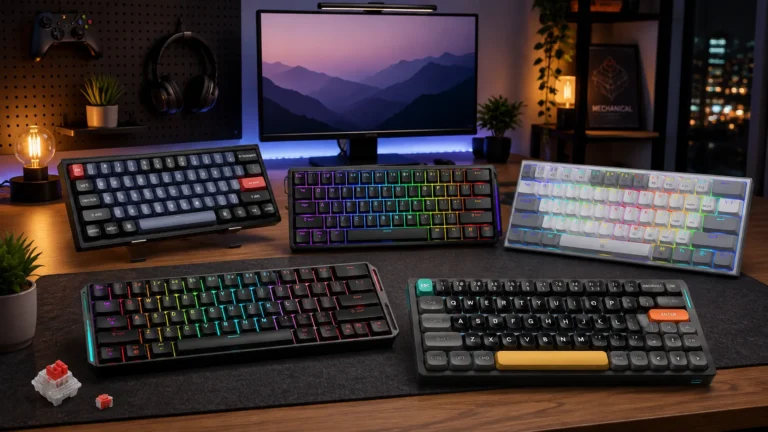
Walk into any keyboard subreddit and you’ll see the same question every week: TKL or 75%? People eyeball them side by side, decide they look nearly identical, and then wonder why the one they picked feels off a week later.
They’re not the same board. Not even close in feel, honestly. I’ve been switching between TKL and 75% layouts for years now — as a daily driver, in ranked matches, and on long typing sessions — and the differences show up in places you don’t expect. Function row spacing. Arrow key access. How much desk your mouse actually gets. Little stuff that adds up.
If you’re choosing between a TKL vs 75 percent keyboard for gaming, this should save you a return shipment. I’ll cover what actually separates them, where each one wins, and which specific boards I’d point you toward depending on what you play.
TL;DR: Quick TKL vs 75% Comparison by Use Case
Here’s the shortcut if you don’t feel like reading two thousand words. Categorized by what you actually want the board to do:
| Your Need | Winning Layout | Top Pick | Why |
|---|---|---|---|
| Competitive FPS (Valorant, CS2, Apex) | TKL | Wooting 80HE / Logitech G Pro X TKL Lightspeed | More mouse room per inch of desk, cleaner arrow access |
| MMOs & RPGs (WoW, FFXIV) | 75% | Keychron Q1 Max | Compact function row keeps macros within finger reach |
| All-Rounder (games + work) | 75% | GMMK Pro | Full F-row, arrows, nav keys — none of the numpad you never used |
| Budget Pick Under $100 | TKL | Keychron K8 | Best value TKL you can hot-swap out of the box |
| Premium Enthusiast Build | 75% | Keychron Q1 (barebones) | Gasket-mounted, aluminum case, endless mod potential |
| Small Desk / Travel | 75% | Nuphy Air75 V2 | Genuinely portable; the low-profile version is a laptop killer |
| Streaming Setup | TKL | Razer Huntsman V3 Pro TKL | Fits under monitor arms cleanly, arrow keys don’t get squeezed on stream |
If you know what you play, that table’s your answer. If you want the reasoning behind it, keep reading.
What Actually Separates a TKL from a 75%
Both layouts ditch the numpad. That’s where the similarity ends.
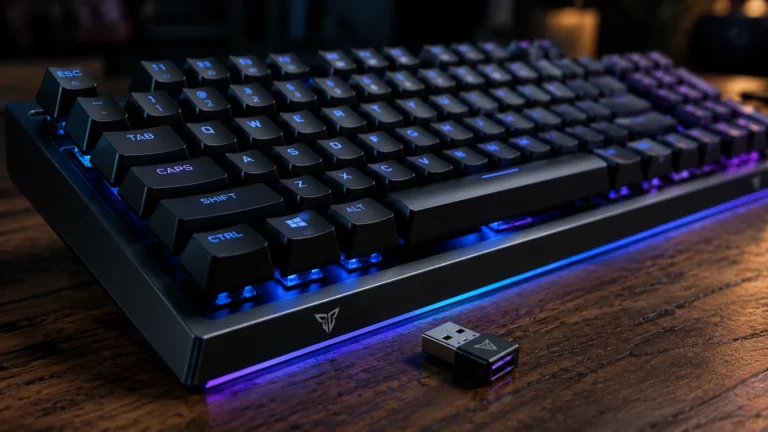
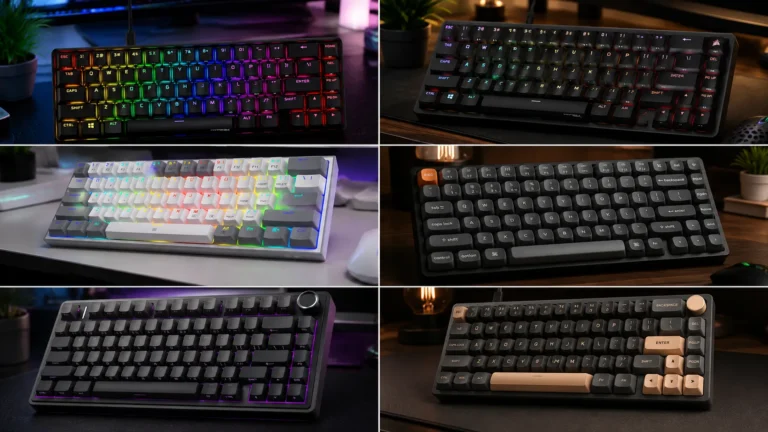
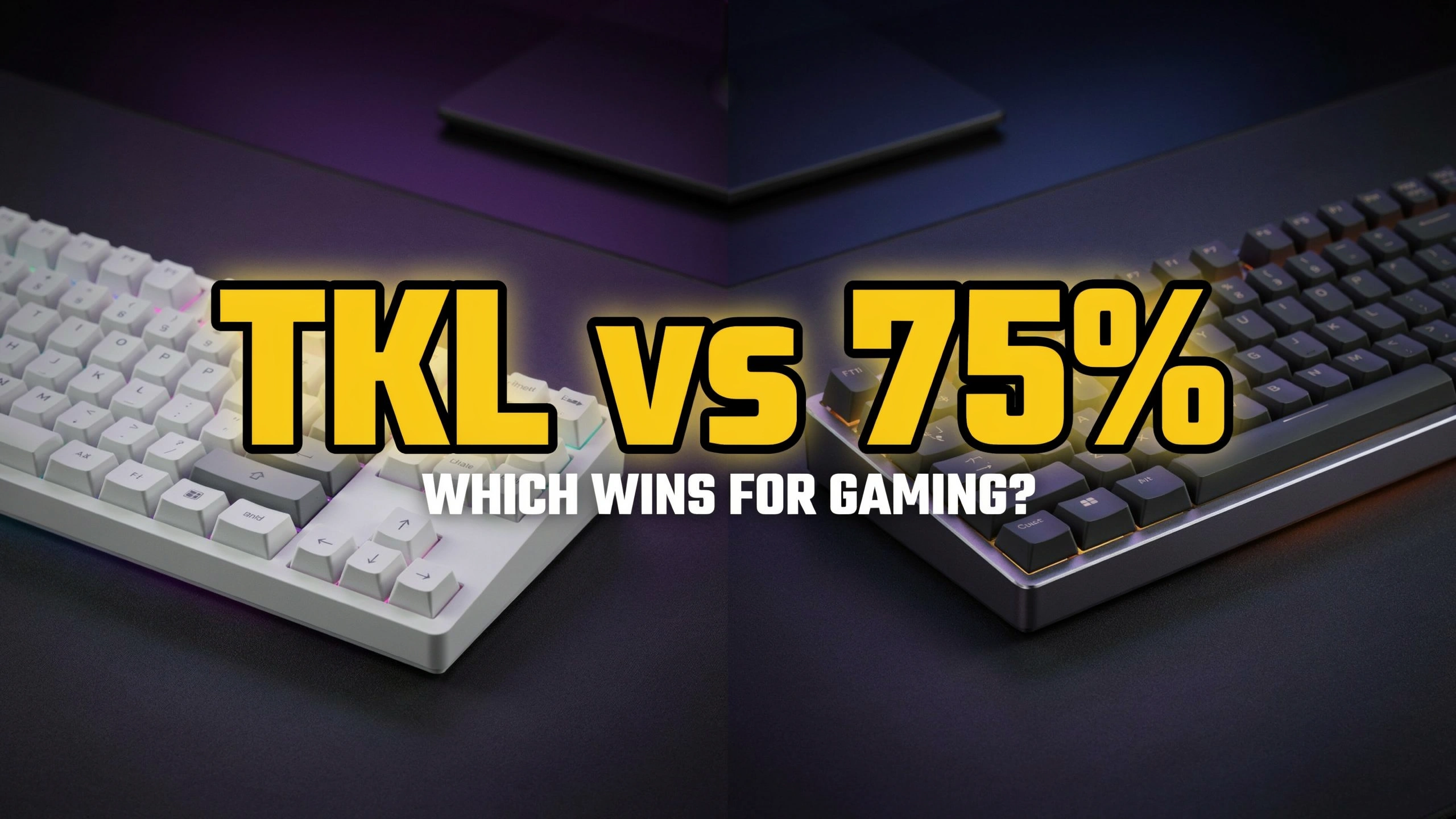
A TKL (tenkeyless) keeps everything else in its original position — the F-row runs across the top with a small gap after F4 and F8, the arrow keys sit isolated in the bottom right, and you get a proper 6-key nav cluster (Insert, Home, Page Up, Delete, End, Page Down) stacked above the arrows. It’s basically a full-size board with the number pad amputated. Around 87 keys.
A 75% takes that same key selection and compresses it. The function row butts right up against the number row with no gap. The nav cluster gets squished into a single vertical column running down the right side, and the arrow keys tuck under it — sometimes with the right Shift shortened to make room. About 82 to 84 keys, depending on the specific board.
Size-wise, a typical TKL is around 14 inches wide. A 75% usually lands closer to 12.5 inches. That inch and a half sounds trivial. On a crowded desk, it isn’t.
If you want more layout background before we move on, my guide on what a TKL keyboard actually is covers the origins and the finer points.
Gaming Performance: Where Each Layout Actually Wins
For competitive FPS
TKL wins this one for me, and I’ll defend it. The extra space between your typing hand and your mouse hand matters when you’re doing wide swipes at low sensitivity — think 400 DPI Valorant players who need half a desk for a 180. The isolated arrow cluster also stays out of your way.
On a 75%, I’ve fat-fingered the up arrow instead of the right Shift more times than I want to admit. That’s cost me rounds. Not a lot of them, but enough that I noticed.
If you want a genuinely competitive gaming board with rapid trigger and adjustable actuation, look at the Wooting 80HE or the Logitech G Pro X TKL Lightspeed. Both are TKL for a reason — pros asked for the space.
For MMOs, RPGs, and macro-heavy games
75% flips it. When you’re mapping abilities to F1 through F12 in WoW or FFXIV, having the function row jammed right against the numbers means less finger travel. Your ring finger can hit F3 without lifting your palm off the wrist rest. On a TKL, that little gap in the F-row adds up over a two-hour raid.
For fighting games, racing sims, and everything else
Roughly a tie. Fighters mostly use pads or sticks, and sim racers mostly need a good clutch button plus a spacebar. Either layout works. Pick whichever fits your desk.
TKL Keyboards: The Pros and Cons
TKL has been the gaming standard for a decade for good reason. It’s not going anywhere.
Pros:
- Isolated arrow keys you won’t mis-hit under pressure.
- Full 6-key nav cluster — pro-tier for anyone who edits video, codes, or uses Home/End constantly.
- Standard bottom row and right Shift, so any keycap set fits without hunting for compatible kits.
- Wider footprint spreads your hands more naturally — better long-session ergonomics for broad-shouldered folks.
- Massive selection at every price. You can find a great TKL at $70, $170, or $400.
Cons:
- Wider desk footprint eats real estate you might want for mouse travel.
- Function row gap adds a tiny bit of finger travel if you bind a lot of F-keys.
- Not as “cute” as a 75% — if aesthetics matter to you, TKL boards can look utilitarian.
- Less enthusiast innovation lately — most of the interesting new hobby boards are 75% or smaller.
75% Keyboards: The Pros and Cons
The 75% has become the darling of the enthusiast scene, and the mainstream is finally catching up.
Pros:
- Compact footprint frees up serious mouse real estate — real advantage for low-sens gamers.
- Function row within finger reach, not across a canyon.
- Lighter and more portable — several great wireless 75% boards fit in a backpack.
- The enthusiast market lives here — gasket mounts, aluminum cases, PBT keycaps, and hot-swap sockets are basically standard now.
- Looks cleaner on camera and on desk. If you stream, this isn’t nothing.
Cons:
- Cramped arrow keys — the up arrow neighbors your right Shift, and you will hit the wrong one occasionally.
- Non-standard bottom row on some models means keycap compatibility can get annoying.
- F-row lacks the visual gap that TKLs have, which some people find harder to scan mid-game.
- Fewer sub-$80 options with real build quality. Budget 75% boards often cut corners on stabilizers.
Real-World Feel: What Nobody Tells You in Reviews
This is where I usually part ways with spec-sheet reviews.
Muscle memory is real. If you’ve spent five years on a full-size or TKL, jumping to a 75% will scramble your brain for about a week. You’ll reach for keys that moved. You’ll hit Page Up when you wanted Delete. It passes. But budget the adjustment time — don’t test a new 75% on ranked night one.
Stabilizer quality matters more than layout choice. A 75% with rattly stabs feels worse than a TKL with good ones, and vice versa. Before you buy, check what people are saying about stabilizer performance and build quality on your specific board. This is one area where “premium” pricing sometimes actually shows up.
The Delete key situation. On most 75% boards, Delete lives in the top-right corner instead of on the nav cluster. If you’re a coder or a heavy Excel user, this annoys you for the first few days. If you’re mostly gaming, you won’t care.
Weight and stability. Cheap 75% boards can be shockingly light because there’s less material. A budget TKL usually stays put on your desk under aggressive mouse motion. A budget 75% might not. Rubber feet do a lot of work here — flip your board over and check.
Which Should You Actually Buy? My Verdict on TKL vs 75 Percent Keyboards
If I had to hand a single layout to a new gamer with zero context, I’d give them a TKL. Isolated arrow keys, standard layout, less to relearn, and plenty of budget options.
But if you already know what you play, the answer gets more specific:
- Competitive shooters with a low-sens setup → TKL, no argument.
- MMOs, MOBAs, and games where you spam F1–F12 → 75% wins convincingly.
- You work from the same board you game on → 75%, because the compact footprint helps productivity more than it hurts gaming.
- You have a huge desk and don’t care about size → TKL is the safer pick.
Here’s the mild contrarian take: most people who agonize over this decision would be perfectly happy with either. The 75% hype in the enthusiast scene is real but it’s also loud. If you already own a good TKL and it’s serving you, don’t upgrade just for the layout. Put the money into better switches, better keycaps, or a lubed stab job. The felt improvement will be bigger than switching layouts.
One last honest caveat: I have medium-sized hands and I type flat, not with a heavy tent. If you have small hands, the compressed 75% might feel great immediately. If you have big hands or use a split angle, you might find 75% cramped and never warm up to it. Try before you commit if you can — a lot of the “which is better” question really comes down to what fits your body and typing style.
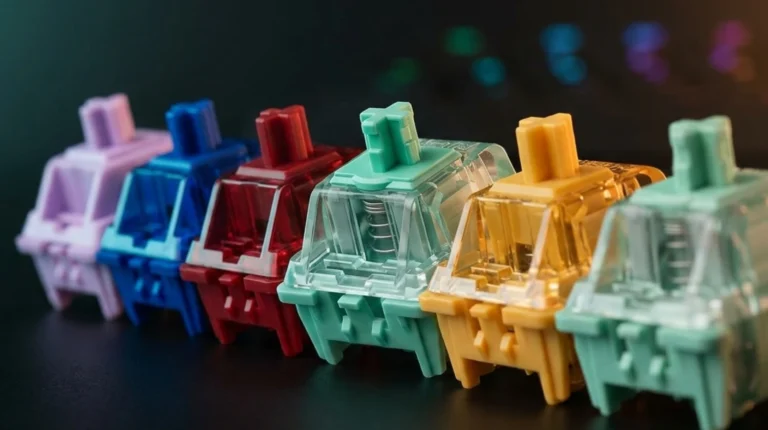
Whatever you land on, get hot-swap sockets. Layout, you can live with. Bad switches, you can pull and replace. That’s the call that actually pays off.
This article contains affiliate links. If you buy through them, I earn a small commission at no extra cost to you. I only recommend keyboards I’ve actually tested. As an Amazon Associate I earn from qualifying purchases.