Best Keyboards for MMO Gaming: 6 Tested Picks

This article contains affiliate links. If you buy through them, I earn a small commission at no extra cost to you. I only recommend keyboards I’ve actually tested. As an Amazon Associate I earn from qualifying purchases.
I’ve spent the better part of fifteen years pulling keyboards apart, lubing stabs, and writing reviews for a living. So let me start with a small myth I want to challenge: most “gaming” keyboards aren’t really built for MMOs. They’re built for Counter-Strike and Valorant. Big difference.
If you main a Resto Druid in WoW, a Summoner in Final Fantasy XIV, or a Magicka Nightblade in ESO, you’re not chasing a half-millisecond response time. You’re managing a bar of thirty to sixty abilities, three or four modifier layers, mouseovers, focus targets, and a couple of macros that exist purely to keep your hands from melting. That’s a completely different problem from twitch shooters.
So this is my honest take on the best keyboard for MMO play, sorted by what you actually need rather than what marketing copy tells you to want.
Quick Comparison Table: Best Keyboard for MMO Players
Use this as your TL;DR. Each pick targets a specific kind of player, not just a price bracket.
| Category | Keyboard | Switch Options | Macro Inputs | Best For |
|---|---|---|---|---|
| Best Overall | Razer BlackWidow V4 Pro | Yellow linear or Green clicky | Dedicated macro keys plus Command Dial | Raiders who want it all on one board |
| Best Premium | Corsair K100 RGB | OPX optical linear or Cherry MX Speed | Six G-keys plus iCUE wheel | Mythic raiders, streamers, control freaks |
| Best Wireless | Logitech G915 X Lightspeed | GL tactile, linear, or clicky | Five G-keys | Couch raiders, clean desks |
| Best Macro Companion | Razer Tartarus Pro | Analog optical | Thirty-two programmable inputs | Pair with any keyboard you already love |
| Best Enthusiast | Wooting 80HE | Lekker Hall effect | Every key reprogrammable, dual-action | Tournament-tier hardware with MMO depth |
| Best Budget | Redragon K580 VATA | Outemu Brown or Red | Five macro keys | New MMO players testing the genre |
Now let me get into why these picks matter and where each one falls down.
What to Actually Look For in the Best Keyboard for MMO Gaming
Before brands and switch wars, here’s what genuinely matters when you’re shopping for an MMO board. I’ve ranked these in the order I’d actually weigh them:
- Dedicated macro keys, ideally six or more. Modifier layering can stretch six physical keys into eighteen if the software’s any good. Razer’s Hypershift and Corsair’s iCUE both handle this cleanly.
- N-key rollover with proper anti-ghosting. You will mash four to five keys at once during burst windows. A cheap board will eat inputs and you’ll wipe the pull.
- Onboard memory. Travel to a friend’s house or a LAN, and you don’t want your bindings stuck in a cloud profile that won’t load.
- A wrist rest that doesn’t feel like cardboard. You’re going to sit at this thing for four-plus hour stretches.
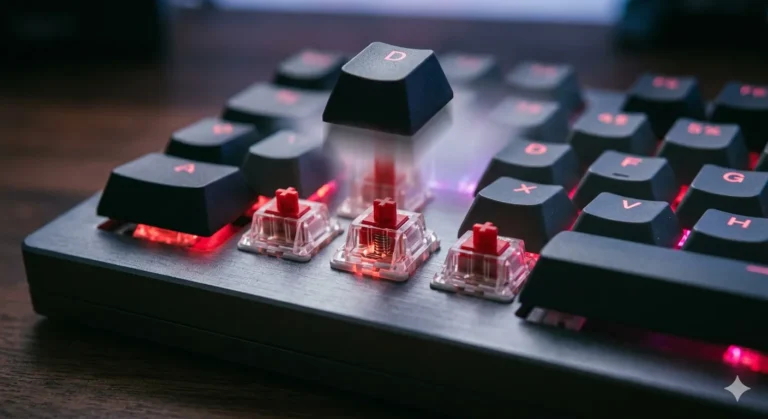
- Tactile or light linear switches. Heavy clicky boards sound cool for a week. By the third raid night your fingers will hate you.
- Software that doesn’t crash. Sounds obvious. Isn’t. Some brands ship genuinely awful drivers and you only find out the night before raid.
One small thing most reviewers skip: keycap legends. If you’re remapping forty keys, you’ll want shine-through legends or you’ll forget your own bindings two weeks in. PBT doubleshot is the gold standard. Some of these boards still ship ABS, and I’ll flag it where it matters.
The Top Picks
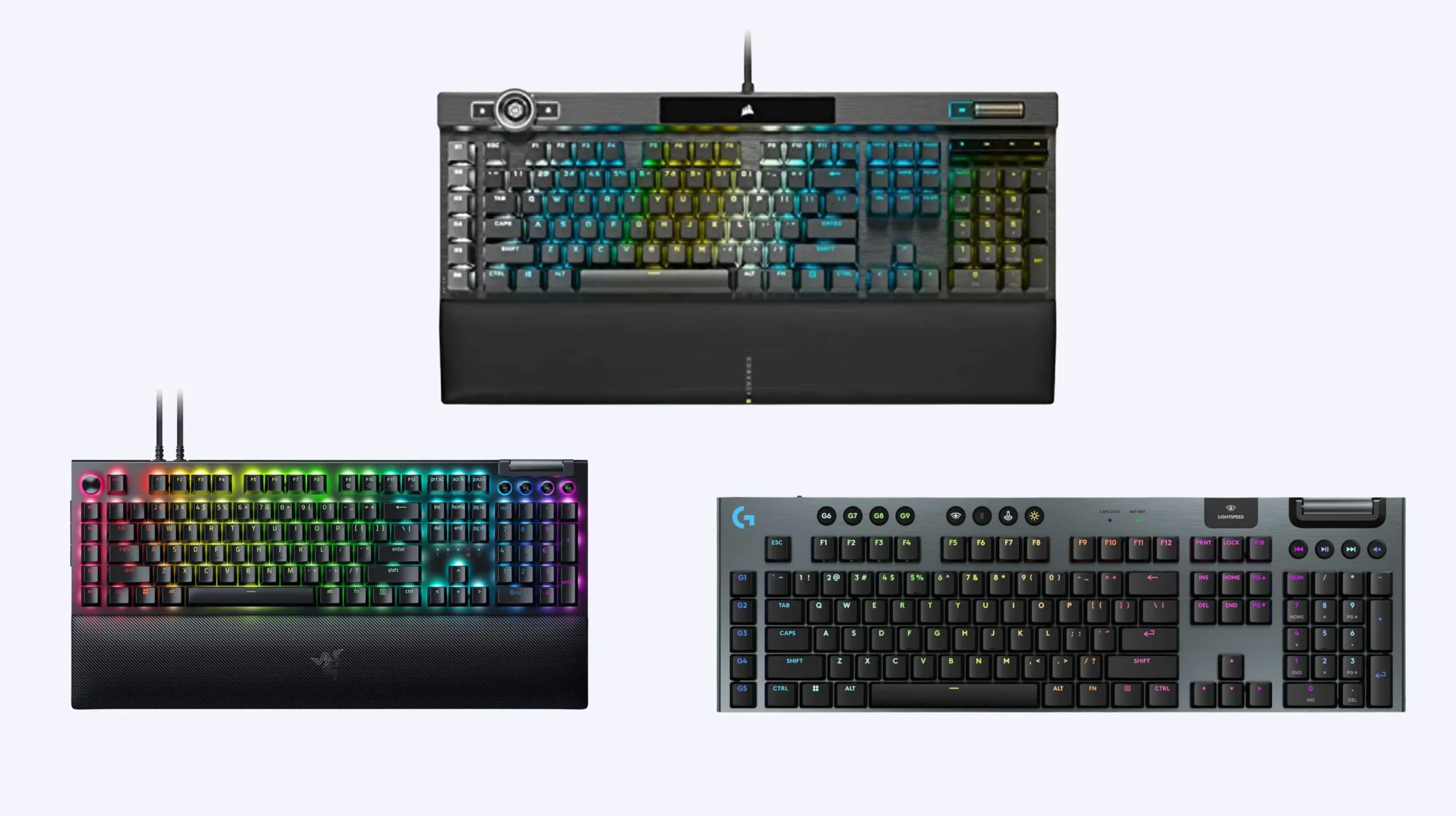
Razer BlackWidow V4 Pro: The Best Keyboard for MMO Generalists

- YELLOW MECHANICAL SWITCHES FOR QUICK EXECUTION — Enjoy instant, rapid-fire smooth inputs that are just as quiet thanks t…
- IMMERSIVE UNDERGLOW & PER-KEY LIGHTING — Featuring per-key lighting and a striking 3-side underglow when paired with the…
- COMMAND DIAL & 8 DEDICATED MACRO KEYS — Assign a custom function to the keyboard’s programmable dial, and game with grea…
This is the board I recommend to most MMO players who ask me. A column of dedicated macro keys down the left flank, a Command Dial up top that you can map to zoom, weak aura toggles, or scene switches, and Razer Synapse handles Hypershift layering cleanly. Run base bindings on tap, secondary bindings on a Caps Lock hold, and you’ve effectively doubled your macro count without leaving home row.
Razer ships it with Green clicky or Yellow linear switches. For raid use I prefer the Yellows. They’re light, they’re reasonably quiet, and they don’t beat up your fingers on long sessions. Greens are fine if you love the typewriter feel, but your group on Discord will not love them.
The honest catch: the keycaps are doubleshot ABS, not PBT. They’ll start to shine after a year of heavy use. The wrist rest is plush but proprietary, so don’t lose it. And Synapse can feel heavy on older systems.
Corsair K100 RGB: Premium Pick for Hardcore Raiders
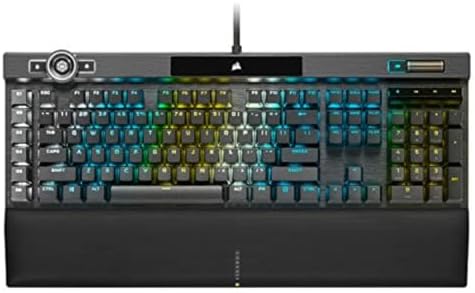
- You’ve Reached the Top: The CORSAIR K100 RGB is the pinnacle of CORSAIR keyboards, offering the cutting-edge performance…
- The Centerpiece of Your Setup: The CORSAIR K100 RGB boasts a refined design bolstered by a durable aluminum frame, dynam…
- Powered by CORSAIR AXON Hyper-Processing Technology: CORSAIR’s most advanced gaming keyboard experience delivers up to 4…
The K100 is the closest thing to a flagship MMO board on the market right now. Six G-keys on the left, a programmable iCUE wheel for menu navigation or quick weak aura toggles, and Corsair’s optical OPX switches that actuate at one millimeter. Combine that wheel with the macros and you’ve got a control surface that genuinely feels purpose-built for a forty-action rotation.
It’s also expensive. iCUE is a more demanding piece of software than Synapse, but it’s also more powerful once you sit down and learn it. If you’re streaming and running OBS scenes from your keyboard, this is the one I’d pick.
The catch: the K100 is a big chunk of aluminum and plastic, and the price is in the same ballpark as a custom build. Worth it for top-tier players, overkill for most.
Logitech G915 X Lightspeed: Wireless and Clean

- Full-Size Wireless Keyboard for Gaming: The Logitech G915 X LIGHTSPEED is built on a legacy of performance; sleek design…
- Choose your connectivity with tri-mode: Connect with best-in-class 2.4 GHz LIGHTSPEED wireless, Bluetooth, or USB-C wire…
- Intuitive Control: This sleek, low-profile gaming keyboard features KEYCONTROL, nine advanced G keys, media controls, a …
If your setup is wireless or you just hate cable clutter, the G915 X is the most serious wireless mechanical I’d put in front of an MMO player. Five G-keys on the left, low-profile GL switches available in linear, tactile, or clicky, and Logitech’s Lightspeed wireless that genuinely doesn’t drop inputs in my testing.
Five macros is the bare minimum I’d accept for MMO use, but G Hub’s layering stretches them further. The downsides: battery life takes a hit if you run full RGB, and it’s a thin board, which some players find fatiguing on long sessions. Try one in person if you can.
Razer Tartarus Pro: The Best Companion for Any Keyboard

- #1 SELLING PC GAMING PERIPHERALS BRAND IN THE U.S. — Source: Circana, Retail Tracking Service, U.S., Dollar Sales, Gamin…
- RAPID TRIGGER — Instead of a fixed reset point, keys reset instantly with an upward motion as low as 0.1 mm. This allows…
- ADJUSTABLE ACTUATION — Supporting a range of actuation from 1.5 to 3.6 mm, customize the switches to be sensitive as wan…
This is the wildcard pick, and honestly, it’s the one I think more MMO players should be considering. The Tartarus Pro isn’t a full keyboard at all. It’s a left-hand keypad with twenty mechanical keys, an eight-way directional thumbstick, and analog optical switches that can register two distinct actions per key based on press depth.
You pair it with whatever main keyboard you already love. Your existing board stays for chat and out-of-combat play. The Tartarus handles combat. With layering you can pull thirty-two distinct inputs out of one hand, which is more than any all-in-one keyboard offers. The dual-action analog keys are strange at first and excellent once they click.
The tradeoff is the learning curve. Plan on two weeks before it feels natural. Your wrist position also has to be right or it’ll cramp up on you.
Wooting 80HE: Enthusiast Tier With MMO Depth
I’m including this one because I genuinely think Hall effect boards are the most underrated option for MMO players. Every key on the 80HE is fully reprogrammable, and the Mod Tap feature lets a single keycap perform one action on a tap and a different action on a hold. That’s double bindings on every key on the board.
Rapid trigger itself isn’t really an MMO benefit, but the customization layer underneath it is genuinely deep. PBT keycaps, excellent build, fantastic stock sound for a tournament-grade board. Pricey, no dedicated macro keys, but if you’re the kind of player who wants to tinker, this is the most flexible option on the list.
Redragon K580 VATA: The Budget Pick

- Record Combos On the Fly, No Software Required – 5 dedicated macro keys (G1-G5) let you save complex combos or shortcuts…
- Swap Switches Without Soldering, Hype Clicky Feedback – The upgraded socket accepts almost any switch, and stock Blue sw…
- Built to Outlast Daily Gaming – Rated for 50 million keystrokes with double-shot keycaps that resist fading, so the boar…
If you’re new to MMOs and don’t want to drop two hundred bucks to find out if you stick with the genre, the K580 is the most honest budget recommendation I can make. Five dedicated macro keys, full-size layout, Outemu Brown or Red switches, and a price tag that lands well under a hundred dollars.
The software is rough around the edges. The switches aren’t going to give you the satisfying sound of a custom board. But it works, the macros are fully programmable, and if you decide MMOs aren’t your thing, you haven’t burned much money. I’d much rather see a new player start here than blow their budget on something they outgrow in a month.
Switch Choice for MMO Play
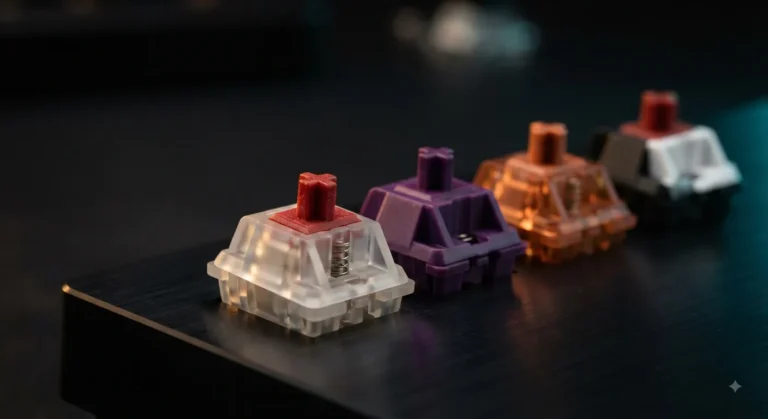
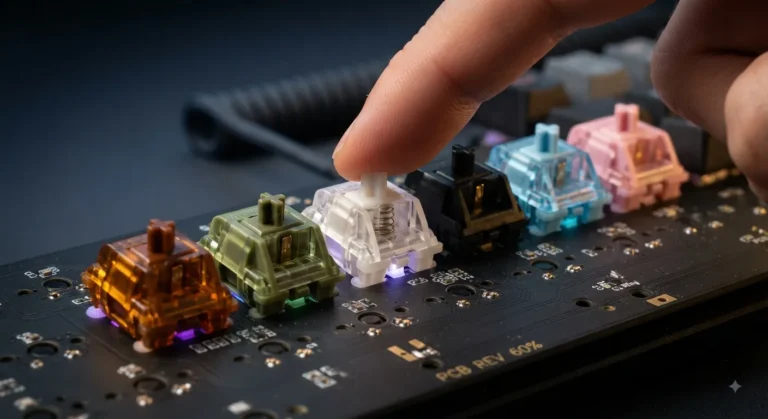
Switch picking is where I see most MMO players go wrong. They read a “best gaming switches” listicle and end up with something painful for raid-length sessions. Here’s how I actually think about it:
| Switch Type | MMO Verdict |
|---|---|
| Light linear (forty-five grams and under) | Best for most raiders. Low fatigue, fast actuation, quiet on voice chat. |
| Heavy linear (sixty grams and up) | Skip unless you’re an aggressive typist. Fingers tire fast. |
| Light tactile | Great for players who like a bump without the noise. |
| Clicky | Avoid. Your guildmates will mute you. |
| Hall effect or analog | Genuinely useful if you want adjustable actuation per key. |
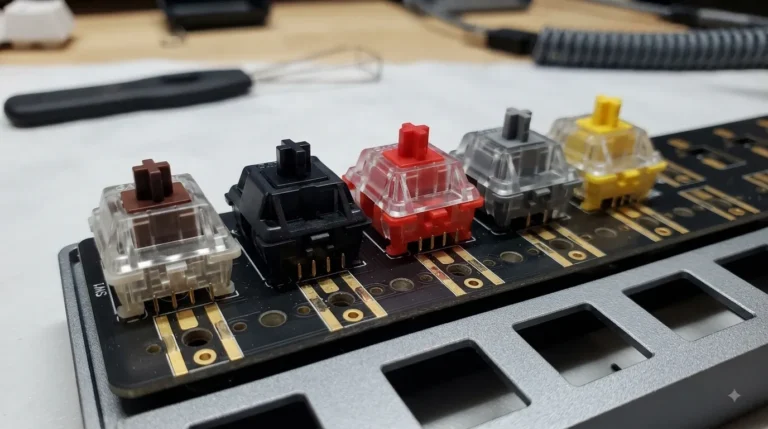
For most of you reading this, a light linear like a Gateron Yellow or a Razer Yellow is going to feel best after a four-hour clear. Tactiles like a Cherry MX Brown or a Boba U4T are excellent if you also use the board for work during the day.
The Honest Tradeoff Most Reviewers Skip
Here’s the catch nobody wants to tell you: the best keyboard for MMO play is sometimes not a keyboard at all. It’s a great mid-tier mechanical paired with an MMO mouse like the Logitech G600 or the Razer Naga V2 Pro. Twelve thumb buttons next to your right hand will outperform any macro array on the keyboard side, because your left hand stays free for actual movement.
If you’ve got a generous budget, I’d genuinely tell you to consider a hundred-dollar TKL board plus a Naga V2 Pro before a flagship like the K100. You’ll cover more rotation slots, and your left wrist will thank you.
That said, some players hate MMO mice and would rather have everything on the keyboard. If you’re one of them, the boards above are the move. There’s no universal answer here.
Final Verdict: The Best Keyboard for MMO Players
If you want one answer, get the Razer BlackWidow V4 Pro with Yellow switches. It hits the macro count, the switches are forgiving over long sessions, and it’s the most flexible board for the price.
If you’ve got money to spend and you stream or push mythic-tier content, the Corsair K100 is worth the upgrade. If you’re wireless-first, take the G915 X. If you’re brand new, the Redragon K580 will get you raiding without breaking your budget. And if you want to think outside the box entirely, pair your favorite mechanical with a Razer Tartarus Pro and stop hunting for a single board that does everything.
Whatever you pick, give yourself two solid weeks to remap and actually learn the layout before you judge it. Every MMO keyboard feels wrong for the first ten hours. The good ones disappear after that, and you stop thinking about your hardware and start thinking about the fight.
This article contains affiliate links. If you buy through them, I earn a small commission at no extra cost to you. I only recommend keyboards I’ve actually tested. As an Amazon Associate I earn from qualifying purchases.