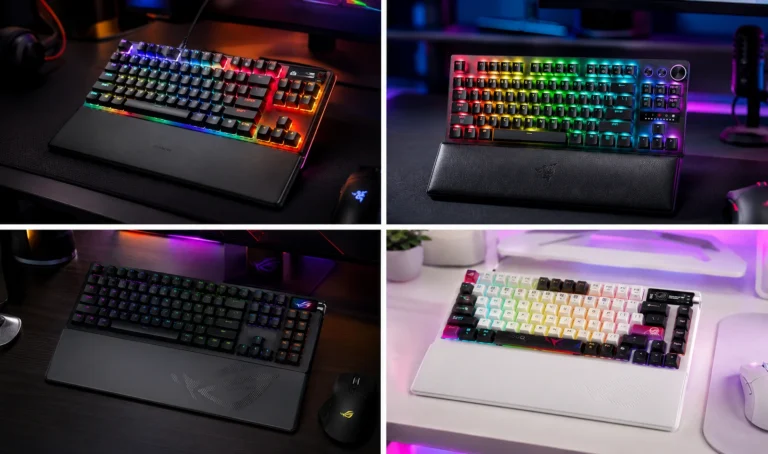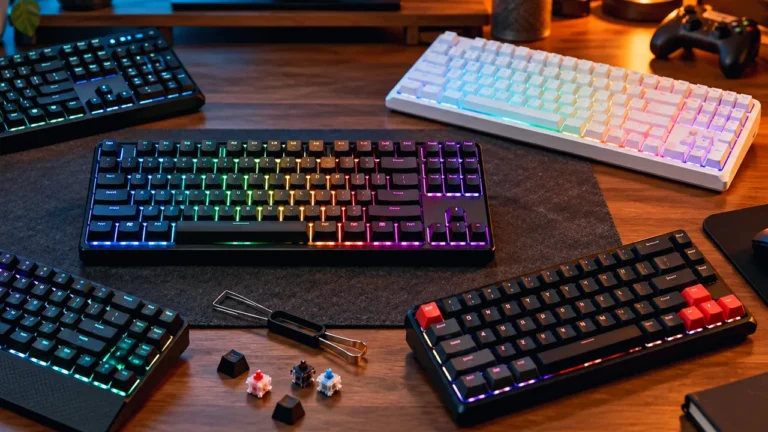
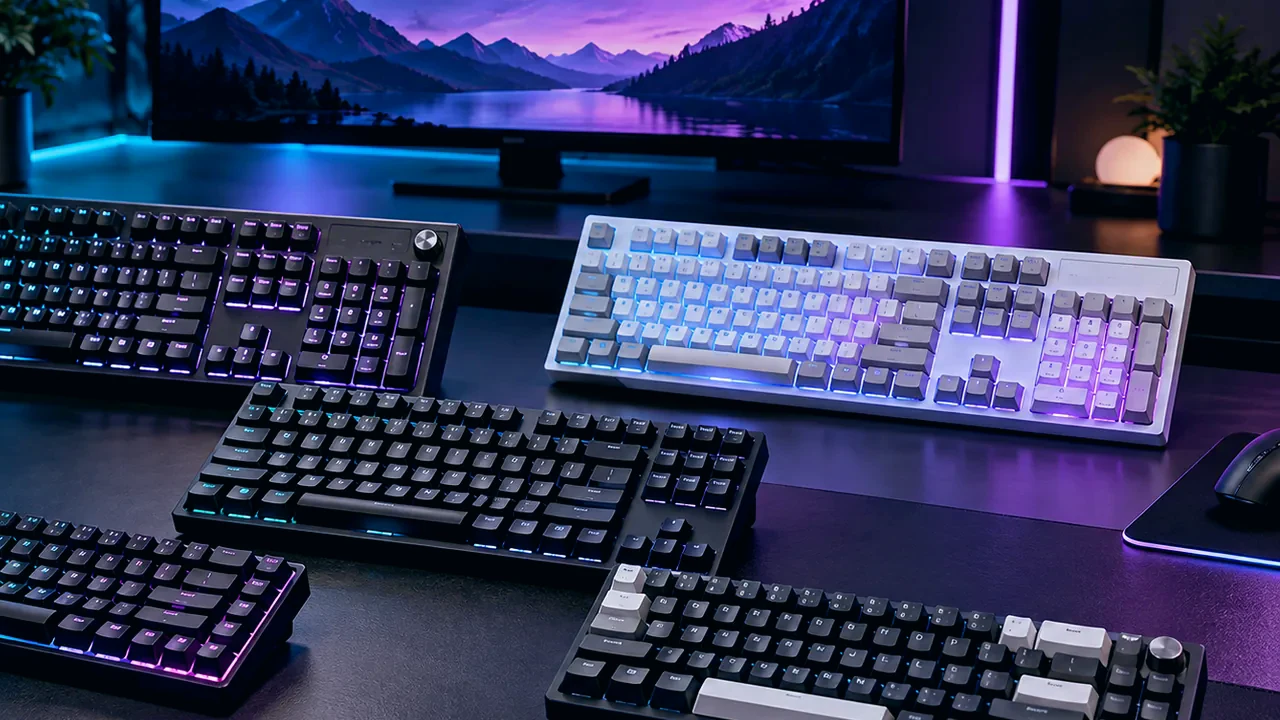
Best Budget Full-Size Gaming Keyboards 6 Tested Picks

This article contains affiliate links. If you buy through them, I earn a small commission at no extra cost to you. I only recommend keyboards I’ve actually tested. As an Amazon Associate I earn from qualifying purchases.
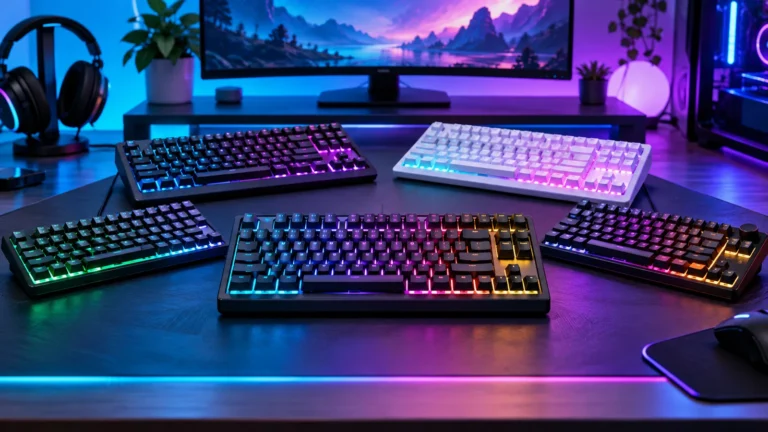
Here’s a myth I hear every single week: if you game, you’re supposed to ditch the numpad. Go TKL. Go 65%. Free up mouse space. And sure, that’s good advice for some people. But a lot of you play MMOs with twenty bound abilities, live in spreadsheets during the day, or have fifteen years of muscle memory that reaches right for that number cluster. You don’t owe anyone an apology for that.
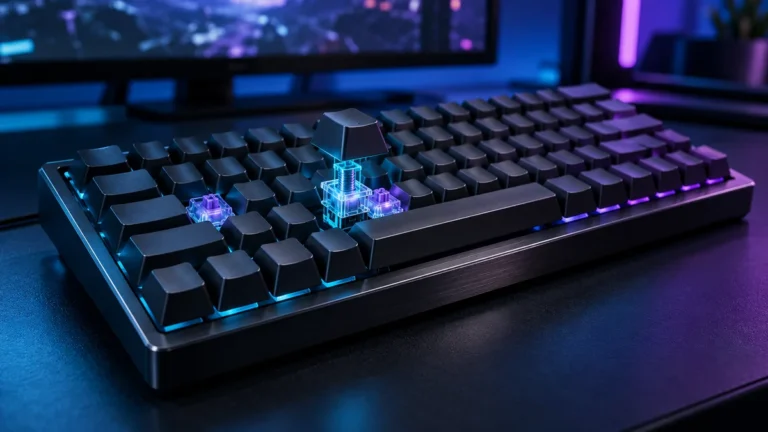
The good news is that the best budget full size gaming keyboards in 2026 are genuinely good. Hot-swap sockets, PBT keycaps, and QMK remapping used to start around $150. Now you’ll see them on a $55 board. The bad news? The cheap end of Amazon is still packed with keyboards whose stabilizers rattle so badly your spacebar sounds like a filing cabinet falling down a flight of stairs.
I’ve been testing keyboards for about 14 years. For this guide, every pick spent time as my daily driver — work in the day, games at night. Everything here has a real 104-key layout, sits under $100 at typical street prices, and earned its spot. I’ll also tell you which boards I’d skip, and why.


Quick Comparison: The Best Budget Full-Size Gaming Keyboards at a Glance
Short on time? Find your situation in the left column and grab that board. Prices are typical US street prices as of late October 2026 and they move around a lot, especially around sales.
| Best For | Keyboard | Typical Price | Switches | Hot-Swap | Keycaps | Why It Wins | Buy |
|---|---|---|---|---|---|---|---|
| Best overall | Keychron C2 Pro | $55–$70 | Keychron K Pro / Super (linear, tactile) | Yes (3 & 5-pin) | Double-shot PBT | QMK/VIA remapping and PBT caps at an entry price | Check price on Amazon |
| Best under $50 | Redragon K582 Surara | $40–$50 | Outemu Red / Brown / Blue | Yes | ABS (PBT on SE) | Hot-swap full-size for the price of a pizza night | Check price on Amazon |
| Best for set-and-forget | Logitech G413 SE | $50–$60 | Logitech tactile mechanical | No | PBT | Brushed aluminum top, zero software fuss | Check price on Amazon |
| Best near $100 | ASUS ROG Strix Scope II X | ~$95 | ROG NX Snow (pre-lubed linear) | Yes | PBT | Best out-of-box sound and stabilizers here | Check price on Amazon |
| Best metal build | HyperX Alloy Origins | $70–$110 | HyperX Red / Aqua / Blue | No | ABS double-shot | Rigid aluminum frame that won’t flex | Check price on Amazon |
| Best quiet / membrane | SteelSeries Apex 3 | $40–$50 | Whisper-quiet membrane | No | ABS | Spill resistant, quiet, honestly fine for gaming | Check price on Amazon |
My one-line take: if you’re not sure, buy the Keychron C2 Pro and spend the money you saved on a good mouse pad.
How I Picked and Tested These Boards
I didn’t rank these by spec sheet. Spec sheets are where marketing departments go to have fun. Instead, I looked at the stuff you actually feel after a month:
- Stabilizers. On a full-size board you’ve got more of them — spacebar, both Shifts, Enter, Backspace, plus the numpad’s Enter, plus, and zero. That’s up to eight stabs that can rattle. Cheap ones are the first thing that’ll annoy you.
- Keycap material. PBT holds up. ABS gets shiny, sometimes within a few months of heavy WASD use.
- Hot-swap. If you can pull a switch with a $3 tool, a dead key is a two-minute fix instead of a warranty claim.
- Software and remapping. QMK/VIA is the gold standard. Bloated vendor apps lose points.
- Case flex and sound. I press down on the middle of the board and listen for hollow ping.
What I mostly ignored: RGB modes. Nobody’s aim got better because of a rainbow wave effect.
One honest limit: I’ve got medium-sized hands and I type on a flat-ish desk setup. If you’ve got smaller hands or wrist issues, factor that in — a full-size board pushes your mouse hand farther out, and that’s a real ergonomic tradeoff.
The 6 Best Budget Full-Size Gaming Keyboards I’d Actually Buy
1. Keychron C2 Pro — Best Overall Budget Full-Size Gaming Keyboard
I’ll be blunt. The C2 Pro makes most $120 “gaming” boards look silly. It’s wired-only, plastic, and plain-looking, and none of that matters once you start typing. You get a full 104-key ANSI layout, hot-swap sockets that take both 3-pin and 5-pin switches, double-shot PBT keycaps, and full QMK/VIA support. Newer units ship with an 8K polling option, though honestly, 1000 Hz is plenty for almost everyone.
I ran the linear version as my daily driver for about three weeks. The switches come pre-lubed and feel smoother than I expected at this price. The QMK side is the real win: I moved Caps Lock to a layer key, put media controls on the numpad, and never touched a bloated vendor app.
Here’s the catch: it’s a tray-mount plastic case, so you’ll hear a bit of hollowness on bottom-out. A cheap foam mod or a desk mat fixes most of it.
Pros
- QMK/VIA remapping on a board that often sells around $55
- Hot-swap for 3-pin and 5-pin switches
- PBT keycaps that won’t shine in six months
- Mac and Windows keycaps in the box
Cons
- Plastic case sounds a little hollow stock
- Wired only
- Plain look won’t win over RGB fans
2. Redragon K582 Surara — Best Full-Size Board Under $50
- Smooth, Effortless Keystrokes for Work and Play – Linear red switches need less force and give a straight, responsive pr…
- Every Combo Registers, Wide Compatibility – 100% anti-ghosting with N-key rollover plus a gold-plated USB connector that…
- 16.8 Million Colors for a True eSports Vibe – 6 lighting themes and 18 backlight modes let you dial in exactly the glow …
The K582 is the board I hand to friends who say “I just want to try mechanical.” It’s full-size, hot-swappable, has RGB, and often lands near $40. That’s genuinely wild.
In my testing, the Outemu Reds are fine. Not smooth, not scratchy, just fine. The stock stabilizers are where you feel the budget: the spacebar has a bit of rattle out of the box. Ten minutes and a dab of dielectric grease on the stab wires calms it down a lot. Because it’s hot-swap, you can also drop in better switches later instead of buying a whole new board.
If you want PBT caps, look at the K582 SE variant — Redragon sells it with round PBT keycaps.
Pros
- Hot-swap full-size board around $40–$50
- Comes in linear, tactile, and clicky versions
- Dedicated media keys and volume wheel
- Great platform to learn modding on
Cons
- Stock stabilizers rattle until you lube them
- ABS keycaps on the standard model
- Software works but feels dated
3. Logitech G413 SE — Best for People Who Hate Fiddling
- Take your gaming skills to the next level: The Logitech G413 SE is a full-size keyboard with gaming-first features and t…
- PBT keycaps: Heat- and wear-resistant, this computer gaming keyboard features the most durable material used in keycap d…
- Tactile mechanical switches: Uncompromising performance is always within reach with this wired gaming keyboard
Not everyone wants a hobby. Some of you want a keyboard that works on day one and on day 1,000. That’s the G413 SE. It has a brushed aluminum top plate, PBT keycaps, white backlighting, and Logitech‘s tactile mechanical switches.
It isn’t exciting. That’s sort of the point. The tactile bump is light — closer to a soft brown switch than anything crunchy — and it’s a pleasant typer for long workdays. Gaming-wise, it’s fast and reliable, with full anti-ghosting for the keys you’ll actually mash.
Here’s the catch: no hot-swap and no per-key RGB. If a switch dies, you’re dealing with Logitech support.
Pros
- PBT keycaps at this price
- Aluminum top resists flex
- No software required to get going
- Clean, office-friendly look
Cons
- Not hot-swappable
- Only one switch option
- White backlight only
4. ASUS ROG Strix Scope II X — Best Full-Size Gaming Keyboard Near $100
If you can stretch to roughly $95, this is the board that sounds the most “finished” out of the box. ASUS ships it with pre-lubed ROG NX Snow linear switches, PBT keycaps, internal dampening foam, and stabilizers that are actually tuned. My spacebar didn’t rattle. On a sub-$100 board, I almost wrote that sentence twice out of shock.
It’s hot-swappable too, so you’re not locked in. For gaming, the linears are light and quick, and the board stays planted on the desk.
Here’s the catch: Armoury Crate is heavier software than it needs to be. Set it up once, then leave it alone.
Pros
- Best stock sound and stabilizers on this list
- Pre-lubed linear switches
- Hot-swappable
- PBT keycaps and dampening foam
Cons
- Pushes the top of a “budget” price range
- Armoury Crate is bloated
- Gamer styling won’t suit every desk
5. HyperX Alloy Origins — Best Metal Build for the Money
The Alloy Origins has been around a while, and it’s still one of the most solid-feeling full-size boards you can buy on sale. The aircraft-grade aluminum body doesn’t flex at all. It also has a detachable USB-C cable and HyperX‘s own switches, which are light, consistent, and quick for gaming.
List price sits above $100, which technically breaks my budget rule. But it shows up in the $70–$80 range often enough that I’d tell you to wait for a dip rather than pay full price.
Pros
- Rigid aluminum frame
- Detachable USB-C cable
- Light, fast switches for gaming
- Compact footprint for a full-size board
Cons
- Not hot-swappable
- ABS keycaps on the standard version (PBT edition costs more)
- Only worth it on sale
6. SteelSeries Apex 3 — Best Quiet (and Yes, Membrane) Pick
Here’s the contrarian pick. The Apex 3 isn’t mechanical, and I’m recommending it anyway. If you share a room, game late, or spill drinks, a quiet membrane board with IP32 water resistance is the smarter buy. Your roommate doesn’t care about your switch’s tactile event.
It’s quiet, has a magnetic wrist rest, dedicated media controls, and 10-zone RGB. For casual and mid-level gaming, I couldn’t tell any real difference in my reaction times. You’ll feel a mushier bottom-out, and that’s the tradeoff.
Pros
- Genuinely quiet
- Spill resistant
- Magnetic wrist rest included
- Usually $40–$50
Cons
- Membrane feel isn’t for everyone
- Zone RGB, not per-key
- No upgrade path at all
The Weak-Stabilizer Boards I’d Avoid
I won’t pretend every cheap board is a trap. Most of the picks above are cheap. But there’s a specific type of budget full-size keyboard that keeps ending up in my “keyboard graveyard” drawer, and you can usually spot it before you buy.
- No-name “rainbow” boards under $30. Many use cheap wire stabilizers with no dampening at all. On a full-size board that’s up to eight rattly keys, including the numpad Enter you’ll hit constantly in spreadsheets.
- “Mechanical feel” hybrids sold as mechanical. Read the listing carefully. Some are membrane boards with a clicky top layer. That’s fine if you know it. It’s not fine if you thought you were buying hot-swap switches.
- Older non-hot-swap Redragon models like the K551. It was a decent board years ago, but stabilizers are basic and you can’t swap switches. For roughly the same money, the K582 is a better buy.
- Anything without stated keycap material. If a listing won’t say PBT or double-shot ABS, assume thin, single-shot ABS that’ll shine and fade fast.
A quick test if you already own one: tap the spacebar on its far left edge. If it rattles or the right side lags behind, the stabs are the problem. A stabilizer lube job — dielectric grease on the wire ends, or 205g0 on the housings if you’re comfortable opening things up — fixes most of it. You can check out my stabilizer tuning guide for the full walkthrough.
How to Choose the Best Budget Full Size Gaming Keyboard for You
You can skip most spec-sheet noise. These are the things that change your day-to-day experience.
Switch Type: Pick by Feel, Not by Hype
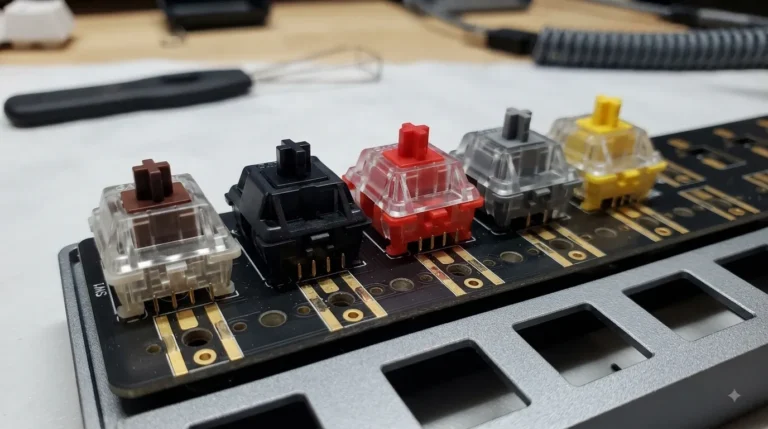
- Linear (Reds, NX Snow, Super Linear): smooth, quiet-ish, fast. Best default for gaming.
- Tactile (Browns, Logitech tactile): a small bump you can feel. Good if you type a lot during the day.
- Clicky (Blues): loud. Fun for you, less fun for anyone in the room. I’d skip them if you voice chat — your mic will pick them up.
Hot-Swap Is the Best Feature Under $100
I’ll take hot-swap over RGB every time. It means a dead switch costs you a few bucks instead of a new keyboard, and you can try different switches without a soldering iron. If you’re torn between two boards, buy the hot-swap one.
PBT vs. ABS Keycaps
PBT feels slightly textured and stays that way. ABS feels smoother at first, then turns shiny where your fingers rest. If a board you like ships with ABS, you can always swap in a PBT set later — see my guide to keycap profiles and materials.
Polling Rate: Mostly Marketing
Here’s my nuanced take. 8,000 Hz polling is real, but on most systems and monitors you won’t feel a difference over 1,000 Hz. Don’t pay extra for it on a budget board. Pay for better stabilizers instead.
Full-Size vs. Smaller Layouts
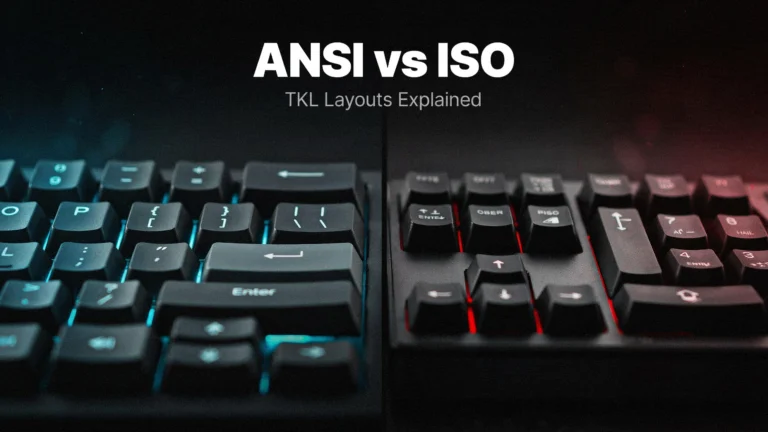
If you never touch the numpad, a TKL frees up about four inches of mouse room, and that matters for low-sensitivity FPS players. Compare options in my best TKL gaming keyboards roundup. A 96% layout is a good middle ground too — numpad kept, footprint smaller.
My Verdict
For most people shopping for the best budget full size gaming keyboards, the Keychron C2 Pro is the one to buy. Hot-swap, PBT, and QMK/VIA at around $55–$70 is a combination nothing else here matches. A good $60 board beats a bad $200 one every time, and this is a good $60 board.
On a tighter budget, get the Redragon K582 and spend ten minutes lubing the stabilizers. If you can stretch to about $95 and don’t want to mod anything, the ASUS ROG Strix Scope II X sounds the best straight out of the box. And if quiet matters more than switch feel, the SteelSeries Apex 3 is the smart, unglamorous choice.
Whatever you pick, check the stabilizers before you worry about RGB. Your ears will thank you.
This article contains affiliate links. If you buy through them, I earn a small commission at no extra cost to you. I only recommend keyboards I’ve actually tested. As an Amazon Associate I earn from qualifying purchases.