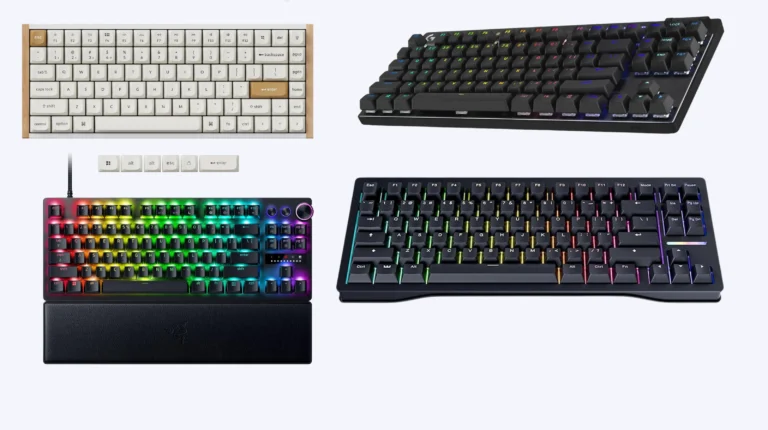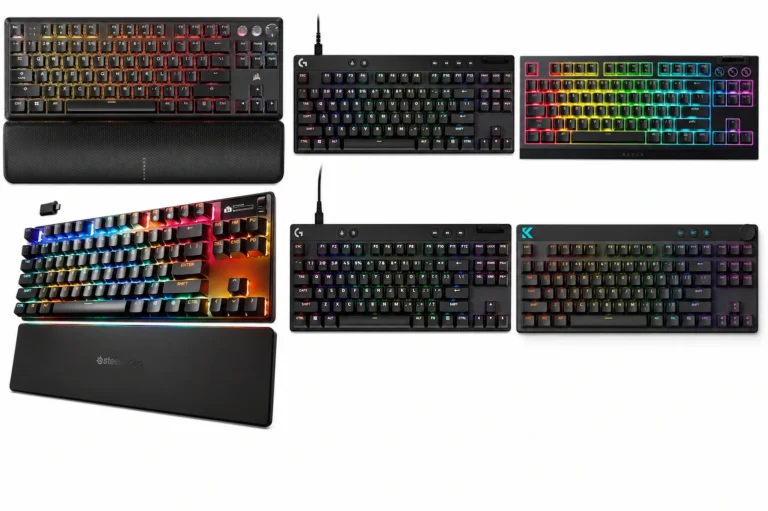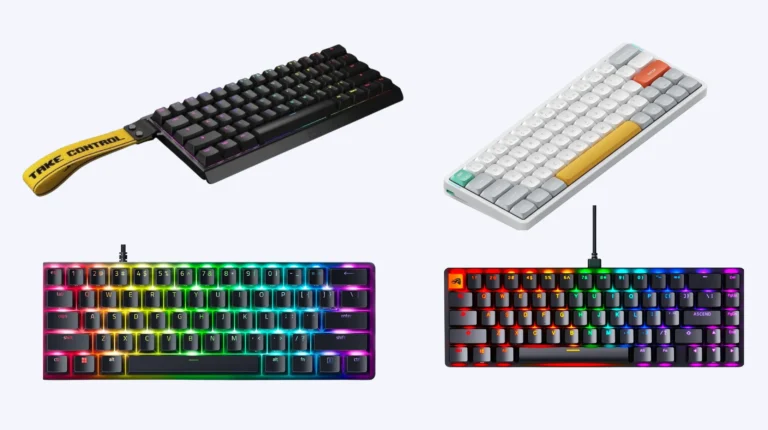
Magnetic Keyboard vs Mechanical: The Honest Verdict

This article contains affiliate links. If you buy through them, I earn a small commission at no extra cost to you. I only recommend keyboards I’ve actually tested. As an Amazon Associate I earn from qualifying purchases.
I’ve been swapping between a Wooting 80HE and a Keychron Q1 as my daily drivers for the better part of three months, and the question I keep getting from readers isn’t “which one is better.” It’s “are magnetic keyboards actually worth it, or is this just another gaming gimmick wrapped in RGB?”
Fair question. Here’s the short version before I get into the magnetic keyboard vs mechanical debate properly: magnetic boards are real tech, they genuinely work, and for a specific kind of buyer they’re an easy call. For everyone else, a good mechanical board still wins on feel, value, and the actual joy of typing on the thing.
Let me show you where each one earns its money.
Quick Pick: Which One Should You Buy?
Skip the essay if your situation matches one of these. The table is sorted by who you are, not by what’s “best overall” — because there is no best overall.


| If you’re this kind of buyer… | Pick this | Why it wins | Solid pick around this price |
|---|---|---|---|
| Competitive FPS gamer (CS2, Valorant, Apex) | Magnetic | Rapid Trigger is a real, measurable edge | Wooting 60HE+ (~$175) |
| Writer, coder, or heavy typist | Mechanical | Better tactile and clicky feel, more switch variety | Keychron Q1 V2 (~$200) |
| First good board, budget under $100 | Mechanical | $60–$100 buys a genuinely great board today | Keychron C3 Pro (~$50) |
| Office worker who needs quiet | Mechanical with silent linears | Magnetic boards mostly stay loud; tuned mechs go whisper-quiet | NuPhy Air75 V2 (~$130) |
| Modder who wants to tinker | Mechanical | Hot-swap, lubing, gasket mounts, the whole rabbit hole | GMMK 3 / Keychron Q-series |
| Mixed gaming + work, $200+ budget | Magnetic | One board does both jobs convincingly | Keychron Q1 HE (~$220) |
| Streamer who wants the “thock” sound | Mechanical | Magnetic boards aren’t winning sound contests yet | Drop CSTM80 |
If that table answered your question, you’re done. If you want to know why — keep reading.
What’s Actually Different Inside
A normal mechanical switch is a physical thing. You press the keycap, the stem moves down, two metal contacts touch, and the keyboard registers the press. Cherry MX Red, Gateron Yellow, Holy Panda — all variations on that same idea.
A magnetic switch (Hall Effect, if you want the engineering term) skips the contacts entirely. There’s a tiny magnet in the stem and a sensor at the bottom. As you push the key down, the sensor measures how close the magnet is. That’s it. That’s the whole trick.
Sounds boring. The implications are not.
Because the board knows the exact position of every key at all times — not just “pressed” or “not pressed” — it can do things mechanical switches physically can’t:
- Adjustable actuation point. Want a key to fire at 0.1mm of travel? Done. 3.5mm? Also done. You set it per-key in software.
- Rapid Trigger. The key resets the instant you start lifting your finger, instead of waiting for a fixed reset point. In an FPS, this means you can counter-strafe faster than is honestly reasonable.
- Analog input. Press lightly to walk, harder to sprint — like a controller stick mapped to a key. Genuinely useful in racing and flight sims.
Mechanical switches can’t replicate any of that. Not because the engineers got lazy, but because their contacts only know two states: on or off.
How They Feel to Type On
This is where mechanical still has the upper hand, and I’m going to be honest about why.
Most magnetic switches feel like a slightly hollow linear. Smooth, fast, fine — but rarely interesting. Wooting’s Lekker switches are the best I’ve used, and even those feel like a competent Gateron Yellow on a good day. Razer’s analog switches feel slightly spongier. SteelSeries OmniPoint 2.0 sit somewhere in between.
Now compare that to what mechanical can give you in 2026:
- Gateron Oil King — linear, deep and creamy, my current daily favorite.
- Boba U4T — tactile with a sharp bump and a satisfying clack.
- Kailh Box Jade — clicky, loud, glorious if you hate your coworkers.
- Cherry MX Brown — the eternal “fine” tactile that still sells for a reason.
- Akko V3 Cream Yellow Pro — budget linear that punches way above its price.
The variety isn’t a small thing. If you actually enjoy the physical act of typing, mechanical gives you a dozen distinct experiences. Magnetic gives you maybe three, and they’re all variations on “smooth linear.”
Here’s the catch: most people, including most enthusiasts, can’t pick a top-tier magnetic linear from a top-tier mechanical linear in a blind test. I’ve tried. So if you don’t care about tactile or clicky in the first place, the feel difference shrinks fast.
Magnetic Keyboard vs Mechanical for Gaming
I don’t normally get worked up about gaming specs. Most “gaming keyboard” marketing is fluff — 8000Hz polling rate, OLED screens, per-key RGB. You won’t feel any of it during a match.
Rapid Trigger is different. It’s the first gaming-only feature in years I’d call a genuine, measurable advantage.
In Counter-Strike 2, counter-strafing requires you to release a direction key the instant you press the opposite one. On a mechanical board, the release key has to physically travel back up past its reset point — usually around 2mm of travel. On a magnetic board with Rapid Trigger set to 0.1mm, the release fires the moment you start lifting your finger. Cleaner stops, tighter aim, fewer “I peeked wide for no reason” deaths.
It’s not a placebo. The Wooting 60HE+ has become close to standard at the top of CS2’s competitive ladder for a reason, and pros aren’t switching to a $175 board out of charity.
If you play CS2, Valorant, Apex, Overwatch, or any other movement-heavy shooter at a level where you actually look at your stats afterward — a magnetic board is the upgrade that finally matters.
If you mostly play single-player games, RPGs, MMOs, or anything turn-based — none of this matters. A $90 mechanical will serve you exactly as well as a $200 magnetic.
Build, Sound, and the Enthusiast Question
Mechanical boards have a decade head start on the modding scene, and you can hear it.
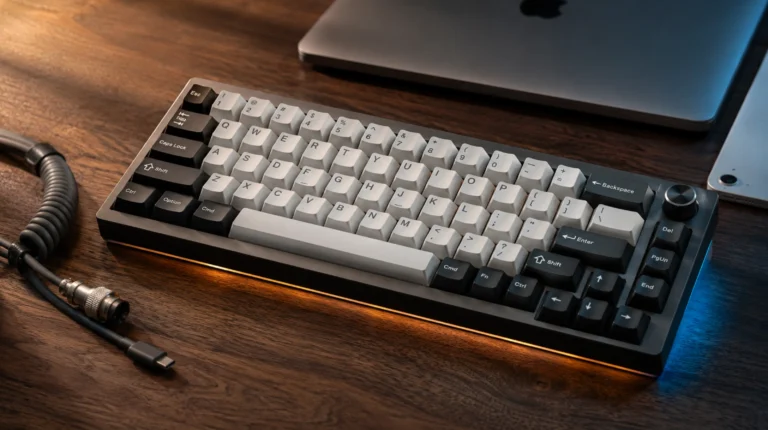
A Keychron Q1, GMMK 3, or Mode Sonnet ships with gasket mounting, internal foam, double-shot PBT keycaps, and screw-in stabilizers out of the box. Pop the case open and you’ll find tape mods, PE foam mods, switch films — the whole vocabulary. The sound profile is something you can actually tune.
Magnetic boards are catching up, but slowly. The Keychron Q1 HE has solid build quality and a decent sound. The Wooting 80HE is fine — it’s well-made, but it’s not winning any “thock” awards. Most magnetic boards still ship with ABS keycaps, lighter cases, and stabilizers that beg for a tune-up.
If you care about how your board sounds when you type — that deep poppy clack people post videos of on r/MechanicalKeyboards — mechanical is still the answer. Magnetic isn’t there yet, except at the very top of the price range.
Price and Value: Where Each One Actually Makes Sense
Here’s the real-world breakdown of what you get at each tier in 2026:
| Price range | Mechanical | Magnetic |
|---|---|---|
| Under $60 | Genuinely good boards (Keychron C3 Pro, RK68) | Basically nothing worth buying |
| $80–$150 | Excellent: NuPhy Air75 V2, Keychron V1, Akko MOD007B | Limited options, often compromised |
| $150–$220 | Premium: Keychron Q1, GMMK Pro, Drop CSTM80 | The sweet spot: Wooting 60HE+, Keychron K2 HE |
| $220+ | Enthusiast/custom: Mode Sonnet, Bauer Lite | Wooting 80HE, Keychron Q1 HE, Apex Pro Gen 3 |
The honest truth: under $150, mechanical wins on pure value almost every time. Above $150, the magnetic premium starts to make sense — if you’ll actually use the features.
A $90 Keychron V-series will outperform a $130 budget magnetic board for everything that isn’t competitive FPS. I’d take a good mechanical at $90 over a mediocre magnetic at $130 every day of the week, and twice on Sunday.
Durability and Longevity
Both technologies are rated for around 70–100 million keypresses per switch. In theory, magnetic should last longer because there’s nothing physically touching — no contacts to wear out, no scratch buildup. In practice, I haven’t owned either type long enough to see one die from normal use, and most boards get retired because the owner got bored, not because the switches failed.
The real durability question is the keycaps and the stabilizers, and that’s a build-quality issue, not a switch-tech issue. PBT caps beat ABS on both kinds of board. Screw-in stabs beat plate-mount on both kinds of board. Don’t let anyone sell you “magnetic = lasts longer” as the reason to spend an extra $80.
Software and the Learning Curve
One thing nobody mentions in magnetic vs mechanical breakdowns: the software matters more than you’d think.
Wooting’s Wootility is genuinely good — clean, fast, lets you set per-key actuation in seconds. Keychron’s Launcher (web-based, QMK under the hood) handles their HE boards well. Razer Synapse remains… Razer Synapse, which is to say bloated and occasionally annoying, but functional.
Mechanical boards using VIA or QMK skip most of the bloat entirely. You configure the board once, the settings live on the keyboard itself, no background process needed. Simpler and lighter on system resources.
If you hate fiddly software, that’s a small but real point for mechanical.
So — Magnetic Keyboard vs Mechanical, Who Wins?
Neither one is the right answer for everyone, and the brands selling you one or the other are pretending otherwise.
Buy a magnetic keyboard if:
- You play competitive FPS and care about your stats.
- You want one board to handle both ranked games and work.
- You have $175 or more to spend and you’ll actually use Rapid Trigger.
- Analog input sounds genuinely useful for sims you already play.
Buy a mechanical keyboard if:
- You’re a writer, coder, or heavy typist who enjoys feel.
- You want tactile or clicky switches (magnetic just can’t do those convincingly yet).
- You’re under $150 and want the best board your money can buy.
- You want to mod, swap switches, lube, or join the enthusiast scene.
- You care about how your board sounds.
My current setup tells the truth: a Wooting 80HE plugged into my gaming PC, a Keychron Q1 with lubed Oil Kings on my writing desk. If I had to pick one, and someone was making me type 8 hours a day on it, I’d grab the Keychron. If I had to play ranked CS2 on it, I’d grab the Wooting.
That’s the real verdict in the magnetic keyboard vs mechanical debate. It’s not about which technology is “better.” It’s about which one’s actually built for what you do at your desk.
Pick the one that matches your day. Ignore the rest of the noise.
This article contains affiliate links. If you buy through them, I earn a small commission at no extra cost to you. I only recommend keyboards I’ve actually tested. As an Amazon Associate I earn from qualifying purchases.