Best Keyboards for Valorant: What Actually Wins You Rounds

This article contains affiliate links. If you buy through them, I earn a small commission at no extra cost to you. I only recommend keyboards I’ve actually tested. As an Amazon Associate I earn from qualifying purchases.
Most of the “best keyboard for Valorant” lists you’ll find online are written by people who’ve never lost a 1v1 because their A key didn’t reset in time. I have. Not bragging — just saying I’ve spent the last two years rotating Hall Effect, optical, and standard mechanical boards through ranked, and I’ve got opinions backed by losses.
Here’s the truth nobody selling you a $260 keyboard wants to lead with: a great keyboard won’t push you from Silver to Immortal. But the best keyboard for Valorant will make your counter-strafing tighter, your jiggle peeks snappier, and your inputs feel like they’re keeping up with your brain. That’s it. That’s the promise. Anything else is marketing.
This guide is built around the boards I’ve personally typed and fragged on, what the pros are actually using right now, and — most importantly — where Riot Vanguard stands on features like Snap Tap and SOCD. Skip that section at your own risk.
TL;DR — Quick Comparison: Best Keyboard for Valorant

| Best For | Keyboard | Switch Type | Rapid Trigger | Form Factor | Price Tier | |
|---|---|---|---|---|---|---|
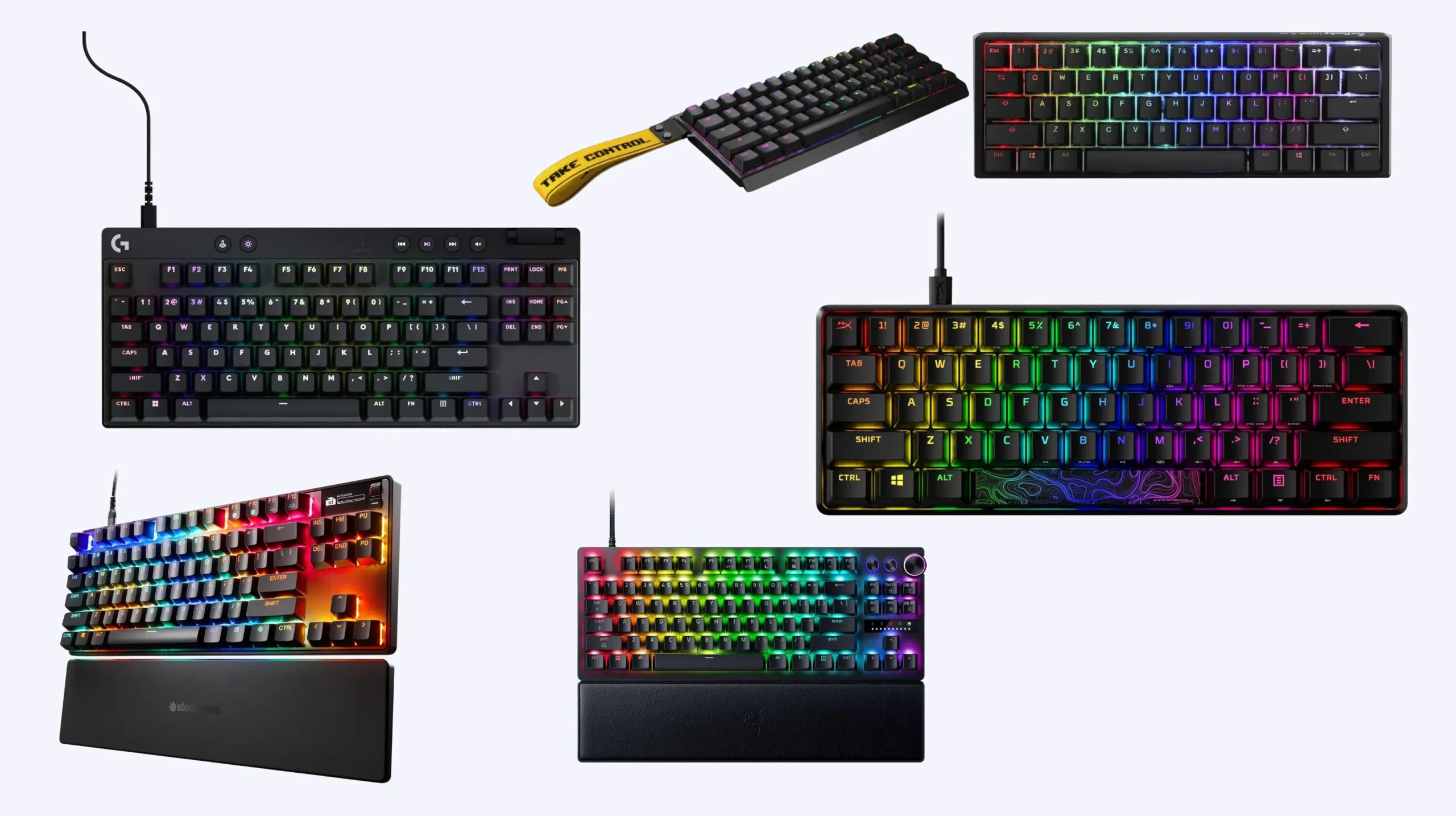
| Best Overall | Wooting 60HE v2 | Hall Effect (Lekker) | Yes, 0.1mm | 60% | $$$ | [Check Price] |
| Best Big-Brand TKL | Razer Huntsman V3 Pro TKL 8KHz | Analog Optical Gen 2 | Yes, 0.1mm | TKL | $$$$ | [Check Price] |
| Best Feature Set | SteelSeries Apex Pro TKL Gen 3 | OmniPoint 3.0 | Yes | TKL | $$$$ | [Check Price] |
| Best Value Magnetic | Logitech G Pro X TKL Rapid | Magnetic Analog | Yes | TKL | $$$ | [Check Price] |
| Best Budget Pick | HyperX Alloy Origins 60 | Mechanical (Red/Aqua) | No | 60% | $ | [Check Price] |
| Best for Typing + Gaming | Ducky One 3 Mini | Cherry MX | No | 60% | $$ | [Check Price] |
If you don’t want to read another word: get the Wooting 60HE v2 if you’re serious, the HyperX Alloy Origins 60 if you’re not. Now let me explain why.
What Actually Matters in the Best Keyboard for Valorant
I’ve taped, lubed, and torn down enough boards to tell you which “gaming specs” you’ll feel and which are pure spec-sheet theater. Here’s the honest ranking.
1. Rapid Trigger (the only spec that’s truly changed FPS gaming)
This is the big one. On a traditional mechanical switch, the key has to travel back up past a fixed reset point before it’ll register a new press. That delay — usually a couple of millimeters — adds up when you’re counter-strafing. Press D, release D, tap A. If your D key hasn’t fully reset, your character keeps drifting right while you’re trying to plant and shoot.
Rapid trigger fixes this. The key resets the instant you start lifting your finger, even by a hair. The result: counter-strafing feels nearly instant. That’s not marketing fluff — over 90% of tracked Valorant pros are now on rapid trigger boards, and the gap to standard mechanicals is real.
If you only care about one feature, this is it.
2. Switch Type
In rough order of FPS responsiveness:
- Hall Effect (magnetic): The current king. Adjustable actuation from 0.1mm to 4mm per key, rapid trigger built in, no physical contact to wear out. Wooting, Razer’s newest stuff, Logitech G Pro X Rapid, SteelSeries Apex Pro.
- Analog Optical: Light-beam actuation. Razer’s Gen 2 optical switches are excellent and very competitive with Hall Effect for raw speed.
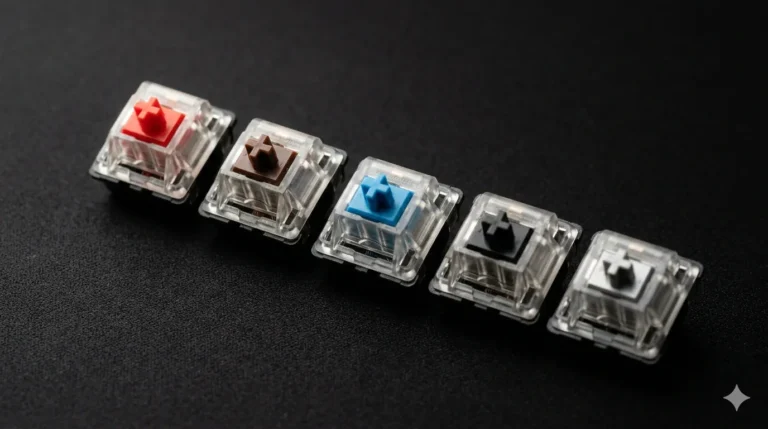
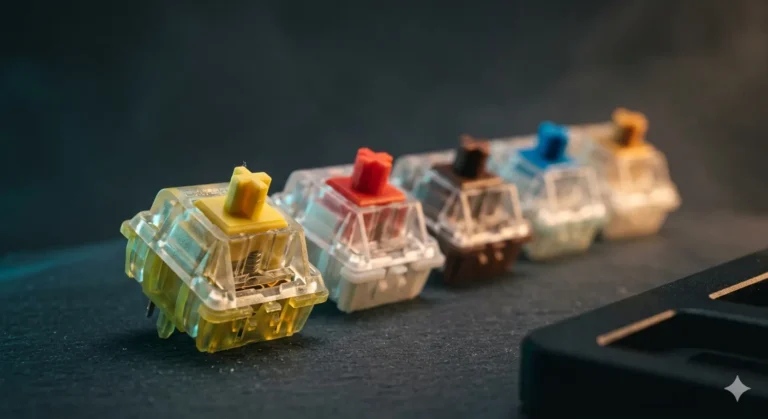
- Standard Linear Mechanical (Reds, Silvers, Yellows): Still totally fine for ranked. You just lose rapid trigger.
- Tactile or Clicky (Browns, Blues): Don’t. The bump slows you down and your teammates hate you on voice.
3. Form Factor
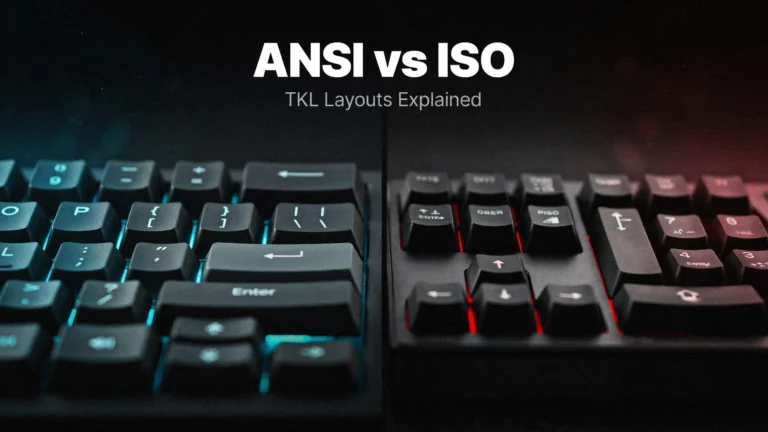
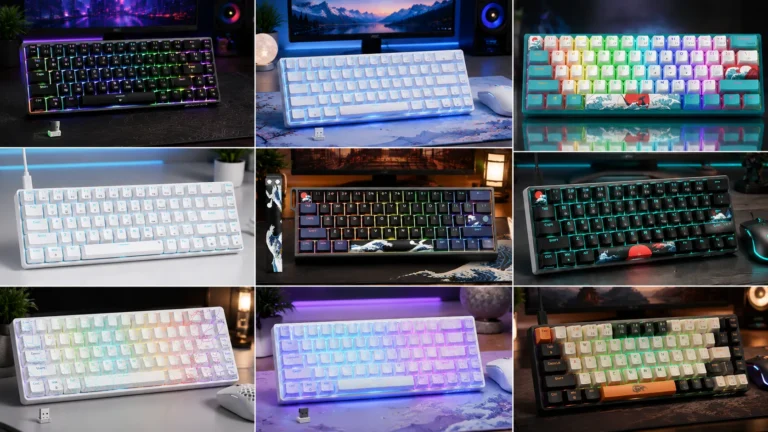
Valorant pros run 60% and TKL almost exclusively. The reason isn’t aesthetic — it’s that ditching the numpad gives your mouse arm more sweep space, which matters if you play low sensitivity. If you have no idea what your eDPI is, a TKL is the safer pick. If you’ve optimized your setup and play sub-40cm/360°, get a 60%.
4. Polling Rate
Here’s where I get a little contrarian. 8,000 Hz polling looks great on a spec sheet, but the felt difference over 1,000 Hz is marginal for the vast majority of players. Yes, it shaves fractions of a millisecond off click-to-screen latency. No, it will not make you a better Jett. If 8K polling is bundled with the board you want, fine, take it. Don’t pay extra for it alone.
5. Build, Keycaps, Stabilizers
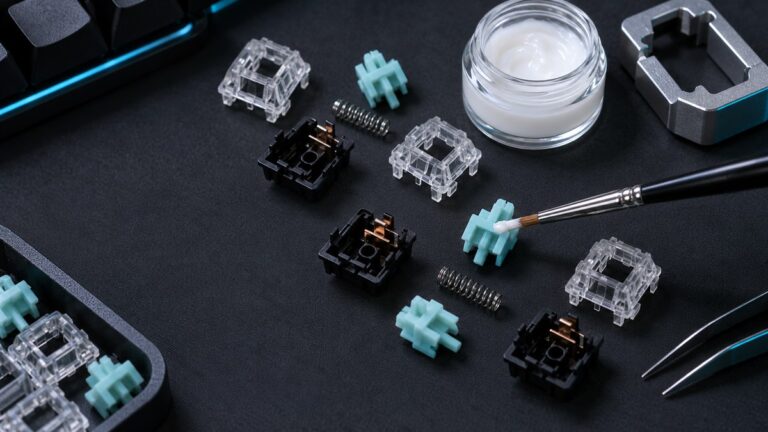
I’ll always pick a board with PBT keycaps over ABS — they don’t develop that gross shine after six months of pentakill chasing. Stabilizers should sound and feel tight, not rattly. These don’t affect your win rate, but you’re going to type on this thing 8 hours a day, so it matters.
Snap Tap, SOCD, and Riot’s Anti-Cheat: Read This Before You Spend
This is the part most “best keyboard for Valorant” articles skip, and it’s the most important section for any competitive player.
Rapid Trigger = totally fine. Riot has never indicated any issue with rapid trigger. Use it. Every pro is.
Snap Tap / SOCD (hardware-level “last input wins”) = legal in Valorant right now, but it’s a gray zone. Quick context: Riot Games has not officially banned snap tap in Valorant as of now, and the feature is allowed and many Valorant players including pros use keyboards with rapid trigger and snap tap technology. That’s the current state — but it’s not a green light forever.
Here’s what you need to understand:
- Riot’s stance is “any unfair advantage may be reviewed.” They’ve explicitly said any modification giving an unfair edge could be subject to action. They just haven’t drawn the line yet.
- Vanguard sees everything. It runs at kernel level and analyzes input telemetry. Vanguard does not just look for “cheats” in the traditional sense: it looks for any “automation” of player input, and because Snap Tap and Wooting’s SOCD happen at the firmware level inside the keyboard itself, they are harder to distinguish from “really good” movement than a software script.
- Valve already banned this stuff in CS2. Riot is a different company, but precedent exists. If they ever flip the switch, anyone relying on Snap Tap muscle memory is going to feel it overnight.
- Tournaments are stricter than ranked. If you ever play VCT-pathway events or sanctioned LAN, Snap Tap will almost certainly be disabled per ruleset. Build skills, not crutches.
My honest take: use rapid trigger, don’t bother with hardware Snap Tap for Valorant. Riot’s movement physics have heavy friction, so the actual mechanical advantage of SOCD here is much smaller than it is in CS2. You’re taking on policy risk for a marginal benefit. Hard pass from me.
My Picks for the Best Keyboard for Valorant (Ranked)
1. Wooting 60HE v2 — Best Overall
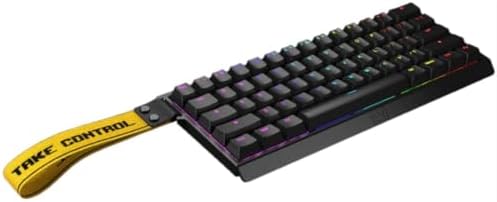
- Tachyon Mode 1ms Custom Actuation point up to 0.1mm Rapid Trigger 60% Lightweight Keyboard
- Brand: Wooting
- Connectivity technology: USB-C
The board the pros voted with their wallets. Roughly a quarter of all tracked Valorant pros are on a Wooting 60HE variant, and that’s despite Wooting not being a sponsorship machine like Razer. Lekker Hall Effect switches, 0.1mm to 4mm adjustable actuation per key, 8,000 Hz polling on the v2, and the best companion software in the business (Wootility — runs in browser, no spyware, no account required).
The catch: it’s $175+, ships from Europe, and stock comes and goes. Also no wireless. If you can get one, do.
2. Razer Huntsman V3 Pro TKL 8KHz — Best Big-Brand Option
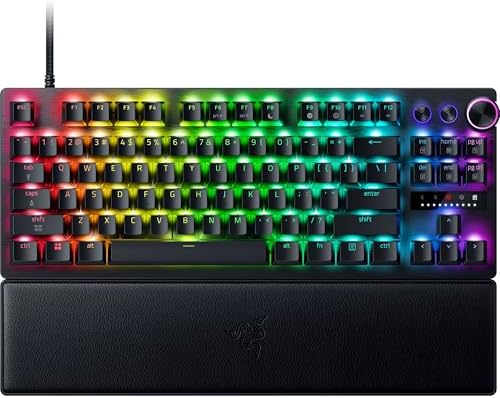
- ANALOG OPTICAL SWITCHES GEN-2 — Max out on precision and response with next-gen switches featuring Rapid Trigger for ult…
- RAZER SNAP TAP — Prioritize the latest input between two selected keys without having to release the previous one, and e…
- TRUE 8000 HZ HYPERPOLLING RATE — Gain a split-second advantage over opponents with a blistering polling rate 8 times fas…
If you want a board you can pick up at Best Buy tomorrow with a warranty you can actually use, this is it. Analog optical Gen 2 switches with 0.1mm actuation, 8K polling, and Synapse software that’s… fine. Used by a huge chunk of sponsored pros, partly because Razer pays them, but it’s a legitimately fast board on its own merit.
Downside: Synapse is bloated. Expect a background service eating RAM forever.
3. SteelSeries Apex Pro TKL Gen 3 — Best Feature Set

- TRIPLE THREAT POWERED BY QUICKSET — Apex Pro is the only line of keyboards in the world with Rapid Trigger, Rapid Tap, a…
- RAPID TRIGGER FOR FASTER ACTIONS — Stop fast, start your next move faster. Resets the moment you release a key.
- RAPID TAP FOR FASTER MOVEMENT — Snaps to your latest key press to strafe and dodge faster.
The “everything keyboard.” OmniPoint 3.0 magnetic switches, rapid trigger, an OLED display for stats and Discord notifications, and an optional wireless variant for the people who really want it. If you like extras, this is your board. If you just want to frag, you’re paying for stuff you won’t use.
4. Logitech G Pro X TKL Rapid — Best Value Magnetic

- Tournament-Grade Responsiveness and Precision: The PRO X TKL RAPID Wired Gaming Keyboard features magnetic analog (Hall-…
- React Instantly and Perform at Your Peak: The Rapid Trigger mode on this PC gaming keyboard allows key reactivation with…
- Optimize for Your Play Style: Achieve peak speed and accuracy with customizable actuation points and sensitivity; tailor…
Logitech’s first real swing at the magnetic-switch market, and it’s a smart one. Light 35g actuation (nice for the rapid taps Valorant demands), per-key rapid trigger via G HUB, PBT keycaps, and it undercuts the Razer Huntsman V3 Pro TKL by about $50. If Wooting is sold out and you don’t want to pay Razer prices, this is the move.
5. HyperX Alloy Origins 60 — Best Budget Pick

- [Petite 60% form factor]: Free up more room for your mouse with this supremely compact keyboard.
- [Full aircraft-grade aluminum body]: The aluminum casing keeps the keyboard structurally sound and stable when the actio…
- [Double shot PBT keycaps with side printing]: The keycaps are designed with durable PBT material that is resistant to we…
No rapid trigger, no Hall Effect, no fancy stuff. Just a rock-solid 60% with HyperX’s own linear switches, an aluminum body, and a price under $80 most of the time. This is the board I recommend to anyone who’s not yet sure they’ll stick with Valorant long-term. A good $80 board beats a bad $200 one, always. You can upgrade later when you know you care.
What to Skip
- Any “gaming” membrane keyboard. No, not even the RGB ones. Especially not the RGB ones.
- 60% boards from no-name Amazon brands at $30. The switches feel like wet cardboard and the stabilizers rattle like a maraca.
- Anything pitched primarily on RGB. RGB is a tax. Pretty, but a tax.
- Fully wireless competitive boards if you’re serious about ranked. Yes, modern 2.4 GHz wireless is excellent. But you’re adding battery management to your life for zero performance gain. Wired is still the move for ranked.
Final Verdict: The Best Keyboard for Valorant
If you have $175 to spend and can wait for stock, the Wooting 60HE v2 is the right answer for most players. It’s not even close on price-to-performance among Hall Effect boards.
If you want it tomorrow with a real warranty, get the Razer Huntsman V3 Pro TKL 8KHz or Logitech G Pro X TKL Rapid — the Logitech is the better value, the Razer the safer name.
If you’re broke or new to FPS, the HyperX Alloy Origins 60 will not hold you back at any rank below Immortal. Save the upgrade money for a better monitor — that’ll do more for your aim than any keyboard will.
One last honest caveat: your mileage will vary based on hand size, sensitivity, and how much your in-game decision-making is actually the bottleneck. Buy the keyboard. Then go play 100 deathmatches before you blame the gear.
FAQ
Is Snap Tap allowed in Valorant? As of now, yes — hardware-level Snap Tap and SOCD features aren’t auto-banned by Riot Vanguard. But Riot has stated any unfair advantage may be reviewed, and the policy could change. Tournament rulesets often disable these features.
Do I need a Hall Effect keyboard to compete in Valorant? No, but rapid trigger is a genuine competitive advantage for counter-strafing. If you’re playing ranked seriously, it’s worth the upgrade.
Is 8,000 Hz polling actually noticeable? Marginally. The difference between 1,000 Hz and 8,000 Hz exists on paper but most players won’t feel it in-game. Don’t pay a premium for polling rate alone.
Are 60% keyboards good for Valorant? Yes — most pros use 60% or TKL because it gives the mouse arm more sweep space. If you don’t use the numpad and don’t mind layer shortcuts, 60% is excellent.
Wired or wireless for Valorant? Wired. Modern wireless is fast, but for competitive ranked play wired is one less thing to manage and removes any chance of interference.
Will a $200 keyboard make me better at Valorant? A small amount, in counter-strafing precision. It won’t fix your aim, gamesense, or comms. Spend on the keyboard once your mechanics are the actual bottleneck — not before.
This article contains affiliate links. If you buy through them, I earn a small commission at no extra cost to you. I only recommend keyboards I’ve actually tested. As an Amazon Associate I earn from qualifying purchases.