60 and 65 Percent Gaming Keyboards 8 Best Picks Tested

This article contains affiliate links. If you buy through them, I earn a small commission at no extra cost to you. I only recommend keyboards I’ve actually tested. As an Amazon Associate I earn from qualifying purchases.
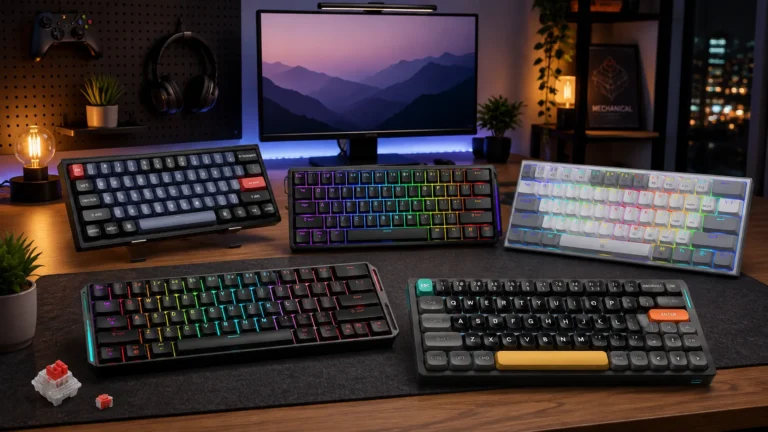
Compact boards used to be an enthusiast flex. Walk into any office in 2020 and you’d see a wall of full-size membranes; walk into a college dorm today and half the desks have a small board sitting in front of an ultrawide. The shift wasn’t marketing — it was space. Once you play FPS on low DPI, or share a small desk with a mousepad the size of a cutting board, giving up a numpad and a function row starts to make real sense.
I’ve spent the last decade reviewing, modding, and daily-driving small boards. Some of them changed how I type. Some ended up in a drawer within a week. This guide is what I actually tell friends when they ask which 60 and 65 percent gaming keyboards are worth their money right now — the tradeoffs, the boards I keep coming back to, and the ones I’d skip.
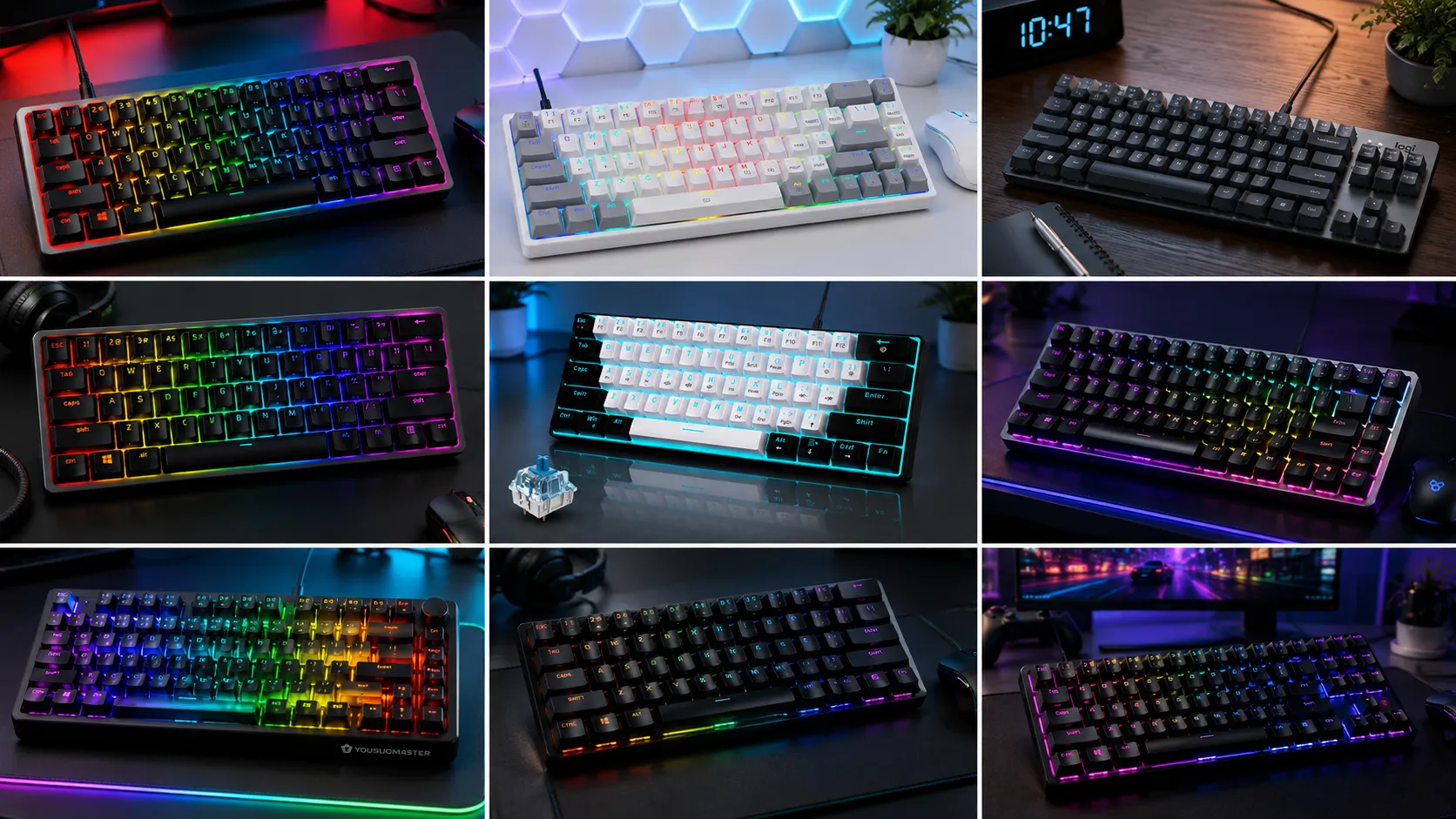
The TL;DR: Quick Comparison Table
Categorized by what you actually want out of the board, not spec-sheet trivia.
| You Want… | Keyboard | Layout | Switch | Best Feature | Check It |
|---|---|---|---|---|---|
| Best budget hot-swap | RK Royal Kludge RK61 | 60% | Blue | QMK/VIA + hot-swap under $50 | View on Amazon |
| Best for competitive FPS | Razer Huntsman Mini | 60% | Linear optical | Snap Tap + fast actuation | View on Amazon |
| Best PBT-cap board | HyperX Alloy Origins 60 | 60% | Tactile Aqua | Aluminum body + double-shot PBT | View on Amazon |
| Best 65% with a knob | X83 Gasket-Mount | 65% (66 keys) | Red (hot-swap) | Volume knob + gasket mount | View on Amazon |
| Cheapest real hot-swap | Redragon K617 | 60% | Varies | Hot-swap under $40 | View on Amazon |
| Best travel board | Portable 60% Blue | 60% | Blue | Compact + light for backpacks | View on Amazon |
| Best entry blue-switch | Snpurdiri 60% | 60% | Blue | Cheap way to try clicky | View on Amazon |
| Step-up if compact isn’t for you | Logitech K835 TKL | TKL | Linear red | Aluminum + no software drama | View on Amazon |
Prices and availability shift week to week. Each link opens Amazon so you can see today’s number.
What 60% and 65% Actually Mean
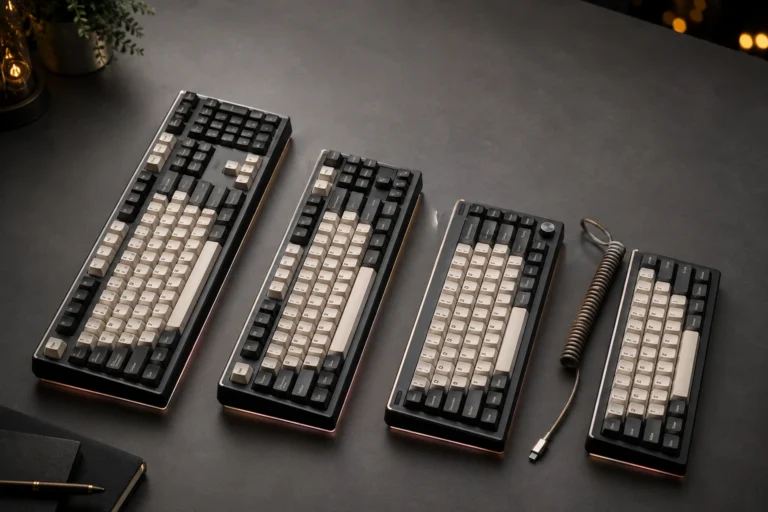
Numbers first. A 60% keyboard has 61 keys. You lose the numpad, the F row, the arrow keys, and the navigation cluster (Home, End, Page Up/Down, Insert, Delete). What’s left is the alphas, modifiers, and a few extras.
A 65% keyboard typically has 66 to 68 keys. Same base as a 60%, but the arrow keys come back, and you usually get a slim column of nav keys down the right side.
The layout matters because it dictates how much muscle memory you have to rebuild. On a 60%, arrow keys live on a Fn layer — usually Fn + WASD or Fn + IJKL. On a 65%, they’re right there under your right hand where you expect them. For most people trying compact for the first time, a 65% is the easier landing.
What You Give Up (and What You Get Back)
Here’s the catch, and I’m not going to sugarcoat it: you lose keys. Not “you access them differently” — you lose them, and you spend a week or two feeling clumsy while your fingers hunt for a Print Screen that isn’t there anymore.
But here’s what you get in exchange:
- Mouse room. A 60% board frees up four to five inches of horizontal desk space. If you play at 400 DPI with big sweeping arm motions, that’s massive.
- Programmable layers. Boards with QMK/VIA support (several on this list) let you put anything you want on the Fn layer. I’ve got caps lock mapped as a Fn key, and Fn + Q as Discord push-to-talk.
- Portability. A 60% fits in a laptop bag. A TKL doesn’t, at least not comfortably.
- A cleaner desk. Sounds soft. It’s not. Small boards actually change how you sit at your desk.
The honest tradeoff: if you use spreadsheets all day and constantly reach for the F row and a numpad, don’t buy a 60%. Get a TKL or a full-size and move on. But if you game and code more than you crunch numbers, a compact board is often the better daily driver.
Now to the boards themselves.
8 Compact Gaming Keyboards Worth Your Money
1. RK Royal Kludge RK61 — Best Budget Hot-Swap
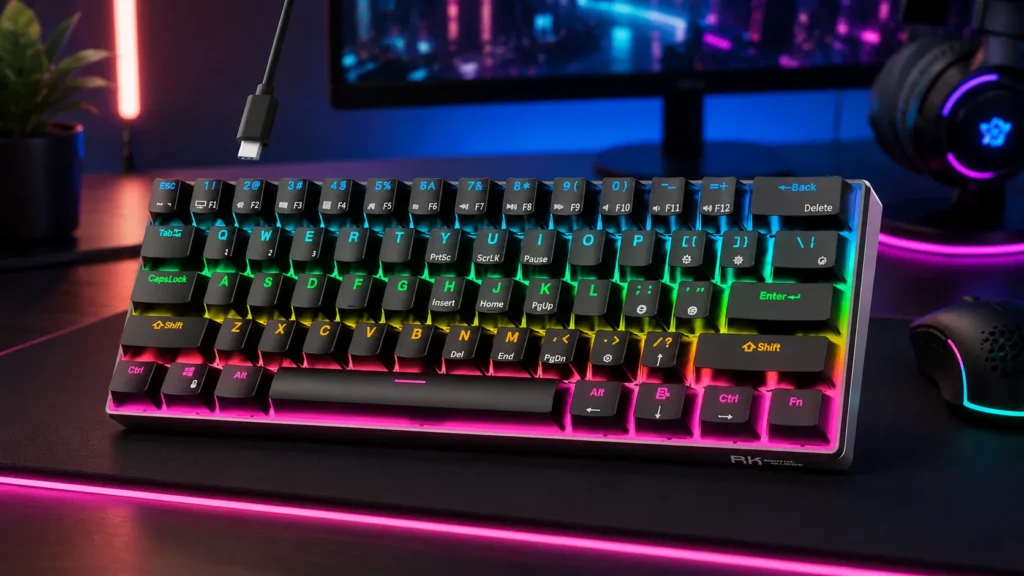
The RK61 is what I hand people who ask, “how do I try this without spending a lot?” Wired, 60%, hot-swappable sockets, QMK/VIA compatible, and priced like a gimmick even though it isn’t one. The blue switches are loud clackers — fine at home, brutal at the office.
Build is plastic, the stock stabilizers rattle, and the case flexes if you press hard. But you’re getting a real modding platform for the price. Pull the switches, drop in a set of Gateron Yellows or Akko V3 Cream Blues, add a light foam mod, and this board sounds and feels like something two or three times the cost.
Pros
- Hot-swap sockets (5-pin compatible)
- QMK/VIA programmable
- Genuinely cheap
- Great intro to modding
Cons
- Stock stabs rattle out of the box
- Some case flex under heavy typing
- Blue switches are loud and polarizing

- Mini 60% Keyboard: RK61 mini 60% gaming keyboard is a ultra-compact layout with 61 keys makes you a neat desktop with yo…
- Blue Switch: Excellent tactile feedback, every time you press any key, you can clearly get the feedback of the click, an…
- RK61 RGB Keyboard & QMK/VIA Programmable: This 60% rgb keyboad has 18 RGB backlight modes, 8 monochrome backlight modes …
2. Razer Huntsman Mini — Best for Competitive FPS
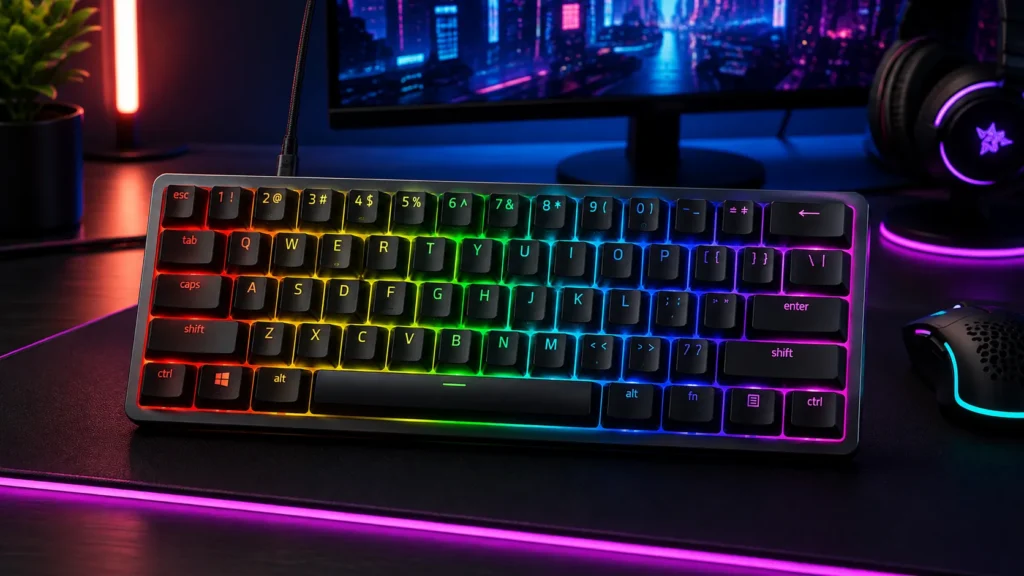
If you’re grinding ranked FPS, this one earns its price. Razer’s linear optical switches actuate on light beam interruption instead of metal contact, so they’re quick — you’ll feel it in tap-heavy games. Snap Tap, which lets one direction input cancel the opposite direction, is a legitimate edge in titles that reward counter-strafing.
The aluminum top plate makes it feel dense on the desk, and the PBT keycaps are the good kind — no shine, no cheap texture. Chroma RGB is what it is; you’ll either love it or turn it down in software. Honest gripe: Synapse still wants to run in the background for the deeper features, and I’d rather it didn’t.
Pros
- Linear opticals feel genuinely fast
- Snap Tap for competitive advantage
- Double-shot PBT keycaps
- Aluminum top frame
Cons
- Synapse software is heavy
- No hot-swap sockets
- Premium price for a 60%

- FASTER THAN TRADITIONAL MECHANICAL SWITCHES — Razer Linear Optical switch technology uses optical beam-based actuation, …
- ULTIMATE PERSONALIZATION & GAMING IMMERSION WITH RAZER CHROMA RGB LIGHTING — Fully syncs with popular games, Razer hardw…
- QUALITY, ALUMINUM CONSTRUCTION — Covered with a matte, aluminum top frame for increased structural integrity
3. HyperX Alloy Origins 60 — Best PBT Caps Under $150
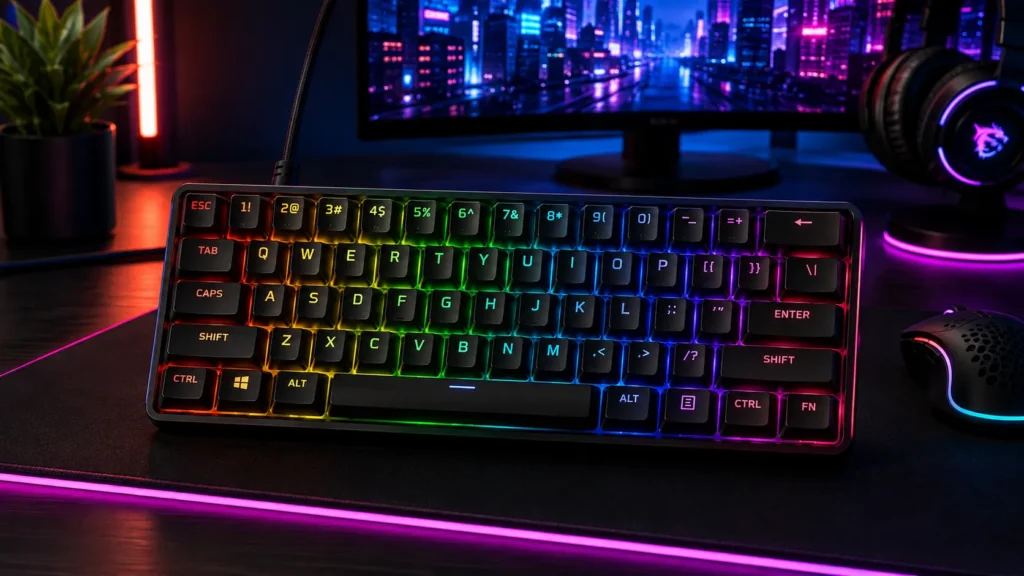
The Alloy Origins 60 is the sensible-adult pick. Full aluminum body, HyperX Aqua tactile switches (a genuinely nice middle-ground bump — sharper than a Cherry Brown, not as aggressive as a Zealio), and double-shot PBT keycaps that won’t shine after six months of daily use.
The Aqua is what makes this board. It’s the switch I’d hand someone who says, “I don’t like clicky, I don’t like linear, and I don’t really know what tactile means.” Once they type on it for ten minutes, they usually stop asking questions.
Pros
- Aqua tactile switch is legitimately good
- Double-shot PBT caps (durable, no shine)
- Full aluminum body construction
- NGENUITY software is reasonable
Cons
- Not hot-swap
- Only one switch option available
- Steeper price than the budget picks
- Petite 60% form factor: Free up more room for your mouse with this supremely compact keyboard. Side-printed functions on…
- Full aircraft-grade aluminum body: The aluminum casing keeps the keyboard structurally sound and stable when the action …
- Double shot PBT keycaps with side printing: The pre-installed PBT keycaps have text on the sides to help you quickly loc…
4. X83 65% Gasket-Mount — Best 65% with Volume Knob
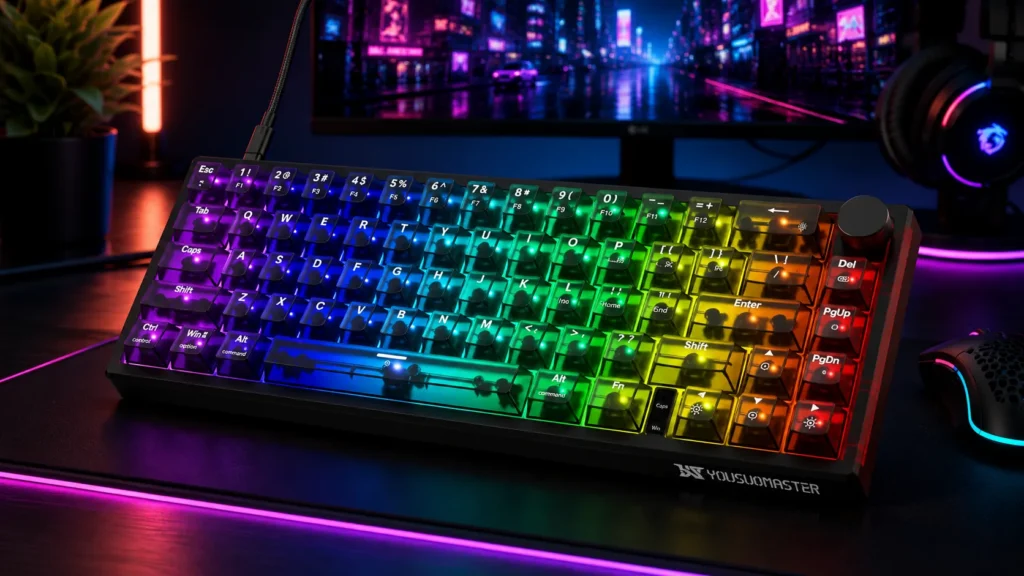
This one’s the sleeper. A 66-key 65% board with a gasket mount, hot-swap sockets, a real volume knob, and RGB — for a price that used to buy you a much worse board a couple of years ago. Gasket mount softens the typing feel and takes some of the ping out of the sound; the volume knob turns out to be the thing you use daily without realizing.
Stock red switches are fine, not great. But because it’s hot-swap, you can drop in whatever you actually want later — Akko Cream Yellows, Gateron Milky Yellows, whatever.
Pros
- Gasket mount at this price is honestly wild
- Volume knob (weirdly essential once you have one)
- Hot-swap sockets
- 65% layout keeps your arrow keys
Cons
- Stock red switches are unremarkable
- Software is basic
- Case is plastic, not aluminum

- 【MINI 60% KEYBOAR】YOUSUOMASTER X83 custom mechanical keyboard is compact 60% layout with 66 keys and 1 metal function kn…
- 【DYNAMIC RGB BACKLIGHT & DARK TRANSLUCENT KEYBOARD】Our mini gaming keyboard is using the new two-color injection molding…
- 【HOT SWAP LINEAR RED SWITCH】Hot-swap PCB allows you to replace 3 pins/5 pins switches freely without soldering issue. En…
5. Redragon K617 — Cheapest Serious Hot-Swap
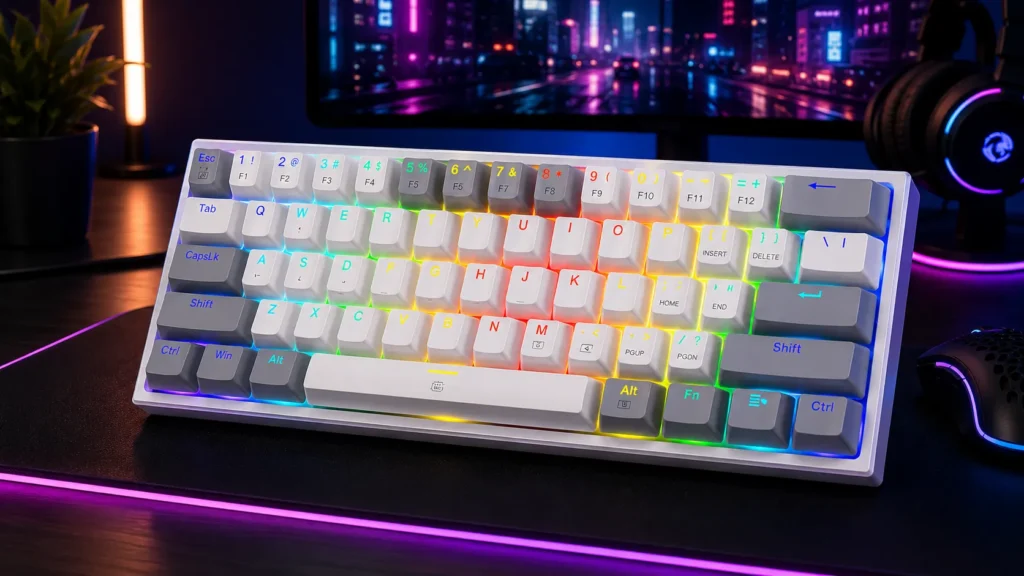
Redragon has been quietly making decent budget boards for years, and the K617 is the one I keep recommending under $40. Hot-swap sockets, 20-mode RGB, and their Pro software. The stock keycaps are ABS and they will shine eventually — but at this price, you swap them out when they do and you’re still ahead.
If your budget is genuinely tight and you want to try 60%, this is where I’d start. The RK61 edges it on the QMK/VIA side, but the K617 is often the cheaper of the two on any given week.
Pros
- Real hot-swap at rock-bottom price
- Software is functional, not bloated
- Standard 61-key 60% layout
- Compact and light
Cons
- ABS keycaps will shine over time
- Stock switches are budget-tier
- Not QMK/VIA — Pro software only

- 60% Compact, More Room to Aim – Ditching the numpad and nav cluster frees up desk space for wide mouse swipes, so your s…
- Swap Switches Without Soldering, Smooth and Quiet – The upgraded socket accepts almost any 3-pin or 5-pin switch, and st…
- Vibrant RGB for a True eSports Vibe – Up to 20 preset lighting modes with adjustable brightness and flow speed give your…
6. Portable 60% Blue Switch — Best Travel Board
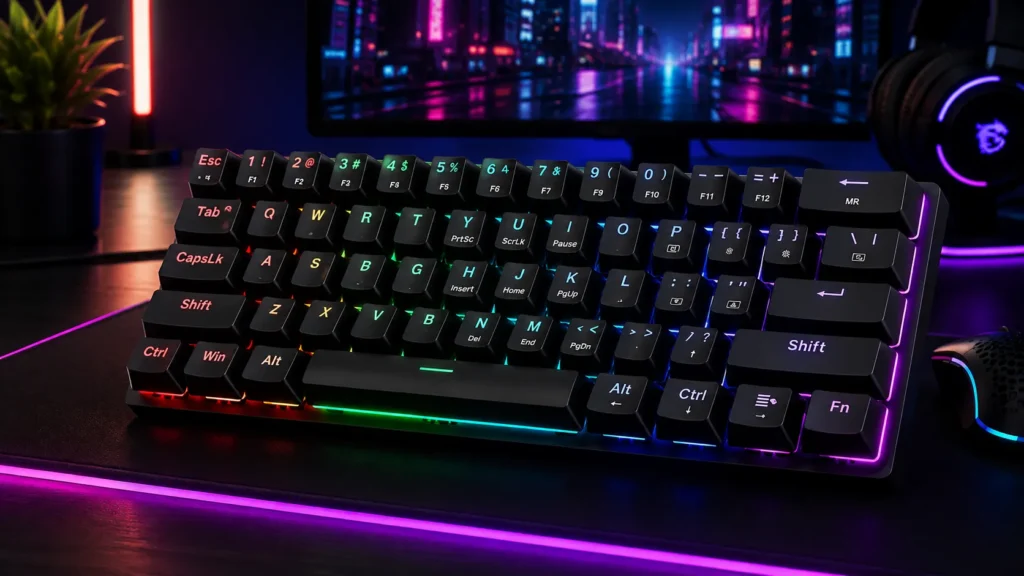
This is the “throw it in a backpack and don’t cry if it dies” pick. Basic 60% with blue switches, 18-mode LED backlight, 61 keys — nothing fancy, but it’s cheap and compact enough that I’ve packed one for trips when I didn’t want to risk a nicer board getting knocked around.
Blue switches are loud. If you’re using it in a coworking space, everyone will hate you. But for gaming in a hotel room with headphones on, or a coffee shop where you’re already in your own bubble, it does the job.
Pros
- Small and light enough to travel with
- Cheap enough that damage isn’t a tragedy
- 18 backlight modes
- Works on PC, Mac, and Xbox
Cons
- Loud blue switches (know your surroundings)
- No hot-swap sockets
- Build quality is basic
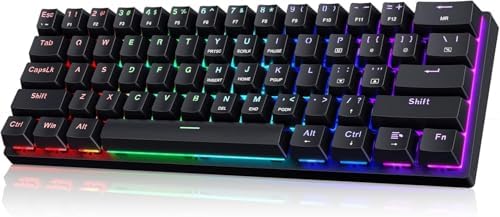
- 🌟【60% Keyboard: 61 Keys Compact Design】Ultra-compact layout with 61 keys that free up your desktop, leaving more space f…
- 🌟【Mechanical keyboard: Responsive Blue Switches】CACKBIRD gaming keyboard features blue mechanical keys that give a satis…
- 🌟【Rainbow LED Backlit Accompanies Your Night】18 LED Rainbow Backlight Effects,5 brightness levels & speeds,1 customizati…
7. Snpurdiri 60% — Best Cheap Blue-Switch Entry Board
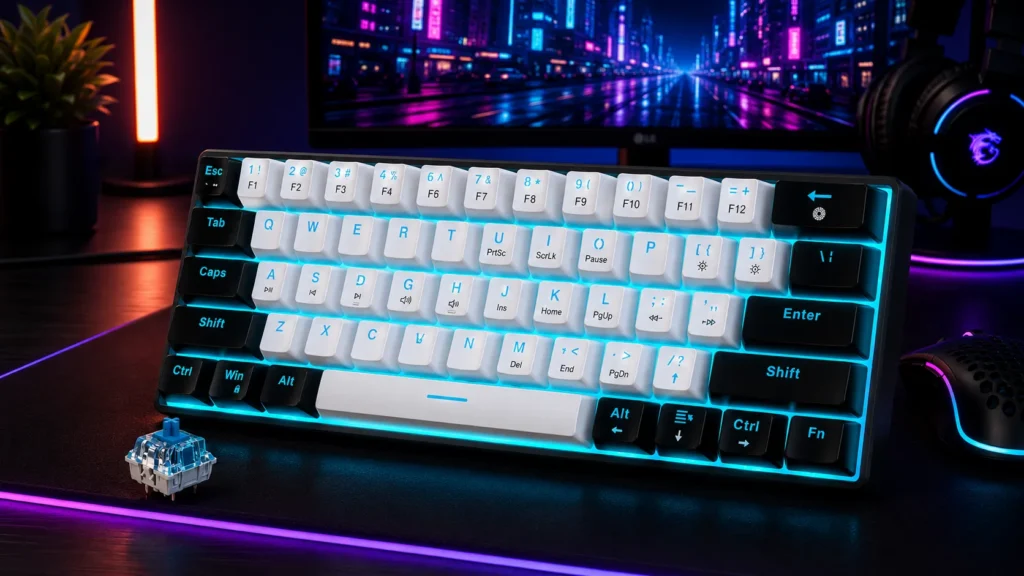
The Snpurdiri is the “try mechanical for cheap” board. Blue switches, ice-blue backlight, 61 keys, and a price that lets someone crossing over from membrane risk almost nothing. Buy it, use it for a month, and decide if you want to invest more.
Nothing here is best-in-class. But for a first mechanical board, or a second board for the office, the risk is basically zero.
Pros
- Real mechanical typing at a very low price
- Compact 60% form factor
- Backlight is decent for the money
- No software needed — works out of the box
Cons
- No hot-swap
- Not QMK/VIA
- ABS keycaps
- Blue switches only

- 60% small mechanical keyboard — This classic 60 percent mechanical keyboard is ultra-compact. Its small size helps you s…
- Mechanical blue switch — For TYPING and GAMING, blue switches deliver accurate, responsive key commands; crisp audible c…
- Ice Blue LED backlit — Snpurdiri team choose the most popular ice blue lighting color for you, no messy.Simple and gener…
8. Logitech K835 TKL — The “I Changed My Mind” Pick
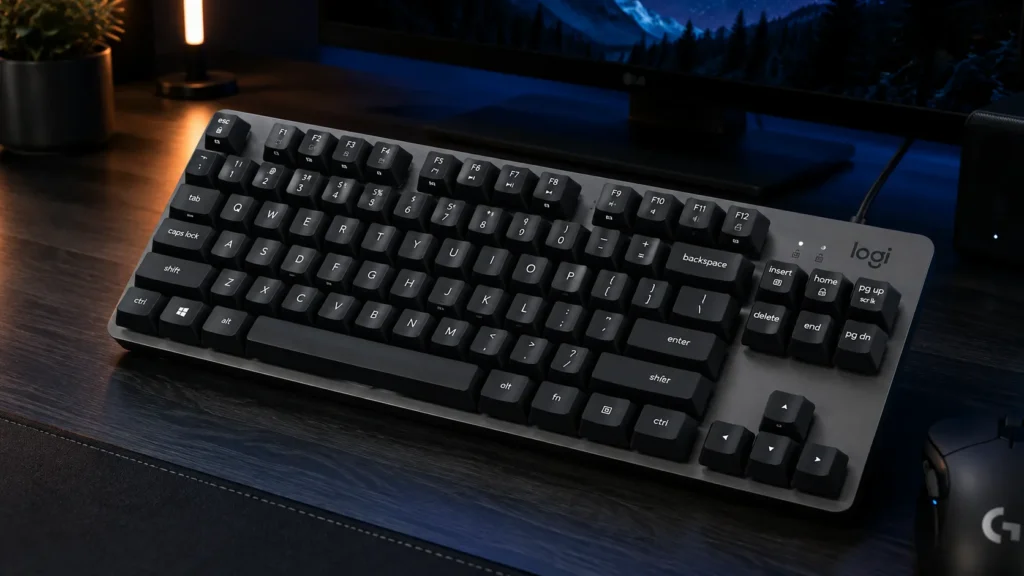
I’ll level with you: the K835 is a TKL, not a 60% or a 65%. I’m including it because if you get halfway through this guide and quietly realize you want an F row, arrow keys, and a nav cluster, this is the honest step-up. Aluminum frame, linear red switches, wired, no software, no RGB drama.
It’s not compact. But it’s tenkeyless, so you’re not going back to a full-size behemoth either. If you’re on the fence about whether you can live without the F row, buy this and skip the identity crisis.
Pros
- Aluminum frame at a TKL price
- No software or drivers required
- Quiet-ish linear reds
- Reliable Logitech build quality
Cons
- Not actually a 60% or 65% (be honest with yourself)
- No RGB
- Not hot-swap
- Wired only

- SPACE-SAVING DESIGN: Compact design without numeric keypad saves space on your desk and works great with laptops, so you…
- MODERN SLIM DESIGN: Have a precision of gaming geared to keying. A modern design looks great in any setting. BEST PRODUC…
- Built to last: With an aluminum frame, mechanical switches have been tested up to 50 million clicks and given long-lasti…
Buying Advice: What Actually Matters
If you take one thing from this guide, take this: the specs that matter aren’t the ones manufacturers advertise loudest.
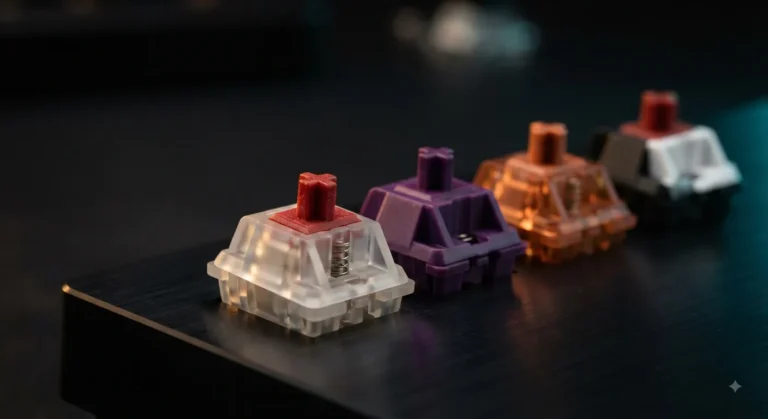
- Switches matter, but not the marketing name. Linear (Red, Yellow, Silver) for smooth and fast, tactile (Brown, Aqua, Clear) for a bump you can feel, clicky (Blue, Green) for the loud click. Try before you commit if you possibly can. If you can’t, get a hot-swap board so you can change your mind later.
- Keycaps matter more than people think. PBT lasts and stays matte. ABS shines within months of daily use. If a board comes with double-shot PBT out of the box, that’s genuine value. If it’s ABS, budget for a replacement set six months down the line.
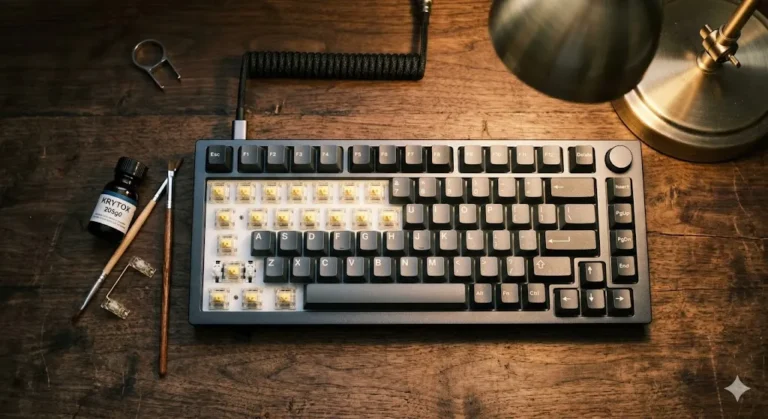
- Hot-swap matters only if you’ll actually mod. If you’re going to leave the board stock forever, hot-swap is a wasted feature. If there’s any chance you’ll want to try a different switch, they’re mandatory. Don’t overthink it — most people who mod once mod again.
- RGB doesn’t matter as much as marketing wants you to believe. I’ve never met anyone whose ranked play improved because their keyboard glowed pink. Buy it if you like it. Don’t pay a premium for it.
For a deeper dive into how switches and keycaps actually interact — and the specific mods that change how a board sounds and feels — check out our full breakdown right here.
Where to Land
Honest short version: for most people, the RK Royal Kludge RK61 is the smart entry point. It’s cheap, it’s hot-swap, and it’s QMK/VIA — which means you can grow with it instead of outgrowing it.
If you play competitive FPS and have the budget, the Razer Huntsman Mini is worth it, and Snap Tap alone earns its keep in ranked. If you want a keyboard you’ll still be using in five years, the HyperX Alloy Origins 60 is that board — aluminum, tactile, PBT, and boring in the best way. And if you want arrow keys plus a volume knob without spending flagship money, the X83 65% gasket-mount is punching well above its weight.
The one thing I won’t tell you is that any of these boards will make you a better player. They won’t. But the right one will make typing and gaming feel good — which, if we’re being honest, is the whole reason any of us fell down this rabbit hole in the first place.
Affiliate disclosure: some links in this article are affiliate links. If you buy through them, we get a small commission at no extra cost to you. That doesn’t change what we recommend — the RK61 is still the smart budget pick, whether you buy it through us or not.
This article contains affiliate links. If you buy through them, I earn a small commission at no extra cost to you. I only recommend keyboards I’ve actually tested. As an Amazon Associate I earn from qualifying purchases.