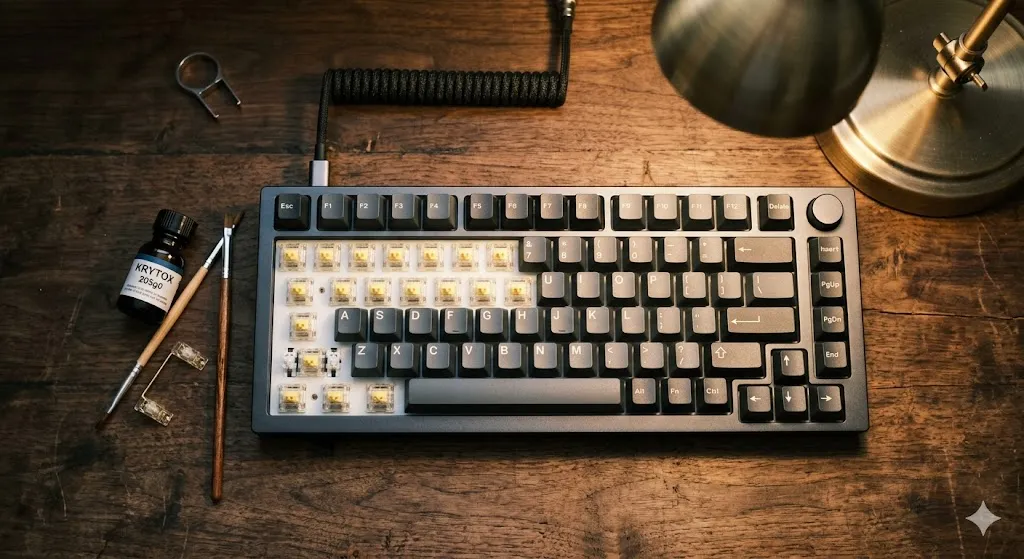
How to Make a Mechanical Keyboard Quieter: 6 Mods Ranked

This article contains affiliate links. If you buy through them, I earn a small commission at no extra cost to you. I only recommend keyboards I’ve actually tested. As an Amazon Associate I earn from qualifying purchases.
Most guides on how to make a keyboard quieter open with the same tired line about o-rings, and honestly, o-rings are maybe the fifth most important thing you can do. I’ve spent the last decade-plus opening, modding, and re-tuning more boards than I can count, and the silence hierarchy almost nobody talks about is this: the rattle from your stabilizers is louder than your switches, and your switches are louder than your bottom-out, and your bottom-out is louder than your desk. Fix them in that order and you’ll actually get somewhere.
Here’s the no-nonsense version of how to make a keyboard quieter, ranked by real-world impact. I’ll tell you what’s worth your money, what’s mostly vibes, and which combo I’d actually run if my goal was a board my coworker on the next desk couldn’t hear.
Quick Comparison Table: Pick Your Path
| Your situation | Best move | Effort | Approx. cost |
|---|---|---|---|
| Office use, can’t disturb anyone | Silent tactile or silent linear switches (Gazzew Boba U4, Cherry MX Silent Red) | Medium — needs hot-swap or solder | $40–$90 for a full set |
| Renting or won’t open the board | Thick desk mat + heavy o-rings on every keycap | Low — 20 minutes | $25–$50 total |
| Have a hot-swap board already | Swap to silent switches + lube the stabilizers | Medium | $50–$100 |
| Full enthusiast endgame | Tape mod + PE foam + lubed screw-in stabs + silent switches | High — full teardown | $80–$120 |
| Gamer who still wants fast response | Lubed Gateron Silent Yellow + 4mm deskmat | Medium | $60–$90 |
| Cheapest possible quick win | Lube the stabilizers only | Low | Under $15 |
If you only read this far, here’s the headline: lubed stabilizers plus silent switches plus a real desk mat will get you 90% of the way to a quiet keyboard. Everything else is polish.
Why Your Keyboard Is Actually Loud
Before you spend a dime, you have to know what’s making the noise. A mechanical keyboard produces sound in roughly four places:
- The switch itself — spring ping, stem-on-housing collision, bottom-out, top-out.
- The stabilizers — that hollow rattle on your space bar, shift, enter, and backspace. This is almost always the loudest single thing on a stock board.
- The case — empty plastic or aluminum cavities act like a literal speaker box.
- The desk — vibrations transfer straight through the chassis into whatever the board’s sitting on, and your desk amplifies it.
If you don’t address those four sources in roughly that order, you’re just rearranging the noise.
Tier 1: Silent Switches (The Single Biggest Lever)
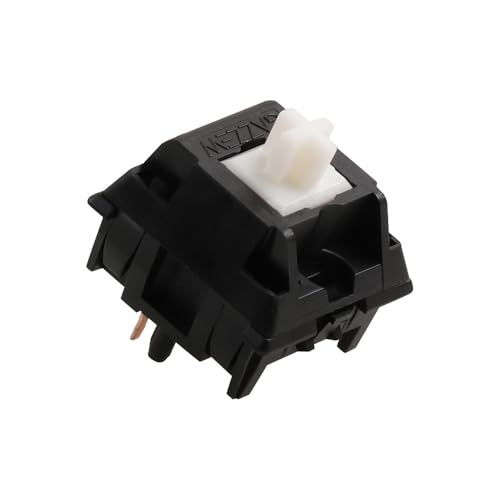

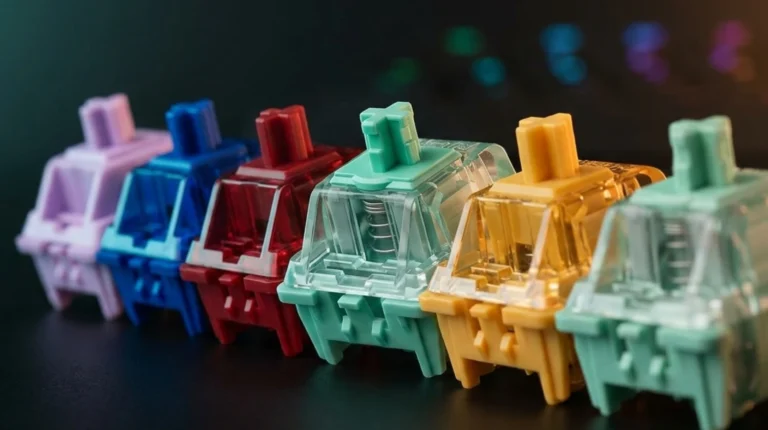
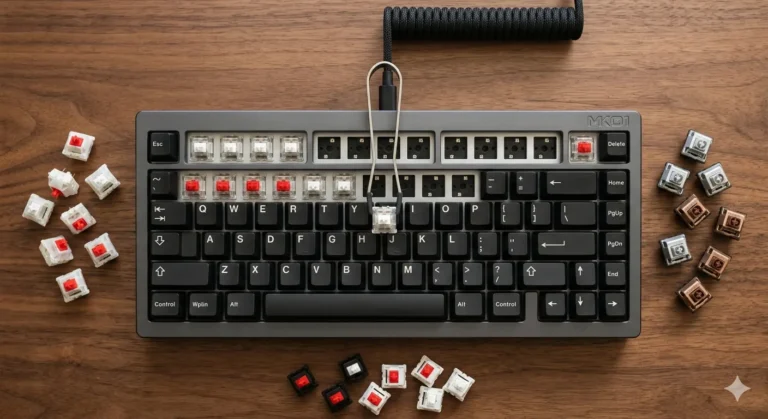
If you’re serious about how to make a keyboard quieter and you’ve got a hot-swap board, this is where I’d start. Modern silent switches use little rubber dampeners inside the housing to soften both the bottom-out and the top-out. The good ones are genuinely quiet — not whisper-quiet, but the loud clack is gone.
The ones I keep coming back to:
- Gazzew Boba U4 (silent tactile) — my favorite of the bunch. Strong tactile bump, almost no high-frequency click, very soft bottom-out. They sound like typing on a damp paperback.
- Cherry MX Silent Red — linear, smooth enough out of the box, and OEM-grade reliable. Slightly mushy feel that not everyone loves, but they shut up a board instantly.
- Gateron Silent Yellow — the budget pick. Linear, smooth, surprisingly close to a Cherry Silent Red at a fraction of the price.
- Outemu Silent Lemon — cheapest of the lot. Good for a sub-$100 build, but the housing tolerances are a coin flip.
Here’s the catch: silent switches feel slightly softer than their loud counterparts. If you’re a hard typist who likes a crisp bottom-out, you’ll notice. I’ve watched plenty of people swap to Silent Reds, type for an hour, and miss the feedback. It’s a trade.
Tier 2: Fix Your Stabilizers (Probably Your Real Problem)
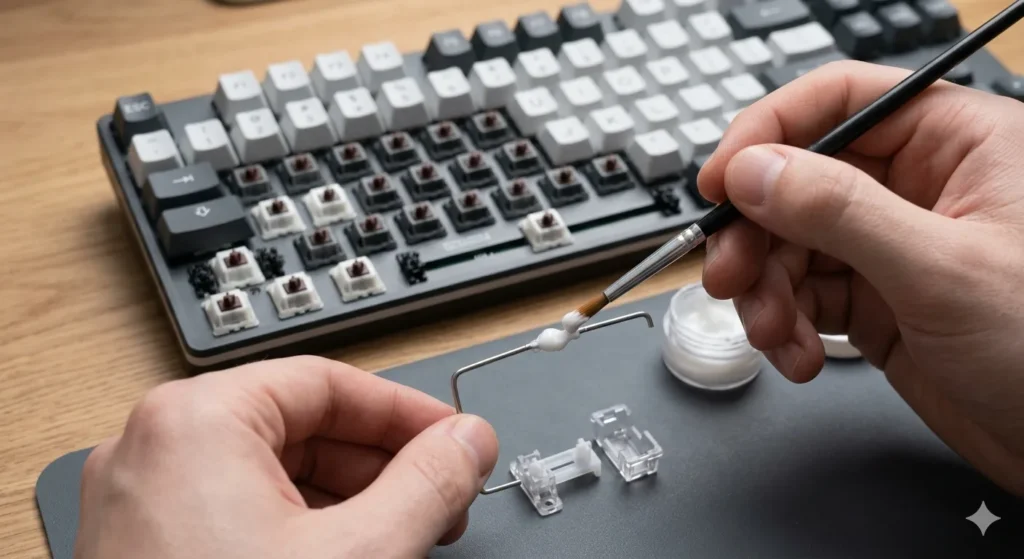
I’d bet money your space bar is the loudest key on your board. That rattle is the stabilizer wire bouncing inside its housing — not the switch. You can install the best silent switches on earth and your space bar will still sound like a maraca if the stabs aren’t tuned.
The basic fix:
- Pop your space bar, shift, enter, and backspace keycaps off.
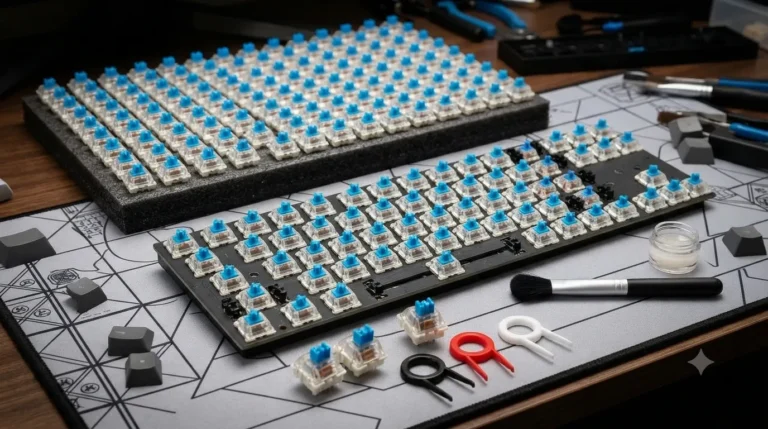
- Lube the stabilizer wires with a thick dielectric grease. I use Permatex dielectric — it’s $5 at any auto parts store and works as well as the boutique stuff.
- Lube the stabilizer housing where the stem slides with a thin coat of Krytox 205g0.
- If the stabs are clip-in, consider upgrading to screw-in Durock V2 or C³ Equalz stabs. Game over for rattle.
This single step does more for a quieter keyboard than people give it credit for. A $15 tube of lube and 30 minutes will outperform a $50 set of o-rings.
Tier 3: Switch Lube (Quiet and Smooth)
Lubing switches is the hobby’s favorite rabbit hole. It does quiet them down — particularly the spring ping that drives some people crazy — but the impact is more about texture and consistency than raw dB drop.
What I actually use:
- Krytox 205g0 for linears (Reds, Yellows, Silent Reds).
- Tribosys 3204 for tactiles (Browns, Holy Pandas, Boba U4s) — thinner so you don’t kill the bump.
- A thin brush, patience, and an espresso.
A full lube job on 70 switches takes me about two hours. Is it worth it? If you already have the switches open or you’re sensitive to spring ping, yes. If you’re just trying to make a keyboard quieter for the office, skip ahead — silent switches and stabs will get you further per minute spent.
Tier 4: Foam and Tape Mods (The Case Treatment)
Most stock cases have a hollow cavity that turns every keystroke into a small drum hit. Foam mods kill that resonance.
- Case foam — a sheet of EVA or Poron between the plate and PCB. Cuts hollowness immediately.
- PCB foam — between the PCB and the bottom case. Reduces low-end boom.
- Tape mod — three or four layers of painter’s tape on the back of the PCB. Sounds insane, works surprisingly well, costs nothing. It also changes the sound signature — slightly higher pitched, more “poppy.”
Foam doesn’t make a board dramatically quieter so much as it makes the noise it does make feel tighter and less annoying. Hollow boards sound louder than they measure because the resonance grates on you. Kill the resonance, and the same dB level reads as softer to your ear.
Tier 5: O-Rings (Useful, Overrated, Easy)
O-rings slip onto the stem of your keycaps and stop the cap from hitting the switch housing at full force. They reduce bottom-out noise, which is real, but they also reduce travel distance and give the board a slightly mushy feel.
When o-rings make sense:
- You can’t open your board (laptop-style, soldered, or you just don’t want to).
- You need a fast, reversible fix.
- You’re pairing them with non-silent switches and want some of the dampening effect.
When they don’t:
- You already have silent switches — you’re double-dampening and it feels dead.
- You hate mushy bottom-outs.
Get 50A hardness rings, not the squishy thick ones. Glorious sells a decent generic set for around $10.
Tier 6: Desk Mat (Quietly the MVP)
If I had to pick one mod that punches above its weight, it’s a thick desk mat. A 4mm cloth-and-rubber mat decouples the board from your desk and stops vibration transfer. Cheap, requires zero teardown, instantly noticeable.
The board sounds fuller, the desk stops acting like an amplifier, and the high-frequency clack drops. I’d put a deckmat on every keyboard before I’d put o-rings on any of them.
How to Make Your Keyboard Quieter — The Stack I’d Actually Run
If somebody handed me a stock $120 hot-swap board and said “make it as quiet as possible without making it feel terrible,” here’s exactly what I’d do, in order:
- Lube the stabilizers with dielectric grease on the wire, 205g0 on the housing. (30 minutes, $5.)
- Swap in silent switches — Gazzew Boba U4 if I want tactility, Gateron Silent Yellow if I want linear and smooth. (15 minutes if it’s hot-swap, $40–$80.)
- Add a thick desk mat. Cloth, rubber-backed, 4mm or more. (Instant, $20.)
- Tape mod the PCB if I’m already inside the board. (10 minutes, free.)
- Skip o-rings unless I’m desperate. Doubling up dampening on silent switches feels dead.
Total: under $100, under three hours of work, and the difference is night and day. You go from a board your coworker can hear across an open office to one your partner won’t hear from the couch.
The Contrarian Take
A quiet keyboard isn’t always a good keyboard. Sound is feedback. When you start dampening everything — silent switches, foam, o-rings, tape, deep cloth mat — you can end up with something that feels muted and mushy and gives you no signal that you actually hit a key. That’s why my own daily driver isn’t fully silenced. It’s just less loud. I lube the stabs, tape-mod the PCB, sit on a thick mat, and call it good.
If you want a stealth keyboard, go all the way. If you just want your board to stop annoying the people around you, hit the top three tiers above and quit. Past that, you’re paying real money in feel for tiny gains in decibels — and honestly, after about $80 in mods, nobody will be able to tell the difference but you.
This article contains affiliate links. If you buy through them, I earn a small commission at no extra cost to you. I only recommend keyboards I’ve actually tested. As an Amazon Associate I earn from qualifying purchases.