Best Wireless Gaming Keyboard Under $200: 5 Tested Picks

This article contains affiliate links. If you buy through them, I earn a small commission at no extra cost to you. I only recommend keyboards I’ve actually tested. As an Amazon Associate I earn from qualifying purchases.
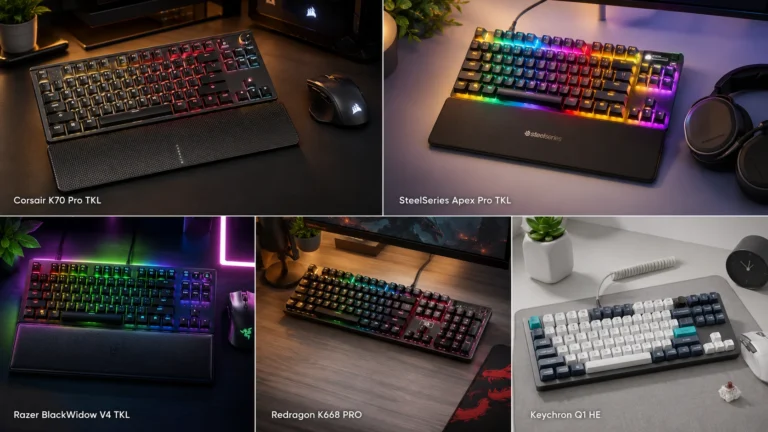
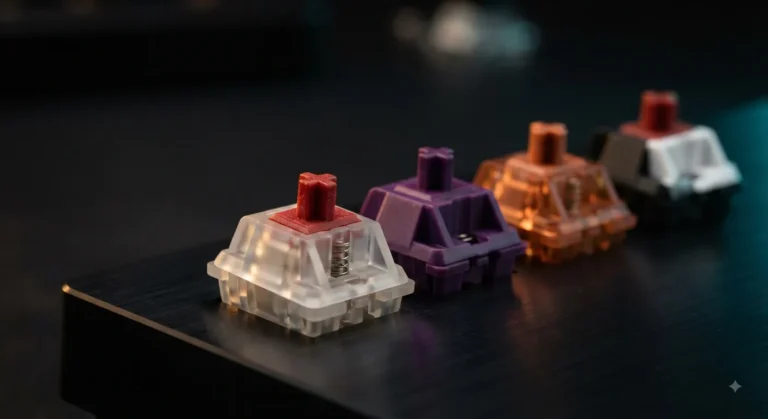
Here’s the thing about $200 wireless keyboards: half of them are charging you for the logo, and the other half are quietly better than the $300 boards from two years ago. The market shifted fast. Hall effect switches, decent 2.4GHz wireless, hot-swap sockets, and PBT keycaps used to be flagship-only. Now they show up on boards that cost less than a pair of midrange headphones.
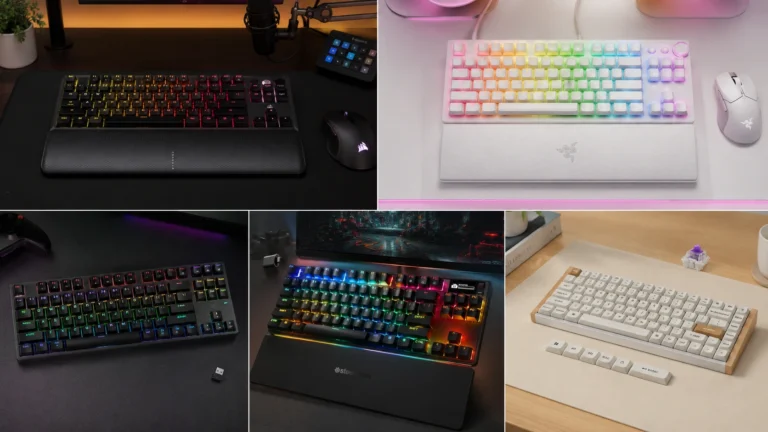
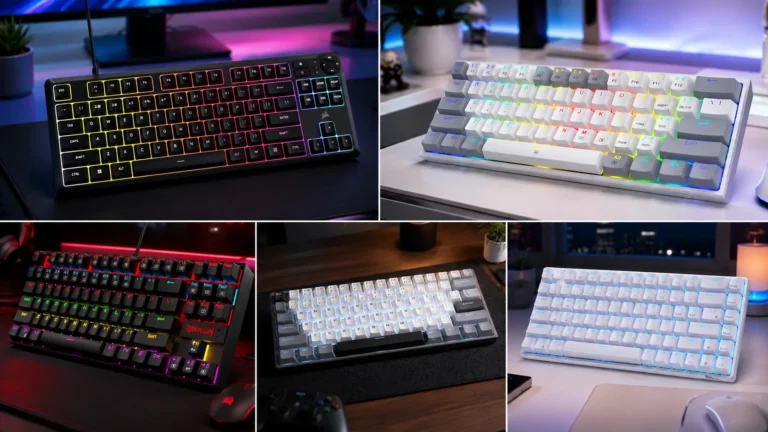
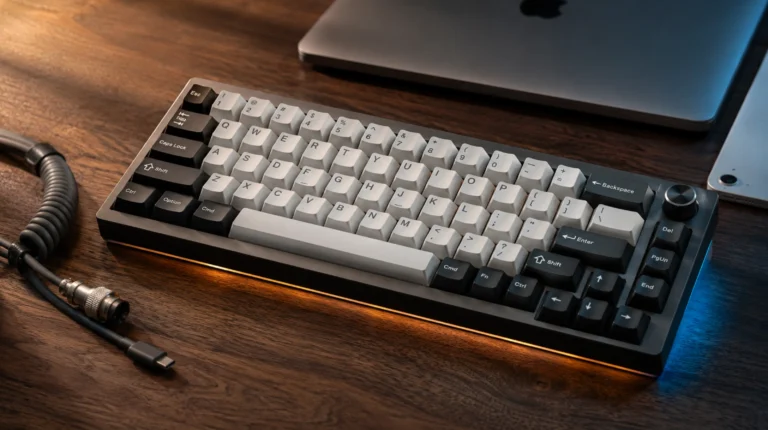
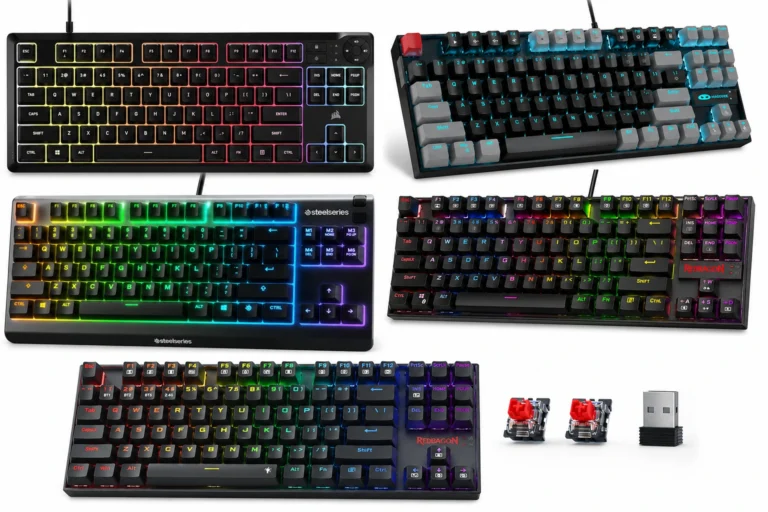
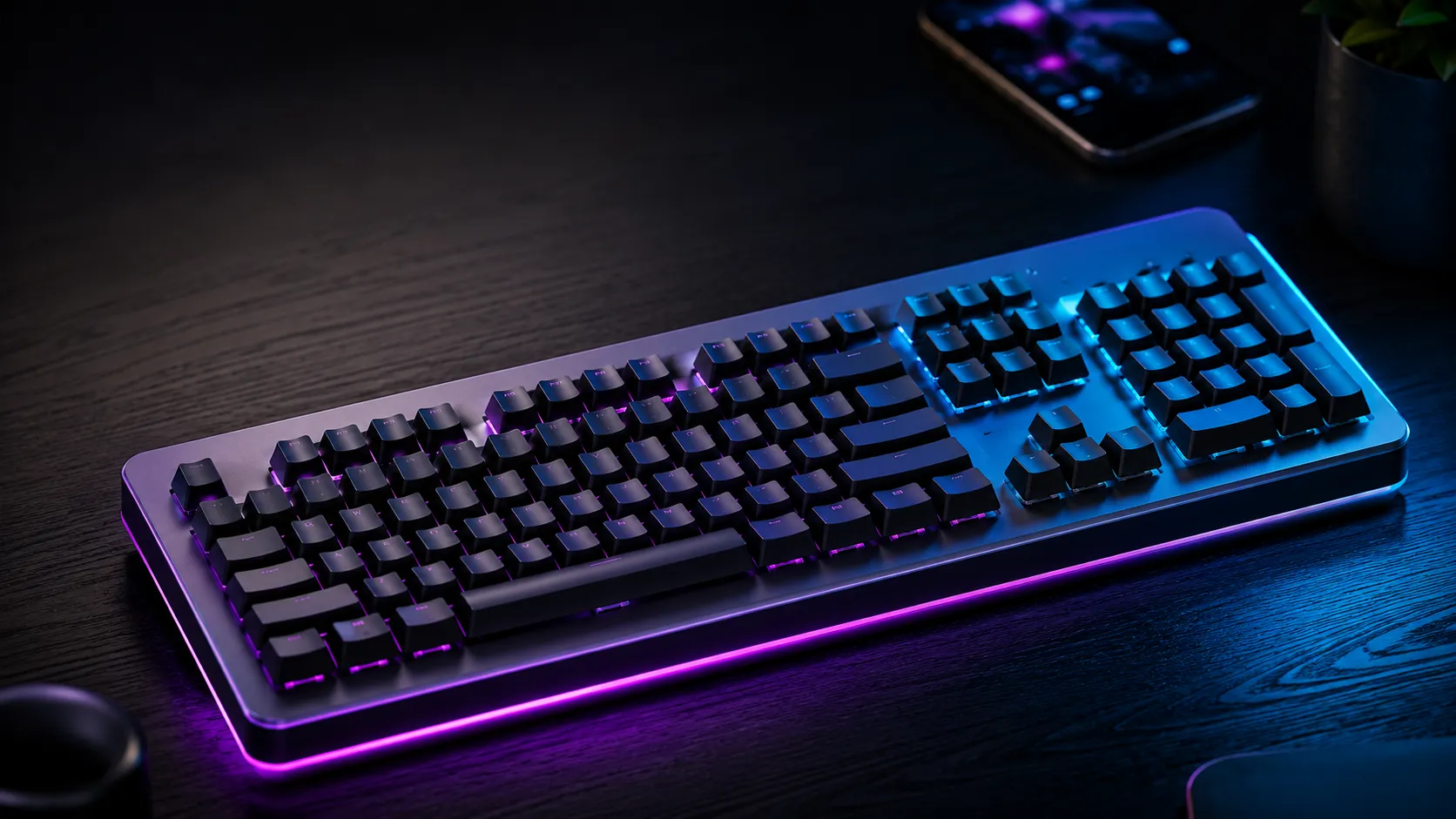
I’ve spent the last several months bouncing between five of the most-recommended options in this bracket. Some impressed me. One I’d happily keep on my desk. One I’d return. If you’re shopping for the best wireless gaming keyboard under $200, this is the honest shortlist — sorted by what you actually want it to do, not by alphabetical order or whatever Amazon’s algorithm is pushing this week.
Quick Comparison: Best Wireless Gaming Keyboard Under $200 by Use Case
Skim this first. If a board catches your eye, the deeper write-up is below.
| Use Case | Best Pick | Why It Wins | Check Price |
|---|---|---|---|
| 🏆 Best Overall | EPOMAKER TH108 V2 PRO | Full-size, gasket mount, 10,000mAh, real PBT, sounds great out of the box | View on Amazon |
| 🎯 Best for Competitive FPS | Womier SK75 TMR/HE | Hall effect switches, rapid trigger, 8000Hz polling — actually faster, not just marketing | View on Amazon |
| ✈️ Best Low-Profile / Travel | Logitech G915 TKL | Thin aluminum, premium feel, Lightspeed wireless that just works | View on Amazon |
| 💸 Best Value Under $200 | AULA F108 PRO | Hot-swap, screen, knob, pre-lubed switches — costs way less than it should | View on Amazon |
| 🖐️ Best for Long Sessions / Comfort | Logitech G715 | Tactile GX Browns, palm rest included, easy on the wrists | View on Amazon |
What $200 Should Actually Buy You in a Wireless Gaming Keyboard
Before the reviews, let’s set expectations. At this price you should expect, at minimum:
- PBT keycaps — not the cheap ABS that goes shiny in three months
- 2.4GHz wireless, not just Bluetooth — Bluetooth alone is fine for typing, not for gaming
- Hot-swap sockets so you can change switches without a soldering iron
- Pre-lubed stabilizers, or at the very least, stabs that aren’t rattling out of the box
- Battery life over 40 hours with RGB on, much more with it off
- NKRO or true 6KRO over wireless, not just wired
If a $200 board misses two of those, it’s overpriced. I don’t care whose logo is on it. If you want a deeper take on what separates a fair $200 from a fake $200, I broke that down in this guide on what real premium build actually means.
1. EPOMAKER TH108 V2 PRO — Best Overall

- Multi-Device Full Sized Keyboard: Designed to thrive wherever your digital life takes you, the EPOMAKER TH108 V2 PRO key…
- Custom Keyboard with Screen & Knob: High-tech utility and playful display, the TH108 V2 PRO custom keyboard blends both …
- Professional Gaming Keyboard: Engineered for elite gamers, the TH108 V2 PRO gaming keyboard is a stable, high-performanc…
![EPOMAKER TH108 V2 PRO]
The TH108 V2 PRO is the board I kept coming back to during testing. It’s full-size with a numpad — which I know is unfashionable in enthusiast circles, but if you do spreadsheets, accounting, or any kind of data entry, you already know why you need it.
What’s good:
- Gasket-mounted construction with multiple layers of foam and silicone — sounds genuinely deep without that hollow “tape mod gone wrong” rattle
- Creamy Jade linears come pre-lubed, and they’re surprisingly close to a hand-lubed switch
- PBT keycaps with proper Mac modifier legends — actual Cmd/Opt keys, not stickers
- 10,000mAh battery (yes, ten thousand) — I went over two weeks of normal use with RGB at low brightness
- Hot-swap, BT, 2.4GHz, and USB-C all work without weird software gymnastics
- Smart screen and knob — useful, not just decoration
Here’s the catch: the smart screen is great until you realize the customization software is, uh, not Logitech-grade. It works, but it’s clearly translated from another language and crashes occasionally. Doesn’t affect typing or gaming — just the screen widgets.
Verdict: If you want one keyboard for work, gaming, and the occasional video edit with the knob, this is it. It’s the closest thing to a “do everything” pick under $200.
Check current price on Amazon →
2. Womier SK75 TMR/HE — Best for Competitive FPS

- Aluminum Hall Effec Keyboard 75% Percent with Magnetic Switches: Experience the perfect blend of mechanical performance …
- Wireless Rapid Trigger Keyboard & 8000mAh Battery: Rapid trigger wireless custom keyboard seamlessly between devices wit…
- Hot-Swappable Mechanical Gaming Keyboard Magnetic Switch: Keyboard is compatible with mechanical switches and most brand…
![Womier SK75 TMR/HE]
This one’s for the Valorant, CS2, and Apex crowd. The SK75 uses TMR (basically an evolved Hall effect) magnetic switches, which means you get rapid trigger and adjustable actuation. You can set your W key to register at 0.1mm and your Caps Lock at 3mm if you want. That’s not marketing — it’s a real, measurable advantage for fast-twitch shooters.
What’s good:
- Full aluminum chassis, heavy and dense — doesn’t slide around on the desk
- 8000Hz polling on wired, solid 1000Hz on 2.4GHz wireless
- Rapid trigger feels noticeably snappier in-game than a standard linear, especially for counter-strafing
- Per-key adjustable actuation through the web-based software (no install required)
- Hot-swap with PCB-level magnetic switch support — you can drop in compatible HE switches later
The honest tradeoff: magnetic switches feel different. The bottom-out is firmer, the travel feels more mechanical, and they don’t have the same “thocc” personality enthusiasts love. If you’re buying this to sit on your desk and look pretty, get something else. If you want to win 1v1s, the SK75 is the best wireless gaming keyboard under $200 for competitive play. Not even close.
If you’re new to magnetic switches and want the longer version of why they matter, I went deep on that in this breakdown of Hall effect vs. traditional mechanical.
Check current price on Amazon →
3. Logitech G915 TKL — Best Low-Profile and Most Premium Feel

- LIGHTSPEED wireless delivers pro-grade performance with flexibility and freedom from cords. Creates a clean aesthetic fo…
- LIGHTSYNC technology provides RGB lighting that synchronizes lighting with any content. Personalize each key or create c…
- Low Profile mechanical switches offers the speed, accuracy and performance of a mechanical switch at half the height The…
![Logitech G915 TKL]
The G915 TKL has been out for a while now, but it still earns its spot here because Logitech got the fundamentals right. Aluminum top plate, low-profile GL switches, Lightspeed wireless that genuinely matches wired latency, and a build quality you can feel the moment you pick it up.
What’s good:
- Slim profile — under an inch tall, easier on your wrists than tall mechanical boards
- Lightspeed 2.4GHz wireless is the gold standard, period
- Battery lasts around 40 hours with RGB on, weeks with it off
- Bluetooth as a second wireless option for tablets and laptops
- Dedicated media keys and a volume roller (the roller is fantastic)
Where it loses points:
- ABS keycaps. At this price, that’s a real miss in 2026 — they’ll start shining within months of heavy use
- Not hot-swap. You’re stuck with whatever GL variant you bought (Tactile, Linear, or Clicky)
- Newer brands offer more features for the same money
Verdict: If you’ve used full-height mechanical boards for years and your wrists are starting to complain, the G915 TKL is worth it for the profile alone. It’s also the best-looking option in this group by a margin. Just know you’re paying a Logitech tax. I’d skip it if you want to mod, and grab it if you want a polished, no-fuss premium board.
Check current price on Amazon →
4. AULA F108 PRO — Best Value Under $200

- Smart Display Screen & Multi-function Knob: AULA F108 Pro wireless mechanical keyboard has built-in intelligent TFT colo…
- Tri-mode Connection Mechanical Keyboard: The AULA F108 Pro gaming keyboard supports BT5.0, 2.4GHz wireless and USB-C wir…
- Hot-swappable Custom Keyboard: The F108 Pro wireless gaming keyboard comes with a hot-swappable base that is compatible …
![AULA F108 PRO]
The F108 PRO is the board that surprised me. AULA isn’t a name with a lot of weight in the US, but they’re punching way above their price bracket. This is a full-size board with a screen, a knob, hot-swap sockets, pre-lubed switches, side-printed PBT keycaps, and an 8000mAh battery — for significantly less than $200.
What’s good:
- Genuinely well-tuned out of the box — the stabs don’t rattle, which is rare under $150
- Side-printed PBT keycaps look clean and the legends won’t wear off
- Hot-swap, BT, 2.4GHz, USB-C — all the connectivity you need
- 8000mAh battery is overkill in the best way
- The screen and knob actually feel responsive, not laggy like cheaper clones
The catch: the software is rough. Functional, but the UI looks like it was designed in 2014. If you want a polished companion app, look elsewhere. If you just want the keyboard to work and don’t care about deep customization, you’ll never open it after day one.
Verdict: Best value-per-dollar in this list. If you’ve been eyeing a fancier board and your budget is tight, save the difference and put it toward better keycaps. I’ve covered the full-size vs. TKL vs. 75% layout decision here if you’re still on the fence.
Check current price on Amazon →
5. Logitech G715 — Best for Comfort and Long Sessions
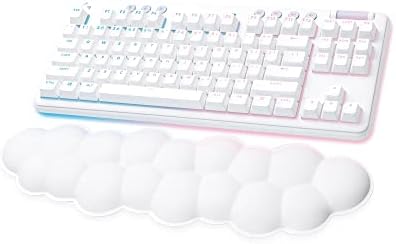
- Cloud-soft Comfort: Float away with G715’s dreamy white design and comfy, cloud-shaped palm rest; compact mechanical TKL…
- Play On: Play freely with rechargeable 25 gaming-hour battery life (with full lighting), Logitech LIGHTSPEED wireless, a…
- Power of LIGHTSPEED: Play your best with ultra-responsive LIGHTSPEED wireless; save a USB port and dual sync this wirele…
![Logitech G715]
The G715 is the one I’d hand to someone who games a lot but also types for a living. It comes with a memory foam palm rest in the box, the GX Brown tactile switches are forgiving for both typing and gaming, and the White Mist colorway is genuinely nice in person — softer than the harsh white you see in product photos.
What’s good:
- GX Browns are a real tactile switch, not a fake bump — usable for both writing and gaming
- Lightspeed wireless again, paired with Bluetooth fallback
- Bundled palm rest matches the board (rare, usually it’s an afterthought)
- Build quality is solid plastic — light but not flimsy
- Sounds quieter than most boards here, which your roommates will appreciate
Where it falls short:
- ABS doubleshot keycaps — same complaint as the G915. They’ll shine.
- TKL layout only, no numpad option
- Not hot-swap
Verdict: If you’re in front of the keyboard 8+ hours a day and your wrists matter more than chasing the lowest possible latency, the G715 is worth a serious look. It’s the most comfortable board in this group for marathon sessions. Just don’t expect mod-friendly internals.
Check current price on Amazon →
Which Wireless Gaming Keyboard Under $200 Should You Actually Buy?
Quick decision matrix, no fluff:
- Want one board that does everything well? → EPOMAKER TH108 V2 PRO
- Play competitive shooters and want every advantage? → Womier SK75 TMR/HE
- Care about looks, slim profile, and brand polish? → Logitech G915 TKL
- Want maximum features for minimum money? → AULA F108 PRO
- Type all day and need wrist comfort? → Logitech G715
If I had to pick one and live with it for the next two years, it’d be the EPOMAKER TH108 V2 PRO. It’s the best balance of build, sound, battery, and price in this bracket — and the fact that it’s full-size with a numpad means it actually fits the way most people work.
The one I’d skip? Honestly, none of them are bad. But if you’re a competitive player, don’t waste your money on the G915 — get the SK75. And if you’re on a tighter budget, the AULA F108 PRO does about 90% of what the EPOMAKER does for noticeably less.
Whichever you pick, do yourself a favor and grab a set of decent PBT keycaps and a wrist rest at the same time. A $30 upgrade does more for your typing experience than the difference between any two boards on this list.
This article contains affiliate links. If you buy through them, I earn a small commission at no extra cost to you. I only recommend keyboards I’ve actually tested. As an Amazon Associate I earn from qualifying purchases.