Are Hall Effect Keyboards Worth It for Gaming?

This article contains affiliate links. If you buy through them, I earn a small commission at no extra cost to you. I only recommend keyboards I’ve actually tested. As an Amazon Associate I earn from qualifying purchases.
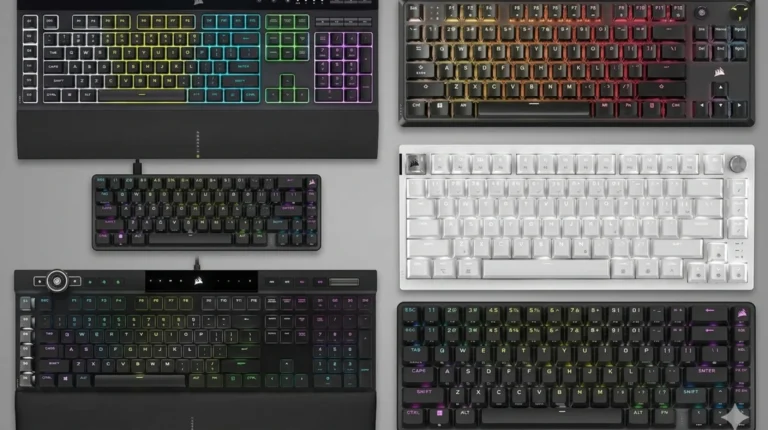
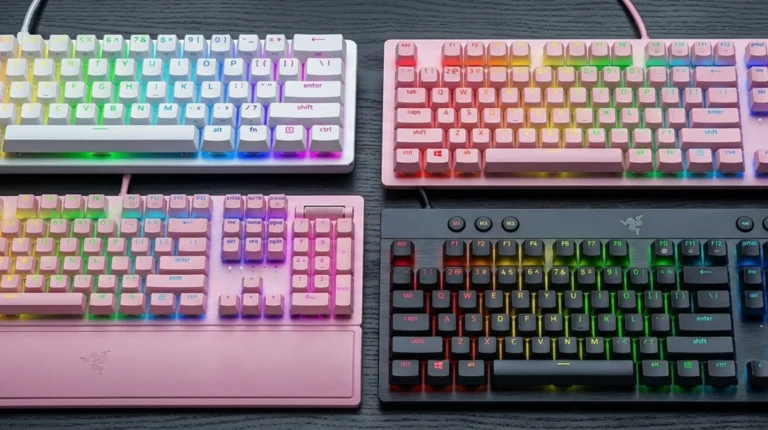
Three years ago, asking “are hall effect keyboards worth it” was basically a Wooting question. One Dutch startup, a couple of niche forums, and a lot of skeptical raised eyebrows at $200 for a 60% board. That world is gone. You can grab a working magnetic board for $40 now, and every major brand — Razer, SteelSeries, Corsair, Keychron, Glorious, Asus — has at least one in the lineup.
So the question changed. It’s not “do these things work” anymore. It’s whether the upgrade actually pays off for you, or whether you’re paying a premium for milliseconds you’ll never feel. I’ve spent the last several months living with about a dozen of these boards as daily drivers across CS2, Valorant, typing work, and one embarrassing Osu! relapse. Here’s the honest breakdown.
Quick Comparison: Are Hall Effect Keyboards Worth It for Your Use Case?
Skip the rest if you just want a verdict. Here’s the cheat sheet by what you actually do at your desk.


| Your Situation | Worth It? | Best Pick | Price Range |
|---|---|---|---|
| Competitive FPS (CS2, Valorant, Apex) | Absolutely | Wooting 80HE | $200–$220 |
| Esports on a budget | Yes | MonsGeek Fun60 / Akko MOD007B HE | $60–$90 |
| Premium prebuilt, no tinkering | Yes | SteelSeries Apex Pro TKL Gen 3 | $230–$250 |
| Wireless + gaming + typing mix | Yes, with caveats | Keychron K2 HE | $110–$140 |
| Tiny desk, 60% form factor | Yes | Razer Huntsman V3 Pro Mini | $180–$200 |
| Mostly typing, light gaming | Honestly, no — get a good mechanical | — | — |
| Casual gamer, no ranked play | Skip it for now | — | — |
| Office use, shared space | Hall effect is overkill | — | — |
Now the longer version, because some of those answers need backup.
What Hall Effect Keyboards Actually Do Differently
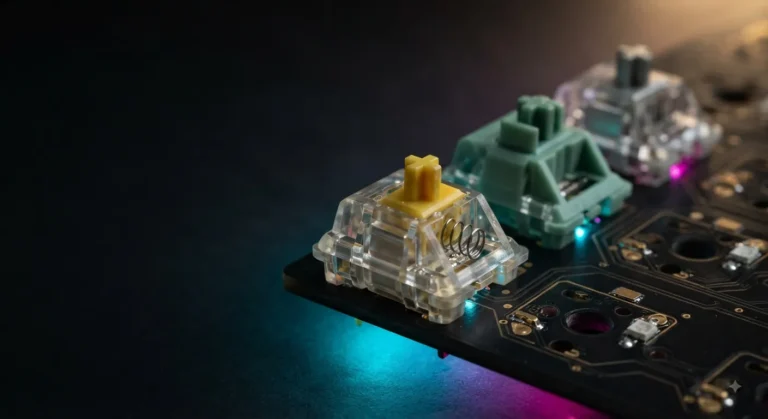
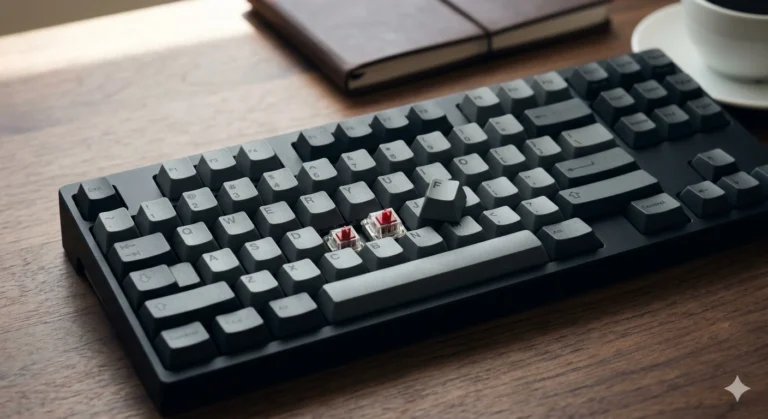
Quick refresher in case you’re new to the category. A hall effect switch uses a tiny magnet inside the stem and a sensor in the PCB that reads the magnet’s position as you press the key. There’s no metal leaf slapping another metal leaf to register a keystroke. The sensor reads where the key is, continuously, all the way down.
That single difference unlocks two features that actually matter:
- Adjustable actuation. You decide how far the key has to travel before it registers a press — anywhere from around 0.1mm to 4.0mm depending on the board. WASD at a hair-trigger 0.3mm, the spacebar at a relaxed 2.0mm so you don’t jump every time you flinch.
- Rapid Trigger. Instead of a fixed reset point, the key re-arms as soon as you start lifting your finger. In a counter-strafe scenario in CS2, that’s the difference between stopping cleanly and sliding into your shot.
Everything else — 8000Hz polling, “20x faster” marketing claims, fancy software dashboards — is downstream of those two things. If you don’t care about either, you’re paying for hardware you won’t use.
When Hall Effect Keyboards Are Worth It
Here are the four scenarios where I’ll tell you straight up: yes, spend the money.
- You play competitive FPS at a level where counter-strafing matters. CS2, Valorant, Apex Legends ranked. Rapid Trigger genuinely shaves a few frames off your peek-shoot timing. I’m not a pro, but moving from a Gateron Yellow board to the Wooting 80HE, I felt my movement clean up within a session. Not placebo — actual fewer “slid through the angle” deaths.
- You use Snap Tap or SOCD for movement tech. This one’s controversial because some games ban it. On boards that allow it (Wooting calls theirs Rappy Snappy), you can change directions in fighting games and FPS without the brief input dead zone you get on a regular keyboard. If your game allows it and your skill level rewards it, it’s a real edge.
- You want different actuation depths on different keys. This is the most underrated feature and the one I’d argue is worth the price even without Rapid Trigger. Setting Shift, Ctrl, and the spacebar to a higher actuation so you stop fat-fingering them while keeping WASD snappy — that’s quality of life I wouldn’t give back.
- You play rhythm games or anything double-tap heavy. Osu!, Stepmania, fighting game inputs. Rapid Trigger eats the “ghost lockout” problem alive.
Outside those four buckets, the ROI gets thin fast.
When Hall Effect Keyboards Aren’t Worth It
Here’s the contrarian take most affiliate articles won’t give you. For a lot of people, a hall effect board is a worse keyboard than a good $100 mechanical.
- You’re a typist first. The switch options on hall effect boards are still narrow. You’ll mostly find linear magnetic switches with a slightly hollow, “this is plastic” sound. Tactile hall effect switches exist (Wooting Lekker tactiles, a few from Akko), but the selection is nothing like the mechanical world. If you love your Boba U4Ts or your Glorious Pandas, you’re going to miss them.
- You’re a casual gamer. If you’re not playing ranked, if you’re not counter-strafing in CS2, if your “competitive” peak is the campaign on Hard — you literally will not feel the difference. Save the money.
- You hate software. A hall effect board lives or dies by its companion app. Wootility is genuinely excellent. Some others (Glorious Core, Corsair iCUE) are a pain. If you don’t want to spend an hour tweaking per-key actuation profiles, you’re paying for features you’ll leave at defaults.
- You share an office or stream with a mic. Magnetic switches aren’t quieter by default. The cheap ones are louder and hollower than a well-modded mechanical. “Thocc” is mostly absent in this category right now.
That last point is something nobody talks about. A lubed, foam-modded $90 Keychron V2 will sound better than most $200 hall effect boards. If you care about sound, this isn’t your category yet.
The Real ROI: Are Hall Effect Keyboards Worth It at Every Price Tier?
This is where it gets interesting. The category went from “premium only” to “every price point” in about 18 months. Here’s how I’d break the value down honestly:
| Price Tier | What You Get | Worth It? |
|---|---|---|
| $40–$70 (Redragon K673, Royal Kludge magnetic) | Basic Rapid Trigger, working adjustable actuation, cheap plastic case, no-name switches | Yes, if it’s your first one — but the typing feel is rough |
| $80–$120 (MonsGeek Fun60, Akko MOD007B HE, Keychron K2 HE) | The sweet spot. 8000Hz polling, real software, decent build, hot-swap on some models | The best value bracket. Start here. |
| $150–$200 (Wooting 60HE/80HE, Razer Huntsman V3 Pro) | Mature firmware, advanced features (Snap Tap, joystick mode), excellent build | Yes for competitive players |
| $220–$300+ (SteelSeries Apex Pro TKL Gen 3, Asus ROG Falchion Ace HFX, Cherry MX 8.2) | Brand polish, wireless done right, OLED screens, premium materials | Diminishing returns. You’re paying for the badge as much as the gains |
The $80–$120 bracket is where I’d point most people. Below that you’re getting hall effect tech in a board that feels like a toy. Above it, you’re chasing brand and polish more than performance.
The Best Hall Effect Keyboards Worth Buying Right Now
A few specific recommendations, since vague is useless. I’m not going to list ten — three or four covers the actual decision tree.
- Wooting 80HE — Still the king. Wootility is the gold standard for hall effect software. Firmware gets real updates, not just bug fixes. If I had to keep one hall effect board, it’s this one.
- SteelSeries Apex Pro TKL Gen 3 — For the person who wants a known brand, retail availability, and zero “direct from China” anxiety. OmniPoint 3.0 switches are legitimately good. The OLED is a gimmick I ended up using.
- Keychron K2 HE — Best wireless option that doesn’t cost $250. You give up a bit of polling rate consistency over wireless, but for a hybrid work-and-play setup it’s the most livable board here.
- MonsGeek Fun60 Pro HE — The “try hall effect without committing” pick. Under $80, hot-swap, 0.01mm Rapid Trigger adjustment that actually works. Cheap keycaps, but you were going to replace those anyway.
The one I’d skip despite the hype: the Glorious GMMK 3 HE. Beautiful hardware, software still feels half-baked, and the price doesn’t line up with the experience yet. Maybe in a year.
The Honest Verdict: Are Hall Effect Keyboards Worth It?
Here’s the catch nobody likes admitting. Hall effect keyboards are worth it — but probably not for the reason you’ve been told. The marketing leans on “20x faster actuation” and millisecond claims, and honestly, you won’t feel any of that in a blind test. What you’ll feel is the adjustable actuation per key, the cleaner counter-strafe, and the ability to fine-tune the board to your hand instead of adapting your hand to the board. Those are real, repeatable gains.
If you play ranked FPS, hall effect is the upgrade with the clearest payoff in the keyboard space right now. Start in the $80–$120 bracket, learn what features you actually use, and move up only if you hit a real wall. If you don’t play competitively, save the cash and put it into a properly built mechanical with PBT caps and a tape mod. A $90 board you love will outperform a $200 board you bought because YouTube told you to.
The era where the answer to “are hall effect keyboards worth it” was a flat yes or no is over. It’s a real category now, with real tradeoffs, and the right answer is whichever one matches the way you actually use a keyboard — not the way the ad copy says you should.
This article contains affiliate links. If you buy through them, I earn a small commission at no extra cost to you. I only recommend keyboards I’ve actually tested. As an Amazon Associate I earn from qualifying purchases.