Do Pro Gamers Use Wireless Keyboards? Honest 2026 Answer

This article contains affiliate links. If you buy through them, I earn a small commission at no extra cost to you. I only recommend keyboards I’ve actually tested. As an Amazon Associate I earn from qualifying purchases.
I get this question almost every week. Usually from someone holding a $230 wireless flagship in one hand and the refund button in the other. So let’s settle it once and for all.
The short version: most top-tier pros — especially in CS2 and Valorant — are still on wired keyboards in 2026. But the gap between wired and wireless has closed faster than anyone in the enthusiast scene predicted, and the old “wireless costs you frags” talking point is mostly outdated marketing residue. The real story is more interesting than either camp wants to admit, so let’s get into it.
Quick Comparison: Which Keyboard Fits Which Player
If you don’t want the full breakdown, here’s the TL;DR. I’ve split this by what you actually need, not by spec sheet bragging rights. Whether or not pro gamers use wireless keyboards turns out to depend a lot on the game.
| Best For | Keyboard | Connection | Why It Wins | Price Range |
|---|---|---|---|---|
| FPS Tournament Play | Wooting 80HE | Wired USB-C | #1 CS2 pro pick, 0.1mm rapid trigger, hall-effect switches | $200+ |
| Wireless Pro-Tier (FPS-ready) | Logitech G Pro X TKL Lightspeed | 2.4GHz / BT / Wired | LIGHTSPEED tech with parity-level latency, used by streamers and MOBA pros | $170–$200 |
| Best Premium Wireless | Razer BlackWidow V4 Pro 75% | 2.4GHz / BT / Wired | 4K Hz HyperSpeed, hot-swap, OLED, every bell and whistle | $230 |
| Best Wireless Value | Keychron Q3 Max | 2.4GHz / BT / Wired | Gasket mount, hot-swap, ~300hr battery, real typing feel | ~$200 |
| Best Budget Wireless | Keychron K8 Pro | 2.4GHz / BT / Wired | Tri-mode + hot-swap under $110 | ~$110 |
OK, now the real article.
So, Do Pro Gamers Use Wireless Keyboards in 2026?
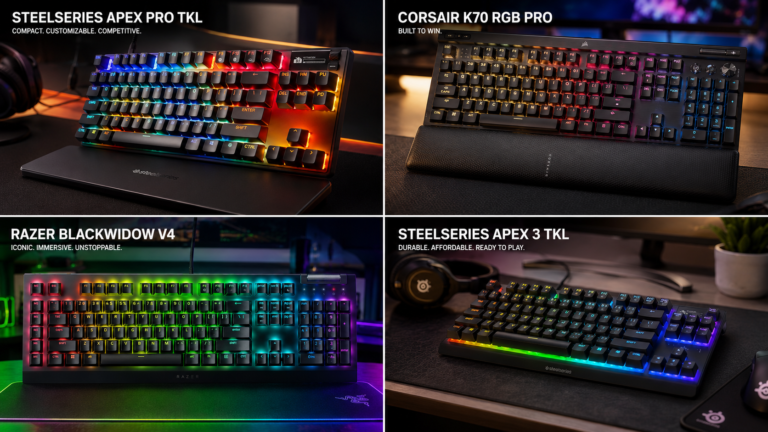
If you scrape the public pro setting databases — ProSettings.net tracks over 900 CS2 pros and 600+ Valorant pros — the picture is pretty clear. The Wooting 80HE leads CS2 by a country mile, with the Wooting 60HE+ dominating Valorant. Both are wired. The SteelSeries Apex Pro TKL, Razer Huntsman V2, and Logitech G Pro X TKL show up plenty too, but at events the wired versions are what’s plugged in.
That’s the part most clickbait articles get wrong. They’ll show you a glamour shot of the Logitech G915 X Lightspeed or the Razer BlackWidow V4 Pro 75% wireless and tell you “this is what pros use.” A handful stream with these boards. Almost none compete on them at tier-one events.
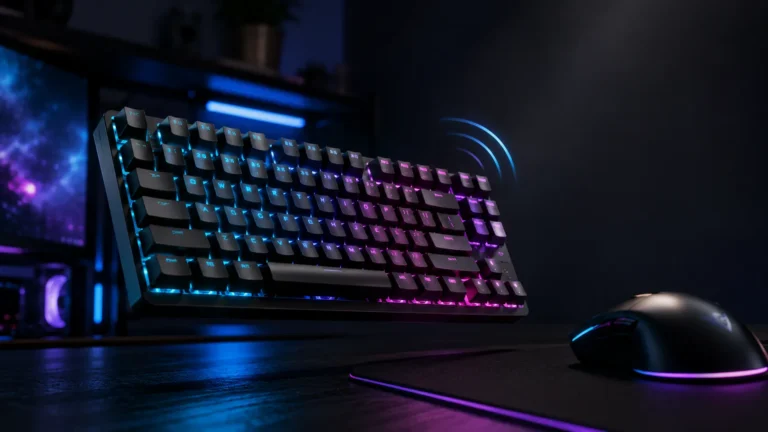
So when someone asks me whether pro gamers use wireless keyboards in 2026, my honest answer is this: a growing minority do, mostly in MOBAs, fighting games, and casual streaming. But in tactical FPS — where every millisecond is religion — wired still rules.
What’s Actually on Stage This Year
I went through the public gear lists from this year’s IEM events and recent VCT stops. The pattern is pretty consistent:
- CS2 (IEM Cologne 2026 Major, ESL Pro League S24): The Wooting 80HE is the most-used keyboard by a wide margin — over 200 pros on record. Players like b1t and broky use it. A scattering of older pros still rock the SteelSeries Apex Pro TKL or HyperX Alloy Origins, all wired.
- Valorant (VCT 2026): Wooting 60HE+ leads, with TenZ on a limited-edition 80HE TenZ Takeover variant that dropped in January. Razer Huntsman Mini still shows up. All wired.
- League of Legends and Dota 2: Wider mix here. You’ll see the Logitech G Pro X TKL Lightspeed on a few players running it in wireless mode. Input demands are lower than tactical FPS, so wireless creeps in faster.
- Fortnite: Mixed scene. Clix uses a custom wired 60%, but several FNCS players have switched to wireless TKLs for travel reasons.
If you want the full keyboard breakdown of what FPS pros are actually rolling with this season, I’ve put a deeper piece on that. The summary: wired Woottings still dominate the FPS stage, and that’s not changing in 2026.
Why Wireless Tech Caught Up but the Pros Didn’t Switch
Here’s where it gets interesting. The technology gap is essentially gone.
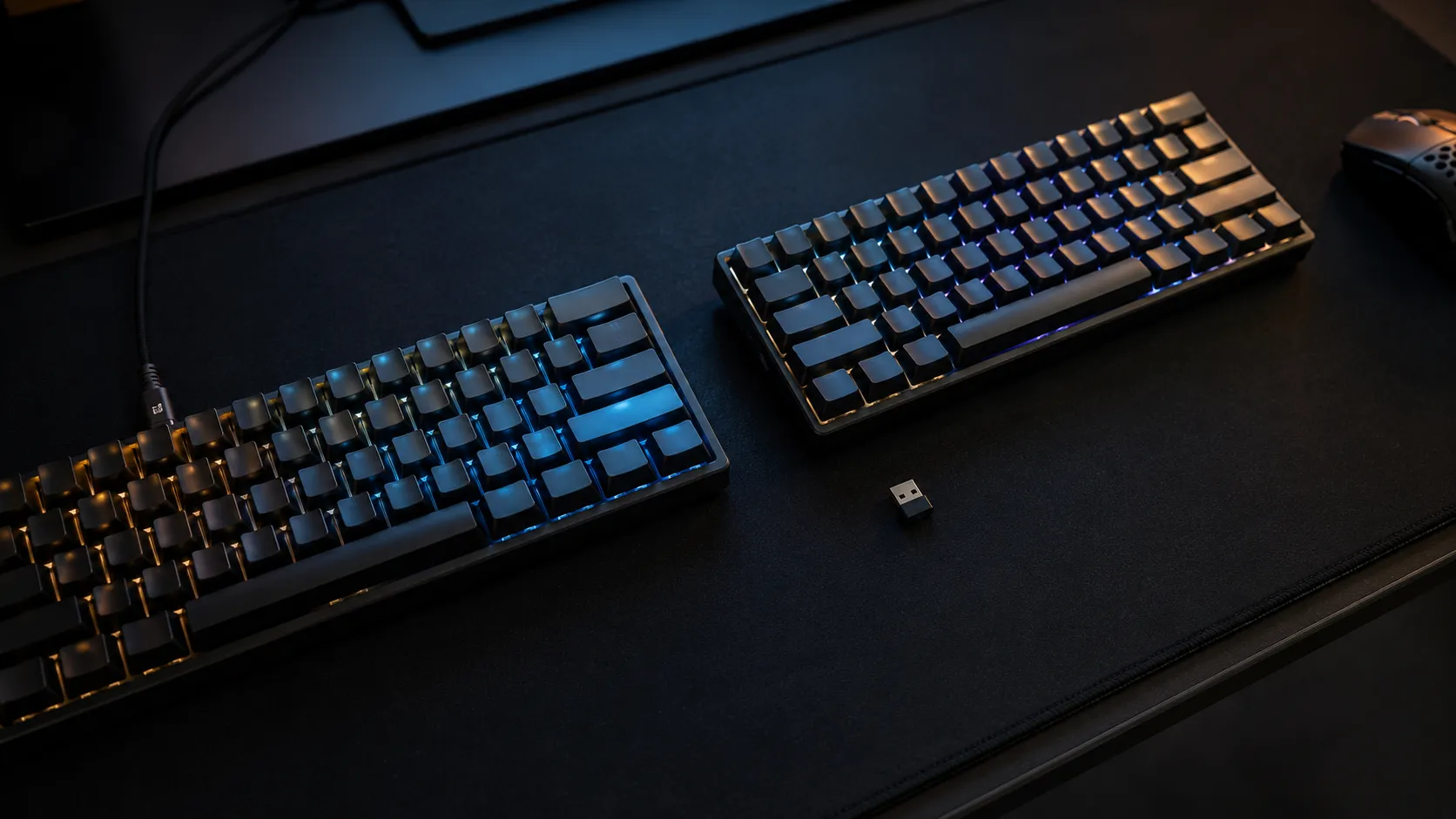
Modern 2.4GHz wireless on a flagship board delivers 1–2ms of latency. Razer’s HyperSpeed claims sub-1ms in their lab numbers. Logitech’s Lightspeed isn’t far behind. That’s effectively the same as a USB cable — well below human perception thresholds and well below the latency of the monitor in front of you. Anyone telling you in 2026 that wireless adds “noticeable input lag” hasn’t tested a current top-end board.
So why are pros still wired? Three reasons, none of them romantic:
- LAN venue interference. A tournament hall has hundreds of devices hammering the 2.4GHz band. Wired sidesteps the entire problem. No matter how good your wireless tech is, you can’t engineer your way out of a saturated airwave.
- Battery anxiety. A keyboard dying during a best-of-three is a horror story every team manager wants to avoid. Wired keyboards just work, forever.
- Sponsor inertia. Pros use what their team contract says they use, and most of those contracts were written around current wired flagships. The wireless versions of the same hardware exist, but switching mid-cycle isn’t a priority.
That last one is the boring truth nobody publishes.
Wired vs Wireless Latency: The Numbers
| Connection Type | Typical Latency | Tournament Verdict |
|---|---|---|
| Wired USB-C | <1ms | Standard for tier-one pros |
| 2.4GHz (Lightspeed/HyperSpeed) | 1–2ms | Approved at most events, used by some pros |
| Bluetooth 5.x | 10–30ms | Don’t game on this. Ever. |
The takeaway: if you’re going wireless for gaming, you use the 2.4GHz dongle, period. Bluetooth on the same board is 10–30ms slower. Plug in the dongle, leave Bluetooth for your tablet, and you’re fine.
Tournament Rules: What Actually Gets Banned (and What Doesn’t)
Here’s the catch that trips up new players almost weekly: people confuse three completely different things.
- Wireless connections are not explicitly banned by most major tournaments in 2026. ESL’s current rulebook, Riot’s VCT regulations, and Valve-affiliated CS2 events allow wireless peripherals in general. Organizers reserve the right to require wired hardware on a per-event basis, but it’s not a blanket ban.
- Rapid trigger — the feature that lets your Wooting register at 0.1mm — is fully legal everywhere that matters. Valve servers, ESL Pro League, BLAST, IEM, FACEIT, and every VCT event allow it. Don’t let anyone tell you otherwise.
- SOCD automation is the actual banned thing. Razer Snap Tap and Wooting Snappy Tappy detect when you hold both A and D and auto-resolve the conflict for you, doing your counter-strafe automatically. Valve banned this for CS2 in August 2024. ESL banned it for LAN. Riot followed for Valorant. If you bought a board for that specific feature, that ship has sailed for ranked.
So the wireless question and the “is my keyboard tournament legal” question aren’t the same question. Most pros stick with wired by choice, not because the rules force them. If you want the full breakdown of what’s actually legal versus what’s marketing fluff, I covered that in detail separately.
Where Wireless Actually Makes Sense — For You
This is the part where I usually disappoint the wireless skeptics in the comments. For the average player — meaning anyone not playing on stage for prize money — wireless is fine. More than fine. It’s often the better choice.
You’re not playing on a LAN with 2,000 other devices saturating the 2.4GHz band. You don’t have a coach yelling about packet loss readings. Your matchmaking opponent isn’t going to detect 1.5ms of extra latency over a cable. They won’t.
I ran the Keychron Q3 Max as my daily driver for three weeks straight — a chunk of Faceit Level 8 CS2, some Apex, and a stupid amount of typing for work. Zero disconnects. Battery lasted close to two weeks on 2.4GHz with the backlight off. The feel of a gasket-mount board with hot-swap is also a different universe from what you get on most wired gaming flagships at the same price.
Here’s the catch — there’s always a catch. Wireless boards are heavier, the good ones cost more, and battery management adds one extra thing to your routine. If you forget to charge it on a Sunday night, that’s on you, not the board.
If you want my full breakdown of which wireless models are actually worth the asking price, I’ve put that in a separate piece. The short version: skip anything that doesn’t have a 2.4GHz dongle. Bluetooth-only gaming keyboards are a scam at any price.
So Should You Buy What the Pros Buy?
Honestly? Probably not, if your only reason is “the pros use it.”
The Wooting 80HE is a phenomenal keyboard. I own one. But $200 of hall-effect switches with per-key adjustable actuation does nothing for you if your in-game decisions aren’t already bottlenecked by your hardware. Most players hit their ceiling on aim, game sense, and crosshair placement long before their keyboard becomes the limiter.
A few honest scenarios:
- Faceit Level 6+ or Diamond+ in Valorant, genuinely grinding to compete: Get a wired Wooting 80HE or 60HE+. The rapid trigger advantage for counter-strafing is measurable, and you’ll feel it.
- Daily ranked grinder who also works from the same desk: Get a Keychron Q3 Max or Logitech G Pro X TKL Lightspeed. Real typing feel, real wireless flexibility, zero perceptible performance hit.
- First mechanical board on a budget: Keychron K8 Pro at ~$110. Tri-mode, hot-swap, and PBT keycaps. You’re not missing anything important at this price.
- Pure FPS, want absolute minimum input chain: Wired wins. Don’t overthink it.
And if you’re shopping for a keyboard that actually works for the games you play rather than chasing a pro’s setup, you’ll save yourself money and likely play better.
The Bottom Line: Do Pro Gamers Use Wireless Keyboards or Not?
So — do pro gamers use wireless keyboards? A growing minority, yes, especially in MOBAs and outside the tier-one FPS scene. At the top of CS2 and Valorant, no. Wired Woottings and similar still rule the stage, and probably will through 2026.
But that’s a pro problem, not your problem. The “wireless is slower” myth is dead, the rulebooks mostly don’t care, and the only people who genuinely need to obsess over wired-versus-wireless are the ones whose paycheck is on the line. Everyone else: buy the board that feels right under your fingers, has hot-swap if you ever plan to mod, and uses a 2.4GHz dongle (not Bluetooth) when you actually sit down to play.
That’s my verdict. Wireless is ready. The pros mostly aren’t moving yet. You probably should.
This article contains affiliate links. If you buy through them, I earn a small commission at no extra cost to you. I only recommend keyboards I’ve actually tested. As an Amazon Associate I earn from qualifying purchases.