Wireless Gaming Keyboard Polling Rate: 125 vs 1000 vs 8000Hz

This article contains affiliate links. If you buy through them, I earn a small commission at no extra cost to you. I only recommend keyboards I’ve actually tested. As an Amazon Associate I earn from qualifying purchases.
A viewer messaged me last month asking if his 8000Hz wireless board was broken because his aim hadn’t improved. I laughed, then I felt a little bad. That’s marketing doing its job.
The whole conversation around wireless gaming keyboard polling rate has been hijacked by spec-sheet warfare, and most people are paying a premium for numbers they will never feel in actual gameplay. I’ve tested boards from $40 office bricks up to $400 hall-effect flagships, and the polling rate story is almost never what the box claims.
So let’s clear it up. Here’s what polling rate actually does, where it earns its keep, where it’s pure noise, and the one setting I change on every board that lands on my desk.
Quick Comparison: Wireless Gaming Keyboard Polling Rate by Use Case
If you only have ten seconds, read this table and close the tab.
| Your Setup | Polling Rate Sweet Spot | Connection | Example Board |
|---|---|---|---|
| Office work + casual gaming | 125Hz | Bluetooth 5.x | Keychron K2, Logitech MX Mechanical |
| Mainstream wireless gaming | 1000Hz | 2.4GHz dongle | Logitech G Pro X TKL Lightspeed |
| Competitive FPS, want headroom | 1000–4000Hz | 2.4GHz / wired | ASUS ROG Azoth Extreme, Keychron Q1 HE |
| Esports + 360Hz+ monitor + tuned rig | 4000–8000Hz | HyperPolling 2.4GHz | Razer BlackWidow V4 Pro 75% HyperSpeed |
| Budget hot-swap wireless | 1000Hz | 2.4GHz | Akko 5075B Plus, Royal Kludge R75 |
One sentence summary: 1000Hz on a 2.4GHz dongle is the right answer for 95% of gamers. Bluetooth is fine for typing. Anything above 1000Hz is for a specific kind of player on very specific hardware, and even then it’s marginal.
What Polling Rate Actually Does (And Why Marketing Gets It Wrong)
Polling rate is how often your keyboard tells your computer what state it’s in. That’s the whole concept. No mystery.
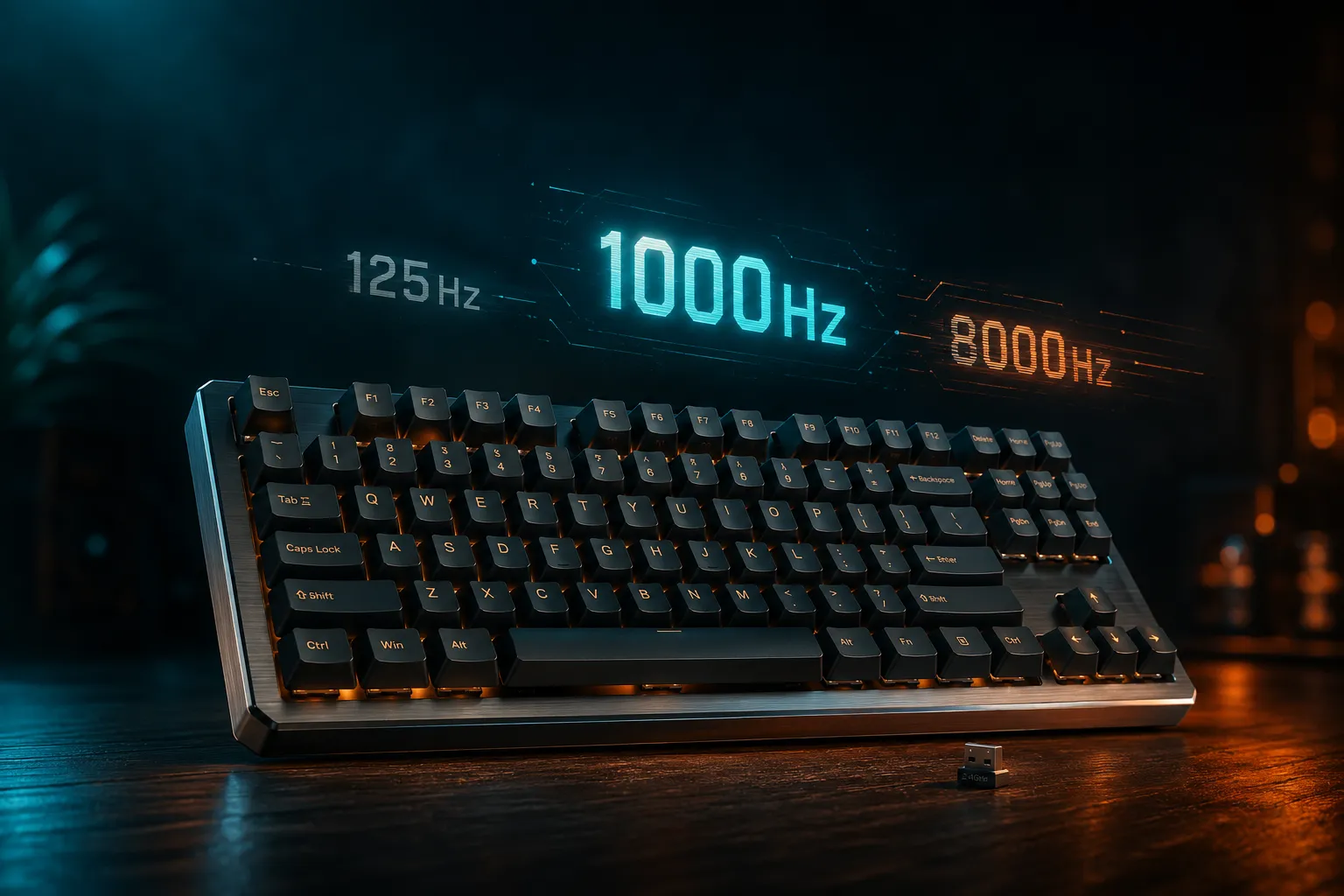
- 125Hz = the keyboard reports its state every 8 milliseconds
- 1000Hz = every 1 millisecond
- 4000Hz = every 0.25 milliseconds
- 8000Hz = every 0.125 milliseconds
Here’s the part marketing skips: your keyboard sending data faster doesn’t matter if nothing downstream can keep up. Your monitor has a refresh interval. The game engine has a tick rate. Your CPU has scheduling latency. The keyboard is one link in a chain, and putting “8000Hz!!” on the box is like putting racing slicks on a Camry.
In practice, worst-case input delay from the keyboard alone is:
- 1ms at 1000Hz
- 0.25ms at 4000Hz
- 0.125ms at 8000Hz
So we’re arguing over fractions of a millisecond on devices most people pair with 144Hz monitors that refresh every 6.94ms. Make of that what you will. If you want a deeper breakdown of how the rest of your setup affects perceived input lag, I’ve covered that separately. For now, just know polling rate is one variable, not the whole story.
125Hz vs 1000Hz vs 8000Hz: The Real-World Breakdown
125Hz — The Bluetooth Reality
Almost every Bluetooth keyboard on the market reports at 125Hz, and that’s an HID spec limitation, not laziness. Bluetooth HID was designed for typing on laptops, not for competitive shooters.
For typing? You will not feel 8ms. I dare anyone to blind-test a 125Hz Bluetooth board against a 1000Hz wired one on a Google Doc and tell me which is which. The difference doesn’t exist for that use case.
For gaming? You’ll feel it in fast FPS titles. In CS2 or Valorant your peeker’s advantage erodes when your inputs land 7ms later than your opponent’s. It’s not dramatic — your aim won’t fall off a cliff — but it adds up across hundreds of micro-decisions in a round.
Verdict: Bluetooth is for typing and travel. If you can plug the 2.4GHz dongle in, do it before you queue up.
1000Hz — The Boring Answer That’s Been Right for a Decade
This is the answer nobody brags about. 1000Hz / 1ms polling has been the wired gaming standard since the early USB era, and a properly built 2.4GHz wireless board matches it cleanly.
The Logitech G Pro X TKL Lightspeed, the SteelSeries Apex Pro Mini Wireless, the Keychron Q1 HE on its dongle — these are all 1000Hz, all functionally indistinguishable from wired in real gameplay. I ran the G Pro X as my daily for almost a month, and I genuinely couldn’t tell when I switched off the dongle mid-session and onto a wired board.
Here’s the catch: 1000Hz doesn’t sell new products. So companies kept pushing the number higher because that’s what marketing departments do when the existing tech is already good enough.
4000Hz and 8000Hz — Diminishing Returns Get Brutal
Going from 125Hz to 1000Hz saves up to 7ms in the worst case. Real, measurable, sometimes felt.
Going from 1000Hz to 8000Hz saves up to 0.875ms in the worst case. That’s below the threshold most humans can perceive in lab conditions, let alone mid-fight in Apex.
The Razer BlackWidow V4 Pro 75% HyperSpeed pulls off 8000Hz wireless and it’s a genuine engineering feat. But “impressive” and “useful for you” are different things. Unless you’re a ranked FPS player on a 360Hz monitor with everything else in your setup tuned to the millisecond, you will not feel the upgrade from 1000Hz to 8000Hz. I’ve tried. I’ve had friends who play ranked try. The honest answer is that placebo does most of the heavy lifting.
The Wireless Catch Nobody Tells You About
High polling rate on a wireless board comes with three trade-offs that don’t make it onto the box:
- Battery drain falls off a cliff. Razer’s 8000Hz wireless mode can chew through a full charge in well under 40 hours of use. At 1000Hz the same board runs for days. The radio has to be active eight times more often. Physics doesn’t care about marketing copy.
- CPU overhead goes up. At 8000Hz your system handles 8,000 HID reports per second from that one device. Pair it with an 8000Hz mouse and you’re at 16,000 events. On a modern desktop, fine. On older CPUs or laptops you’ll see measurable CPU spikes that can actually hurt frame timing — the exact opposite of what you bought it for.
- Wireless interference matters more. Faster polling means less margin for dropped packets. A crowded 2.4GHz environment — Wi-Fi router behind your monitor, a wireless mouse, Bluetooth headphones, a wireless charger — can introduce micro-stutters at 8000Hz that you’d never see at 1000Hz.
That last one is why I always tell people to plug the 2.4GHz dongle into a front-panel USB or a short extension cable that puts it within a foot of the keyboard. That single move helps more than bumping the polling rate ever will. My wireless mechanical keyboard guide digs deeper into dongle placement and interference if you want the full version.
Can You Actually Feel a Wireless Gaming Keyboard Polling Rate Above 1000Hz?
Honest answer? Almost nobody can. I include myself in that group, and I do this for a living.
Here’s who might notice a real difference:
- Top-1% competitive FPS players who have already optimized monitor refresh, mouse polling, GPU latency, and their own reaction time.
- Players on 360Hz or 540Hz monitors where the frame interval is short enough that 8000Hz polling can actually line up with new frames.
- People already using hall-effect boards with rapid trigger or SOCD features, where every fractional millisecond of input timing gets amplified.
If you’re not in one of those buckets, the upgrade is psychological. And there’s nothing wrong with paying for psychological certainty — placebo is a real performance tool — you should just know that’s what you’re buying.
By the way, if you’re shopping at this tier you almost certainly care about switch feel and pre-travel distance more than polling rate. Switch choice will affect your actuation latency far more than the difference between 1000Hz and 8000Hz ever could.
The One Polling Rate Setting I Actually Change
Story time. Every keyboard that lands on my desk gets the same ritual.
I open the companion software. I set polling rate to 1000Hz. I leave it there. That’s the whole ceremony.
Why not 8000Hz on boards that support it? Battery life and CPU headroom matter more to me than imaginary millisecond gains. Why not 500Hz on cheap boards? Because 1000Hz has been the standard so long that drivers and games are tuned around it. It’s the safest, fastest, most universally-supported setting on the planet.
A few specifics:
- Bluetooth mode: usually locked at 125Hz. Don’t fight it. Use BT for the laptop in a coffee shop, switch to the dongle when you sit down to actually play.
- Wired mode on boards that support 8000Hz: 1000Hz unless you’re testing the high mode for fun. There’s no penalty to wired 8000Hz beyond CPU overhead, but there’s also no real benefit.
- 2.4GHz wireless mode: 1000Hz. Always. This is where most gaming wireless boards live, and where they’ve been tuned by the manufacturer.
That’s it. That’s the setting.
Bottom Line: What to Actually Buy
If you’re shopping for a wireless gaming keyboard right now, here’s how I’d rank the polling rate question against everything else:
- Make sure it has 2.4GHz wireless, not just Bluetooth. Non-negotiable for gaming.
- Confirm 1000Hz over that 2.4GHz dongle. Most decent boards do this. A few budget boards still cap at 500Hz on the dongle — skip those.
- Treat 4000Hz or 8000Hz as a nice-if-it’s-free feature, not a reason to buy.
- Don’t pay $80 extra for the HyperPolling version unless you’ve already maxed out everything else in your setup.
If you want concrete picks: the Logitech G Pro X TKL Lightspeed is the safest 1000Hz wireless option. The Keychron Q1 HE is the enthusiast move if you also want hall-effect customization. The Razer BlackWidow V4 Pro 75% HyperSpeed is for the person who wants the bragging rights and will probably use 8000Hz for two days before forgetting about it.
And if you genuinely want to upgrade how your gaming setup feels, spend that polling-rate premium on better stabilizers and proper rattle fixes instead. You’ll feel that on every single keystroke. The polling rate jump, you won’t.
The honest take: wireless gaming keyboard polling rate has become the new RGB — a number that sells boards. 1000Hz is still the smart default. Anything else is either marketing or a niche pro tool, and pretending otherwise is how you end up with a viewer messaging you about an 8000Hz board that didn’t fix his aim.
This article contains affiliate links. If you buy through them, I earn a small commission at no extra cost to you. I only recommend keyboards I’ve actually tested. As an Amazon Associate I earn from qualifying purchases.