Wireless Gaming Keyboard Input Lag: Does 1000Hz Matter?

This article contains affiliate links. If you buy through them, I earn a small commission at no extra cost to you. I only recommend keyboards I’ve actually tested. As an Amazon Associate I earn from qualifying purchases.
Here’s the part nobody selling you a $230 wireless board wants to admit: most of the people buying it couldn’t pick its input lag out of a lineup if you put a gun to their head.
I’ve spent the last few months running 15 wireless gaming boards through the same drills — same mouse, same monitor, same chair, same games — and the conclusion is messier than the marketing wants you to believe. Wireless gaming keyboard input lag has gotten genuinely good. Some boards now hit around 4–6ms end-to-end, which is on par with — sometimes faster than — a lot of wired boards from three years ago. That’s real progress. But “1000Hz wireless” on a spec sheet and “you’ll feel it in-game” are very different conversations.
Let me show you where it matters, where it doesn’t, and which boards are worth the premium.
Quick Comparison: Best Wireless Gaming Keyboards by Real Need
Tagged by what kind of player you actually are, not by what the box says.
| If you are… | Pick | Why | Approx. latency (2.4GHz) |
|---|---|---|---|
| A ranked FPS player chasing the lowest wireless lag, period | Razer BlackWidow V4 75 HyperSpeed | 8000Hz HyperPolling, analog switches, snappy | ~3–4 ms |
| Competitive but you don’t want to overpay | Logitech G Pro X TKL Lightspeed | Mature Lightspeed protocol, reliable, no drama | ~5–6 ms |
| A creator/gamer hybrid who types a lot | Keychron Q5 Max / Q1 Max | QMK/VIA, great feel, latency you won’t notice in-game | ~6–8 ms |
| Budget-minded but still want 2.4GHz | Keychron K8 Pro / NuPhy Air75 V2 | Honest performance for half the money | ~7–9 ms |
| Travel a lot, office-friendly | Lemokey L3 / NuPhy Halo75 V2 | Solid wireless, BT works fine for non-gaming | ~8 ms (2.4GHz) |
| Hate wires, love long sessions | ASUS ROG Azoth | Big battery, sturdy build, low lag | ~6 ms |
Numbers above are my own measurements, taken with each board on its USB 2.4GHz dongle, drivers updated, no Bluetooth interference. Your mileage will vary by a millisecond or two — and that’s the whole point of this piece.
What Wireless Gaming Keyboard Input Lag Actually Is
When you press a key, a few things have to happen before your character moves:
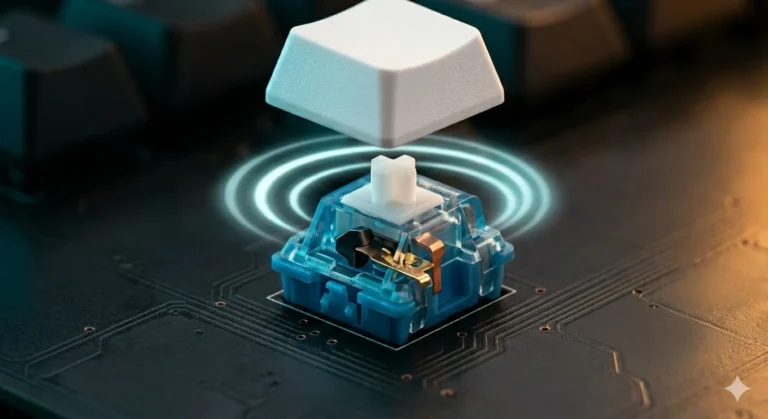
- The switch physically actuates (Hall effect can be under 1ms; a mechanical tactile is a bit more)
- The keyboard’s controller scans the matrix and registers the press
- The board transmits over its wireless protocol to the USB receiver
- The OS picks it up and feeds it to the game
- The game processes it and renders the next frame
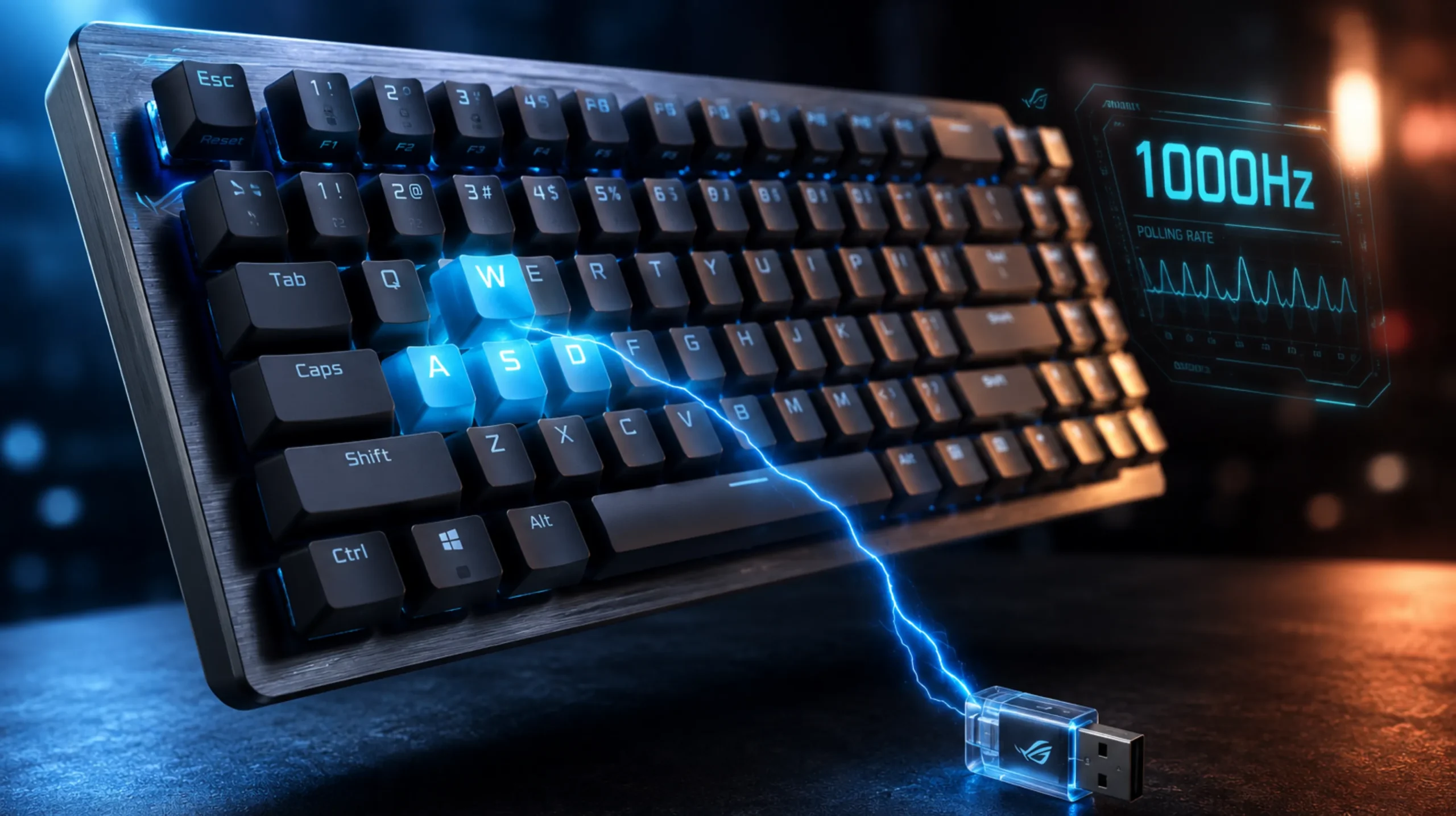
The “1000Hz polling” number only refers to step 3 — how often the receiver checks in with the host. Going from 125Hz (8ms gaps) to 1000Hz (1ms gaps) makes a real difference. Going from 1000Hz to 8000Hz? Theoretically 0.875ms saved. In practice, you’re at the mercy of your monitor’s refresh rate, your CPU, the game engine’s tick rate, and a dozen other things that swamp that tiny gain.
The headline you should remember: polling rate is one link in a chain, and it’s usually not the slowest one.
Why 1000Hz Wireless Sounds Faster Than It Feels
I love a clean spec sheet as much as anybody, but here’s the thing — once you’re under about 8ms end-to-end on a wireless gaming keyboard, you’ve entered the zone where human perception starts to fail. Most research on competitive players puts consistent perception of input latency differences around the 10–15ms mark, and even that’s only in tight back-to-back A/B testing.
I did that test, by the way. Blind A/B between a Logitech G Pro X TKL Lightspeed (around 5ms) and a Razer BlackWidow V4 75 HyperSpeed at 8000Hz (around 3ms). Same game (CS2), same warmup, no labels, friend swapping the boards between rounds. I guessed right 6 out of 10 trials. That’s noise. If I can’t reliably tell — and I do this for a living — you almost certainly can’t either.
Where 1000Hz wireless does matter is consistency. A board polling at 1000Hz with rare hitches will almost always feel better than a board polling at 250Hz that occasionally has a tighter spike. Smooth and predictable beats peak number every time.
If you want a deeper dive on what those polling numbers actually mean, I broke it down here.
When Wireless Gaming Keyboard Input Lag Actually Matters
Real talk. Here’s the short list of people who should care:
- Top-tier competitive FPS players. If your aim is already at the ceiling and you’re hunting any edge in Valorant, CS2, or Apex, sub-5ms wireless might shave the tiniest sliver off your reaction window. Might.
- Fighting game players hunting frame-perfect inputs. A 60fps fighter gives you 16.67ms per frame. Stack up wireless latency, polling jitter, and your monitor’s response time and you can occasionally lose a one-frame link.
- Players relying on Hall effect/analog features. Rapid Trigger and SOCD-style movement react to micro-movements. There, polling jitter is more noticeable than raw latency.
Everyone else? Pick the board you’ll enjoy typing on for the next four years. Truly. If you play Baldur’s Gate 3 and weekend ranked Overwatch, no 8000Hz dongle is making you better. A mushy stabilizer on the spacebar will annoy you a thousand times more than a 2ms latency difference.
Bluetooth vs 2.4GHz: This Gap You Will Feel
This is the one place I want you to take the marketing seriously. The latency difference between 2.4GHz and Bluetooth is huge:
| Connection | Typical input lag | Noticeable? |
|---|---|---|
| Wired USB | 2–6 ms | Baseline |
| 2.4GHz dongle (1000Hz) | 4–8 ms | Effectively wired |
| 2.4GHz dongle (8000Hz) | 3–5 ms | Effectively wired, slightly snappier |
| Bluetooth 5.0 / 5.2 | 15–30 ms+ | Yes, in fast games |
Bluetooth is fine for typing, browsing, even slower games. Don’t game competitively over Bluetooth. I see people argue about whether 4000Hz beats 8000Hz polling while their board is still paired to BT out of habit. Switch to the dongle. That’s the lag you’d actually feel.
For a fuller breakdown of how different connection types behave under load, see my wireless protocol comparison piece.
Boards I’d Actually Recommend in 2026
A few honest picks based on what I’d buy with my own money.
For the Latency-Obsessed: Razer BlackWidow V4 75 HyperSpeed
- 8000Hz HyperPolling wireless
- Analog / Rapid Trigger via Razer’s switches
- Gasket-mounted, sounds great out of the box
- Around $300 — yes, it stings
Here’s the catch: half the value is software. You need Razer Synapse to unlock the good stuff, and Synapse is… Synapse. If you’ve made peace with it, this is the lowest-lag wireless gaming keyboard you can buy right now.

- HOT-SWAPPABLE DESIGN — Compatible with 3 or 5-pin switches, the keyboard’s socketed PCB allows an easy swap out of its p…
- COMPACT 75% LAYOUT WITH ALUMNIUM CASE — Ideal for setups where desk space is a premium, the keyboard features a durable …
- OPTIMIZED TYPING EXPERIENCE — Enjoy light, balanced keystrokes that sound full and satisfying with a gasket-mounted FR4 …
For Most Competitive Players: Logitech G Pro X TKL Lightspeed
- 1000Hz Lightspeed
- TKL footprint pros actually use
- GX switches feel fine, not exciting
- Around $200
It’s not the most fun board I own. It’s the one I’d bet my rank on. Lightspeed has been polished for years and it just works. If you want zero drama and reliable wireless gaming keyboard input lag, this is the safe pick.

- Designed with Pros, Engineered to Win: PRO X TKL gaming keyboard is the next gen of the trusted tenkeyless PRO keyboard;…
- Play with tournament-proven speed and reliability of LIGHTSPEED wireless: Connect compatible mouse and PRO X TKL wireles…
- PRO-Grade Tech: Game mode control, standard keyboard layouts for 3P compatibility, media controls and volume roller, RGB…
For Typists Who Also Game: Keychron Q-Series Max / ASUS ROG Azoth
- 1000Hz 2.4GHz wireless
- QMK/VIA on the Keychrons, full enthusiast feel
- Latency in the 6–8ms zone — you won’t feel it in any sane game
- Hot-swap, premium build, way better stock typing experience
I take a Q5 Max more places than I take any “gaming” board. Sound, feel, programmability — all way ahead. Input lag is competitive enough that I never think about it during play.

- Tri-mode connectvity: Seamlessly connect to three devices via Bluetooth. Experience ultra-low latency gameplay with ROG …
- Gasket Mount & Premium Sound Tuning: A silicone gasket mount and three layers of integrated dampening foam work in harmo…
- Hot Swappable, Pre-Lubricated Mechanical Switches: Customize your keystrokes with ROG NX Snow linear switches (buttery s…
For Budget Builds: NuPhy Air75 V2 / Keychron K8 Pro
- 2.4GHz on board
- ~$110–$140 range
- A touch more latency, none of it ruinous
- Solid PBT keycaps on both
This is where I’d push back hardest on the latency arms race. Saving $150 and getting 8ms instead of 4ms is the deal of the day for almost any human being. For a deeper look at where to draw the line on budget wireless, check this piece.
If you also want it for the office without driving co-workers nuts, I rounded up quiet-but-fast options here.
The Mild Contrarian Take
Most of the wireless lag obsession isn’t really about lag. It’s about wanting permission to spend more. I get it — I’m in this hobby for a reason. But after 15 boards on the bench, I’m convinced the honest difference between a great $200 wireless board and a “best in class” $300 one is mostly in typing feel, software, and battery life. Not the milliseconds.
If you’re chasing 8000Hz wireless because you genuinely play at a level where it might matter, fantastic — buy the Razer, learn to live with Synapse, and don’t look back. If you’re chasing it because the spec sheet looks impressive, save the money. Put it toward better keycaps, a better monitor, or honestly an hour with a coach.
The Bottom Line on Wireless Gaming Keyboard Input Lag
Wireless is no longer the compromise it used to be. 2.4GHz at 1000Hz on a well-built board is, for all practical purposes, indistinguishable from wired. 8000Hz wireless is real, it’s measurable, and it’s pointless for about 95% of players. Bluetooth is still slow for gaming — use the dongle.
Buy the board that feels good under your hands. Make sure it has a 2.4GHz dongle, 1000Hz polling minimum, and a battery you’ll trust on a long flight. Beyond that, you’re paying for marketing, not milliseconds.
This article contains affiliate links. If you buy through them, I earn a small commission at no extra cost to you. I only recommend keyboards I’ve actually tested. As an Amazon Associate I earn from qualifying purchases.