Mechanical Keyboard Buying Guide: 10 Mistakes to Avoid

This article contains affiliate links. If you buy through them, I earn a small commission at no extra cost to you. I only recommend keyboards I’ve actually tested. As an Amazon Associate I earn from qualifying purchases.
I’ve spent the last 14 years reviewing keyboards, modding them, and occasionally watching one die on my desk in a puff of cap rattle and regret. The mistakes I see new buyers make haven’t really changed. The boards have gotten better, the choices have gotten wider, but people still spend $200 on the wrong thing and then quietly switch back to their old membrane after two weeks.
This mechanical keyboard buying guide is built around the regrets I hear most — in comments, in DMs, at meetups in Austin. If you read nothing else, read the table below, then skim the mistakes that sound like you.
Quick Comparison Table: Best Mechanical Keyboards by Use Case


| Use Case | My Pick | Why It Works | Approx. Price |
|---|---|---|---|
| Best for office typing | Keychron K2 V2 (Brown, PBT) | Quiet enough for meetings, comfortable 75% layout, lubed stabs make it sing | $90–110 |
| Best for competitive gaming | Wooting 60HE | Hall-effect switches with adjustable actuation — the real deal, not “gamer” theater | $175 |
| Best for enthusiasts and modders | GMMK Pro or Mode Sonnet | Gasket mount, hot-swap, mod-friendly, sound out of the box is genuinely good | $170–500 |
| Best budget pick | Keychron C3 Pro | Wired TKL, decent stock switches, won’t embarrass you | $40–50 |
| Best wireless daily driver | Logitech MX Mechanical (Tactile) | Low-profile, multi-device, weeks of battery — not flashy, just right | $170 |
| Best for small hands or minimalist desks | Keychron K6 or NuPhy Air60 | 65% layout keeps arrows, drops the dead weight | $80–120 |
Now the mistakes. Ten of them, ranked by how often they actually torpedo a purchase.
1. Picking the Wrong Switch (the #1 Buyer Regret)
Most new buyers pick a switch based on a YouTube sound test. Then they hate it for six months because they didn’t think about how they type.
Here’s the short version:
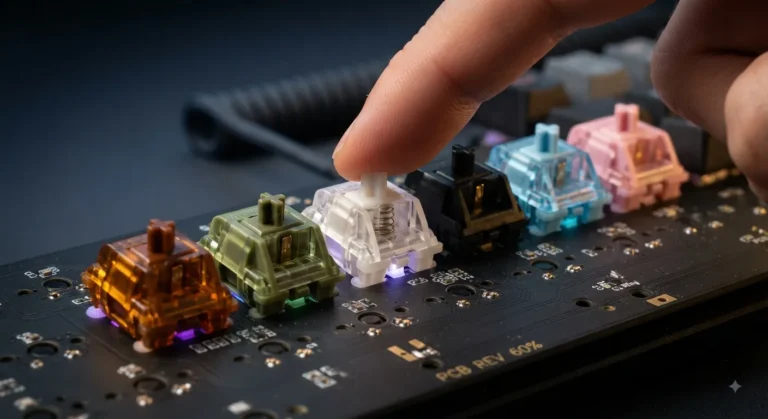
- Linear (Cherry MX Red, Gateron Yellow) — smooth, no bump. Great if you bottom out hard or game competitively. Easier to mistype on if you’re a light typist.
- Tactile (MX Brown, Holy Panda, Boba U4T) — small bump halfway down. Best all-rounder. If you’re unsure, start here.
- Clicky (MX Blue, Kailh Box White) — loud bump and a click. Satisfying. Also the reason your coworkers will quietly hate you.
The fix: order a switch tester for $10–15 before committing to a $200 board. Or buy a hot-swap board (more on that below) so the choice isn’t permanent.
2. Buying the Wrong Layout
People grab a full-size 104-key board out of habit, then complain their mouse hand is reaching too far. Or they jump straight to a 60% because it looks clean, then realize they use arrow keys 40 times an hour.
A rough guide:
- Full-size (100%) — only if you live in spreadsheets or do heavy data entry.
- TKL (87 keys) — the safe pick for most desks. No numpad, everything else stays.
- 75% — TKL functionality, smaller footprint. The sweet spot for a lot of people.
- 65% — arrow keys, no F-row. Great if you don’t code or hit F-keys often.
- 60% — minimalist. Steep adjustment if you actually use arrows and function keys.
Be honest about what you use. I’ve watched too many people buy a 60% because it’s “the enthusiast layout” and then live in Fn-key purgatory.
3. Ignoring the Software Ecosystem
This is the mistake nobody warns you about until it’s too late. A keyboard’s firmware decides how much control you actually have.
| Software / Firmware | What It’s Like | Verdict |
|---|---|---|
| QMK / VIA | Open source, deep remapping, works offline | Best in class. If a board supports VIA, that’s a buy signal. |
| Razer Synapse | Cloud account, RGB-heavy, occasional bloat | Fine if you’re already in the ecosystem. |
| Logitech G Hub | Polished but heavy, account required | Acceptable. Crashes more than I’d like. |
| Corsair iCUE | Powerful, very resource-hungry | I dread updates. |
| No software or proprietary tool | Limited remapping, no community support | Hard skip for power users. |
If you remap keys, run macros, or want layers, buy a VIA/QMK board. The Keychron Q and V series, the GMMK Pro, the Mode lineup — all check that box.
4. Overpaying for Marginal Sound Differences
I’ll say this clearly because nobody else will: a well-modded $90 board sounds 90% as good as a $300 custom. The last 10% costs another $200, and most people can’t hear it on a Zoom call anyway.
If “thock” is the goal, you don’t need a boutique build. You need:
- A board with foam or a gasket mount.
- Decent PBT keycaps.
- Lubed stabilizers (the single biggest sound upgrade per dollar).
That’s it. Don’t let a forum convince you that you need a $400 board to escape “ping.”
5. Skipping Hot-Swap Sockets
Hot-swap means switches pop out without soldering. It costs roughly $10–20 more on a board, and it changes everything if you’re new.
Here’s the catch — switch preference changes once you actually live with a board. The brown switch that felt perfect in the store will feel scratchy after three weeks of daily use. With hot-swap, you can drop in Gateron Browns or Kailh Box Whites in five minutes. Soldered boards lock you in.
The only reason to buy non-hot-swap today is if you’re absolutely certain about your switch and the deal is too good to pass up. Otherwise, hot-swap every time.
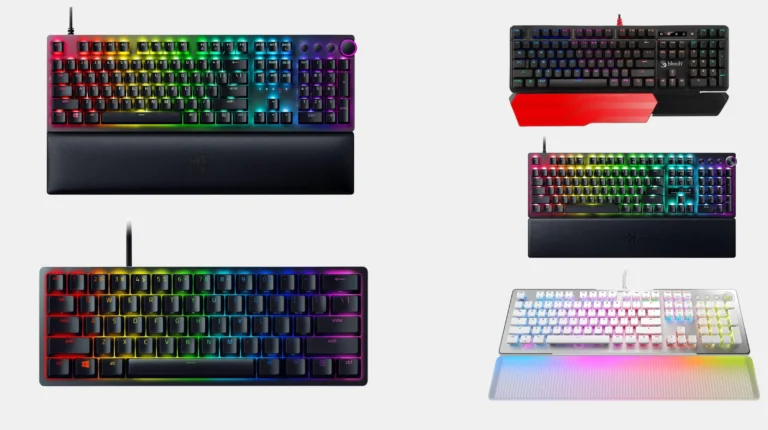
6. Treating RGB as a Buying Reason
I’m not anti-RGB. I run it on two of my own boards. But it’s the worst reason to choose a keyboard, and it’s the easiest thing for manufacturers to upcharge for.
If a board is mediocre but has stunning per-key RGB, you’re paying $40 extra for LEDs that get covered by your keycaps anyway. Spend that money on better caps, better switches, or a better case.
7. Cheap or Wrong Keycaps
The cap quality issue sneaks up on you. Stock ABS caps on a $150 board will go shiny in six to nine months of daily use. Then your $150 board looks like a $30 board.
What to look for:
- PBT over ABS — more durable, doesn’t shine.
- Cherry or OEM profile — most ergonomic for typical hands. SA is tall and sculpted; XDA is flat and uniform. Both take adjustment.
- Doubleshot or dye-sub legends — they won’t fade.
A $25–40 PBT keycap set can transform a budget board. It’s the highest-leverage upgrade you can make.
8. Ignoring Stabilizer Rattle
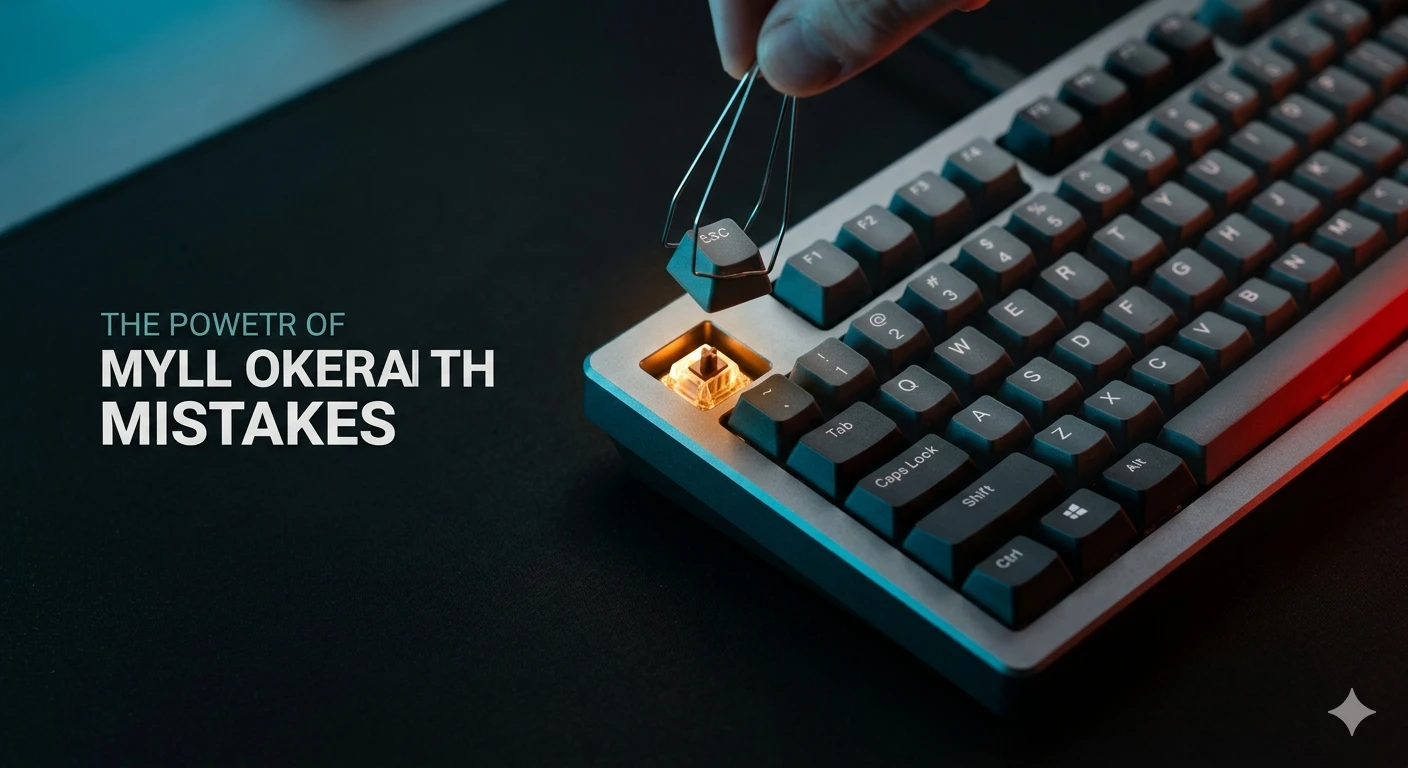
Pick up almost any sub-$150 prebuilt and press the spacebar. Hear that hollow rattle? That’s bad stabilizers, and it’s the loudest, most annoying flaw on most mechanical keyboards.
The fix takes 20 minutes and a tube of Krytox 205g0. Pop the caps on the spacebar, shift, enter, and backspace. Apply a thin layer of grease to the wire and the housings. Done. Your board now sounds like it cost twice as much.
If 20 minutes of modding sounds like too much, buy a board that lubes its stabs from the factory — most Keychron Q-series boards do, and pretty much all higher-end customs.
9. Going Wireless When You Don’t Need To
Wireless mechanical keyboards have gotten genuinely good. The Logitech MX Mechanical and Keychron K Pro lineup both run for weeks per charge with respectable latency.
Here’s the catch — for competitive gaming, wired is still better. Lower latency, no battery anxiety, and the cable doesn’t actually bother you once it’s routed. For typing and casual use, wireless is fine. For Counter-Strike at high rank, don’t bother.
Don’t pay the wireless premium unless your setup genuinely needs it.
10. Buying Based on “Gaming” Marketing Specs
8000 Hz polling rate. “0.2 ms response.” “Esports-grade.” Most of these specs are real but irrelevant.
The honest truth:
- NKRO and anti-ghosting — yes, you want these. Every decent mechanical has them.
- 1000 Hz polling — plenty for 99% of players.
- 8000 Hz polling — measurable, not feelable for almost anyone.
- Optical or magnetic switches — actually useful for analog-style input (Wooting boards). Otherwise, marketing.
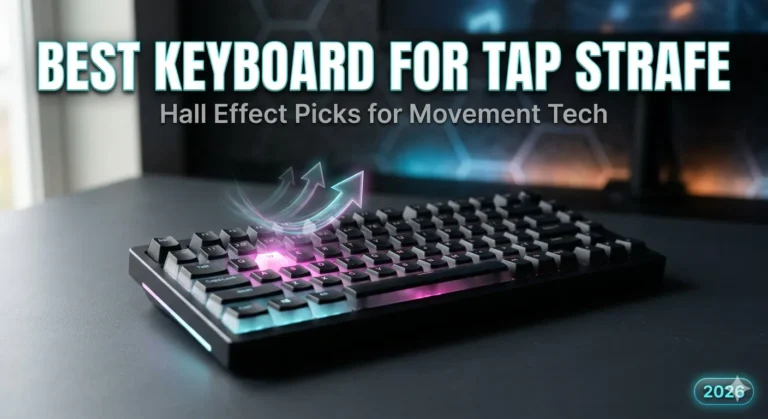
The only “gamer” feature I’d actually pay for is Hall-effect / magnetic switches with adjustable actuation, like the ones in Wooting boards. That’s a real, feelable advantage. The rest is upcharging.
So What Should You Actually Buy?
If I had to spend $100 today and walk away, I’d grab a Keychron K2 V2 with brown switches and PBT caps and spend $10 lubing the stabilizers. It would beat 80% of boards costing twice as much.
If I had $200, I’d get the GMMK Pro barebones, drop in Gateron Yellows or Boba U4Ts, and add a $30 PBT keycap set. Better than every prebuilt at that price.
If I had $50, I’d buy the Keychron C3 Pro, lube the stabs, and not feel like I cut corners.
The biggest mistake in this entire mechanical keyboard buying guide isn’t even on the list, by the way. It’s spending six months researching instead of buying a solid mid-range board and learning what you actually like. The board you live with for three weeks teaches you more than any review — including this one.
This article contains affiliate links. If you buy through them, I earn a small commission at no extra cost to you. I only recommend keyboards I’ve actually tested. As an Amazon Associate I earn from qualifying purchases.