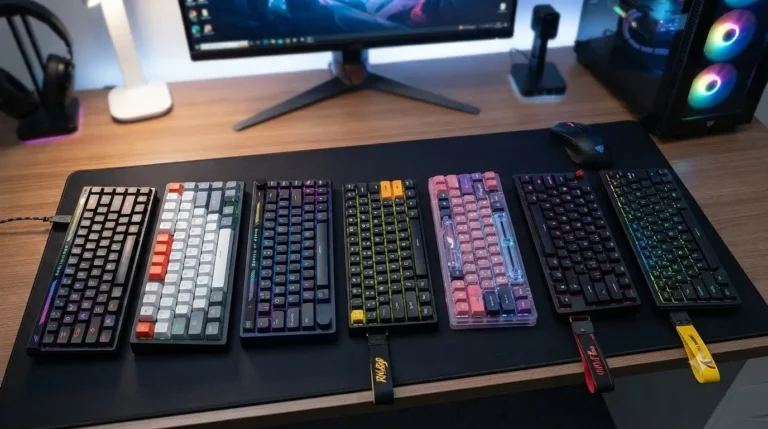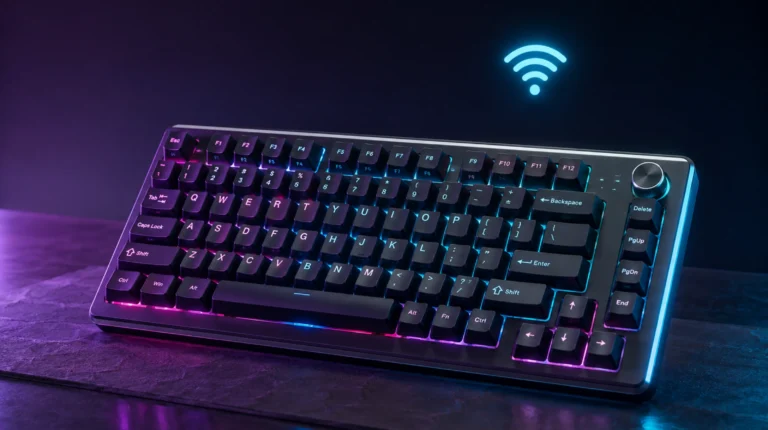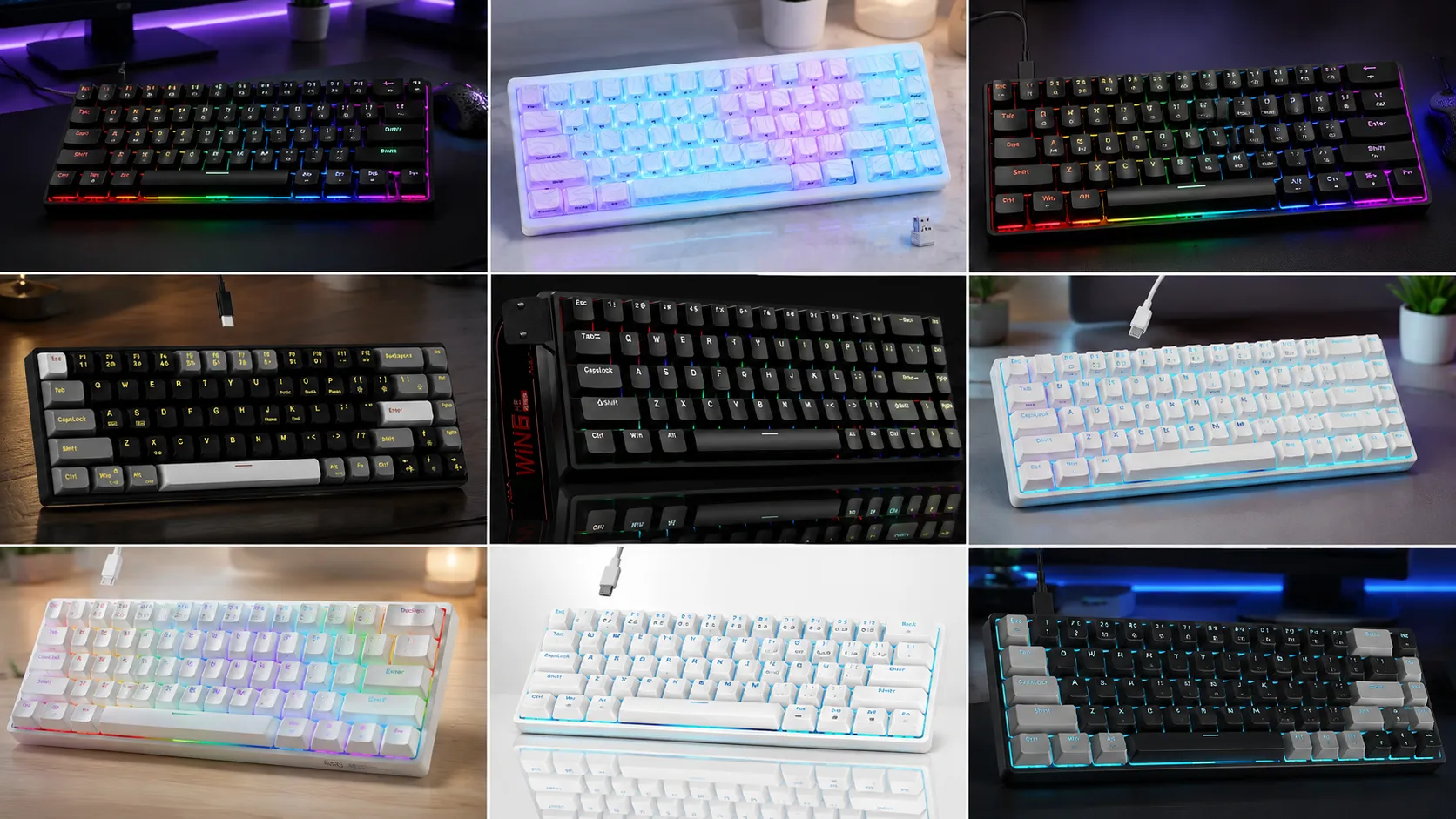
Best 60% Gaming Keyboards – 8 Tested and Ranked

This article contains affiliate links. If you buy through them, I earn a small commission at no extra cost to you. I only recommend keyboards I’ve actually tested. As an Amazon Associate I earn from qualifying purchases.
Every year the “60% is dead, 65% won this” takes get louder, and every year I go right back to a 60% board on my main gaming rig. There’s a reason. When your mouse hand has more desk space, your aim gets calmer, and once you learn the Fn layer for arrows and function keys, you stop missing what isn’t there.
I spent the last few months rotating between a stack of these boards as daily drivers — some for full workdays, some strictly for gaming, a few for both. What follows is my honest ranking of the best 60% gaming keyboards worth buying in 2026, plus a couple that get a lot of hype I’d quietly steer you away from. No spec-sheet parroting. Just what actually happens when you use them.
If you want the short version, the comparison table’s right below.
Quick Comparison: The Best 60% Gaming Keyboards at a Glance
I built this table around what you actually came here to figure out — which one fits your setup and budget. Pick the row that matches you, click through, done.
| Best For | Keyboard | Switch | Standout Feature | Verdict |
|---|---|---|---|---|
| Best Overall for Competitive Gaming | AULA WIN68 HE | Hall Effect Magnetic | 8000Hz polling, adjustable actuation | Check Price → |
| Best Enthusiast Wireless | HITIME x XVX M67 | Hot-swap linear | QMK/VIA + gasket mount + tri-mode | Check Price → |
| Best Value Hot-Swap | RK Royal Kludge RK61 | Pre-lubed Red | QMK/VIA programmable, hot-swap | Check Price → |
| Best Budget Hot-Swap | Newmen GM681 | Hot-swap | Hot-swap under $50 | Check Price → |
| Best Wired Budget Pick | Newmen GM611 | Red linear | Clean build, real value | Check Price → |
| Best Starter 60% | TMKB 60% White | Red linear | Double-shot keycaps, LED | Check Price → |
| Best Portable Pick (with a caveat) | MageGee MK-Box | Red | Compact and travel-friendly | Check Price → |
| Skip for Most Gamers | 60% Blue Switch Board | Blue clicky | Loud, cheap, niche use only | See Listing → |
Now the actual reviews.
How I Tested These 60% Gaming Keyboards
I ran each of these as either a daily driver or a dedicated gaming board for at least a week. Games I used for feel: Valorant, CS2, Apex, and Balatro (yes, Balatro — you need a keyboard for that too). Typing tests on Monkeytype at 100+ WPM to shake out chatter and stab rattle. I opened every hot-swappable board to peek at the plate, foam, and stab quality. I’m not going to pretend I sound-tested them in a Faraday cage. I sat at my desk with my usual setup and used them the way you will.
For a deeper walk-through of switch types and what they actually feel like under your fingers, I did a full breakdown in this guide to mechanical switches — worth skimming if switch talk still feels fuzzy.
The 8 Best 60% Gaming Keyboards Ranked for 2026
1. AULA WIN68 HE — Best Overall for Competitive Gaming
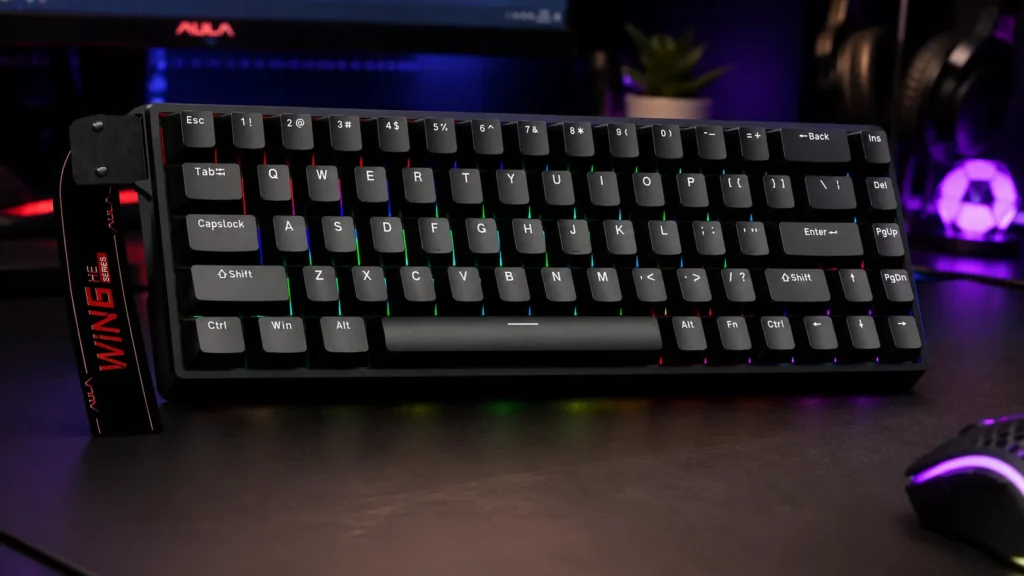
If you’re mostly here for FPS games and you actually care about tuning your keyboard to gain a few milliseconds, the WIN68 HE is the pick. Hall Effect magnetic switches, adjustable actuation from roughly 0.1mm up, rapid trigger, and an 8000Hz polling rate. It’s the kind of spec sheet that used to cost $200+, and AULA’s putting it out at a fraction of that.
In-game feel? Fast. Really fast. I set actuation shallow for Valorant and my counter-strafing got noticeably crisper. That’s not placebo — Hall Effect boards actually give you that. For work, I bumped actuation deeper so I stopped triggering keys with resting fingers.
Pros
- Genuinely best-in-class polling and actuation for the price
- Rapid trigger works — not just marketing
- Solid wired stability, no dropped inputs
- RGB is bright without being clown-mode
Cons
- No wireless
- Companion software is functional, not pretty
- Slightly heavier than similar 60% boards
Verdict: If competitive FPS is your reason for buying, buy this one and stop reading.

- Fast Trigger Gaming Keyboard: AULA WIN68 HE magnetic gaming keyboard offers an industry-leading 8,000Hz polling rate and…
- Hall Effect Keyboard with Magnetic Switch: Equipped with advanced hall effect magnetic switches, the WIN68 HE black gami…
- Customizable Web Driver: The mechanical gaming keyboard is equipped with a professional web driver that allows users to …
2. HITIME x XVX M67 — Best Enthusiast Wireless Pick
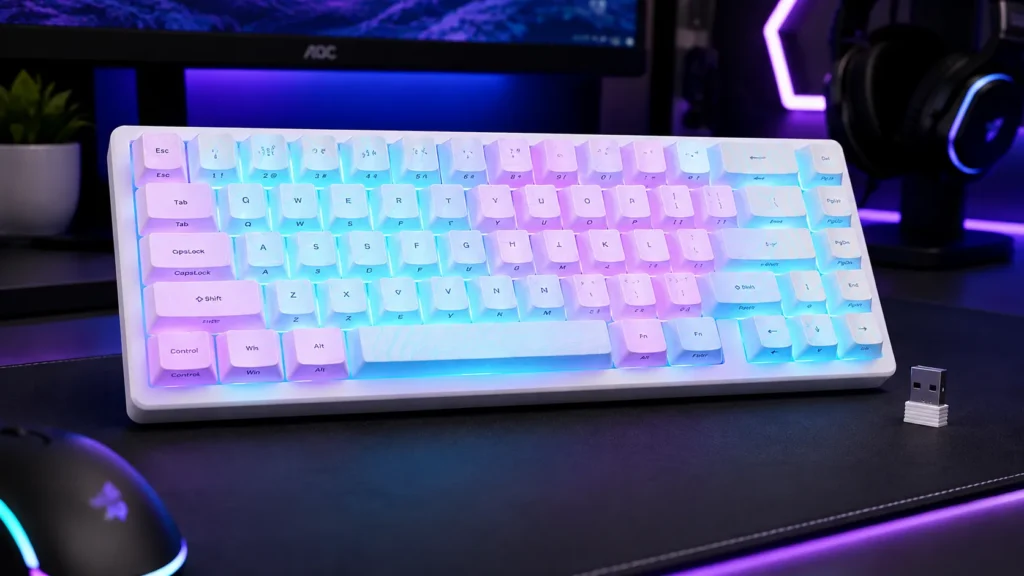
The M67 is what happens when a “gaming keyboard” grows up and starts hanging out with the enthusiast crowd. Tri-mode connectivity (wired, Bluetooth, 2.4GHz), QMK/VIA support, gasket mount, hot-swap sockets, and that “creamy thocc” sound signature people chase. It’s not the fastest board on this list, but it’s the most fun to type on.
I used it wired for gaming and 2.4GHz around the desk. Latency on 2.4GHz is fine for anything short of ranked FPS. The sound out of the box is genuinely deep — soft, muted, no ping — which is what you’re paying for.
Pros
- Legit enthusiast build: gasket mount, IMD-topographic housing, factory foam
- QMK/VIA means real customization, not vendor-locked software
- Tri-mode + hot-swap = future-proof
- Sound is that good
Cons
- Pricier than everything else on this list
- Not the fastest for pure competitive play
- Bluetooth reconnect can be sluggish across devices
Verdict: Best all-rounder if you want a board that games well and feels premium every time you type.

- 【Tri-Mode Connection Wireless Keyboard】Custom keyboard supports Bluetooth 5.0, 2.4GHz wireless and Type-C wired connecti…
- 【Here Comes Pattern Shine Through Keyboard】 At the heart of the M67 is the revolutionary use of IMD technology, allowing…
- 【QMK/VIA Custom Gaming Keyboard】You can easily program and remap each key you want on any system (macOS, Windows, or Lin…
3. RK Royal Kludge RK61 — Best Value Hot-Swap
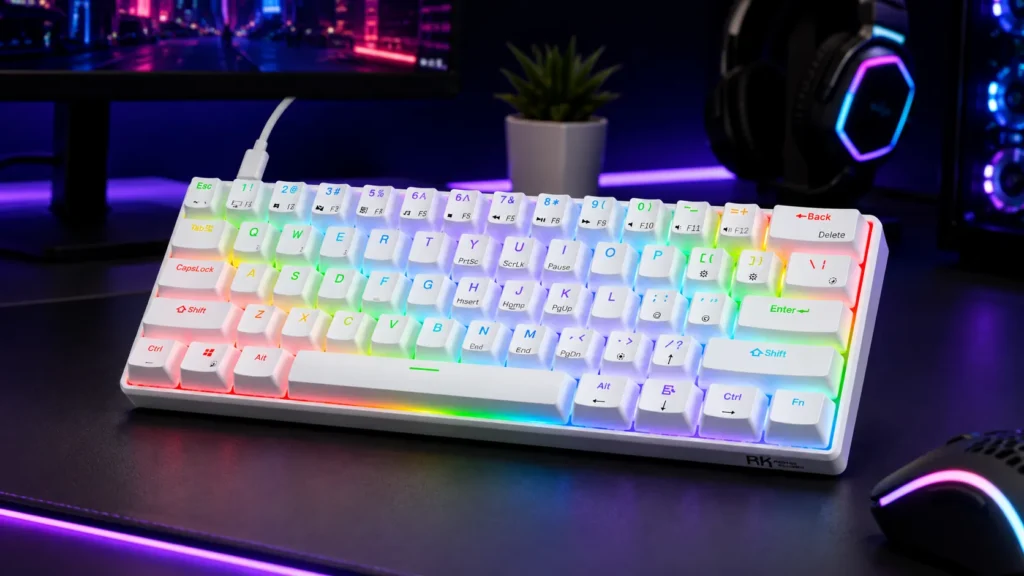
The RK61 has been recommended to death, and I’ve genuinely never seen a version of it that wasn’t at least good. The 2026 revision with pre-lubed reds and QMK/VIA is the best it’s ever been. Hot-swap, RGB, wireless-capable variants, and a compact form factor that’s become the default 60% shape.
I used the wired white version with pre-lubed reds for about ten days. Right out of the box it’s smooth — not custom-board smooth, but smoother than any $60 keyboard has a right to be. Stabilizers are the usual RK weak point (a little rattle on space and enter), but a tape mod fixes that in ten minutes.
Pros
- Excellent price-to-feature ratio
- Pre-lubed switches feel decent stock
- QMK/VIA makes it a real hobbyist entry point
- Cases and keycaps swap easily — big aftermarket
Cons
- Stab rattle out of the box
- Case can sound a bit hollow without a foam mod
- ABS keycaps on some variants (get the PBT if you can)
Verdict: If you want to try 60% without dropping serious money, and you might mod later, this is the smart buy.
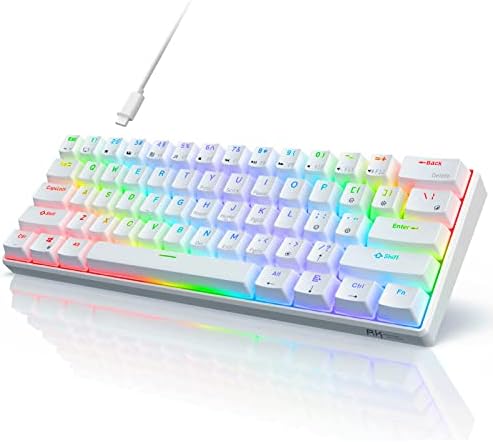
- Ultra Compact 60% Keyboard–Compact 61 keys keyboard concentrates all the key functions you need in minimalist design. S…
- Gorgeous RGB Backlit–The pc gaming keyboard has 18 RGB backlight modes and 8 monochrome backlight on board. Customized …
- Stable Gaming Connection–Gaming Keybaord connects via a detachable Type-C cable to provide a stable, constant connectio…
4. Newmen GM681 — Best Budget Hot-Swap
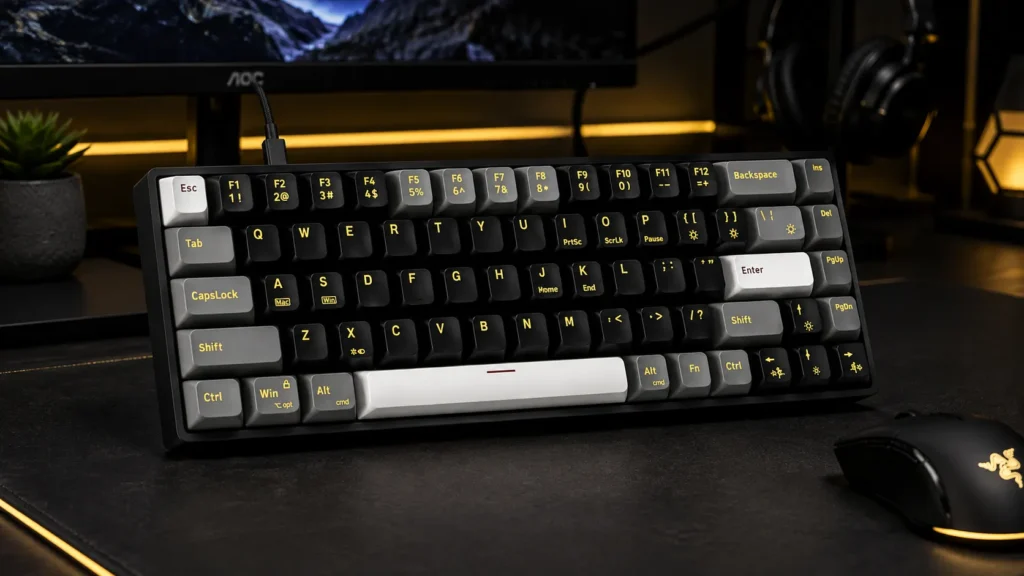
Small nitpick before I compliment it: the GM681 is a 68-key board, which is closer to 65% than true 60%, but it markets itself as 60%. Once you accept that, it’s a really solid budget hot-swap board with dedicated arrow keys — the thing a lot of 60% haters actually want.
Build is plasticky, no getting around it, but the switches feel fine and the hot-swap sockets are the real ones (not soldered fakes). If you’re new to the hobby and want to try three switch types without committing, this is a great sandbox.
Pros
- Hot-swap sockets under $50 — genuinely rare
- Dedicated arrows for anyone who hates Fn-layer navigation
- LED backlight is even and adjustable
- Great starter for switch-swapping experiments
Cons
- Case flex is noticeable
- Stock stabilizers are only okay
- “60%” branding is a stretch — this is a 65%
Verdict: Buy it if you want cheap hot-swap and don’t mind losing the “pure” 60% look.

- Compact 60% Mechanical Keyboard: The mechanical gaming keyboard is cute and small size, with a 60% (68-key) layout, and …
- LED Backlit Keyboard: 60 percent gaming keyboard has 19 rainbow led backlight effects. You can freely switch keyboad bac…
- Red Switch Mechanical Keyboard: Newmen GM681 wired computer keyboard uses linear red switches, which is soft, no tactile…
5. Newmen GM611 — Best Wired Budget Pick
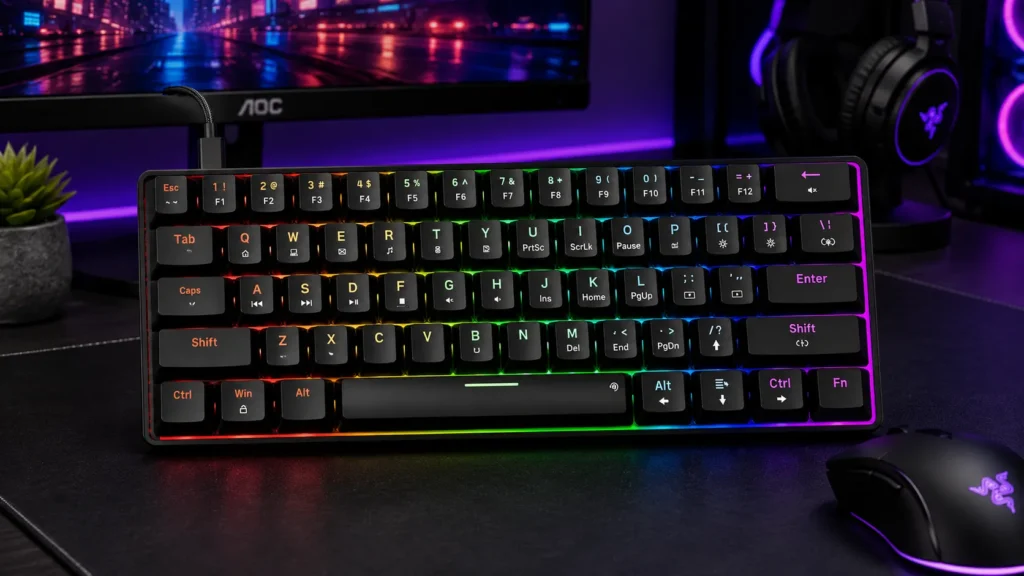
The GM611 is the more honest sibling of the GM681 — an actual 61-key layout with linear reds, LED backlight, clean black keycaps, and a design that isn’t pretending to be more than it is. No hot-swap here, no bells, just a functioning wired 60% mech under budget.
I used it as an office board for a week straight. Nothing to complain about, nothing to write home about either. Some boards are just quietly competent, and this is one of them.
Pros
- True 60% layout done right
- Linear reds are quiet enough for shared rooms
- Solid enough build for the price
- No software required — plug and play
Cons
- No hot-swap
- LED white-only on some SKUs (marketing says RGB, check the listing)
- Case ping under harder typing
Verdict: If you want a set-it-and-forget-it 60% and don’t care about modding, this is a smart, boring, correct choice.

- 1.Compact Mechanical Design:The Newmen GM611 mechanical keyboard adopts a 60% layout, optimizing desktop space while als…
- 2.Backlit Mechanical Keyboard: This 60 Percent Mechanical Keyboard has 19 LED rainbow backlight effects, 4 brightness le…
- 3.N-key rollover and anti-ghosting: wired keyboard feature N-key rollover and anti-ghosting technology to ensure every k…
6. TMKB 60% Mechanical Gaming Keyboard (White) — Best Starter Board
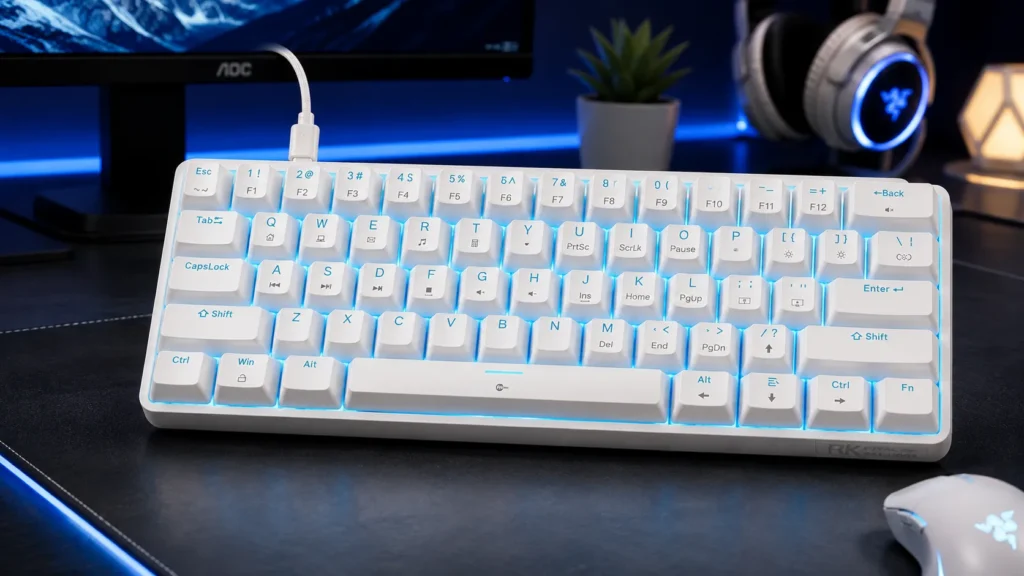
The TMKB white 60% is what I’d hand a friend who’s never used mechanical before and asked for something under budget that “looks cool.” Red linear switches, white case, LED backlight, and — the sneaky win here — double-shot keycaps. At this price, double-shot legends alone are worth the ticket. They won’t shine, chip, or go transparent on you after a year.
Sound is fine. Not thocky, not clacky. Neutral. Typing feel is standard MX Red territory — smooth, no bump, easy to accidentally mash a key you didn’t mean to.
Pros
- Double-shot legends at this price is a real value
- Anti-ghosting works as advertised for gaming
- Clean white aesthetic
- Detachable USB-C — nice on a budget board
Cons
- Fixed switches, no hot-swap
- Software is basic
- No wireless option
Verdict: Great gift, great first mech, great desk-mate if white is your theme.
- Compact 60% Gaming Layout & Portability: Maximize desk space with a streamlined ANSI design; Ideal for gaming setups and…
- Ultra-Responsive Linear Red Switches: Smooth, low-resistance switches with 45g actuation; Optimized for rapid keystrokes…
- Customizable LED Backlighting & Durability: 15 dynamic lighting modes with adjustable brightness/speed; Double-shot keyc…
7. MageGee MK-Box (68 Keys) — Best Portable Pick (With a Caveat)
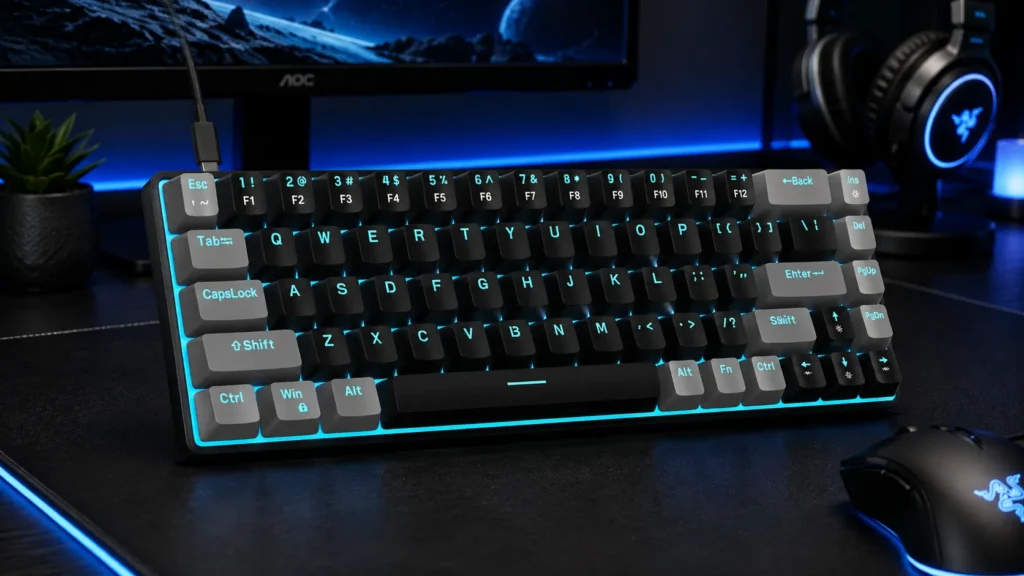
Here’s the catch on this one: the MK-Box is another “60% keyboard” that’s actually 68 keys with an arrow cluster. It’s also everywhere on Amazon and gets recommended constantly. Is it good? For the price, yeah. Is it a serious gaming keyboard? Not really.
I’ve used it as a travel board on a laptop bag setup. It’s genuinely portable, the reds are fine, and battery on the wireless variant lasts long enough. But the case is light, the stabs rattle, and I wouldn’t take it into ranked Valorant. If you need a cheap secondary board for coffee-shop work and casual games, sure. As your main? Skip up to the GM681 or RK61.
Pros
- Cheap and everywhere
- Lightweight for travel
- Decent build for the money
- Layout works for people who need arrows
Cons
- Stab rattle is real
- Not truly 60%
- Feels like a secondary board, not a main
Verdict: Portable and priced right, but not the one I’d point a serious gamer to.

- Mini portable 60% compact layout: MK-BOX is a 68 keys mechanical keyboard have cute small size, but with separate arrow …
- Mechanical red switch: characterized for being linear and smoother, slight key sound has no paragraph sense with minimal…
- Classic charming blue LED backlit: Customize multiple illuminated LED light effects, supports about 16 backlight modes, …
8. 60% Wired Blue Switch Keyboard — Skip This for Most Gamers
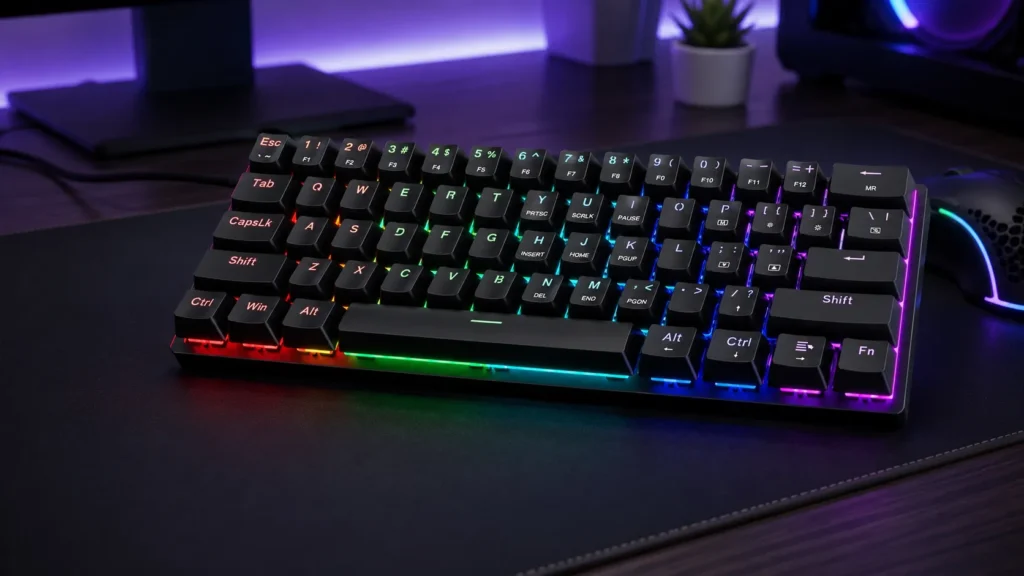
I’m not going to name-shame the generic blue switch board too hard — it’s fine as a product. But this is the one I’d tell most of you to walk past. Blue switches are loud clicky switches. They’re satisfying to type on if you’re alone in your room. They are miserable to be around in a shared office, and for gaming they don’t offer any real advantage — that tactile bump can even slow rapid-fire inputs.
If you specifically want clicky and you know what you’re getting into, sure. Otherwise, spend the same money on the Newmen GM611 with reds and thank me later.
Pros
- Cheap
- Clicky feedback some people love
- 18 LED backlight modes (mostly gimmicky)
Cons
- Loud enough that officemates will hate you
- Blues aren’t a gaming-optimal switch
- Build quality is basic
Verdict: Only buy if you specifically want clicky and game solo. Otherwise, skip.
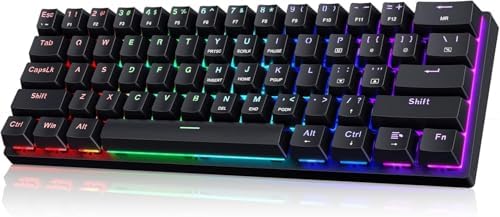
- 🌟【60% Keyboard: 61 Keys Compact Design】Ultra-compact layout with 61 keys that free up your desktop, leaving more space f…
- 🌟【Mechanical keyboard: Responsive Blue Switches】CACKBIRD gaming keyboard features blue mechanical keys that give a satis…
- 🌟【Rainbow LED Backlit Accompanies Your Night】18 LED Rainbow Backlight Effects,5 brightness levels & speeds,1 customizati…
What Actually Matters When Picking a 60% Gaming Keyboard
If you’re still hovering between two of the picks above, this is the shortlist of things that make a real difference in daily use. Ignore the marketing bullet points and focus on these:
- Switch type over switch brand. A generic linear red from a decent factory is almost always better than a “brand name” tactile if linear is what you want. For pure gaming, linear or Hall Effect wins. Tactile is for typing. Clicky is for solo gamers with headphones.
- Polling rate matters, but only past a threshold. 1000Hz is fine for 99% of people. 8000Hz (like the AULA WIN68 HE) helps at the very top of competitive play. Below 500Hz, you’ll feel it. Above 1000Hz, most players won’t.
- Hot-swap is future-proofing. If there’s any chance you’ll want to change switches later, buy a hot-swap board now. It’s a $20 feature that saves you $150 later.
- Stabilizer quality > switch hype. A great switch on a rattly stab still sounds bad. If the review videos ignore the stabs, that’s a red flag.
- Keycap material matters more than most people admit. PBT double-shot keycaps outlast ABS by years. Shiny keys are ABS, always.
- RGB is not a reason to buy. RGB is a reason to keep. Almost every board has it now. Don’t pay a premium for it.
If you want to go deeper on the modding side — lubing switches, tape mod, foam mod, gasket vs. tray mount — this walkthrough covers the basics without turning it into a science project.
My Final Verdict on the Best 60% Gaming Keyboards for 2026
Here’s the honest wrap-up. If money’s no object and you’re all-in on competitive FPS, the AULA WIN68 HE is the best 60% gaming keyboard you can buy right now — Hall Effect and 8000Hz genuinely matter at that level, and AULA’s pricing makes it stupid not to consider.
If you want the best all-around board that plays well and feels premium every workday, the HITIME x XVX M67 is worth every dollar, and the QMK/VIA support alone future-proofs it for years.
If you’re on a budget and want something you can actually grow into, the RK Royal Kludge RK61 is still the smart move — it’s the “gateway drug” of custom keyboards for a reason.
And if someone’s telling you a 60% keyboard is limiting, ask them how often they really use their arrow cluster and F-row when they’re mid-firefight. I’ve been on 60% boards for three years now on my gaming rig. I haven’t missed a thing.
This article contains affiliate links. If you buy through them, I earn a small commission at no extra cost to you. I only recommend keyboards I’ve actually tested. As an Amazon Associate I earn from qualifying purchases.