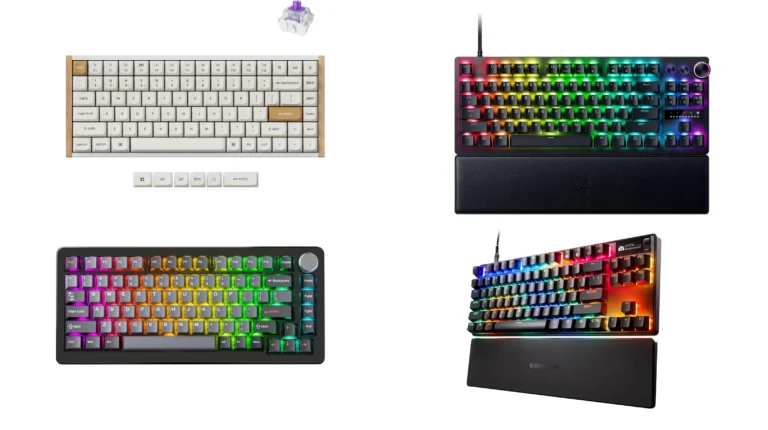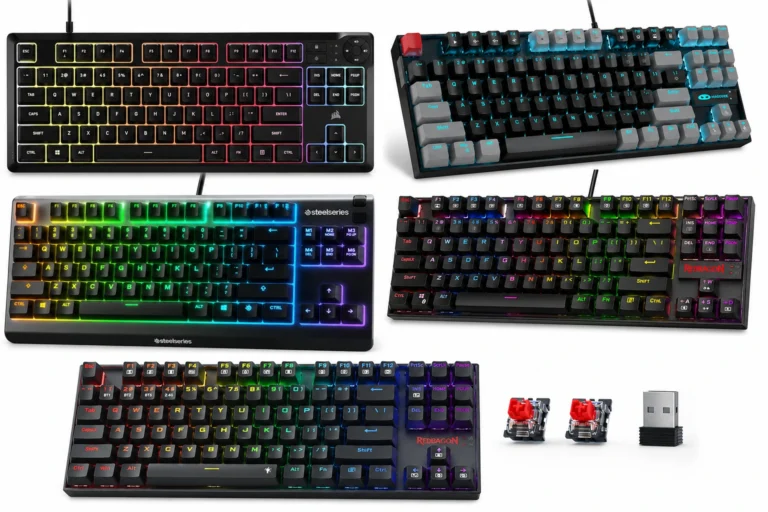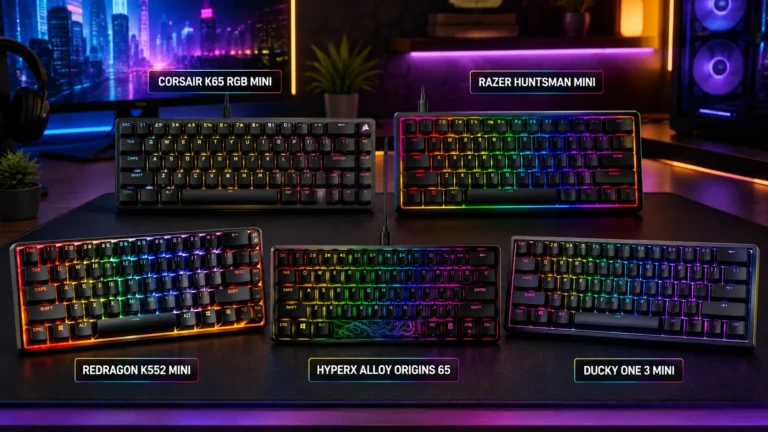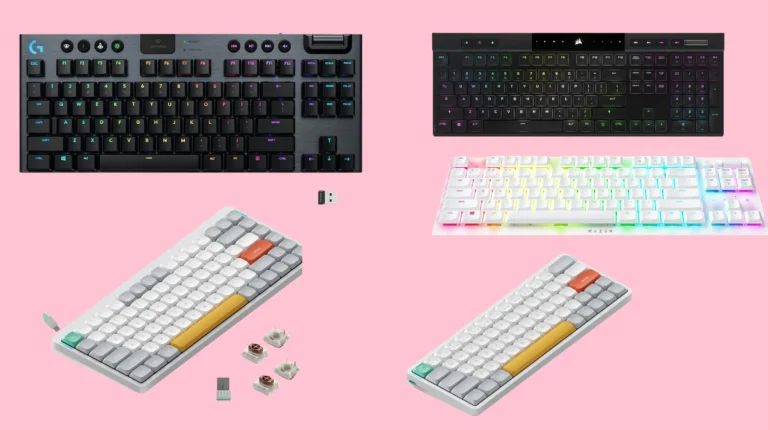
Best TKL Gaming Keyboards With Hall Effect Switches

This article contains affiliate links. If you buy through them, I earn a small commission at no extra cost to you. I only recommend keyboards I’ve actually tested. As an Amazon Associate I earn from qualifying purchases.
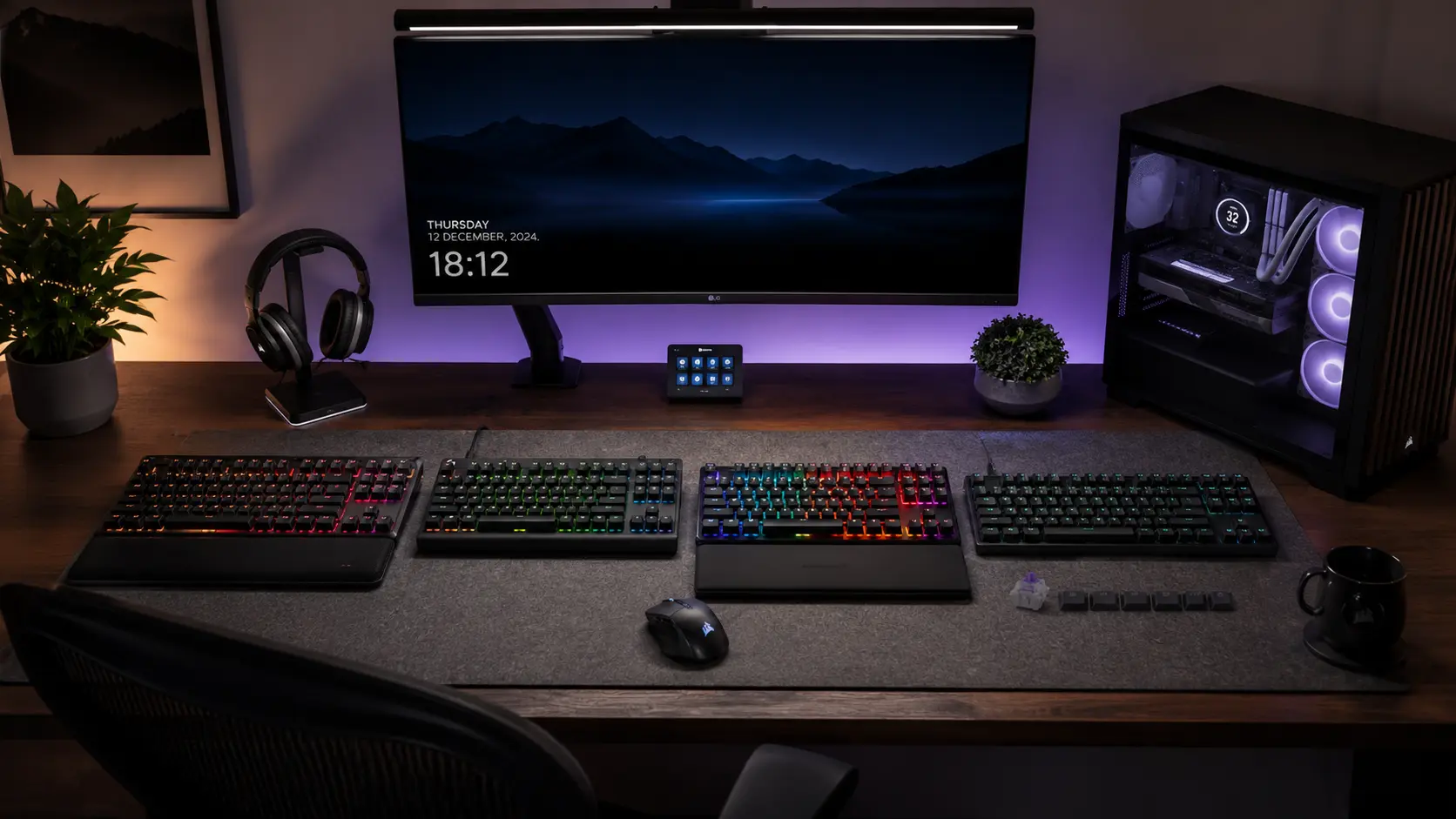
I’ve had a Wooting 80HE, a Corsair K70 PRO TKL, and a SteelSeries Apex Pro TKL Gen 3 sitting on my desk at the same time for the better part of two months, swapping between them mid-match like some kind of unpaid lab tech. Here’s what that taught me: the phrase “TKL hall effect gaming keyboard” gets thrown around like it describes one thing. It doesn’t. Some of these boards are built for shaving milliseconds off your counter-strafe. Others just happen to use magnetic switches because that’s what’s cheap and available right now. Knowing the difference is the whole game.
If you’ve read anything I’ve written before, you know I don’t do hype for hype’s sake. So let’s get into which TKL hall effect boards are actually worth your money in 2026, and which ones are riding the marketing wave a little too hard.
Quick Comparison: My TL;DR Picks
Short on time? Here’s the cheat sheet. I’ll go deeper on each one below, including the stuff the spec sheets don’t tell you.
| Keyboard | Best For | Rapid Trigger Min. | Polling Rate | Hot-Swap | Price |
|---|---|---|---|---|---|
| Wooting 80HE | Overall pick / competitive FPS | 0.1mm (adjustable) | 8,000Hz (Tachyon) | Yes | ~$200–$300 |
| Corsair K70 PRO TKL | Best value flagship, wired | 0.1mm | 8,000Hz (AXON) | No | $179.99–$189.99 |
| SteelSeries Apex Pro TKL Gen 3 Wireless | Best wireless, hybrid gaming/work | Adjustable | 1,000Hz | No | ~$270 |
| Keychron K8 HE | Best budget wireless | 0.1mm | 1,000Hz | Yes (Gateron magnetic only) | $129.99–$175 |
| Logitech G Pro X TKL Rapid | Big-brand value pick | 0.1mm | 1,000Hz | No | Sub-$150 |
None of these are bad boards. That’s actually the more interesting story in 2026 — the floor has risen a lot. But “not bad” and “right for you” aren’t the same thing, and that’s where most buying guides stop being useful.
What Makes a TKL Hall Effect Gaming Keyboard Different
Quick refresher, because I still get this question weekly. Hall effect switches don’t use metal contacts to register a keystroke. They use a magnet in the stem and a sensor in the PCB that reads how far that magnet has traveled. No contact means no debounce chatter, no contact wear, and — this is the part that actually matters for gaming — the ability to set your own actuation point instead of being stuck with whatever depth the switch manufacturer picked.
That’s what unlocks Rapid Trigger. Instead of a key needing to travel all the way back up before it can register another press, the switch resets the instant it detects you’ve started releasing, even by a fraction of a millimeter. In Counter-Strike or Valorant, that means your character stops moving and starts moving again noticeably faster during a counter-strafe. I wrote a longer breakdown of how Rapid Trigger actually works if you want the deep dive, but the short version is: it’s not marketing fluff. It’s one of the few “gaming spec” claims I’ve tested that holds up.
Here’s the part nobody puts in the headline, though: a TKL hall effect gaming keyboard doesn’t automatically feel better to type on than a good mechanical board. Some of the switches in this category — I’m looking at you, older Corsair MGX stems — have a stiffer, slightly numb feel that takes getting used to. Magnetic doesn’t mean magical. It means adjustable.
Wooting 80HE — Best Overall
I keep coming back to this one, and at this point I’ve stopped pretending I’m being objective about it. The 80HE runs Wooting’s Lekker L60 V2 magnetic linear switches with an actuation range from 0.1mm to 4.0mm and Rapid Trigger sensitivity down to 0.1mm, adjustable per key. Polling hits 8,000Hz through what Wooting calls Tachyon Mode, and — this is the detail that separates it from cheaper 8K boards — that polling is synchronized across every key at once instead of scanning in mixed internal batches.
The software is the real differentiator. Wootility runs in-browser, needs no install, and lets you dial in per-key actuation, analog input curves, and on-board profiles that keep working even when the software isn’t open. I haven’t found anything in this category that matches it.
Pros:
- Best-in-class Rapid Trigger implementation, genuinely felt in counter-strafing
- Wootility is the most complete HE configuration software around
- Full hot-swap support for compatible magnetic switches
- Synchronized 8K polling, not a marketing-only number
Cons:
- Not sold through Amazon — Wooting sells direct, and third-party listings mark it up
- The ABS version at ~$200 still isn’t “budget,” and the zinc alloy version pushes closer to $300
- Some units have a faint coil whine; it’s inconsistent, but it’s real
The catch: you’re paying a premium for software polish and per-key precision most casual players will never fully use. If you’re not tuning actuation curves game-by-game, you’re leaving value on the table.
Corsair K70 PRO TKL — Best Value Flagship

This is the board I point people toward when they want the full hall effect feature set without paying Wooting money for it. The K70 PRO TKL runs Corsair’s MGX Hyperdrive Hall Effect switches — pre-lubed and linear — on the primary keys, with MLX Plasma linear switches on the function row and nav cluster. You get 8,000Hz polling through Corsair’s AXON system, Rapid Trigger down to 0.1mm resolution, and SOCD support (Corsair calls it Snap Tap-adjacent, though naming varies release to release).
Here’s my honest caveat: MGX switches, especially on the earlier Corsair boards that debuted this tech, felt stiffer and a little numb under my fingers compared to Wooting’s Lekker switches. Corsair’s newer Vanguard lineup improves on this — I compared the two flagship-tier boards head-to-head here — but the K70 PRO TKL is still running the older stem geometry. It’s a tougher, less refined feel — fine for gaming, less fine if you also write for a living.
Pros:
- Full 8K polling, Rapid Trigger, and SOCD at a genuinely competitive price
- Brushed aluminum top plate feels sturdy under heavy use
- Best-value entry point into flagship-tier hall effect specs
Cons:
- No hot-swap — you’re locked into Corsair’s switches
- MGX switch feel is stiffer than newer magnetic switches on the market
- iCUE software has a learning curve, though Corsair’s Web Hub transition is helping
SteelSeries Apex Pro TKL Gen 3 Wireless — Best Wireless

If you specifically need wireless and don’t want to compromise on hall effect, this is close to the only mainstream option that checks both boxes in a TKL layout. It runs OmniPoint 3.0 switches with adjustable actuation, an OLED Smart Display for on-device tweaks without opening software, and SteelSeries’ Protection Mode, which reduces sensitivity on the keys surrounding your primary inputs to cut down on accidental presses during frantic moments. Triple connectivity — 2.4GHz, Bluetooth 5.0, wired USB-C — means it doubles as a solid daily-use board between gaming sessions. If wireless latency is your main hangup, I address that concern directly in my wireless gaming keyboard guide.
Here’s the catch, and it’s a real one: polling caps out at 1,000Hz. There’s no 8,000Hz option on this line. In 2024 that was a non-issue. In 2026, when sub-$50 boards from smaller brands are shipping 8K polling, a $270 flagship capping out at 1,000Hz is a legitimate gap SteelSeries hasn’t closed.
Pros:
- Genuinely useful OLED display for on-device actuation control
- Protection Mode is a smart, SteelSeries-exclusive feature for reducing mis-presses
- Triple connectivity makes it a solid all-day board, not just a gaming peripheral
Cons:
- Capped at 1,000Hz polling — no 8K option, unusual for the price tier
- No hot-swap
- SteelSeries GG software is functional but resource-heavy on older machines
Keychron K8 HE — Best Budget Wireless

I didn’t expect to like this one as much as I do. The K8 HE runs Gateron double-rail magnetic switches with adjustable actuation from 0.2mm to 3.8mm and Rapid Trigger sensitivity at 0.1mm. Polling sits at 1,000Hz over both 2.4GHz and wired USB-C, with Bluetooth 5.2 for pairing up to three devices. It’s hot-swappable too, though — and this matters — only with Gateron’s own double-rail magnetic switches. You can’t drop in Wooting’s Lekker switches or Gateron’s KS-20 line here.
What actually sold me is the acoustic package. EVA foam, EPDM foam, and a silicone pad inside the case give it a noticeably deeper, less hollow sound than most gaming-first boards in this price range, and the aluminum-and-wood frame on the special edition doesn’t feel like a $130 keyboard. Battery life is rated up to 110 hours with the backlight off, which lines up with what I saw over about three weeks as my daily driver. For more boards in this price range, check my rundown of budget-friendly picks.
Pros:
- Real hall effect and Rapid Trigger at a genuinely budget-adjacent price
- Excellent sound dampening for the money — a rarity in this category
- Tri-mode connectivity with strong battery life
Cons:
- Hot-swap is locked to Gateron’s proprietary magnetic switch, limiting mod potential
- 1,000Hz polling, not 8,000Hz — fine for most people, a dealbreaker for pure esports players
- Non-shine-through keycaps mean RGB only shows from the front edge
Logitech G Pro X TKL Rapid — Honest Big-Brand Pick

I want to like this one more than I do. Logitech launched the G Pro X TKL Rapid at a lower price than most of its magnetic-switch competition, and on paper it’s got everything: Rapid Trigger, adjustable actuation, the core hall effect feature set from a brand with genuinely excellent build QC. In practice, the switch feel is what I’d call “woolly” — there’s more tension and mush in the stroke than newer hall effect switches from Wooting or Gateron, and it’s the kind of thing you notice within the first ten minutes of typing, not just gaming.
If you’re brand-loyal to Logitech or you value their software ecosystem and support network over squeezing out the last bit of switch feel, it’s a reasonable pick. I just wouldn’t call it a top recommendation anymore with sharper options at similar money.
Pros:
- Strong value relative to Logitech’s own lineup
- Reliable build quality and firmware support
- Full Rapid Trigger and adjustable actuation feature set
Cons:
- Switch feel has more tension than newer HE competitors — noticeable in daily typing
- 1,000Hz polling only
- No hot-swap
Which One Should You Actually Buy
Here’s my actual, unsponsored take: most people chasing a “TKL hall effect gaming keyboard” don’t need the fastest one on paper. They need the one that fits how they actually play and type. If you’re grinding ranked CS2 or Valorant and want every millisecond you can get, the Wooting 80HE earns its price. If you want 90% of that performance without the software rabbit hole, the Corsair K70 PRO TKL is the smarter buy — a cheaper board with the right specs beats a pricier one you never fully use, every time.
If cables annoy you and you split time between gaming and actual work, the SteelSeries Apex Pro TKL Gen 3 Wireless is the only sensible flagship-tier wireless option right now, polling cap and all. And if your budget tops out around $150, don’t feel like you’re settling with the Keychron K8 HE — I’d rather recommend a good $130 board than talk someone into a mediocre $250 one just because the number looks more serious.
One more honest note, and it’s a mild contrarian one: 8,000Hz polling makes for a great spec sheet, but the jump from 1,000Hz to 8,000Hz is nowhere near as perceptible to most human reaction times as the jump from a fixed-actuation switch to Rapid Trigger in the first place. If your budget forces a choice between the two, prioritize Rapid Trigger. That’s the feature that actually changes how a match feels under your fingers — polling rate is mostly bragging rights past a certain point, and I say that as someone who owns three 8K boards.
If you want the full picture on how these switches stack up against optical alternatives, I put together a breakdown of the top optical TKL boards worth reading before you commit either way.
This article contains affiliate links. If you buy through them, I earn a small commission at no extra cost to you. I only recommend keyboards I’ve actually tested. As an Amazon Associate I earn from qualifying purchases.