Best Keyboard for Valorant: Top Hall Effect Picks Ranked

This article contains affiliate links. If you buy through them, I earn a small commission at no extra cost to you. I only recommend keyboards I’ve actually tested. As an Amazon Associate I earn from qualifying purchases.
Most “best keyboard for Valorant” lists are still padded with mechanical boards from 2023 and a stock photo of a Wooting. I’ll save you the suspense: at the top of the ranked ladder, Valorant in 2026 is a Hall Effect game. Pro tracking sites had Wooting and Razer accounting for roughly two out of every three keyboards in the VCT pool as of this spring, with the Wooting 60HE+ alone sitting on something like 23–24% of tracked pros. That’s not marketing fluff. That’s a hardware shift.
I’ve spent the last several months living with magnetic boards as my daily drivers — typing this on one right now — and I’ve put real ranked hours on every brand below. Here’s the no-fluff breakdown of the best keyboard for Valorant depending on what you actually need, what Vanguard cares about, and where the marketing stops matching reality.
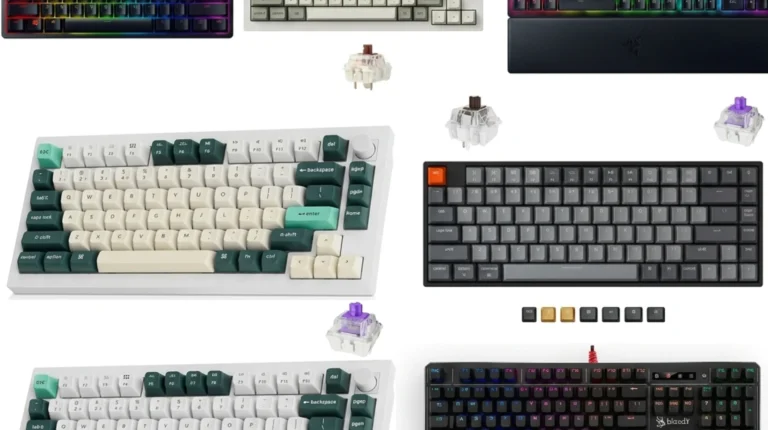
TL;DR: Quick Comparison Table
If you’re here to grab a pick and bounce, this is the section you want. Every board listed is Vanguard-compatible at the time of writing and uses either Hall Effect or magnetic optical switches with Rapid Trigger.
| Pick | Best For | Layout | Polling | Why It Wins | Approx. Price |
|---|---|---|---|---|---|
| Wooting 60HE+ | Best overall for ranked grinders | 60% | 8000 Hz | The pro standard. Lekker switches, Wootility software is the best in the category. | $200 |
| Wooting 80HE (TenZ Takeover) | Best for serious competitors who want a TKL | TKL/80% | True 8K | TenZ’s signature build. Lighter spring, FR4 plate, fastest input chain on the market. | $250+ |
| Razer Huntsman V3 Pro TKL | Best mainstream brand option | TKL | 8000 Hz | Gen-2 optical analog with Snap Tap. Easy to buy at Best Buy. Massive pro adoption. | $250 |
| Corsair Vanguard Pro 96 | Best 96% with a numpad | 96% | 8000 Hz | Real magnetic deck with numpad-adjacency. Less fuss than direct-import brands. | $230 |
| ASUS ROG Azoth 96 HE | Best premium typing feel | 96% | 8000 Hz | Wireless HE, OLED, gasket mount. Genuinely nice off the desk. | $300 |
| SteelSeries Apex Pro TKL Gen 3 | Best for streamers who want OLED + brand support | TKL | 1000 Hz* | OmniPoint 3.0, the most polished software outside Wootility. | $250 |
| DrunkDeer A75 Pro | Best budget pick that doesn’t feel cheap | 75% | 1000 Hz | Aluminum strips, PBT caps, volume knob. Punches above its price. | $130 |
| MonsGeek / Akko FUN60 Pro HE | Cheapest entry into HE | 60% | 8000 Hz | 0.01mm Rapid Trigger adjustment for under $90. Real performance, basic shell. | $80–$100 |
*Apex Pro TKL Gen 3 is rated at higher poll on certain configurations; SteelSeries lists the practical input latency as competitive with 8K boards in real use.
Specific prices move week to week, especially around Steam sales and Prime Day. The order of these picks doesn’t.
What Hall Effect Actually Does for the Best Keyboard for Valorant
Quick refresher, because most explainers either dumb this down or pretend you need a physics degree.
A regular mechanical switch is binary. The keystroke registers at a fixed actuation point (usually around 2 mm) and only resets when the contact physically lifts back past the reset point. That delay between releasing a key and the game registering it is the gap pros are trying to close.
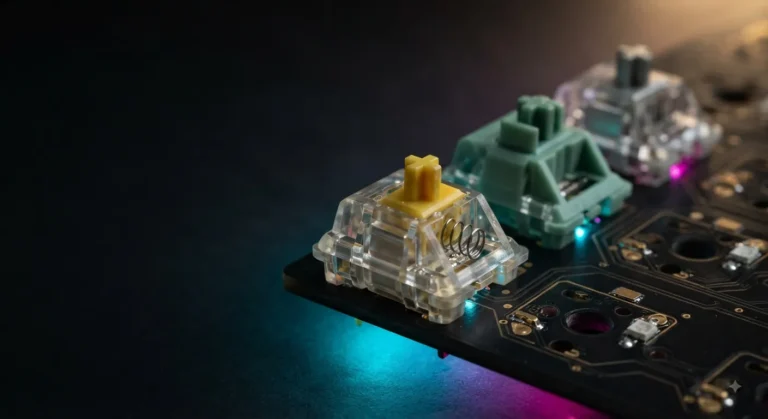
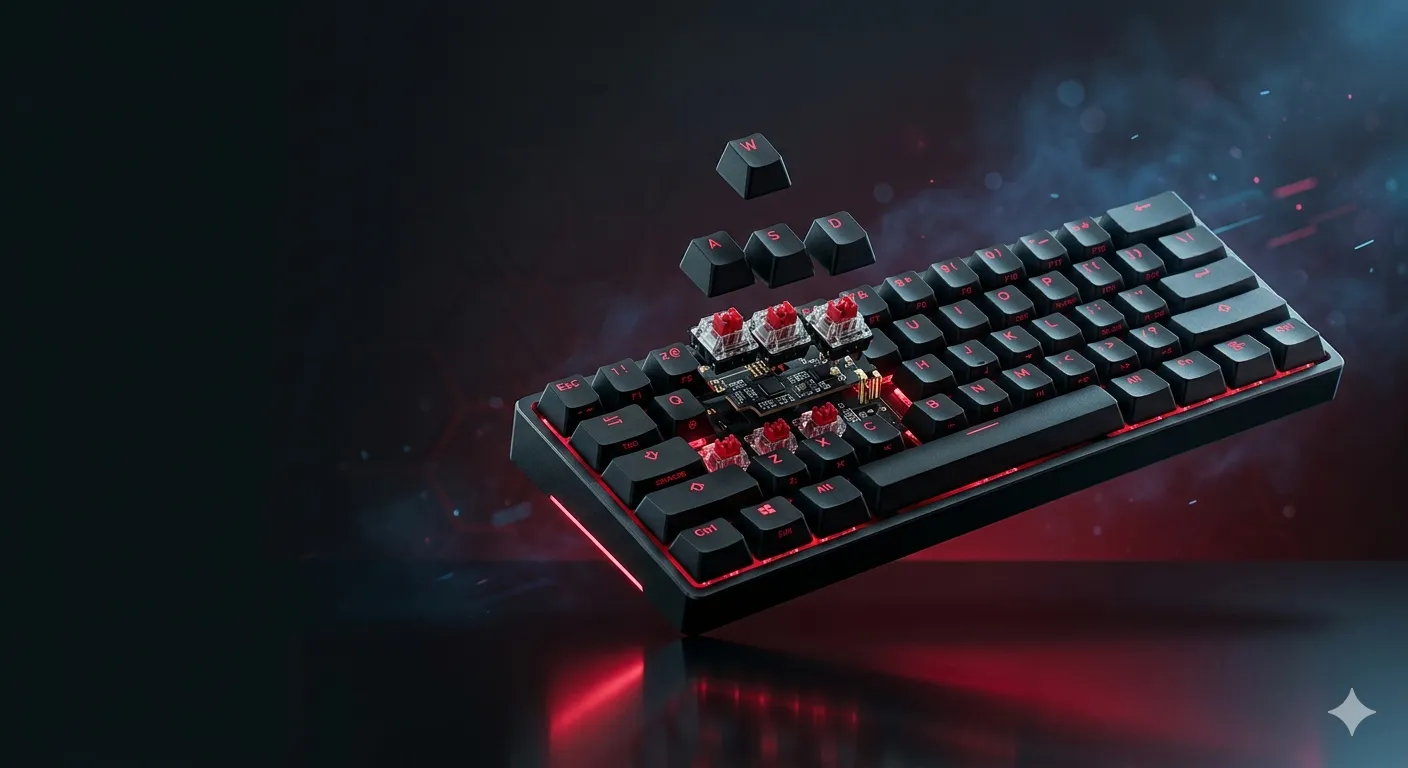
Hall Effect switches use a magnet in the stem and a sensor in the PCB. The keyboard reads exactly how deep your finger is at any moment — not just “pressed” or “not pressed.” This unlocks three features that matter in Valorant:
- Adjustable actuation. Set your A, D, and movement keys to register at 0.1–0.3 mm for fast counter-strafing. Set your less-critical keys (Q, E, ability binds) higher, around 1.5–2 mm, so you don’t fat-finger them.
- Rapid Trigger. The key resets the moment you start lifting your finger, not when it crosses a fixed point. This is the actual feature that improves your counter-strafe.
- Analog input. Less critical for Valorant than for racing sims, but it’s there.
Here’s the honest part most reviews skip: in Valorant specifically, the gain from Rapid Trigger is real but smaller than in CS2. Valorant’s engine returns shooting accuracy slightly faster after key release, which already narrows the gap. If you’re stuck in Silver, a $250 magnetic deck will not yank you into Diamond. If you’re playing in Ascendant lobbies, those few extra milliseconds on counter-strafe-and-fire are absolutely a real edge.
Vanguard, Snap Tap, and SOCD — What’s Actually Legal in 2026
Every other week someone in my Discord asks if Snap Tap will get them banned. Let me give you the cleanest summary I can.
- Hardware Rapid Trigger and adjustable actuation: 100% allowed. Riot has never indicated otherwise. Every keyboard in the table above ships with these features turned on.
- Hardware SOCD / Snap Tap (last-key-wins on A/D): Currently allowed in Valorant. Riot has not followed Valve’s lead on this — Valve explicitly banned it in CS2; Riot has not. The feature is shipping enabled in the latest Wooting and Razer firmware.
- Software-based SOCD or any external script that simulates input: Don’t. Vanguard runs at the kernel level. It can see what’s intercepting your inputs. Hardware-level is the line.
Two caveats. Riot doesn’t publish a list of banned mods and reserves the right to restrict anything granting “an unfair advantage.” Today’s allowed feature could become tomorrow’s banned feature. Vanguard also logs telemetry — if they ever retroactively flag Snap Tap, the data exists.
For 99% of ranked players: turn Rapid Trigger on, leave Snap Tap off unless you’ve practiced with it. Most pros I’ve watched still have it disabled.
The Picks, Ranked
1. Wooting 60HE+ — The Pro Standard and the Best Keyboard for Valorant Overall
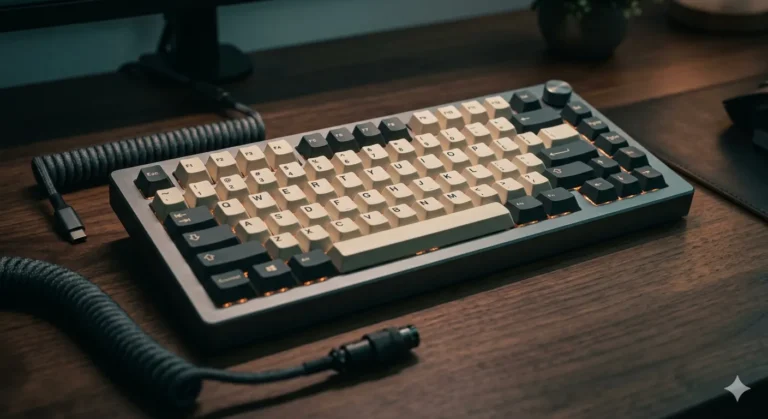
This is the one. There’s a reason it shows up under more pro desks than any other Valorant keyboard. The Lekker switches feel light and smooth, Wootility is genuinely the best software in the category (no bloat, no required login, profiles save to the board itself), and the 60% layout forces you to keep your hand near WASD where it belongs.
I’ve used mine as a daily for about four months. The build is plastic, the keycaps are doubleshot PBT, the case sounds a little hollow stock — fix that with a $5 sheet of poron foam if you care. Battery is wired-only, which I actually prefer for a competitive board.
Pick this if: you want what the pros use, you don’t need a numpad, and you don’t mind the 60% layout’s missing arrows and function row.
Skip if: you also do spreadsheet work, video editing, or anything where you actually need an F-row.
2. Wooting 80HE — When You Need Arrow Keys and the Fastest Polling on the Market
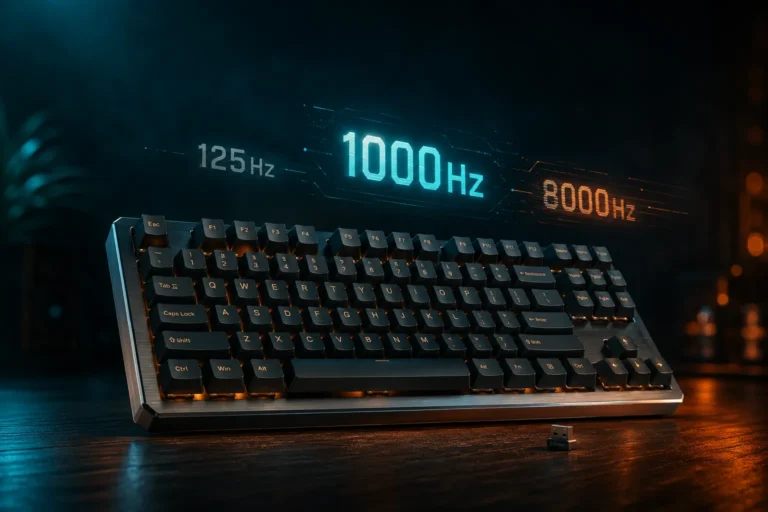
The 80HE is what the 60HE+ grows into. TKL layout, gasket mounting, screw-in stabs out of the box, and true 8K polling that scans the keys in sync with the poll cycle — Wooting calls it Tachyon mode. Stated input latency is around 0.125 ms, which is the lowest I’ve seen on any consumer board.
The TenZ Takeover edition is the same board with a lighter spring weight and the FR4 plate for a stiffer typing feel. If you have heavy fingers, get the standard. If you bottom out softly and want every gram of resistance to matter, the TenZ version is worth the extra coin.
Here’s the catch: the zinc alloy premium model is genuinely heavy and starts pushing into $300+ territory. The polycarbonate base model gets you 95% of the performance for less.
3. Razer Huntsman V3 Pro TKL — Mainstream Brand, Genuine Performance
Razer’s Gen-2 optical analog switches aren’t technically Hall Effect, but they do everything HE does in practice — Rapid Trigger, adjustable actuation, Snap Tap. The Huntsman V3 Pro TKL has the second-highest pro adoption in Valorant after the Wooting 60HE+, and you can walk into a Best Buy and grab one tomorrow.
Synapse is the software wart. It’s bloated, login-gated, and runs as a background service. If you can stomach that, the board itself is excellent. If you can’t, get a Wooting.

- CHOSEN BY PRO’S FOR ADVANCED FPS MOVEMENT — With Rapid Trigger, Adjustable Actuation and Razer Snap Tap, the Huntsman V3…
- RAZER SNAP TAP — Prioritize the latest input between two selected keys without having to release the previous one, and e…
- RAPID TRIGGER — A step up from traditional mechanical or optical keyboards to achieve the most responsive and precise in…
4. ASUS ROG Azoth 96 HE / Corsair Vanguard Pro 96 — The 96% Picks
If you need a numpad-adjacent layout for work and Valorant on the same desk, these are your two real options. The Azoth wins on typing feel — gasket-mounted, with a small OLED, an actual lubing kit in the box (a first for a mass-market board), and a wireless option that’s rare on power-hungry HE boards. The Vanguard Pro 96 wins on price-to-feature ratio and is what I’d recommend for most people who want a 96% magnetic deck without spending $300.
The Corsair iCUE-to-Web-Hub transition is still bumpy. Be prepared to lose 20 minutes to software updates the first time you plug it in.


5. SteelSeries Apex Pro TKL Gen 3 — Premium Build, Polished Software
OmniPoint 3.0 switches, OLED screen, and the most polished non-Wootility software in the category. Pro adoption in Valorant isn’t as deep as Wooting or Razer, but it’s a real competitor and SteelSeries’ brand support — RMAs, replacement parts, regional warranty coverage — is the best in the business if something goes wrong.

- TRIPLE THREAT POWERED BY QUICKSET — Apex Pro is the only line of keyboards in the world with Rapid Trigger, Rapid Tap, a…
- RAPID TRIGGER FOR FASTER ACTIONS — Stop fast, start your next move faster. Resets the moment you release a key.
- RAPID TAP FOR FASTER MOVEMENT — Snaps to your latest key press to strafe and dodge faster.
6. DrunkDeer A75 Pro and MonsGeek FUN60 Pro HE — The Budget Picks That Are Actually Good
DrunkDeer is the original budget HE brand. The A75 Pro has aluminum strips, PBT caps, a volume knob, and 0.1mm Rapid Trigger. Software is rougher than Wootility but it works. Around $130.
The MonsGeek/Akko FUN60 Pro HE drops below $100, runs 0.01mm Rapid Trigger adjustment, and has hot-swap sockets if you want to mod it later. The shell is basic, the stabs are mediocre, but the switches are real and the latency is genuinely competitive. This is the board to buy if you’re not sure whether magnetic switches will change your game and you don’t want to spend $200 to find out.


The Honest Tradeoffs Nobody Tells You
Magnetic boards aren’t free of downsides. Three things you should know going in:
- They’re heavier on USB power. Some hubs and KVMs will not deliver enough current at 8K polling. Plug directly into a motherboard USB 3.0+ port.
- Stabilizer quality on most pre-built HE boards is mediocre. Wooting’s screw-in stabs are decent. Razer’s are fine. Most others rattle out of the box. Plan to spend 20 minutes lubing the spacebar if you care.
- You will overtune. Everyone who buys an HE board spends the first month dropping their actuation to 0.1 mm on every key, then realizing they’re misfiring constantly. Set your movement keys low and leave everything else around 1.5 mm. Trust me.
My Verdict
If you can afford it, the Wooting 60HE+ is the pick for most people looking for the best keyboard for Valorant. It’s what the pros use because it works, not because it’s sponsored — Wooting’s pro program is famously hands-off. Step up to the 80HE if you need arrow keys or want the absolute fastest polling on the market.
If you want a mainstream brand and a TKL with Snap Tap baked in, the Razer Huntsman V3 Pro TKL is the real alternative.
If you’re on a budget, the MonsGeek FUN60 Pro HE under $100 is the most board you can buy for the money in 2026, and it will genuinely teach you whether magnetic switches are worth the upgrade for your playstyle.
Skip the $300+ flagships unless you specifically want the typing feel for non-gaming use. The performance gap above $200 is real but tiny. Your aim trainer routine will move your rank more than any keyboard on this list.
This article contains affiliate links. If you buy through them, I earn a small commission at no extra cost to you. I only recommend keyboards I’ve actually tested. As an Amazon Associate I earn from qualifying purchases.