TMR vs Hall Effect Keyboards: What Actually Changes

This article contains affiliate links. If you buy through them, I earn a small commission at no extra cost to you. I only recommend keyboards I’ve actually tested. As an Amazon Associate I earn from qualifying purchases.
Here’s something I didn’t expect to be writing in 2026: the magnetic keyboard people are already trying to obsolete the magnetic keyboard. Hall Effect was supposed to be the future. Now there’s a new acronym — TMR, short for Tunneling Magnetoresistance — turning up on spec sheets from CHERRY XTRFY, MonsGeek, Keychron, and a half dozen brands I’d never heard of last year.
I’ve spent the last few months typing on both. Same hands, same desk, same games, same long writing sessions. So this is what the tmr vs hall effect debate actually feels like in practice — not in a whitepaper.
Let me save you the suspense: the gap is smaller than the marketing suggests, but it’s real, and it matters more for some people than others.
What TMR and Hall Effect Actually Do
Both technologies do the same job. They detect how far down a key has been pressed using a magnet inside the switch, with no physical contact between the moving part and the sensor on the PCB. That’s the magic of magnetic switches in general — no metal leaves bending into each other thousands of times a day, no inevitable contact wear, and (the part gamers care about) the ability to set the actuation point anywhere you want and use Rapid Trigger to reset the moment you lift your finger.
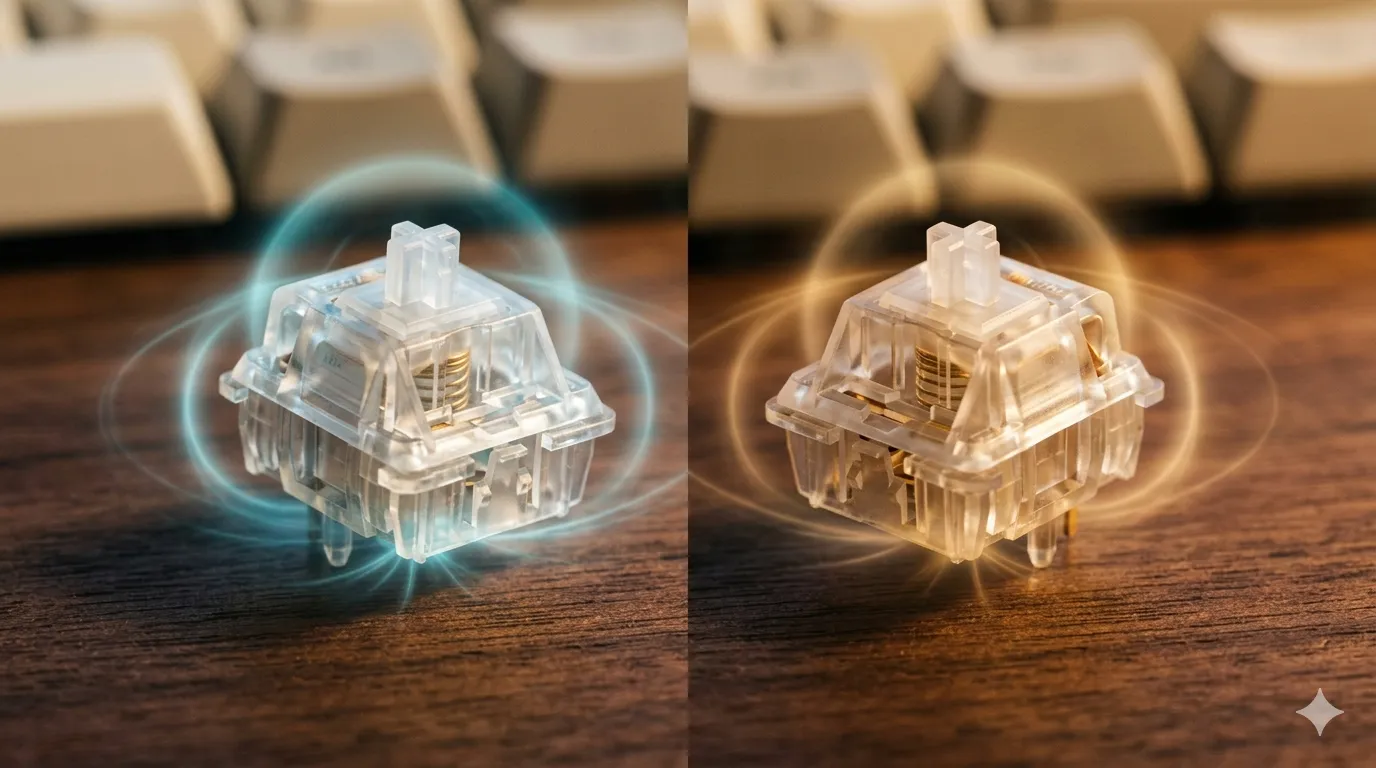
The difference is in how the sensor reads the magnet.
- Hall Effect measures voltage changes caused by a magnetic field. It’s been used in cars, industrial equipment, and electronics for decades. Cheap, mature, well understood.
- TMR uses a quantum mechanical trick: electrons tunneling through an insulating barrier between two ferromagnetic layers. Sounds exotic because it is. The upside is sensitivity — TMR sensors pick up smaller, subtler changes in the magnetic field than Hall Effect can manage at the same power draw.
Fun bit of industry trivia: Keychron has admitted publicly that its “HE” boards have actually used TMR sensors since the original Q1 HE. They labeled them “HE” because nobody knew what TMR meant. Now that the marketing wheel has spun a few more times, the same tech is suddenly the new hotness.
TMR vs Hall Effect: Quick Tech Comparison
| Spec | Hall Effect | TMR |
|---|---|---|
| Sensing method | Voltage shift from magnetic field | Quantum tunneling between magnetic layers |
| Sensitivity | Good — reads typical key travel cleanly | Higher — reads finer position changes |
| Power draw | Moderate | Significantly lower |
| Wireless friendliness | Possible but battery-hungry | Strong — enables 8KHz wireless |
| Maturity | Decades, huge supply chain | Newer to keyboards, fewer suppliers |
| Typical US price floor | ~$80 | ~$90 (and dropping fast) |
| Adjustable actuation | Yes | Yes |
| Rapid Trigger support | Yes | Yes |
This is where I’d normally expect a clear winner. There isn’t one. TMR is genuinely better at the sensor level, but Hall Effect isn’t broken or outdated. It’s the workhorse, and there’s nothing wrong with a great workhorse.
Where TMR Actually Wins
I want to be specific here because “more precise” is the kind of phrase that sells boards without meaning anything. Three real, testable wins for TMR:
- Wireless performance. This is the big one. Hall Effect sensors need constant power to read their values, and pushing high polling rates over wireless eats battery for breakfast. TMR’s lower power draw is the reason CHERRY’s MX 8.2 Pro TMR Wireless can hold 8000 Hz polling untethered. A year ago that was wired-only territory.
- Finer actuation resolution. Cherry quotes 0.01 mm precision on their TMR boards. In practical terms, the lower end of your actuation range (think 0.1 mm hair triggers for FPS) is more stable and less prone to false fires. I noticed it in CS2 — my counter-strafing felt cleaner on TMR than on a comparable Hall Effect board set the same way.
- Rapid Trigger feels more honest. Rapid Trigger only works as well as the sensor underneath it. With TMR, the reset point tracks your finger more faithfully on slow, deliberate releases, not just fast ones. Subtle, but you can feel it in long sessions.
If you’re a competitive FPS player at a high level, or you want a no-compromise wireless gaming board, this is where you’ll feel the upgrade.
Where Hall Effect Still Makes Sense
Now the contrarian bit, because I’d be a bad reviewer if I didn’t say it: most people will not feel the difference between a great Hall Effect board and a great TMR board.
A Wooting 80HE running Lekker V2 switches on Wootility is still, in my opinion, the most refined gaming keyboard experience you can buy. The software is better than anything the TMR camp has shipped. The switches feel fantastic. The community is huge. None of that gets worse because there’s a new sensor in town.
Here’s the catch with chasing TMR specifically: a lot of “TMR” branding right now is being slapped on boards whose firmware, stabilizers, and overall build quality aren’t on the level of the established Hall Effect players. The sensor is one ingredient. The recipe matters more.
A quick gut check on who shouldn’t bother upgrading:
- You play at 144 Hz or below. The latency gain is well under your monitor’s refresh window.
- You’re a typist first, gamer second. Switch feel, sound, and keycap quality matter far more than 0.4 ms of polling difference.
- You’re on a wired connection and already happy with your Hall Effect board. Nothing has gotten worse this year.
TMR vs Hall Effect: Best Picks by User Need
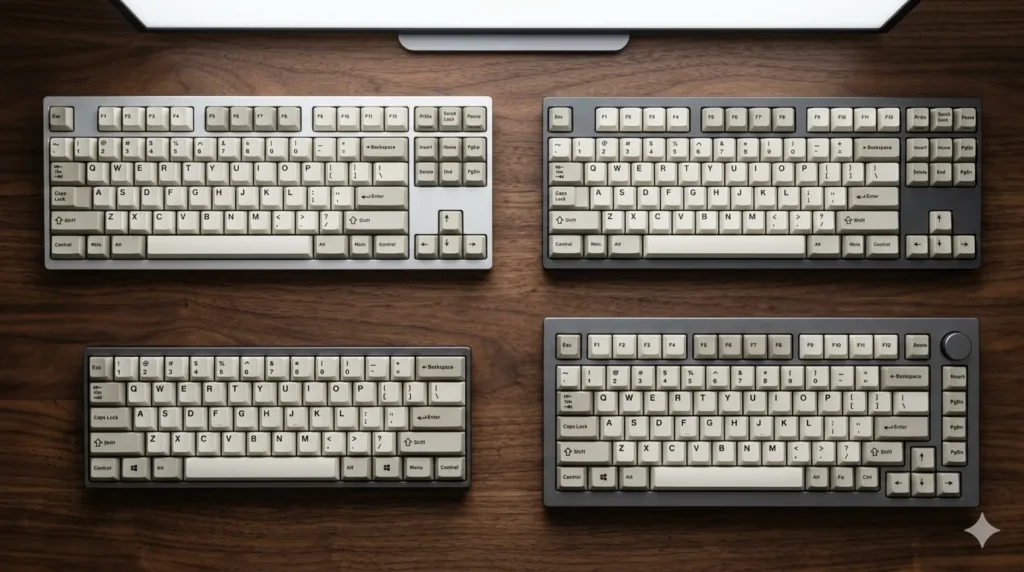
This is the part you actually came for. Here’s how I’d break the field down right now, sorted by what you’re trying to do — not by which acronym you prefer.
| User type | Best pick | Sensor | Why |
|---|---|---|---|
| Wireless gamer, no compromise | CHERRY XTRFY MX 8.2 Pro TMR Wireless | TMR | 8KHz wireless polling, dual hot-swap (magnetic + mechanical), PBT keycaps. ~$249. |
| Competitive FPS, wired | Wooting 80HE | Hall Effect | Best-in-class software, Lekker V2 switches, gasket mount. The benchmark. |
| 60% / tournament travel | Wooting 60HE v2 or MonsGeek FUN60 Ultra | HE / TMR | Wooting if you want polish; MonsGeek if you want bleeding-edge TMR cheaper. |
| Premium typing + magnetic features | Keychron Q1 HE | TMR (labeled HE) | Gasket mount, great sound profile, full-feature software. The all-rounder. |
| Budget magnetic curious | Gamakay NaughShark NS68 or Mchose Jet 75 | HE / TMR | Under $100, real Rapid Trigger, no real excuses left for not trying magnetic. |
| Wireless premium typing | SteelSeries Apex Pro Gen 3 | Hall Effect | OLED, Rapid Trigger, polished SteelSeries GG software. Capped at 1KHz but you won’t notice. |
A short, honest note on pricing. TMR boards launched ugly-expensive in early 2026 and are already collapsing. The MonsGeek FUN60 Ultra at around $90 was unthinkable a year ago. If you’re not in a rush, six more months of patience will save you real money.
Hot-Swap, Switches, and the Compatibility Question
One thing the early TMR coverage glossed over: magnetic switches and traditional mechanical switches don’t talk to each other. A magnetic socket needs a magnet in the stem and a sensor underneath. A mechanical socket needs metal leaves and a different PCB layout. They’re physically and electrically different beasts.
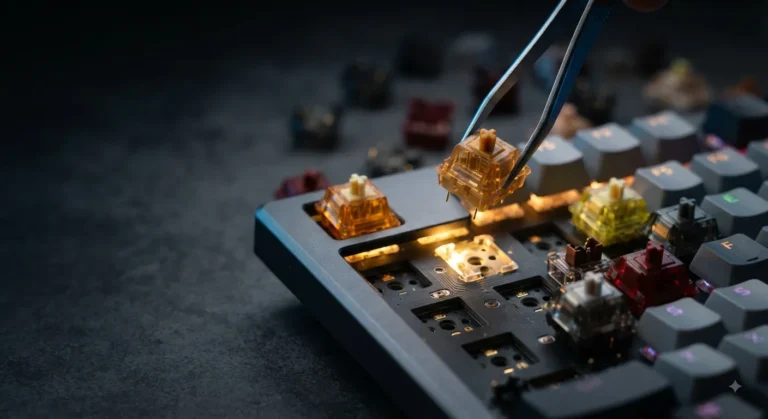
CHERRY’s MX 8.2 Pro TMR Wireless is one of the few boards I’ve tested that solves this honestly — it has dual hot-swap sockets, so you can run MX-style mechanical switches and CHERRY MK Crystal Magnetic switches on the same board. That’s genuinely useful if you want to A/B a tactile mechanical against a linear magnetic on the same chassis. Most other “hot-swap” magnetic boards only swap between other magnetic switches, which locks you into whatever the brand’s ecosystem ships.
A few things worth knowing before you commit to a TMR board:
- Switch ecosystem is smaller. Gateron, Kailh, and CHERRY all make magnetic switches now, but the variety is nowhere near MX-style. You won’t find boutique linears like Akko Cream Blues or Boba LTs in magnetic form.
- Keycap compatibility is fine. Magnetic switches use MX-style stems, so any decent PBT keycap set works. Don’t worry about that one.
- QMK/VIA support is rare. Most magnetic boards use proprietary software (Wootility, MagCrate, SteelSeries GG). If you’re a QMK loyalist, that’s a real downgrade, not a small one.
What to Ignore in TMR Marketing
Some of the spec-sheet language around TMR is genuinely useful. Some of it’s the same fluff Hall Effect boards were selling two years ago, just relabeled. Quick translation guide:
- “0.01 mm precision” — real, but only matters if you’re running ultra-low actuation for competitive FPS. For typing, you can’t feel it.
- “8000 Hz polling” — real on TMR wireless, which is the actual upgrade story. On wired boards, Hall Effect already does this fine.
- “Quantum sensor technology” — accurate, but the quantum part doesn’t change what your hands feel. It’s a battery-and-sensitivity story, not a magic typing story.
- “Next-generation magnetic” — meaningless on its own. Ask what firmware it runs, what the polling rate actually is, and whether the stabilizers are pre-lubed.
The Honest Catch Nobody Wants to Say
Here’s the part the press releases skip. The bottleneck for most players isn’t whether the sensor is Hall Effect or TMR. It’s:
- Your monitor’s refresh rate and input lag
- Your USB or wireless connection’s stability
- Your software’s polling consistency and firmware quality
- Your switches, keycaps, and stabilizers — the things your fingers actually touch
I’ve reviewed enough boards now to be confident saying this: a well-tuned Hall Effect keyboard with great firmware will out-feel a sloppy TMR board every single time. The sensor matters. It’s not what matters most.
If you’re picking between two boards at the same price and one is TMR, sure, take the TMR one. If the TMR board costs $80 more and the Hall Effect option is from a brand with better software and a five-year track record, the Hall Effect board is the smarter buy.
My Verdict on TMR vs Hall Effect
If I were building a new battle station tomorrow, here’s where I’d land:
- Daily driver (typing-heavy with some gaming): Keychron Q1 HE. The fact that it’s quietly been TMR all along is a nice bonus, not a reason.
- Tournament / FPS-first board: Wooting 80HE. Wootility alone is worth the price of admission.
- “I want to try TMR” board: CHERRY XTRFY MX 8.2 Pro TMR Wireless if money’s no object; MonsGeek FUN60 Ultra if it isn’t.
TMR is the better sensor. That part isn’t really up for debate. But “better sensor” and “better keyboard for you” are not the same sentence, and 2026 is the year a lot of buyers are going to learn that the hard way. Skip the hype tier. Pay for the firmware, the switches, and the build. The acronym is the last thing on the list.
This article contains affiliate links. If you buy through them, I earn a small commission at no extra cost to you. I only recommend keyboards I’ve actually tested. As an Amazon Associate I earn from qualifying purchases.