Best Clicky TKL Gaming Keyboard: Top Picks & Buying Guide
This article contains affiliate links. If you buy through them, I earn a small commission at no extra cost to you. I only recommend keyboards I’ve actually tested. As an Amazon Associate I earn from qualifying purchases.
Clicky switches are the one keyboard feature nobody’s neutral about. Your coworkers either love the sound or they’re plotting to hide your board in a drawer. I’ve spent the better part of 14 years typing on, taking apart, and lubing switches for a living, and I still reach for a clicky board more often than I probably should admit. If you’re hunting for the best clicky TKL gaming keyboard, the good news is the category’s stronger in 2026 than it’s been in years — you’re just going to have to accept that everyone within earshot will have an opinion about it.
This isn’t a “here are ten keyboards” dump. I’m narrowing it to boards that actually earn the clicky-and-TKL combo, and I’m telling you upfront where each one falls short. No board here is perfect. Some of them are genuinely great and a couple are fine-but-flawed compromises you should know about before you buy.
Quick Comparison: Best Clicky TKL Gaming Keyboard by Need
| If you want… | Get this | Switch | Price | Why |
|---|---|---|---|---|
| The safest all-around pick | Corsair K70 RGB TKL | Cherry MX Blue | ~$140 | Reliable, widely available, PBT keycaps that’ll outlast the warranty |
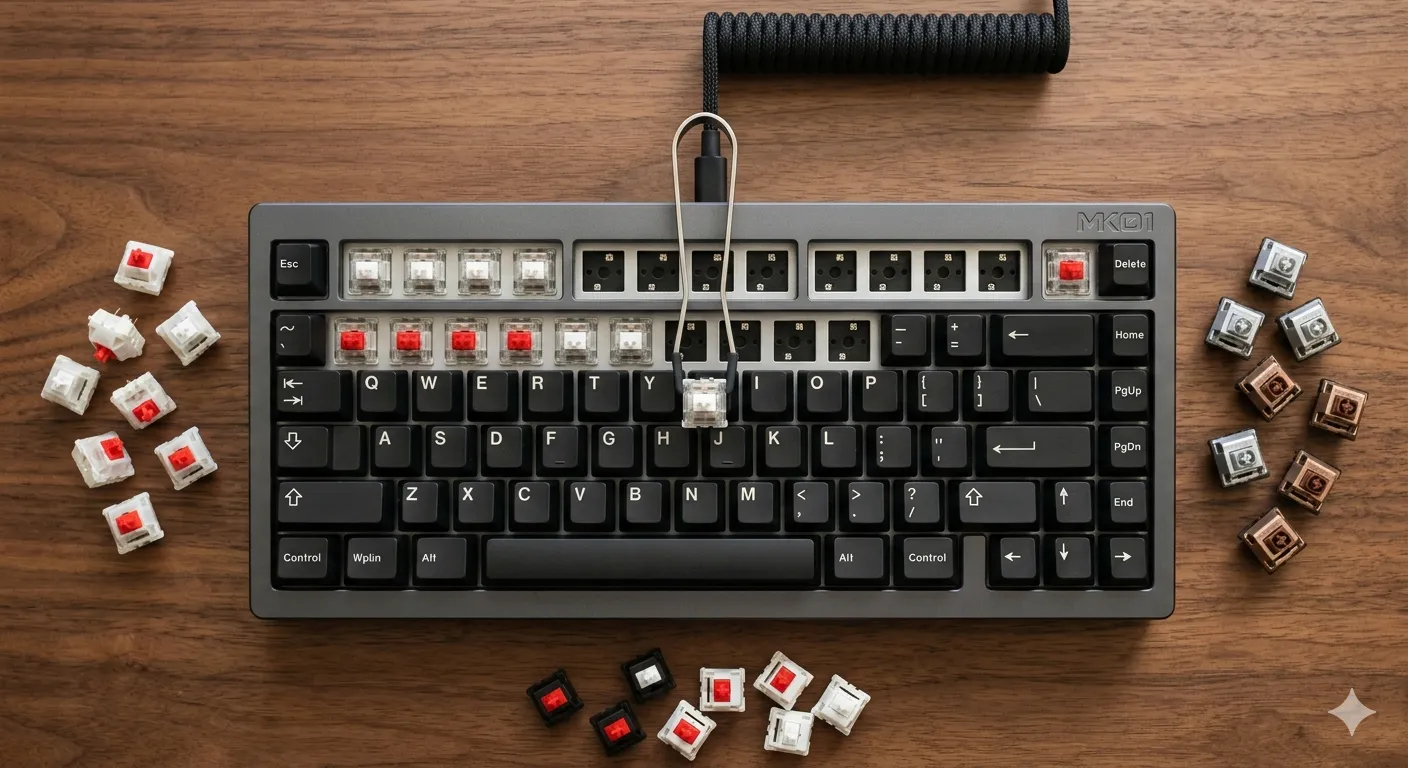
| Hot-swap flexibility | Keychron V3 Ultra TKL | Swap in Kailh Box White or Cherry MX Blue | ~$100 | Try clicky, hate it, swap to tactile without buying a new board |
| Wireless without compromise | Logitech G915 X TKL | Logitech GL Clicky (low-profile) | ~$230 | Best clicky option if you actually need to cut the cord |
| Budget clicky on a real budget | Royal Kludge RK87 | Gateron Blue (stock) | ~$60 | Hot-swap PCB means the mediocre stock switches aren’t a life sentence |
| Loudest, most enthusiast-grade click | Custom build with Kailh Box Jade in a hot-swap TKL | Kailh Box Jade | Varies | Not for the office, not for your roommate, not for anyone near you |
What Actually Makes a Clicky Switch Good
Most people think “clicky” is one flavor. It isn’t. There are two totally different mechanisms doing the clicking, and they sound and feel nothing alike.
Cherry MX Blue uses a click jacket — a two-piece slider that snaps against itself on the way down. It’s the sound most people picture when they hear “mechanical keyboard,” mostly because it’s been in prebuilt gaming boards since forever. It’s a little scratchy out of the box and the click reads as softer and more rattly than the newer stuff, but it’s proven, it’s everywhere, and parts availability is never a problem.
Kailh’s Box series uses a click bar instead — a metal bar that snaps on both the down stroke and the up stroke. That’s the real difference: Box White and Box Jade give you two distinct clicks per keypress instead of one, and the sound is noticeably crisper and less hollow than a Blue. If you’ve only ever typed on Cherry Blues, trying a Box White for the first time is a genuine “oh, that’s what everyone’s been talking about” moment. Gateron’s newer Melodic switch has also earned a real following for a lighter, cleaner click with a deeper bottom-out — worth a look if you build your own board.
Here’s the honest caveat: none of this matters if the board around the switch is garbage. I’ve tested plenty of clicky boards with great switches sitting in a case so hollow and pingy that every keystroke sounds like you’re hitting a tin can. Stabilizers matter more than switch choice for how a board actually sounds day to day, and most manufacturers still ship mushy, rattly stock stabs on anything under $150. Budget accordingly, or plan to spend an afternoon with some dielectric grease.
The Best Clicky TKL Gaming Keyboards, Ranked
1. Corsair K70 RGB TKL — Best Overall
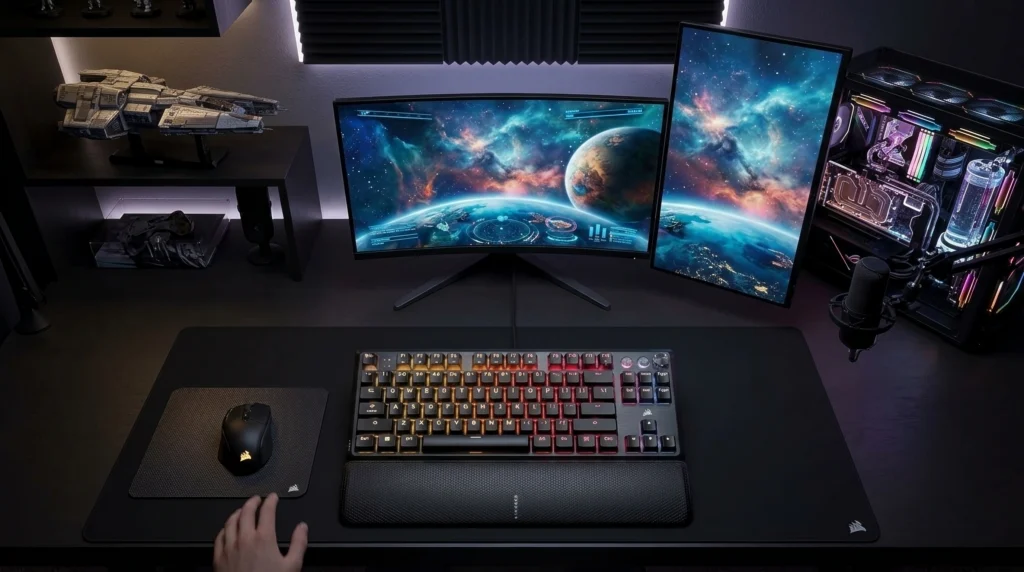
This is the one I’d hand to somebody who just wants a good clicky board and doesn’t want to think about it further. Cherry MX Blue switches, double-shot PBT keycaps that won’t go shiny in six months, and a build quality that’s held up in my testing without a single stuck key or wobble.
Pros:
- Cherry MX Blue is dependable and easy to source replacement switches for
- PBT keycaps out of the box — no ABS shine creeping in after a few weeks
- Solid, no-nonsense build that isn’t trying to be a spaceship
Cons:
- Not hot-swappable — you’re married to MX Blue unless you solder
- No rapid trigger or adjustable actuation, so competitive FPS players chasing every millisecond will feel behind
- Plate-mount design gives a pingier, more metallic bottom-out than gasket-mounted boards in this price range
2. Keychron V3 Ultra TKL — Best for Hot-Swap Flexibility
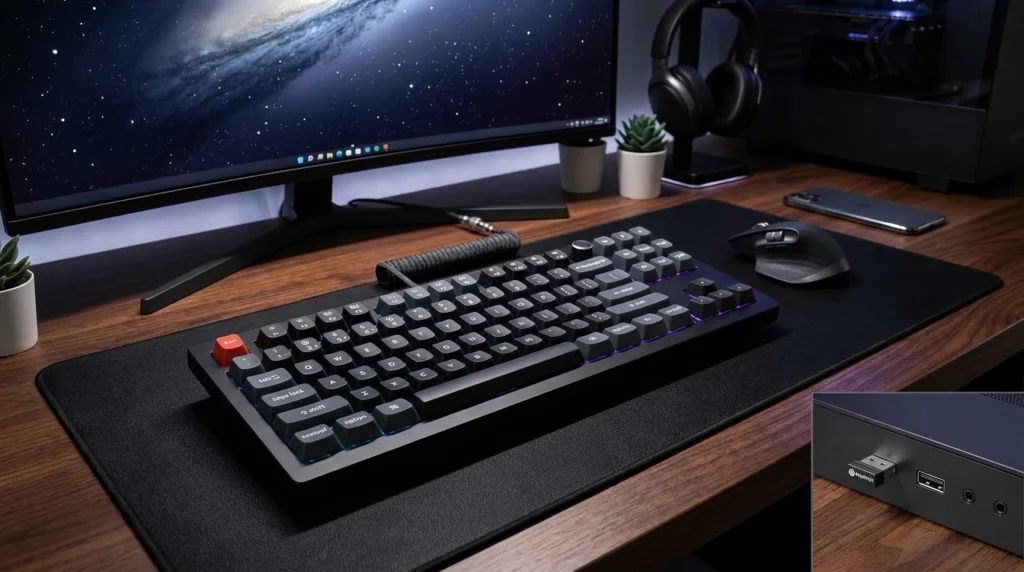
I like recommending this one specifically because it hedges your bet. It doesn’t ship clicky by default, but the hot-swap PCB takes 3-pin and 5-pin switches, so dropping in Kailh Box Whites or Cherry MX Blues takes maybe twenty minutes with a switch puller. If clicky turns out to be a novelty you regret two weeks in, you’re not out the whole board.
Pros:
- Gasket mount gives a noticeably softer, more cushioned feel than the Corsair
- Tri-mode connectivity — wired, Bluetooth, and 2.4GHz — for under $110
- Hot-swap means you’re not locked into one switch decision forever
Cons:
- Ships with linear or tactile switches stock, so budget extra for clicky switches separately
- Software (Keychron Launcher or ZMK) has a learning curve compared to Corsair’s plug-and-play approach
3. Logitech G915 X TKL — Best Wireless
Most low-profile wireless boards skip clicky entirely because the shorter switch travel makes a satisfying click harder to engineer. Logitech pulled it off. The GL Clicky switch has a POM cross-stem for stability and about 3.2mm of total travel, which is more than you’d expect from a low-profile design.
Pros:
- Genuinely rare — one of the only wireless low-profile boards offering clicky as a real option
- Up to 1,000 hours of battery life with the lighting off
- Aluminum top plate feels sturdier than most slim gaming boards
Cons:
- At around $230, you’re paying a real premium for the wireless-plus-clicky combo
- Some keycap rattle out of the box — same issue Logitech’s cheaper G515 has
- Not hot-swappable
4. Royal Kludge RK87 — Best Budget
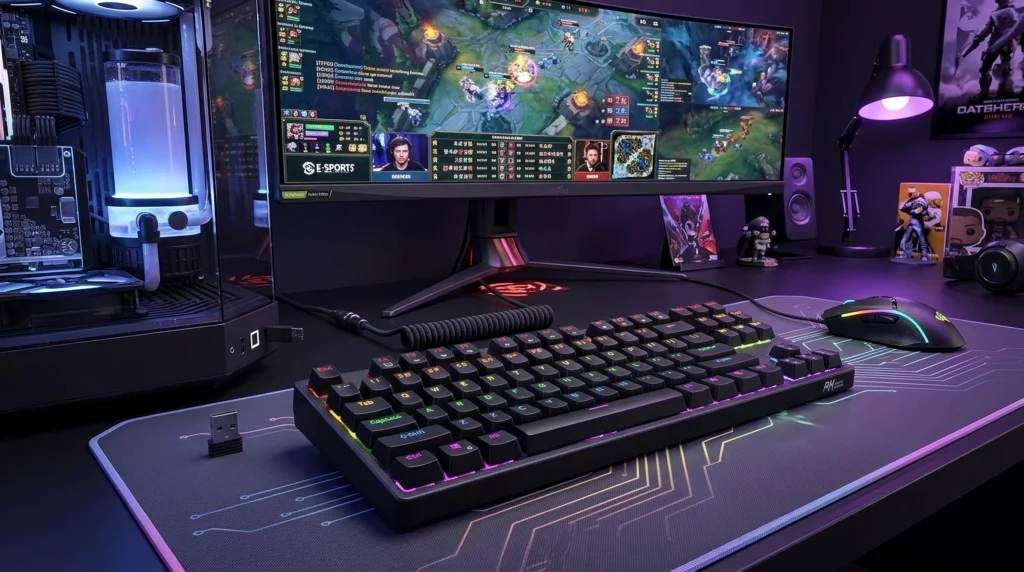
I don’t recommend budget clicky boards lightly, because the stock switches are usually where the corners get cut hardest. The RK87 gets a pass because the hot-swap PCB means the mediocre stock Gateron Blues aren’t permanent. Swap in something better for $15-20 and you’ve got a genuinely solid board for under $80 total.
Pros:
- Tri-mode wireless and hot-swap at a real budget price
- RGB, decent case weight, nothing feels cheap in hand
Cons:
- Stock stabilizers are rattly — expect to hear it on space bar and enter
- Stock keycaps are thin ABS; they’ll shine faster than you’d like
Head-to-Head: Corsair K70 RGB TKL vs. Keychron V3 Ultra TKL
Since these are the two boards most people cross-shop, here’s how they actually stack up.
| Corsair K70 RGB TKL | Keychron V3 Ultra TKL | |
|---|---|---|
| Switch | Cherry MX Blue (fixed) | Any hot-swap 3-pin/5-pin clicky switch |
| Mount style | Plate mount | Gasket mount |
| Connectivity | Wired only | Wired, Bluetooth, 2.4GHz |
| Keycaps | PBT, double-shot | PBT, double-shot |
| Rapid trigger | No | No |
| Price | ~$140 | ~$100 |
| Best for | Set-it-and-forget-it buyers | Anyone who wants to experiment with switch feel |
If I’m being straight with you: the Keychron is the smarter buy for most people. You get wireless, a softer typing feel, and the freedom to change your mind about clicky switches later — all for less money. The Corsair earns its spot if you specifically want Cherry’s reputation and zero setup fuss.
Does Clicky Actually Help You Game?
Here’s my mildly contrarian take: for competitive FPS play, clicky switches are a wash at best. The audible click confirms a keypress registered, which some players swear reduces double-taps during frantic ability rotations, but I’ve never seen this hold up in any controlled way — it’s mostly vibes. Linear switches remain the objectively faster choice for pure actuation speed since there’s no bump or click mechanism to travel through. If you’re grinding ranked and milliseconds matter, a clicky board isn’t hurting you, but it isn’t the edge some communities claim either.
Where clicky genuinely does help: slower-paced games, strategy titles, anything where you’re mostly typing in chat or hitting deliberate key combos rather than frame-perfect movement. The feedback is satisfying in a way that’s hard to quantify but easy to feel after a few hours.
The Catch You Need to Hear
Clicky switches are loud enough to show up on your mic during voice chat, streaming, or Discord calls. If you share a house, apartment, or open-plan office, this is the single biggest factor in whether you’ll actually enjoy owning one of these boards long-term, more than switch brand or keycap material. I’ve had clicky boards get banished to a closet by a very patient partner. If that’s a real risk for your setup, I’d point you toward a quieter tactile alternative instead — I broke down the best options for shared spaces in this guide, and it’s worth a read before you commit to clicky.
Verdict
If you just want a clicky TKL gaming keyboard that works and doesn’t need explaining, get the Corsair K70 RGB TKL. If you want more flexibility for less money and don’t mind buying switches separately, the Keychron V3 Ultra TKL is the better long-term buy. Either way, don’t skip testing a switch sampler before you drop money on a full board — Box White and MX Blue sound similar on paper and feel completely different under your fingers, and that’s the kind of thing you only learn by typing on both.
This article contains affiliate links. If you buy through them, I earn a small commission at no extra cost to you. I only recommend keyboards I’ve actually tested. As an Amazon Associate I earn from qualifying purchases.

I’ve torn down, lubed, and rebuilt several hundred keyboards — from $20 membranes to $800 enthusiast boards. I review them honestly, even when “honestly” means telling you to skip the one with the bigger marketing budget.