Best Tactile Switch TKL Keyboard: Full Buying Guide
This article contains affiliate links. If you buy through them, I earn a small commission at no extra cost to you. I only recommend keyboards I’ve actually tested. As an Amazon Associate I earn from qualifying purchases.
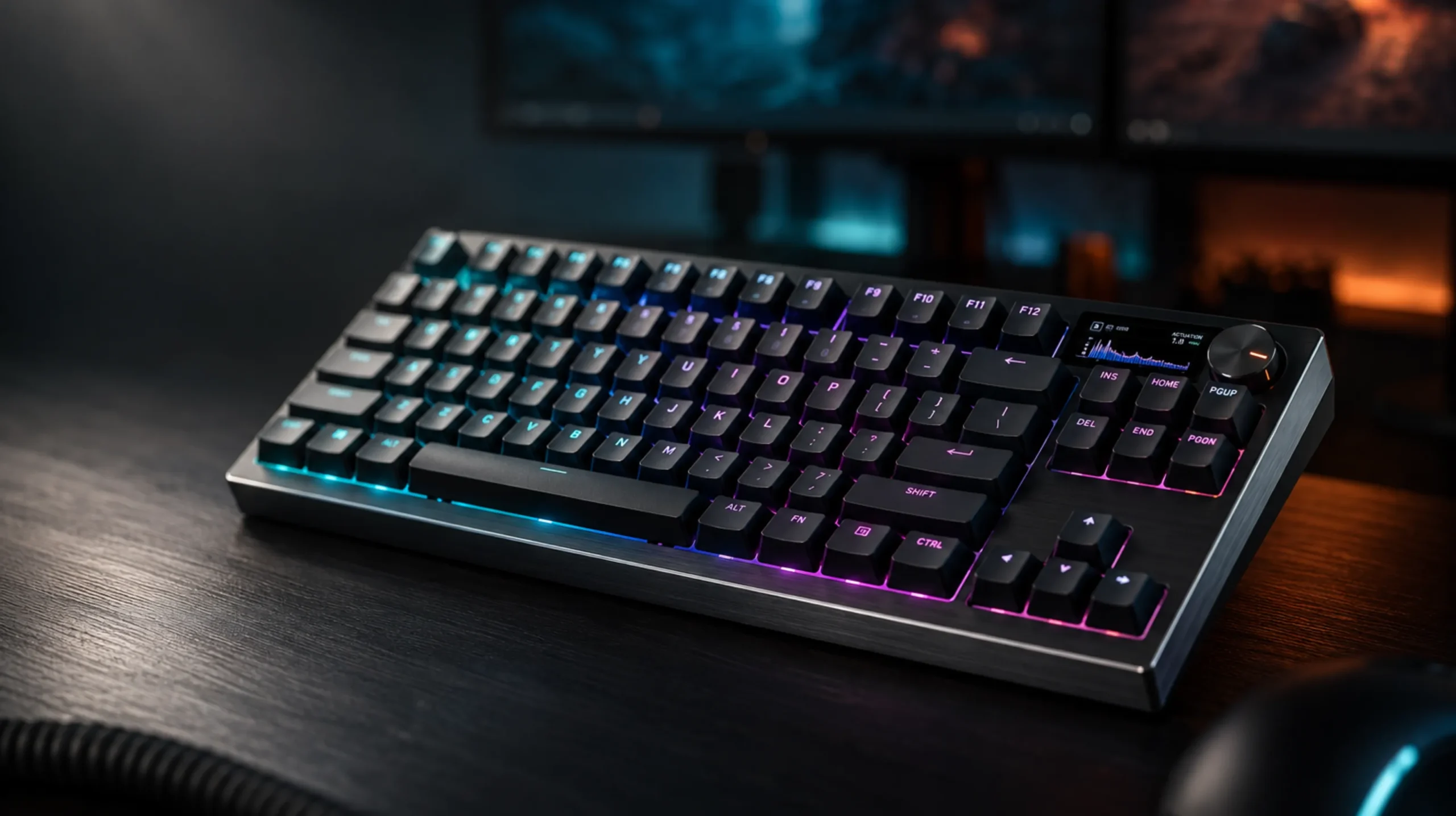
Most people think you have to choose. Linear for gaming, clicky for typing satisfaction, and tactile is the “meh, I guess” option in the middle. I don’t buy that, and after running a rotation of tactile boards as my daily driver for the better part of a year, I’m convinced the best tactile switch TKL keyboard is actually the smartest all-around pick most desk setups can make — you get the bump that tells your finger a keypress registered, without the clack that gets you side-eyed on a work call.
TKL (tenkeyless) matters here too. Drop the number pad, get your mouse hand closer to center, free up desk space for a wide mousepad. Pair that layout with a tactile switch and you’ve got a board that types like a keyboard should and games like one that means it.
Quick Comparison Table (TL;DR)
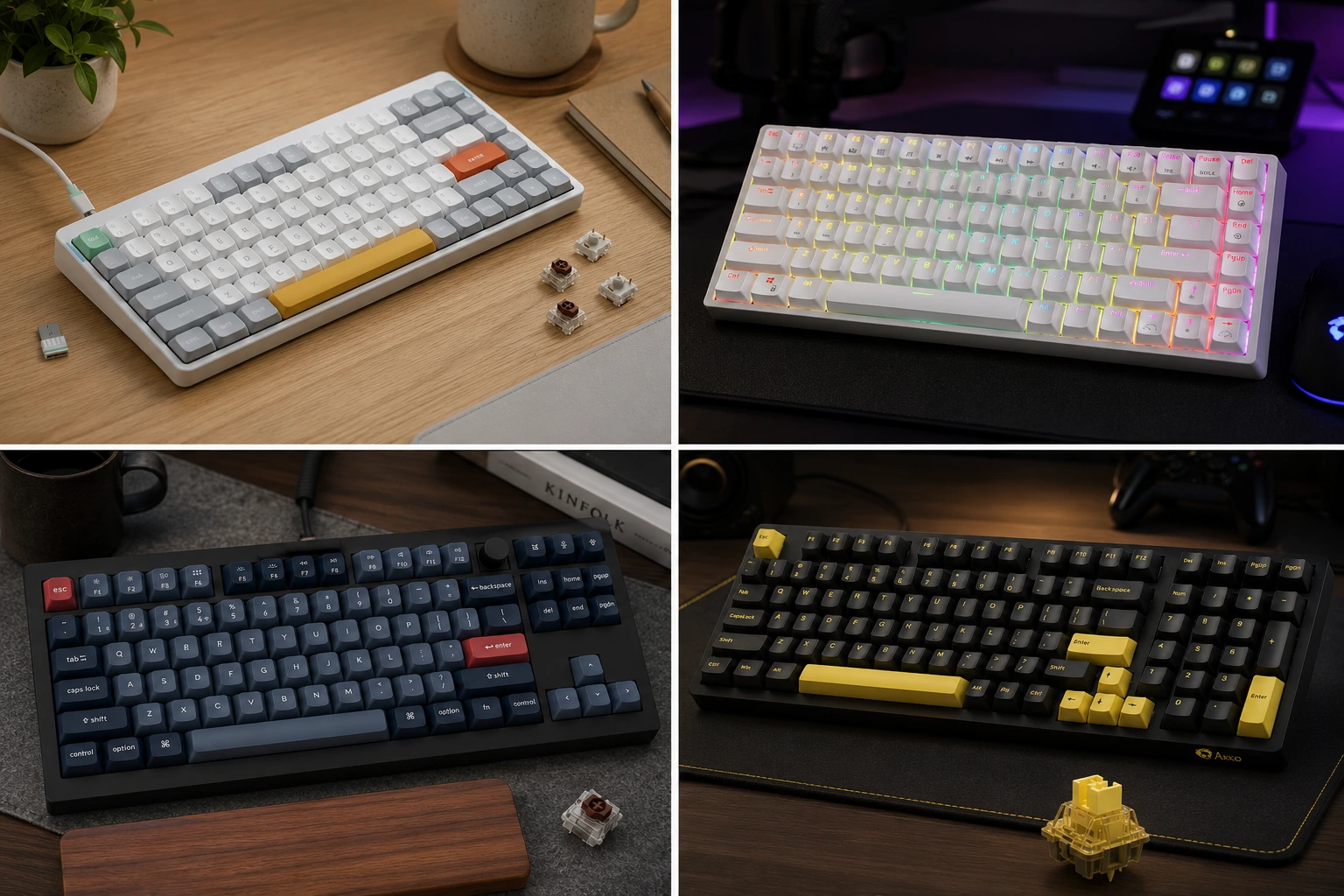
If you’re short on time, here’s where to click first. I’ve sorted these by the reason you’re actually buying, not by price alone — that’s a trap.
| Best For | Board | Stock Switch | Hot-Swap | Price Range |
|---|---|---|---|---|
| Best Overall | Keychron V3 Max | Gateron Jupiter Brown | Yes | $90–$110 |
| Best Budget | Royal Kludge RK84 | RK Brown | Yes | $50–$65 |
| Best for Gaming Response | NuPhy Air75 V2 | Gateron Tactile 55 | Yes | $110–$130 |
| Best Premium Feel | Ducky One 3 TKL | Cherry MX Brown | No (standard version) | $100–$120 |
| Best for Modders | Akko 3098B | Akko CS Rose Red (tactile) | Yes | $70–$90 |
None of these are bad buys. That’s rare in this price bracket, and it’s worth saying plainly instead of pretending only one board on this list deserves your money.
Why Tactile Makes Sense on a TKL Board Specifically
Here’s the thing people miss: switch feel and board layout aren’t separate decisions, they compound. A TKL board already puts your hand in a more neutral position because you’re not reaching across a number pad you never use. Add a tactile switch — something like a Gateron Brown or a Cherry MX Brown, both landing around 45g of actuation force with a bump partway down the stroke — and you get tactile confirmation that lines up with the shorter, more direct reach a TKL layout encourages.
Compare that to a full-size board with linear switches. You’ve got more travel distance to the far keys and no physical feedback telling you when a press lands. Fine for some people. But if you’re typing all day and gaming at night on the same board, the tactile bump on a compact frame is the setup that does both jobs without asking you to compromise on either.
The catch: tactile switches are louder than linears and quieter than clickies, which sounds like a win until you realize it means they’re not optimized for either extreme. If silent typing is your priority, a tactile switch will annoy you more than a true silent linear like a Gateron Silent Red. And if you’re chasing that thock sound for content or streaming, tactiles won’t get you there either. Know what you actually want before you buy based on a spec sheet.
Best Tactile Switch TKL Keyboard Picks
1. Keychron V3 Max — Best Overall
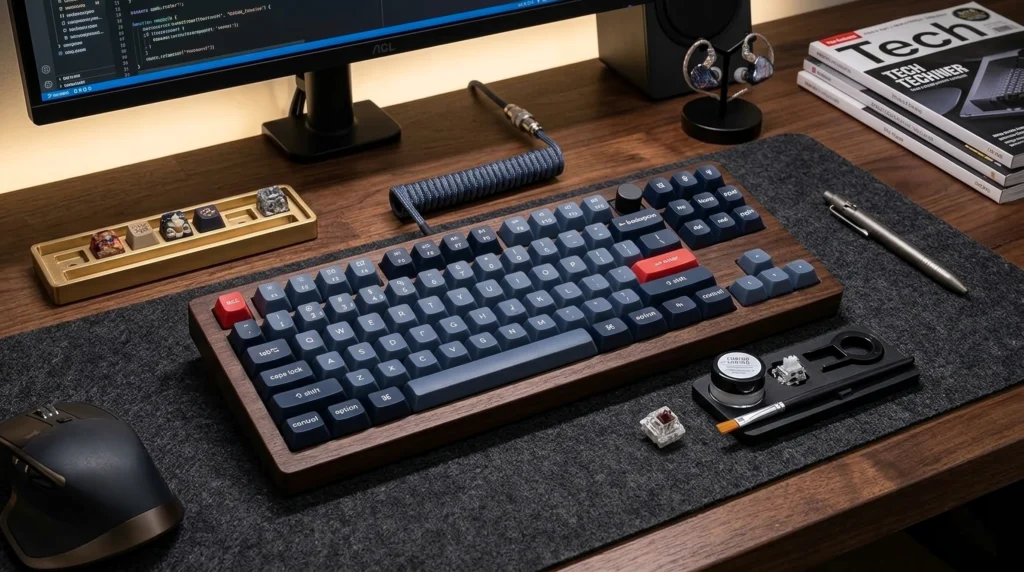
This is the board I recommend when someone asks me for one keyboard and doesn’t want to think about it again. The V3 Max ships with Gateron Jupiter Brown switches out of the box, has a gasket mount that takes the edge off bottom-out harshness, and supports both Bluetooth and 2.4GHz wireless with QMK/VIA remapping baked in. I ran this as my daily driver for three weeks and never once reached for a different board out of frustration.
Pros:
- Gasket mount noticeably softens typing feel versus tray mount
- Hot-swap sockets support 3-pin and 5-pin switches
- QMK/VIA remapping without extra software downloads
- Solid battery life for the wireless version
Cons:
- Heavier than most TKL boards, which is a pro or con depending on your desk
- Stock keycaps are double-shot ABS, not PBT — plan to swap them eventually
If you want to go deeper on gasket mounts and why they change typing feel this much, our full breakdown on mounting styles covers the mechanics better than I can in a paragraph here.
2. Royal Kludge RK84 — Best Budget
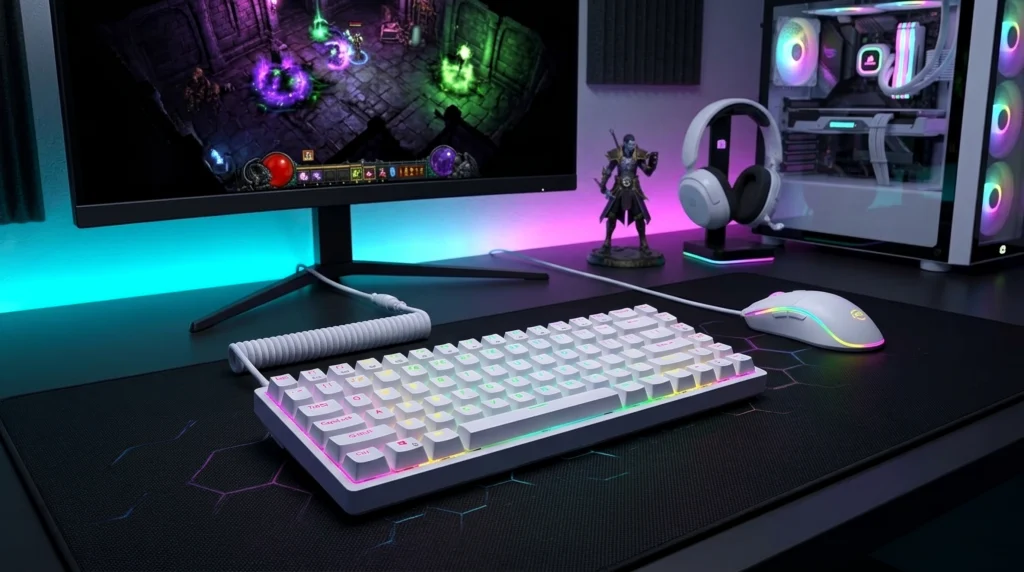
I’ll say this every time someone asks: a good $60 board beats a bad $200 one, and the RK84 is proof. RK Browns aren’t going to blow anyone away, but they’re a legitimate tactile switch with a clean bump, and the hot-swap sockets mean you can drop in Boba U4s or Holy Pandas later without buying a new board. Three-mode connectivity, a real battery, and a build quality that doesn’t feel like it’s apologizing for the price.
Pros:
- Hot-swap makes this a genuine upgrade path, not a dead end
- Wireless (Bluetooth + 2.4GHz) at a price that usually only gets you wired
- Aluminum-ish top plate feel without the aluminum-ish price
Cons:
- Stabilizers rattle out of the box — budget for a quick lube job or accept the noise
- Software is clunky compared to QMK/VIA boards
3. NuPhy Air75 V2 — Best for Gaming Response
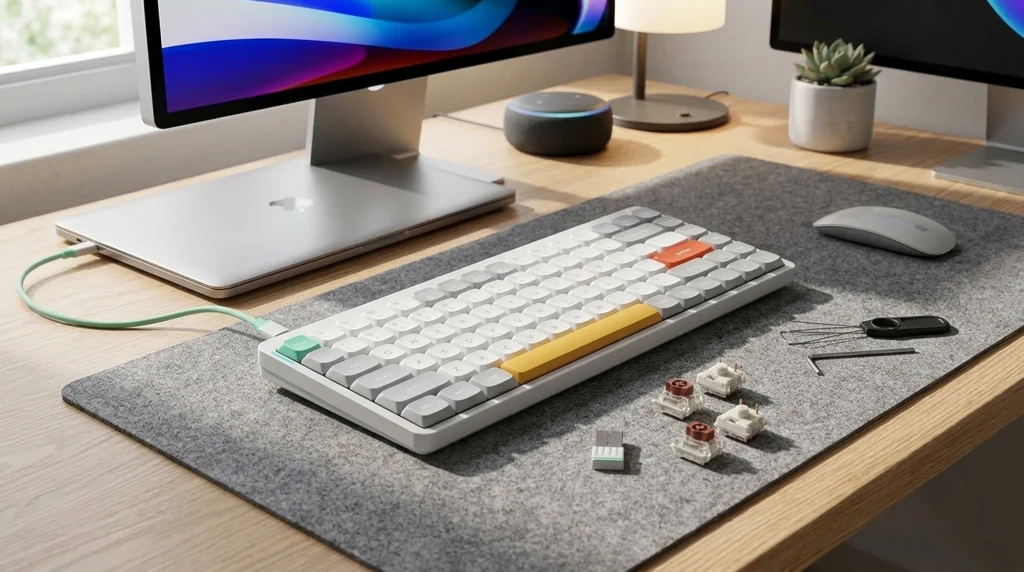
NuPhy built this one with the low-profile crowd in mind, and the Gateron Tactile 55 switches actually deliver on shorter travel without losing the bump. Lower travel means faster actuation, which you’ll feel in fast-paced games even if you can’t quantify it. It’s not a “gaming keyboard” in the RGB-marketing sense — it’s just a fast, low-profile board that happens to be tactile.
Pros:
- Low-profile design reduces finger travel distance
- 2.4GHz wireless with genuinely low input lag for a low-profile board
- Aluminum frame feels premium at this price point
Cons:
- Low-profile switches limit your hot-swap options to other low-profile parts
- Keycap customization market is much smaller than standard-height boards
4. Ducky One 3 TKL — Best Premium Feel
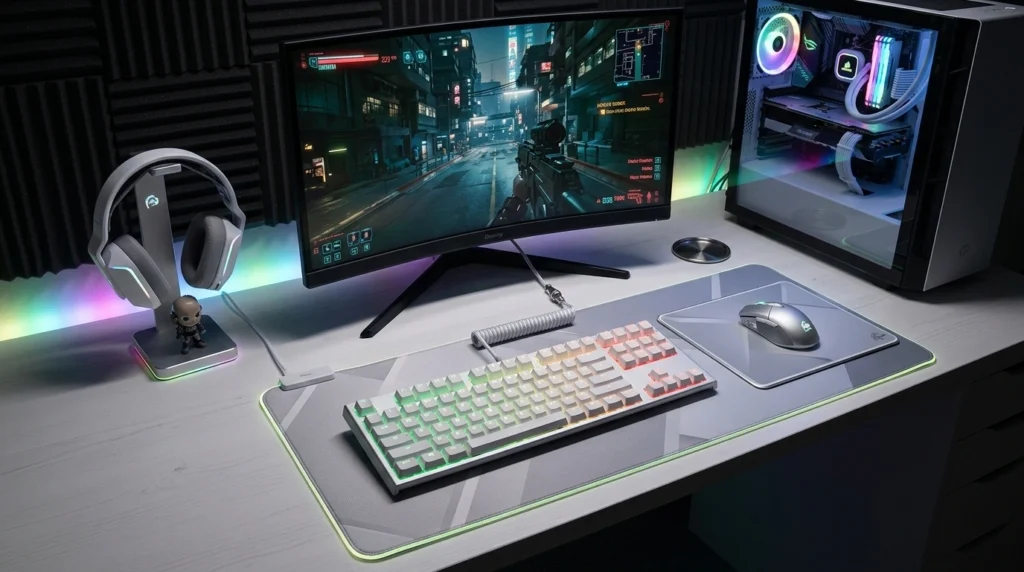
Ducky doesn’t chase trends, and the One 3 TKL shows it. Cherry MX Brown switches, PBT double-shot keycaps that won’t shine after a year of use, and a build quality that’s stayed consistent across three keyboards I’ve bought from them personally. The standard version isn’t hot-swap, which is a real limitation if you like to tinker, but the out-of-box experience needs zero mods to feel good.
Pros:
- PBT keycaps resist shine and wear far better than ABS
- Cherry MX switches are a known, consistent quantity — no lottery on switch quality
- Excellent stock stabilizers, rare at any price
Cons:
- No hot-swap on the standard build, so you’re committing to Cherry Browns long-term
- Pricier than boards with comparable specs on paper
5. Akko 3098B — Best for Modders
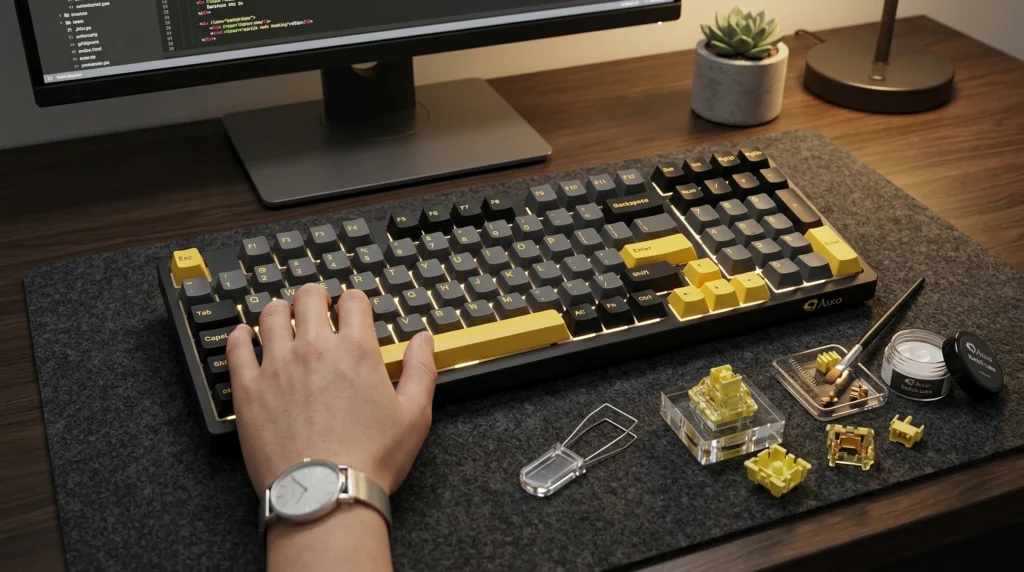
If you’re the type who’s going to lube the switches and foam-mod the case the day it arrives, start here instead of paying extra for factory polish you’re about to undo anyway. The Akko CS Rose Red switches are pre-lubed from the factory (rare at this price), and the hot-swap PCB and south-facing switch design make it one of the easier boards to work on. I’ve torn one of these down twice and it’s held up both times.
Pros:
- Factory-lubed switches, unusual below the $100 mark
- South-facing switches mean broader keycap compatibility
- Gasket mount gives you a soft foundation to build mods on top of
Cons:
- Software is Windows-only, which is a real annoyance if you’re on Mac or Linux
- Stock cable is on the shorter side
Tactile vs. the Alternatives: A Straight Comparison
People ask me constantly whether they should just get a linear board instead since that’s what most competitive gaming setups seem to run. Here’s the honest side-by-side.
| Switch Type | Typing Feedback | Gaming Response | Noise Level | Best For |
|---|---|---|---|---|
| Tactile (MX Brown, Gateron Brown) | Clear bump, confirms actuation | Fast, no drag from bump | Moderate | Mixed typing/gaming use |
| Linear (MX Red, Gateron Yellow) | None, smooth throughout | Fastest, no interruption | Moderate | Competitive gaming, rapid inputs |
| Clicky (MX Blue, Kailh Box White) | Strong bump plus audible click | Fast, but click can be distracting | Loud | Solo typing, satisfaction seekers |
If you’re purely optimizing for competitive FPS response times and don’t type much on the same board, linear wins on paper. If you’re on this board eight hours a day writing emails and gaming for two hours at night, tactile is the compromise that doesn’t feel like one.
What to Actually Check Before You Buy
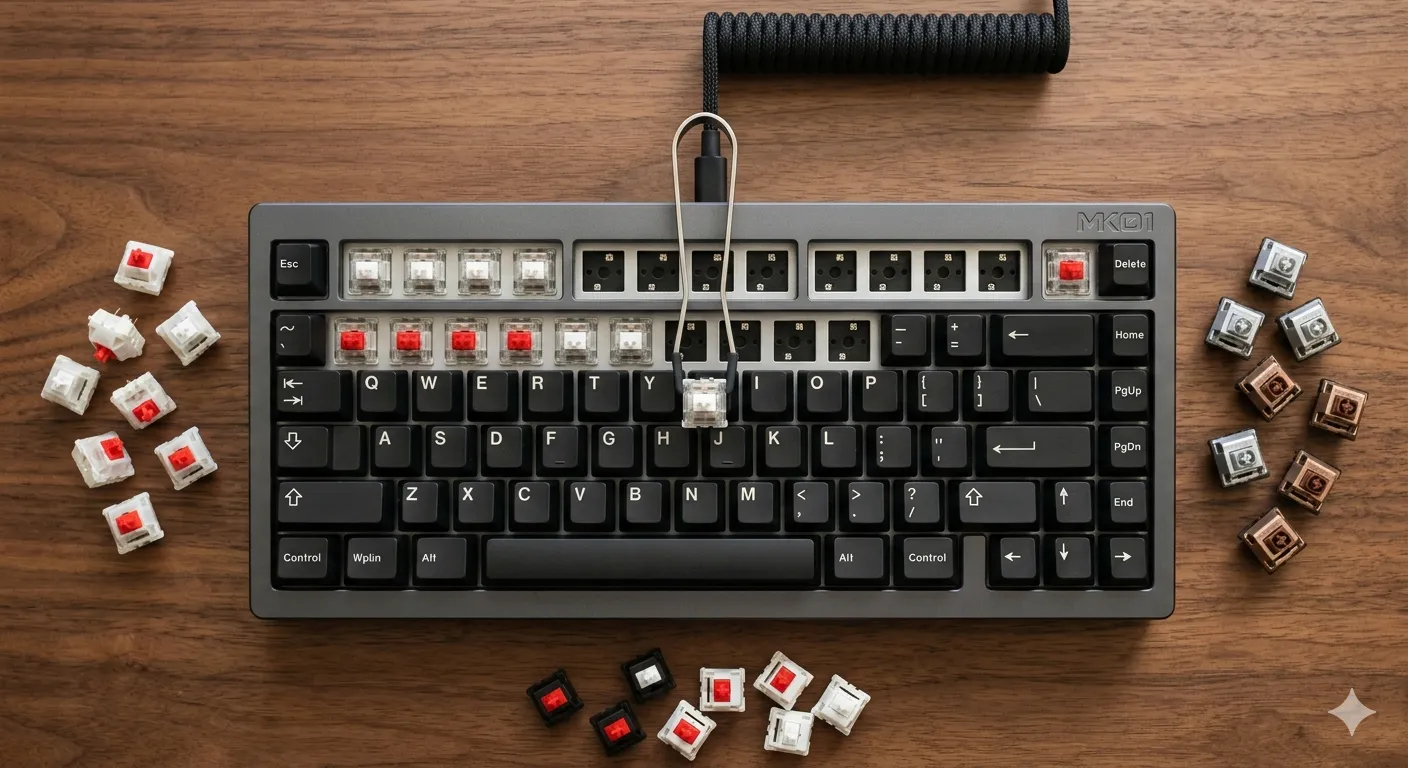
- Hot-swap sockets. Even if you don’t plan to change switches now, you will in eighteen months. Give yourself the option.
- Stabilizer quality. Cheap stabilizers rattle on your spacebar and enter key no matter how good the switches are. Check reviews specifically for stabilizer complaints before you buy.
- Keycap material. PBT over ABS if you’re keeping the board more than a year. ABS shines and gets slick with skin oils; PBT doesn’t.
- Mount style. Gasket mount typically feels softer underhand than tray mount. Not everyone prefers it, but it’s worth knowing which one you’re buying.
- Actual switch weight. “Tactile” covers a range from 35g light tactiles to 67g heavy ones. If you have smaller hands or fatigue easily, lighter switches will treat you better over a long session.
For a deeper look at how stabilizers actually cause that rattle and what fixes it, check out our stabilizer mod guide — it’ll save you a return shipping label if your board arrives noisier than expected.
My Verdict
If you want one answer and you’re done reading: get the Keychron V3 Max. It’s hot-swap, it’s gasket-mounted, it’s wireless, and the stock Gateron Jupiter Browns are good enough that you don’t need to touch them right away. If your budget’s tighter, the RK84 gets you 80% of that experience for half the price, and the hot-swap sockets mean you’re not locked into a decision you made on launch day.
Skip anything marketed purely on RGB or “gaming” branding without telling you what switch is inside. That’s marketing fluff standing in for a spec sheet, and you deserve better than that from a board you’ll have your hands on every day. For more on how switch specs translate to real feel instead of marketing copy, our switch comparison guide is the place to start, and if you’re curious how tactile stacks up against silent options for shared office spaces, we covered that here too.
Your mileage will vary depending on hand size and how heavy a switch you can comfortably hold down all day — but for most people asking what the best tactile switch TKL keyboard actually is right now, that Keychron sits at the top of my list for a reason.
This article contains affiliate links. If you buy through them, I earn a small commission at no extra cost to you. I only recommend keyboards I’ve actually tested. As an Amazon Associate I earn from qualifying purchases.

I’ve torn down, lubed, and rebuilt several hundred keyboards — from $20 membranes to $800 enthusiast boards. I review them honestly, even when “honestly” means telling you to skip the one with the bigger marketing budget.