Best Premium TKL Gaming Keyboard Picks Over $200
This article contains affiliate links. If you buy through them, I earn a small commission at no extra cost to you. I only recommend keyboards I’ve actually tested. As an Amazon Associate I earn from qualifying purchases.
Spending $250 on a keyboard sounds insane right up until you spend three weeks typing on one that actually feels right. Then it sounds reasonable. Then you find out the same brand sells a $500 “flagship” that isn’t even close to twice as good, and you start questioning your life choices in the keyboard aisle.
I ran four of the most-hyped boards on the market as my daily driver — three weeks each, same desk, same games, same caffeinated writing sessions. Some of them earned every dollar. A couple did not. Here’s the honest breakdown of what a premium TKL gaming keyboard should actually deliver in 2026, and which of these four pulls it off.
TL;DR — Quick Picks by What You Actually Need
If you came here for a fast answer, here it is. I’d buy from this short list and not feel bad — except one, which is here because you’d ask about it anyway.
| Your Priority | The Pick | Why It Wins | Where to Check |
|---|---|---|---|
| Best Overall (Enthusiast + Gamer) | ASUS ROG Azoth X | Wireless, hot-swap, gasket mount, sounds incredible out of the box | View on Amazon |
| Best for Competitive Esports | Razer Huntsman V3 Pro TKL | 8000Hz polling, Snap Tap, fastest analog optical switches I’ve tested | View on Amazon |
| Best Smart/Adjustable Switches | SteelSeries Apex Pro TKL Gen 3 | OmniPoint 3.0 magnetic switches, true per-key actuation, OLED | View on Amazon |
| Spend Carefully | ASUS ROG Azoth Extreme | Beautiful board. $500 hurts when the Azoth X exists. | View on Amazon |
Each of these is a premium TKL gaming keyboard in its own way — they just answer very different questions.
What Counts as “Premium” in 2026
Three years ago, $200 got you something special. Today, $200 is the new entry to real premium territory, and $250+ is where the bigger names cluster. To earn the badge, a premium TKL gaming keyboard in 2026 should hit most of these:
- PBT doubleshot keycaps, not ABS
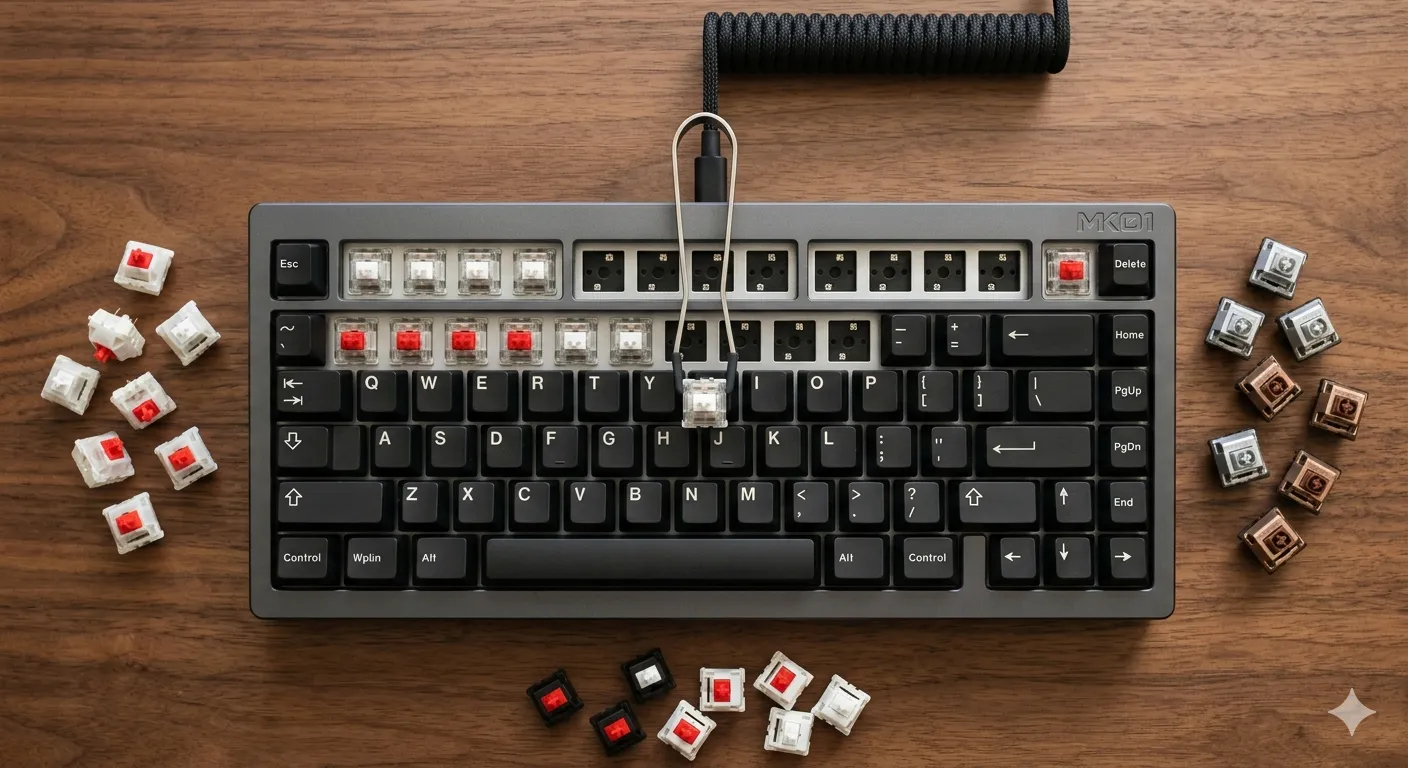
- Hot-swap sockets, or switches good enough that you wouldn’t swap them anyway
- Real sound dampening — foam, gasket mount, or both
- Either Hall effect / analog optical switches or wireless tri-mode connectivity (ideally both)
- A build that doesn’t flex when you pick it up by one corner
All four boards here clear that bar. For a deeper look at what separates a genuinely premium board from one that just wears the label, this guide breaks it down further. The question now is which one earns your money.
1. ASUS ROG Azoth X — The One I’d Actually Buy
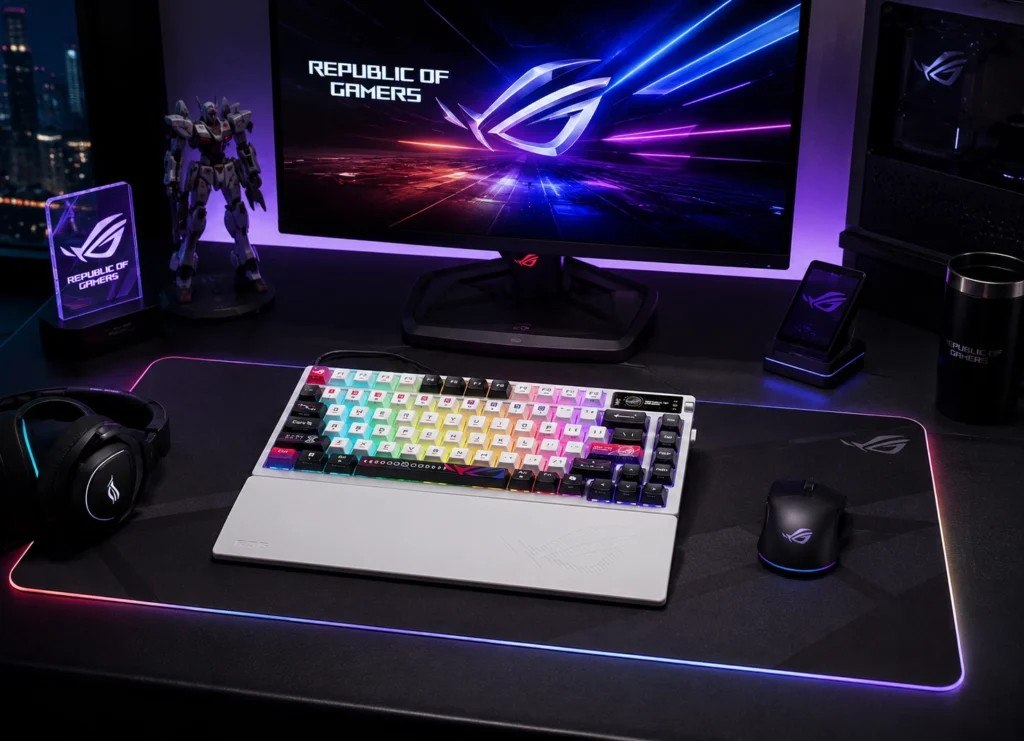
The Azoth X is a 75% TKL that pretends to be a custom build, and mostly gets away with it. Pre-lubed ROG NX V2 Snow linears, south-facing PCB, gasket mount, hot-swap sockets, layers of dampening foam, tri-mode wireless, color OLED. It’s an enthusiast spec sheet wearing a gaming jacket.
What surprised me was the sound. Out of the box, this thing has a deeper, more controlled “thock” than most $300 customs I’ve built myself. Stabilizers were pre-lubed well enough that I didn’t feel the urge to pull them. That almost never happens. The white colorway and gold accents are a bit much in product photos, but in person it looks legitimately nice.
Pros
- Excellent sound profile straight out of the box
- Tri-mode wireless (2.4GHz, Bluetooth, USB-C)
- Hot-swap sockets, so you can change switches later
- Pre-lubed stabs that don’t rattle
- South-facing PCB plays nicely with most custom keycap sets
Cons
- The 75% layout isn’t a true TKL — you lose the separated nav cluster
- ASUS Armoury Crate is still ASUS Armoury Crate
- White case shows grime fast if you’re a chip-and-soda gamer
Here’s the catch: if you specifically need a full TKL with separated arrow and function rows, the 75% layout will annoy you for the first week. I adjusted. Your wrists might not.
2. Razer Huntsman V3 Pro TKL — The Esports Specialist
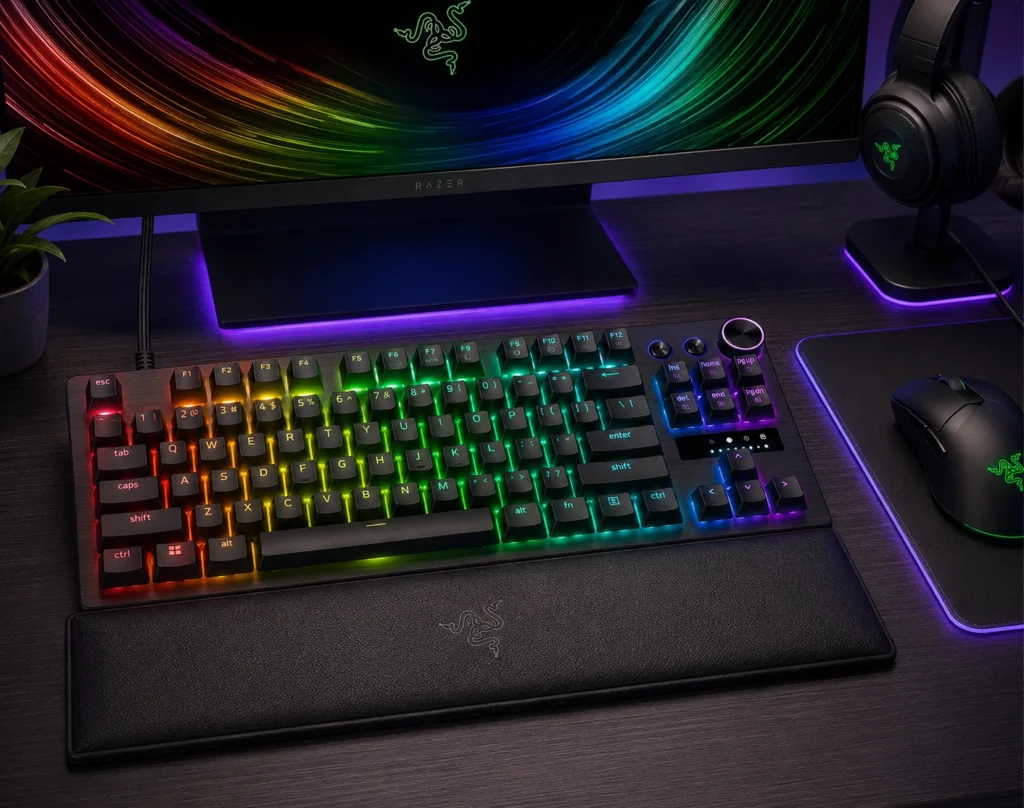
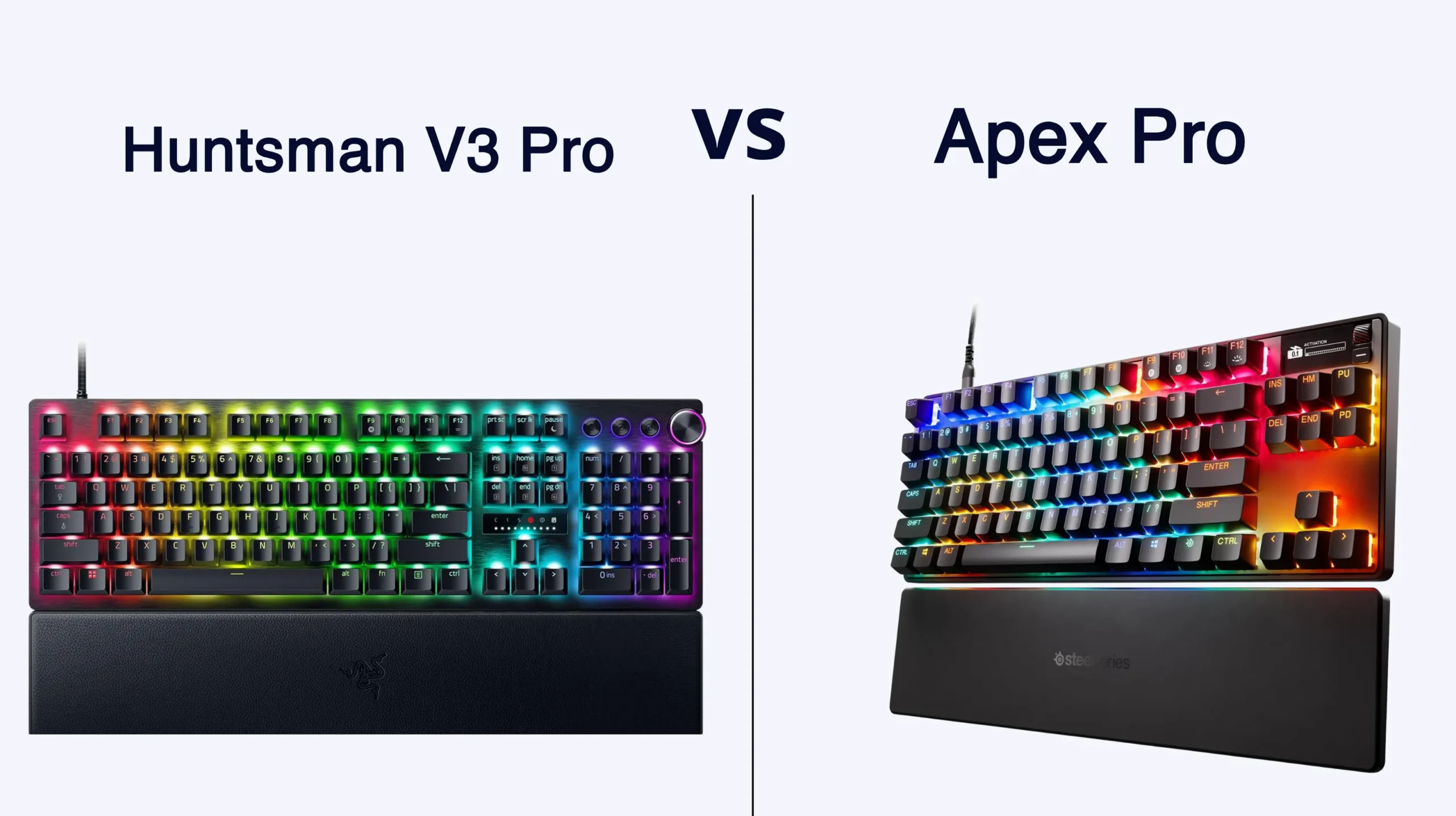
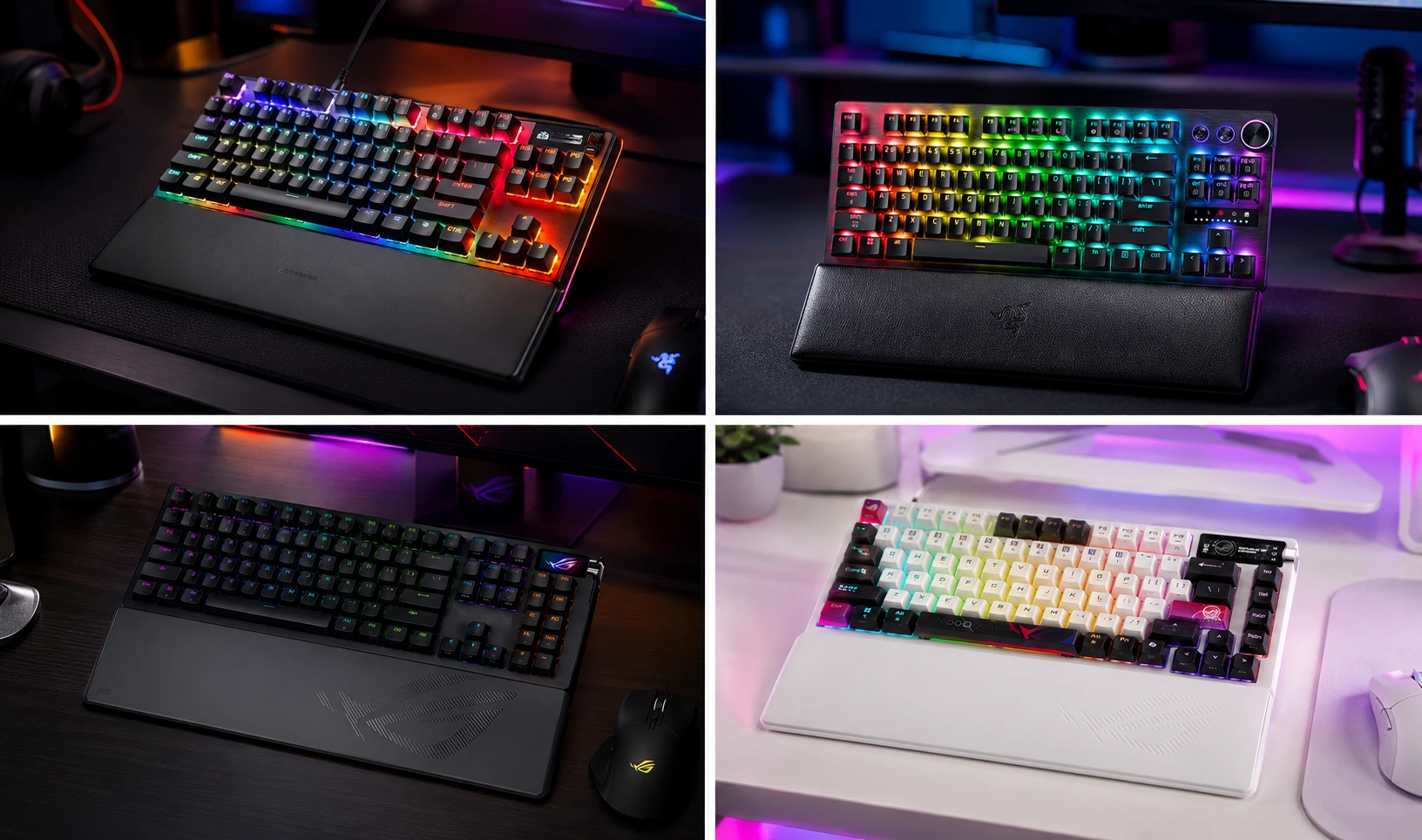
This is the board you buy if you take ranked matches personally. The Huntsman V3 Pro TKL runs Razer’s second-gen analog optical switches at an 8000Hz polling rate, with Rapid Trigger and Snap Tap baked in. Translation: it registers faster, with finer granularity and less travel than any traditional mechanical board.
For Valorant, CS2, and anything where you’re counter-strafing for a living, the difference is real. Not imagined, not marketing — actually real. Adjustable actuation from 0.1mm to 4.0mm per key lets you set your movement keys to a hair trigger and your utility keys deep enough to avoid misfires. That kind of granular control used to require modding. Now it’s just a slider in software.
Pros
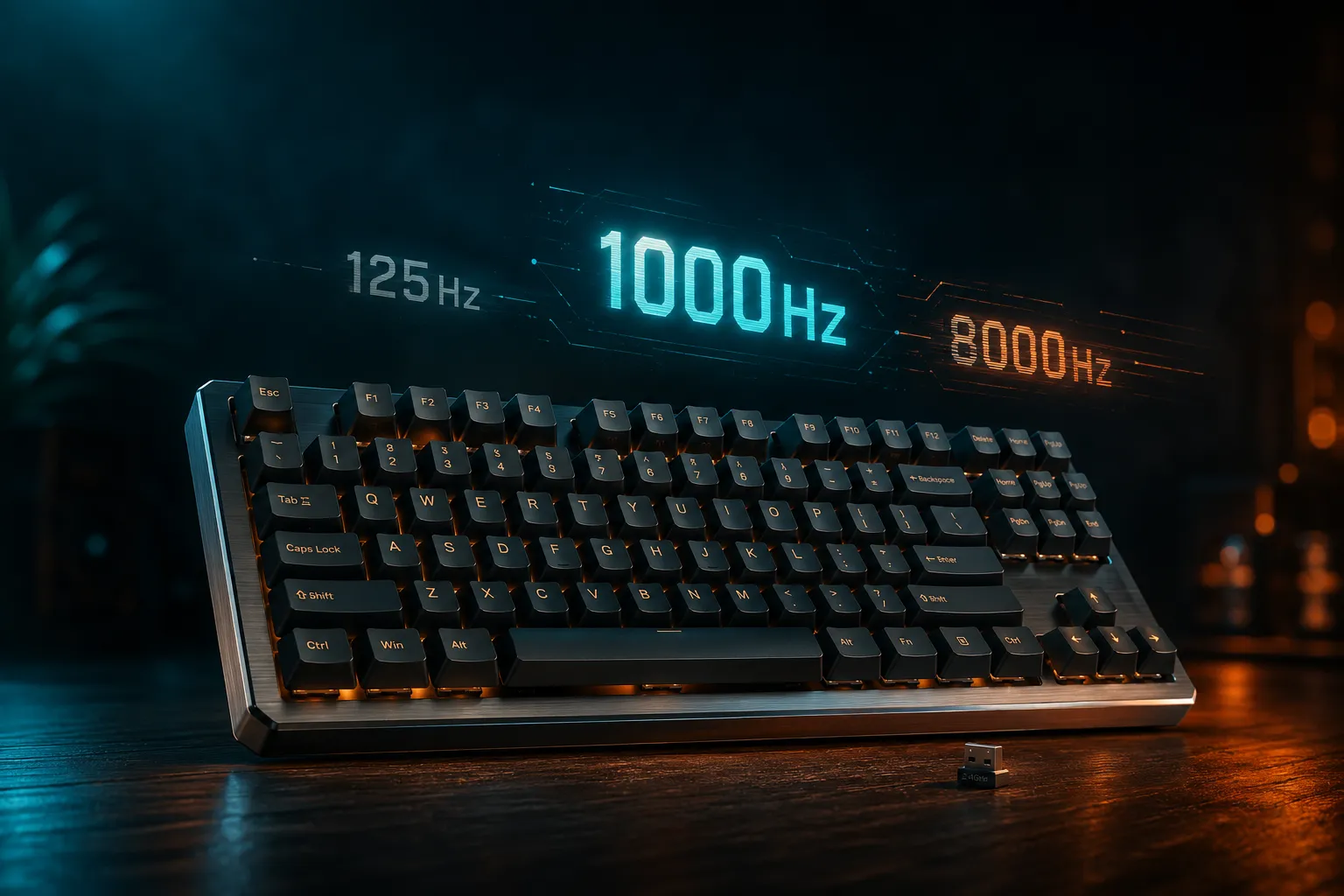
- 8000Hz polling rate, and you can feel it in fast FPS titles
- Per-key adjustable actuation, Rapid Trigger, Snap Tap
- PBT doubleshot keycaps, which Razer used to charge extra for
- Hardware media controls and a chunky metal volume wheel
- Sound is much better than the V2 — Razer finally added meaningful dampening
Cons
- Pricey for a wired-only board in 2026
- Synapse software is bloated and wants to live in your taskbar forever
- Optical switches can’t be hot-swapped
Honest caveat: 8KHz polling at full tilt pulls more CPU than 1000Hz. If you’re on older hardware or you stream while you game, test before committing. Most folks won’t notice. Competitive players will.
3. SteelSeries Apex Pro TKL Gen 3 — The Gadget Lover’s Pick
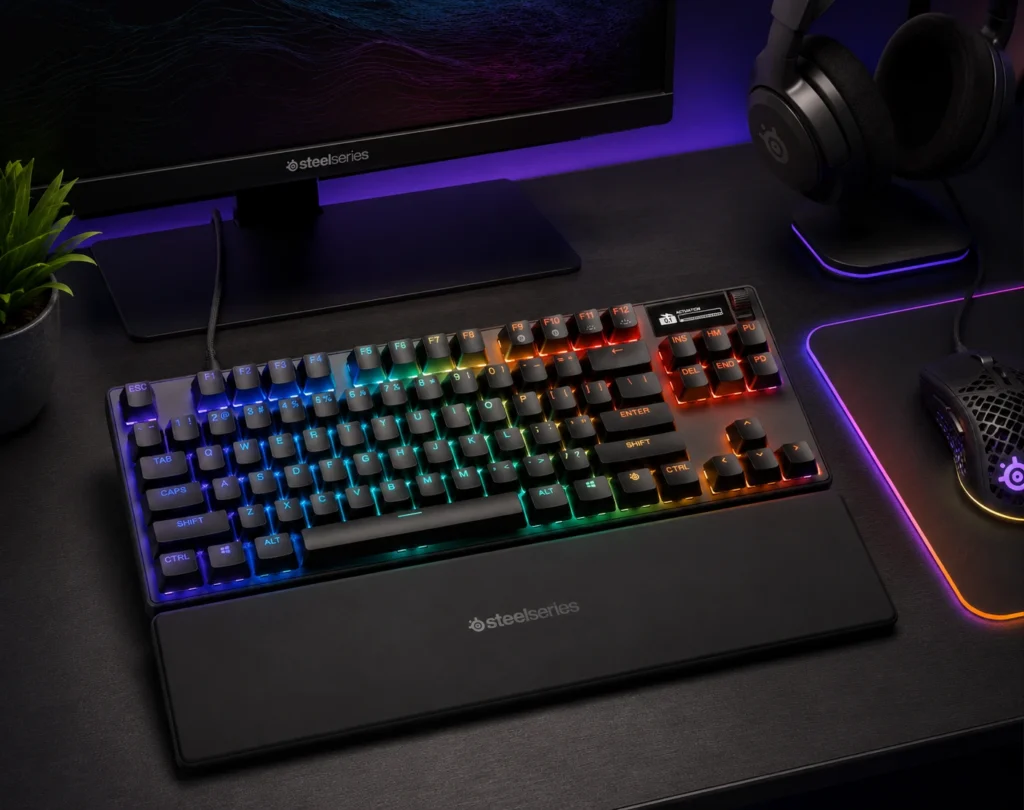
If the Razer is built for one job, the Apex Pro Gen 3 wants to do everything. OmniPoint 3.0 magnetic Hall-effect switches, full per-key adjustable actuation, Rapid Trigger, Rapid Tap, SOCD handling, an OLED screen, PBT keycaps, and Game-Ready Presets that auto-detect what you’re playing.
In testing, the magnetic switches feel smoother than the original Apex Pro, which always felt a little scratchy out of the box. The OLED is more useful than I expected — I used it for Discord pings and CPU temps more than for fancy GIFs. Build is a solid aluminum top plate over plastic, so it has weight without being a brick.
Pros
- OmniPoint 3.0 magnetic switches feel genuinely premium
- True per-key actuation adjustment (0.1mm to 4.0mm)
- OLED is actually useful, not just decoration
- Excellent media wheel and dedicated buttons
- Protection Mode keeps spilled drinks out of your warranty paperwork
Cons
- Aluminum top plate has a slight metallic “ping” that bothers some ears
- SteelSeries GG software is fine, not great
- More expensive than a standard mechanical board doing 80% of this
Here’s the catch: if you don’t care about adjustable actuation or the OLED, you’re paying a premium for features you’ll never touch. Buy this because you’ll use the smart stuff. Otherwise the Azoth X is more keyboard for less money.
4. ASUS ROG Azoth Extreme — Beautiful, but a Hard Sell
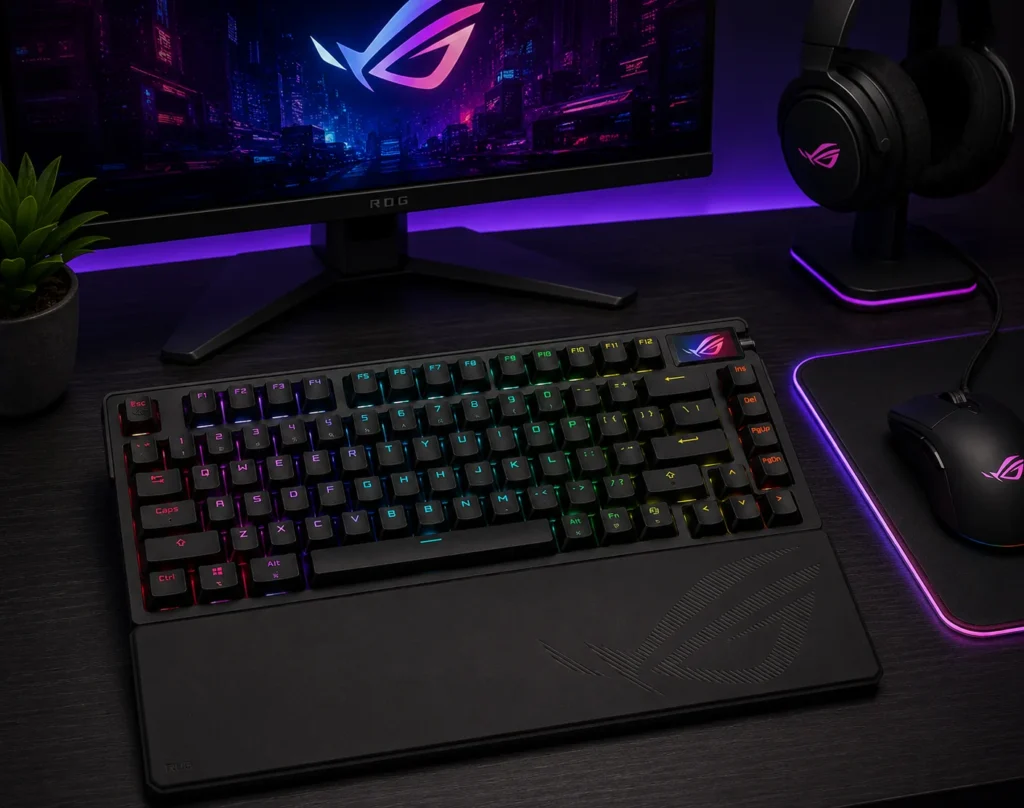
Here’s the one I warned you about in the table. The Azoth Extreme is gorgeous — aluminum chassis, carbon fiber accents, color OLED, gasket mount, NX Snow linears, the works. Build quality is honestly stunning. It’s also $500.
The problem isn’t the Extreme itself. The problem is the regular ASUS Azoth and the Azoth X. They get you 85 to 90% of the way there for roughly 50 to 60% of the price. The Extreme has a fancier OLED and a heavier chassis. That doesn’t justify the gap for most people.
Pros
- Genuinely premium-feeling aluminum + carbon fiber build
- Best-in-class OLED in this lineup
- Gasket mount and foam dampening tuned beautifully
- Wireless tri-mode and hot-swap sockets
Cons
- $500. For a 75% board.
- Heavy enough that “portable wireless” becomes optimistic
- Diminishing returns versus the standard Azoth and Azoth X are steep
Honest verdict: if money is no object and you want the prettiest gaming-flavored enthusiast board on the shelf, sure. For everyone else — and I mean this kindly — the Azoth X is the smarter buy. The Extreme is the watch-collector pick. Cool, beautifully made, mostly overkill.
Direct Comparison — All Four, Side by Side
| Spec | ROG Azoth X | Razer Huntsman V3 Pro TKL | SteelSeries Apex Pro TKL Gen 3 | ROG Azoth Extreme |
|---|---|---|---|---|
| Layout | 75% TKL | Full TKL | Full TKL | 75% TKL |
| Switch Type | NX V2 Snow linear | Analog Optical Gen 2 | OmniPoint 3.0 magnetic | NX Snow linear |
| Hot-Swap | Yes | No | No | Yes |
| Adjustable Actuation | No | Yes (0.1–4.0mm) | Yes (0.1–4.0mm) | No |
| Polling Rate | 1000Hz | 8000Hz | 1000Hz | 1000Hz |
| Wireless | Tri-mode | Wired only | Wired only | Tri-mode |
| Keycaps | PBT | PBT | PBT | PBT |
| Gasket Mount | Yes | No | No | Yes |
| OLED | Yes (color) | No | Yes (mono) | Yes (color, larger) |
| Approx. Price | $280–$300 | ~$250 | ~$250 | ~$500 |
The value picture is pretty obvious laid out like this. The Azoth X stacks features the others either skip or charge more for.
Versus the Competition — Keychron Q3 Max
Worth mentioning, because people always ask: the Keychron Q3 Max is the obvious custom-style competitor in this bracket at around $230. Full TKL, full aluminum, gasket-mounted, hot-swap, wireless, and it sounds excellent for the money. What it lacks is the gaming-side polish — no Snap Tap, no Rapid Trigger, no analog or magnetic switches. If you’re 80% typist and 20% gamer, the Q3 Max is a brilliant pick. If you’re flipped the other way, any of the four gaming-focused boards above will serve you better.
The Verdict — Which Premium TKL Gaming Keyboard Should You Actually Buy?
One recommendation if you want one: the ASUS ROG Azoth X. It’s the most complete package for the money in this entire roundup. Wireless, hot-swap, gasket-mounted, sounds great untouched, and it doesn’t punish your wallet the way the Extreme does.
If you’re a competitive FPS player and you’ll genuinely use the 8KHz polling and Snap Tap, the Razer Huntsman V3 Pro TKL is purpose-built for you. If smart features and per-key tuning matter more than aesthetics, the SteelSeries Apex Pro TKL Gen 3 is the call. And if you must own the Azoth Extreme, at least know going in that you’re paying for the chassis, not the typing experience.
Three weeks per board, no marketing fluff, no spec sheet poetry. That’s what these four feel like when you actually live with them. Pick the one that matches how you play.
This article contains affiliate links. If you buy through them, I earn a small commission at no extra cost to you. I only recommend keyboards I’ve actually tested. As an Amazon Associate I earn from qualifying purchases.

I’ve torn down, lubed, and rebuilt several hundred keyboards — from $20 membranes to $800 enthusiast boards. I review them honestly, even when “honestly” means telling you to skip the one with the bigger marketing budget.