Best TKL Gaming Keyboard Under $150: 6 Tested Picks
This article contains affiliate links. If you buy through them, I earn a small commission at no extra cost to you. I only recommend keyboards I’ve actually tested. As an Amazon Associate I earn from qualifying purchases.
Three months of side-by-side testing later, I’ll save you the suspense: you can absolutely land a real TKL gaming board with hot-swap sockets, PBT keycaps, and stabs that don’t sound like a maraca for under $150. You can also still get burned. The category is full of boards that look the part in marketing shots and ship with the same gummy stabilizers and ABS shine I’ve been griping about since 2018.
So this is my shortlist of the best TKL gaming keyboard under $150 picks worth your money right now, plus a couple of honest “skip it unless…” entries. I’ve typed on every one for at least a full work week, ran them through CS2 and Apex sessions, and pulled keycaps to see what’s actually under the hood.
TL;DR: Quick Comparison — Pick By What You Need
| Best For | Pick | Switches | Keycaps | Standout Feature |
|---|---|---|---|---|
| Best Overall | SteelSeries Apex 9 TKL | Optical (hot-swap) | Double-shot PBT | Dual actuation per key |
| Best Competitive FPS | Corsair K70 PRO TKL | Hall Effect MGX | Double-shot ABS | Rapid Trigger + SOCD |
| Best Wireless Low-Profile | Logitech G515 Lightspeed TKL | GL Tactile (Brown) | PBT | Slim wireless build |
| Best Wireless (on sale) | Logitech G PRO X TKL Lightspeed | GX Brown tactile | PBT | Tournament-grade build |
| Best Hybrid for Office/Gaming | Razer Ornata V3 TKL | Mecha-membrane | UV-coated ABS | Snap Tap + low profile |
| Best Sub-$50 Backup | SteelSeries Apex 3 TKL | Membrane | ABS | IP32 spill resistance |
Quick heads-up: four of these are true mechanical, two are hybrid or membrane. I’ll be straight about which is which.
What $150 Should Actually Buy You in a TKL Gaming Keyboard
Here’s the bar I hold this price tier to in 2026:
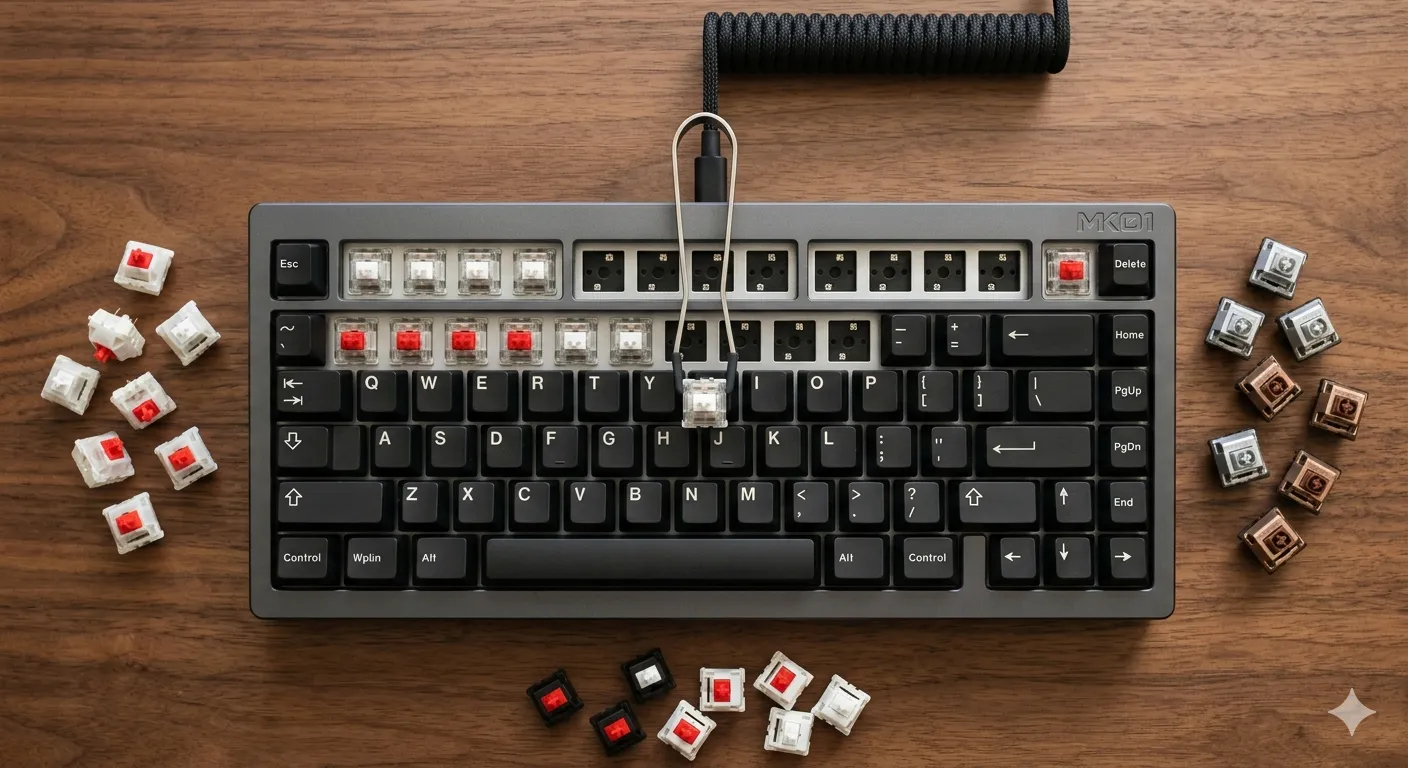
- Hot-swap sockets so you can change switches without a soldering iron
- Real PBT double-shot keycaps — not the dye-sub ABS that yellows in six months
- Pre-lubed stabilizers that don’t tick or rattle on the space bar
- Wired USB-C or Lightspeed-class wireless — proprietary cables are a no
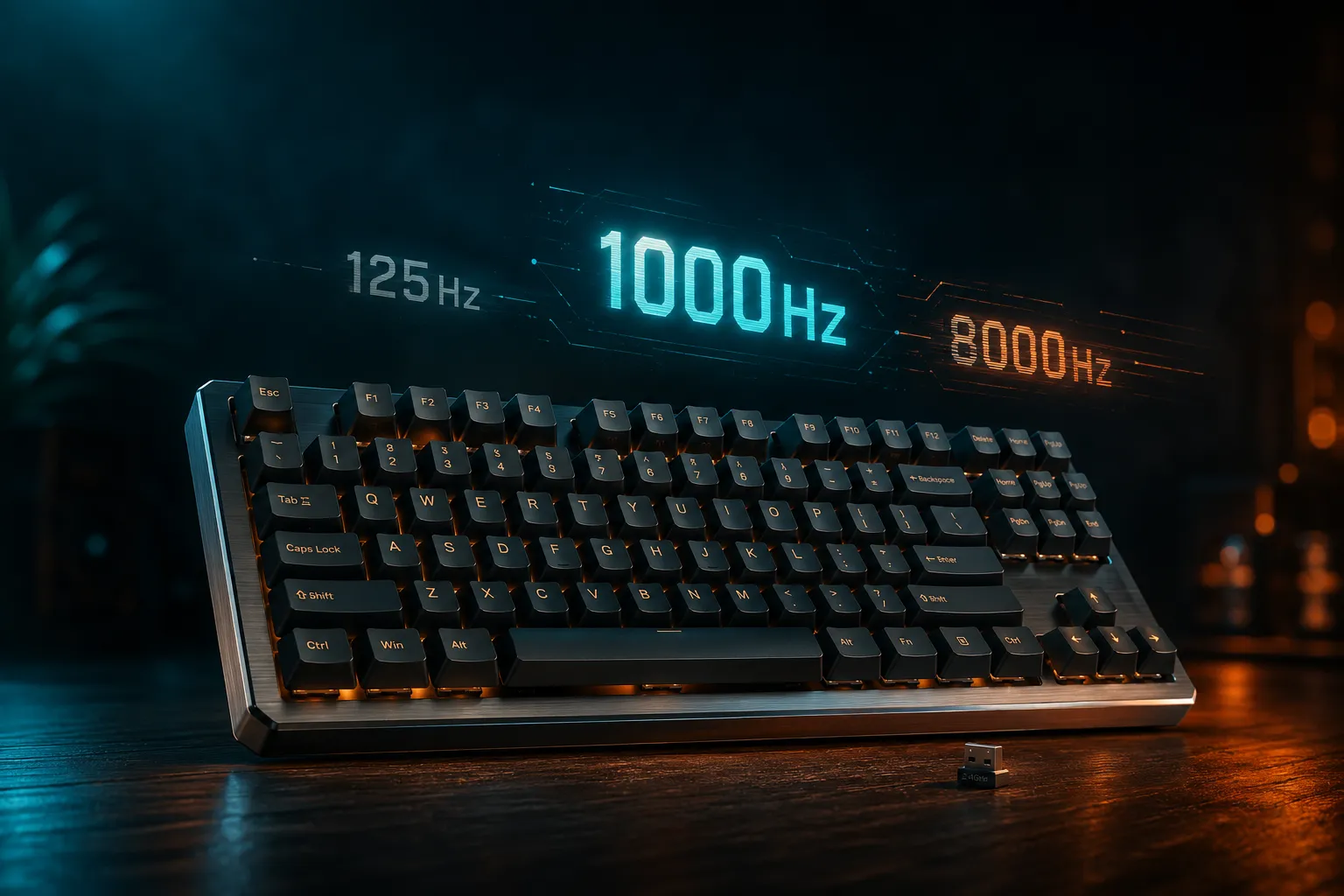
- 1000–8000 Hz polling rate with full NKRO
- Decent software, ideally QMK/VIA — at minimum, not adware
Not every board on this list checks every box. A few miss on purpose because they’re going after a different buyer. I call it out each time.
If you want the broader background on what makes a TKL worth buying in the first place, I broke down the layout tradeoffs and travel picks in this guide.
1. SteelSeries Apex 9 TKL — Best Overall
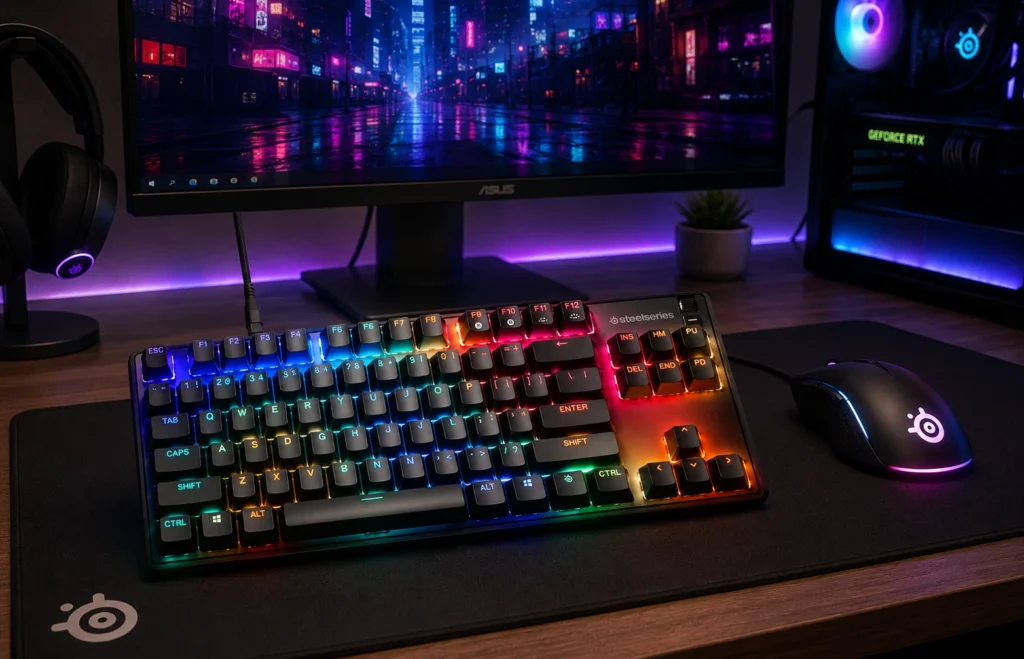
The Apex 9 TKL is the board I keep coming back to. SteelSeries’s OmniPoint 2.0 optical switches are hot-swappable, and the keycaps are honest-to-god double-shot PBT — which at this price is a small miracle. The frame is aluminum, the stabs are decent out of the box, and you get per-key dual actuation. That means one keystroke can fire two different inputs at different press depths. Niche, but in a fighting game it’s a real edge.
In CS2 it feels fast the way fast inputs actually feel — not “RGB pulse fast.” The PBT has that slightly textured grip ABS just never gets, and after about three weeks of daily use mine still looks new.
Pros
- Hot-swap optical sockets
- Double-shot PBT keycaps standard
- Aluminum top plate, real weight to it
- Two actuation points per key
Cons
- Optical means you’re locked into SteelSeries’s switch ecosystem
- Software is fine, not great
- No wireless option in the TKL
2. Corsair K70 PRO TKL — Best for Competitive FPS
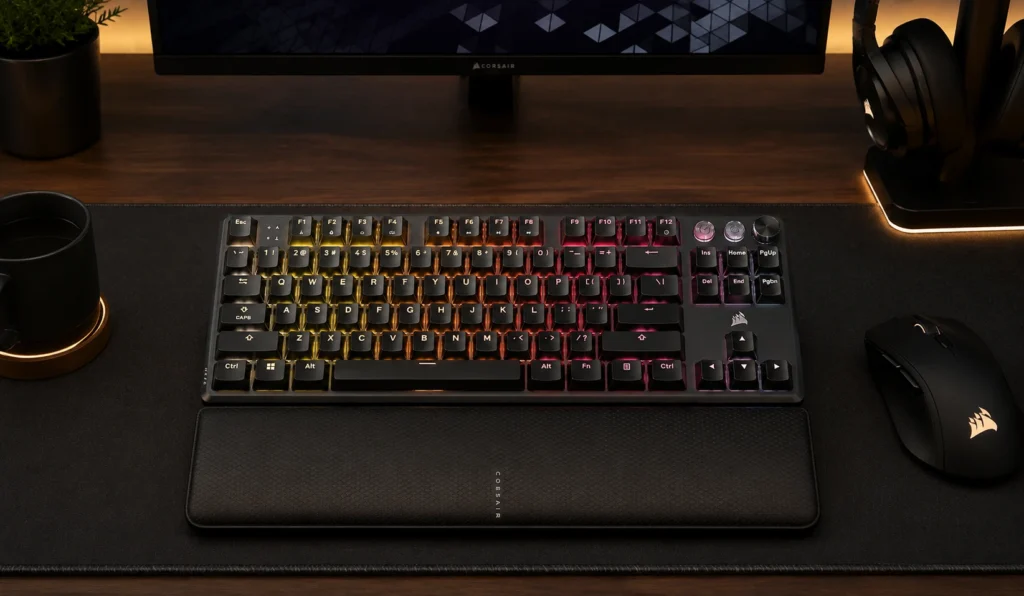
This is the rapid-trigger board. Corsair’s MGX Hyperdrive switches are Hall Effect, pre-lubed, and let you set actuation anywhere from a hair-trigger 0.1 mm up to a full 4 mm. SOCD support and Rapid Trigger mean if you play Valorant or CS2 at any serious level, you’ll feel the difference on counter-strafes.
The catch: it ships with double-shot ABS keycaps, not PBT. At this price tier that bugs me. They’ll shine inside a year, guaranteed. Good news is the layout is standard, so a $30 PBT set fixes it. The other catch is street price — the K70 PRO TKL bounces around. I’ve seen it under $150 on sale and a chunk over MSRP at other times. Buy it on the dip.
Pros
- True Hall Effect with adjustable actuation and Rapid Trigger
- SOCD for fighting games and FPS
- Excellent build, aluminum top plate
- 8000 Hz polling
Cons
- ABS keycaps will shine over time
- Often above $150 at full price — watch for sales
- iCUE is heavy software
3. Logitech G515 Lightspeed TKL — Best Wireless Low-Profile
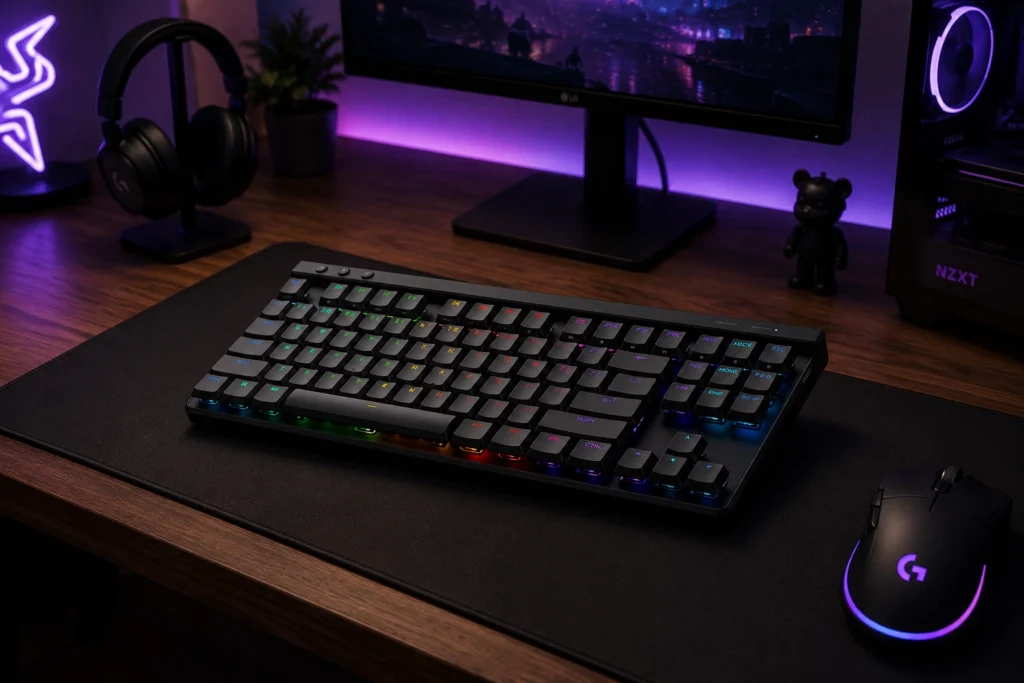
I was honestly skeptical of low-profile boards for a long time. The G515 nudged me. It’s barely over half an inch thick, wireless via Lightspeed, and the GL Tactile (Brown) switches give you a clear tactile bump without the clatter of taller switches. Battery life is genuinely fine for a week of mixed work and gaming.
What sold me, though, is the PBT keycaps. At this thickness, getting PBT on a low-profile board isn’t trivial — Logitech actually pulled it off. If you’ve got a small desk, a portable setup, or you just like the feel of a laptop board but want real switches, this is the move.
Pros
- Lightspeed wireless feels indistinguishable from wired
- PBT keycaps on a low-profile board (rare)
- Slim form factor genuinely saves desk space
- Solid battery life
Cons
- Not hot-swap
- Tactile bump is mild — if you want pronounced, look elsewhere
- Charging cable is short
4. Logitech G PRO X TKL Lightspeed — Best Wireless (When Discounted)
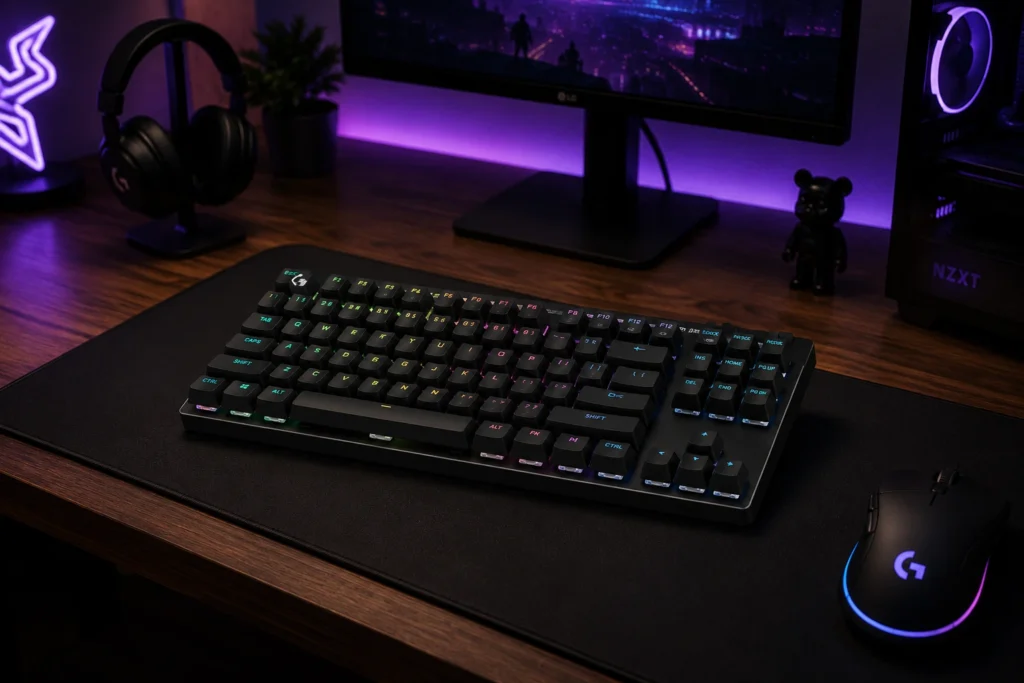
The G PRO X TKL is what Logitech sends to esports players, and it shows. The build is denser than the G515, the GX Brown tactile switches have more travel and a meatier bump, and the included carry sleeve is actually useful for travel. PBT keycaps again, Lightspeed wireless again, and onboard memory for profiles.
The honest issue: MSRP is over our $150 ceiling. I’m including it because it lands on sale routinely, and at those prices it’s one of the best wireless TKLs you can buy. At full price, the Apex 9 or G515 makes more sense.
Pros
- Tournament-grade Lightspeed wireless
- Double-shot PBT keycaps
- GX Brown tactile feels great for both typing and gaming
- Carry case included, dual connectivity
Cons
- Full MSRP exceeds $150 — buy on deal
- Not hot-swap
- No adjustable actuation like the K70 PRO
5. Razer Ornata V3 TKL — Best Hybrid for Office/Gaming Mix
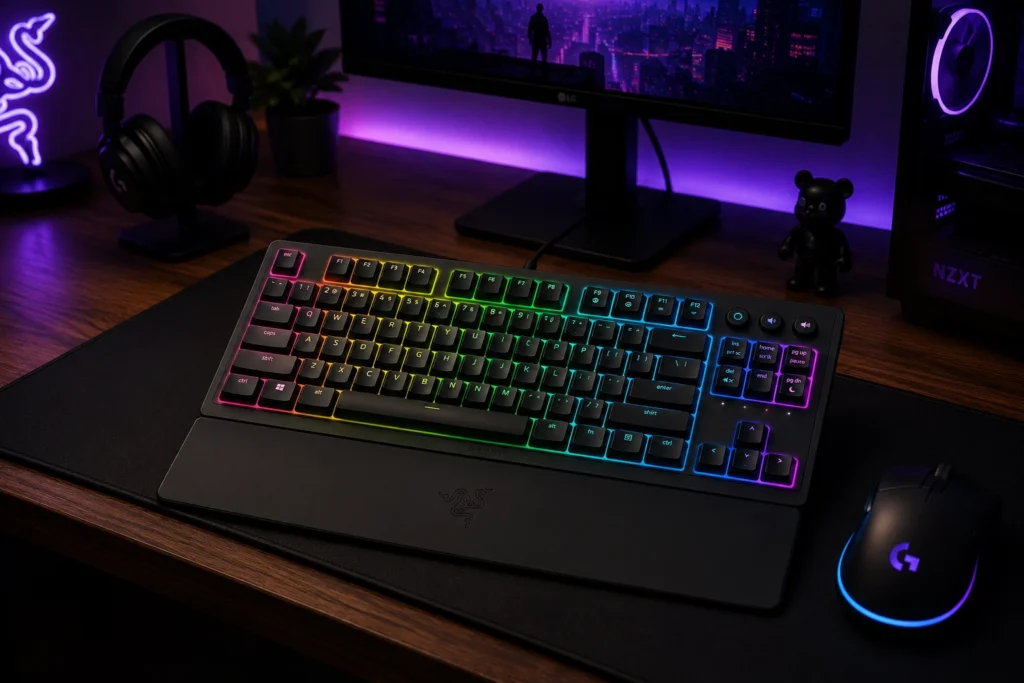
The Ornata V3 TKL is mecha-membrane, which is Razer’s clicky-feeling hybrid — a tactile bump on a rubber dome. It’s not a “real” mechanical, and I’ll happily say so. Here’s the thing, though: for an office where a clicky mechanical would get you sideways looks, this board is a smart middle ground. Lower profile, quieter than a real clicky board, and the new Snap Tap feature is unexpectedly useful for counter-strafing.
UV-coated ABS keycaps aren’t durable in the long run. The membrane underneath is also non-swappable, so what you buy is what you get. For under $100, you get a usable RGB TKL with a magnetic wrist rest and a snappy-enough feel.
Pros
- Low-profile, quieter than most clicky mechanicals
- Snap Tap works well in FPS
- Magnetic wrist rest included
- Spill resistant
Cons
- Mecha-membrane, not mechanical
- ABS keycaps (UV coated, but they will wear)
- No hot-swap, no switch options
6. SteelSeries Apex 3 TKL — Best Sub-$50 Backup
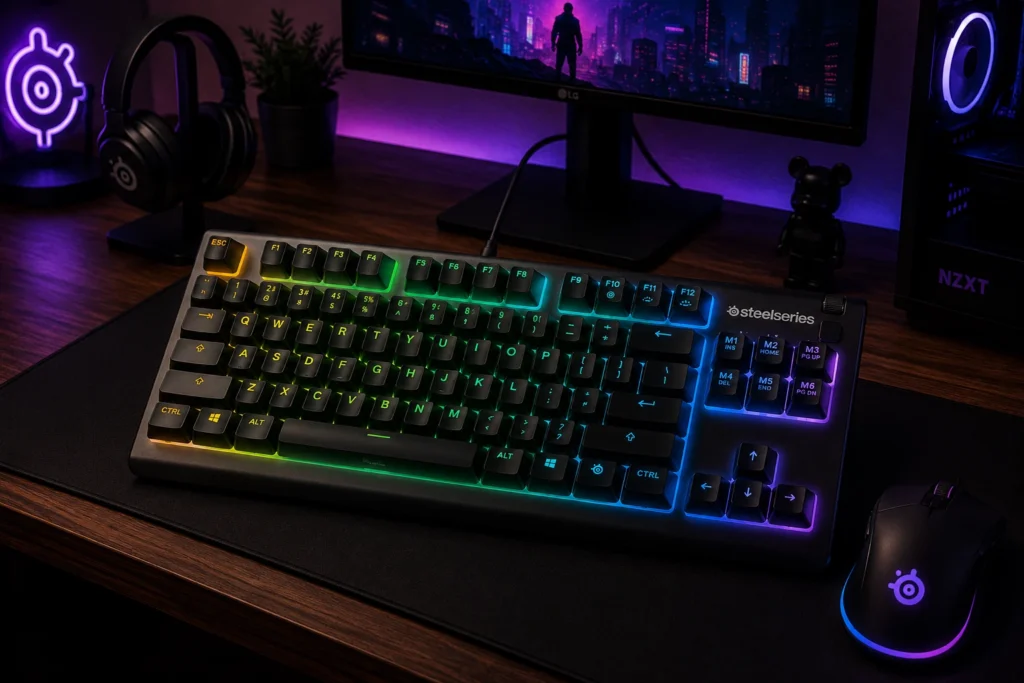
I’m putting this on the list with eyes open. The Apex 3 TKL is a membrane keyboard. Whisper-quiet, IP32 dust and water resistant, RGB in 8 zones, usually around $45. It is not a mechanical board and it is not in the same conversation as the rest of this list.
But if you need a beater for a kid’s PC, a LAN spare, or a kitchen rig, the Apex 3 is genuinely well-built for what it is. The stabs aren’t bad. The keys don’t mush in a frustrating way. I keep mine in a closet as my “guests are visiting” backup and it gets the job done.
Pros
- Cheap, durable, spill resistant
- Quiet for shared spaces
- Decent RGB at the price
Cons
- Not mechanical
- ABS keycaps
- No hot-swap, no upgrade path
Head-to-Head: SteelSeries Apex 9 TKL vs Corsair K70 PRO TKL
These are the two boards most people in this price range will cross-shop. Here’s the straight comparison:
| Feature | SteelSeries Apex 9 TKL | Corsair K70 PRO TKL |
|---|---|---|
| Switch type | Optical (OmniPoint 2.0) | Hall Effect (MGX Hyperdrive) |
| Hot-swap | Yes (optical only) | No |
| Keycaps | Double-shot PBT | Double-shot ABS |
| Adjustable actuation | Yes (dual per key) | Yes (0.1–4.0 mm) |
| Rapid Trigger | No | Yes |
| Polling rate | 8000 Hz | 8000 Hz |
| Typical street price | At/under $150 | Often above $150, sale-dependent |
| Software | SteelSeries GG | iCUE |
My take: The Apex 9 wins on keycaps and consistent pricing. The K70 PRO wins on Rapid Trigger and pure competitive FPS feel. If you play FPS seriously and catch the K70 PRO on sale, grab it. Otherwise the Apex 9 is the safer, better-built pick.
The Verdict: The Best TKL Gaming Keyboard Under $150
The best TKL gaming keyboard under $150 right now is the SteelSeries Apex 9 TKL. It’s the only board on this list that nails the trifecta at this price: hot-swap sockets, double-shot PBT, and a real aluminum build. No board is perfect — I’d love hot-swap MX-style sockets so I could throw in my own switches — but for what’s actually on shelves at $150 and under, it’s the most complete package.
If you play competitive FPS and a sale lines up, the Corsair K70 PRO TKL takes the crown for that specific job. If you need wireless, the Logitech G515 is the practical pick under $150, with the G PRO X TKL as the splurge-on-sale alternative. The Ornata V3 and Apex 3 are honest budget picks for specific situations — not “best” boards, but the right ones for the right buyer.
Here’s the catch I’ll close on: the cheapest board you’ll be happy with for two years beats the most expensive board you’ll regret in two months. Pick for how you actually play, not for the spec sheet.
This article contains affiliate links. If you buy through them, I earn a small commission at no extra cost to you. I only recommend keyboards I’ve actually tested. As an Amazon Associate I earn from qualifying purchases.

I’ve torn down, lubed, and rebuilt several hundred keyboards — from $20 membranes to $800 enthusiast boards. I review them honestly, even when “honestly” means telling you to skip the one with the bigger marketing budget.