Best TKL Gaming Keyboard Under $50: 5 Tested Picks
This article contains affiliate links. If you buy through them, I earn a small commission at no extra cost to you. I only recommend keyboards I’ve actually tested. As an Amazon Associate I earn from qualifying purchases.
There’s a stubborn myth floating around that anything under fifty bucks is plastic garbage destined for the recycling bin by spring. I’ve torn apart enough budget boards over the years to tell you that’s only half true. The other half? Some of these cheap tenkeyless boards actually feel pretty solid — once you know which corners got cut and whether those corners matter for the way you actually type or game.
If you’re shopping for the best TKL gaming keyboard under $50, you’re going to be making tradeoffs. Real ones. The trick is figuring out which tradeoffs you can live with. I narrowed the field to five boards that keep showing up at this price, ran each as a daily driver, and I’ll tell you straight where each one earns its keep — and where it folds.
Quick Comparison: Best TKL Gaming Keyboard Under $50
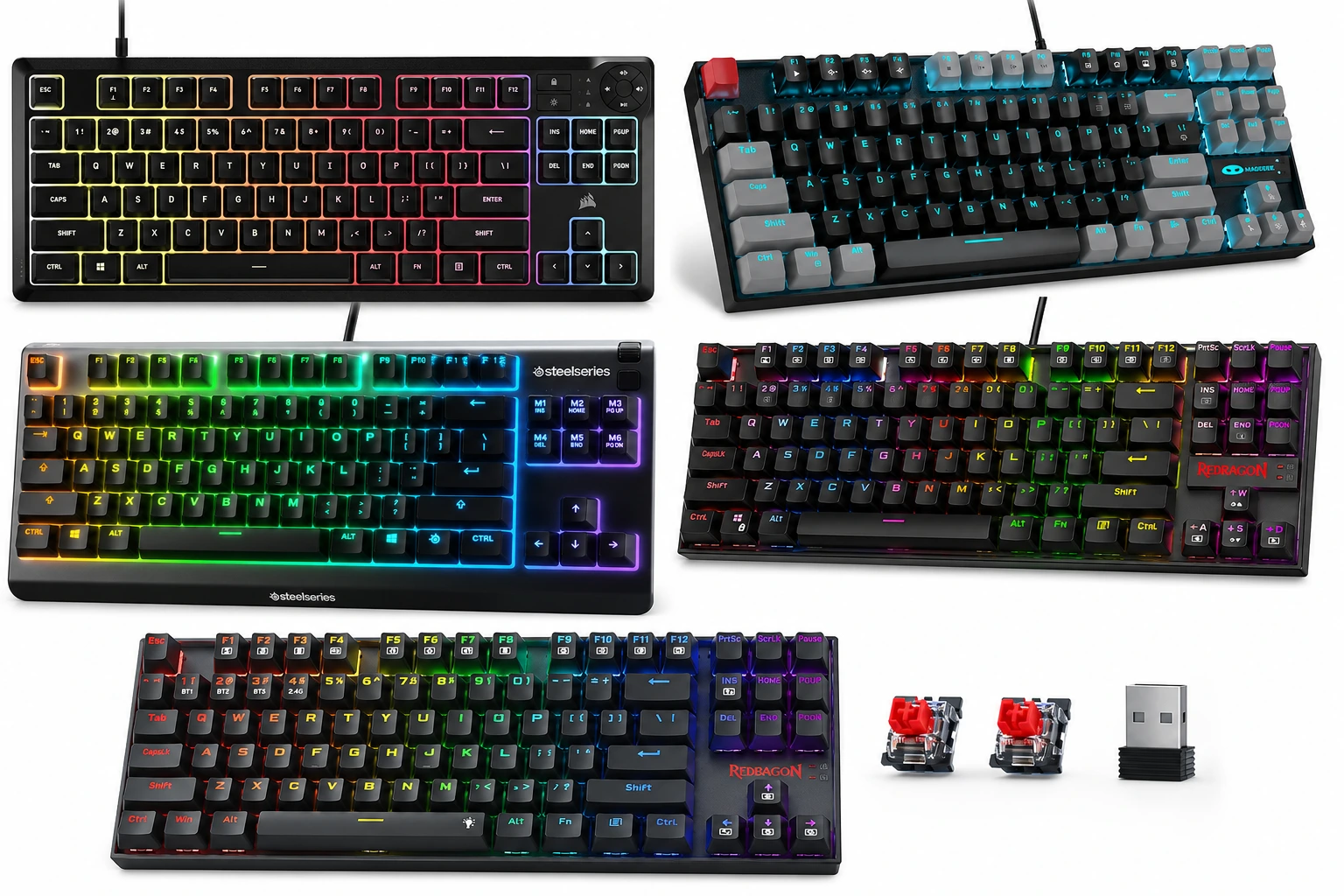
Here’s the cheat sheet. Pick the one that matches what you actually do at your desk.
| Pick This One If… | Keyboard | Switch Type | Why It Wins |
|---|---|---|---|
| You want room to upgrade later | Redragon K552P | Mechanical (Hot-Swap Red) | Hot-swap sockets are nearly unheard of at this price |
| You need wireless on a budget | Redragon K552-KRS | Mechanical (Red) | Bluetooth + 2.4GHz + wired in one board |
| You just want cheap-and-cheerful mechanical | MageGee 75% / TKL | Mechanical (Red) | Lowest entry price for a real mechanical feel |
| You game late at night and roommates complain | SteelSeries Apex 3 TKL | Quiet Membrane | Whisper-quiet + IP32 water resistance |
| You drink coffee dangerously close to your setup | Corsair K55 CORE TKL | Quiet Membrane | Big-brand build, spill-resistant, 1000Hz polling |
Now let’s break down why.
What Under $50 Actually Buys You (And What It Doesn’t)
Before we get into the boards, a reality check. At this price, you’re not getting:
- A real aluminum case
- Gasket-mount construction
- PBT double-shot keycaps as standard (a couple sneak it in; most don’t)
- Lubed, silent stabilizers out of the box
- Wireless, mechanical, and hot-swap all in one package — usually
What you can get under fifty:
- A genuine mechanical switch experience
- True TKL layout (no numpad, more mouse swing room)
- Decent per-key or zone RGB
- Hot-swap sockets in a couple of cases
- Membrane that doesn’t feel like wet cardboard
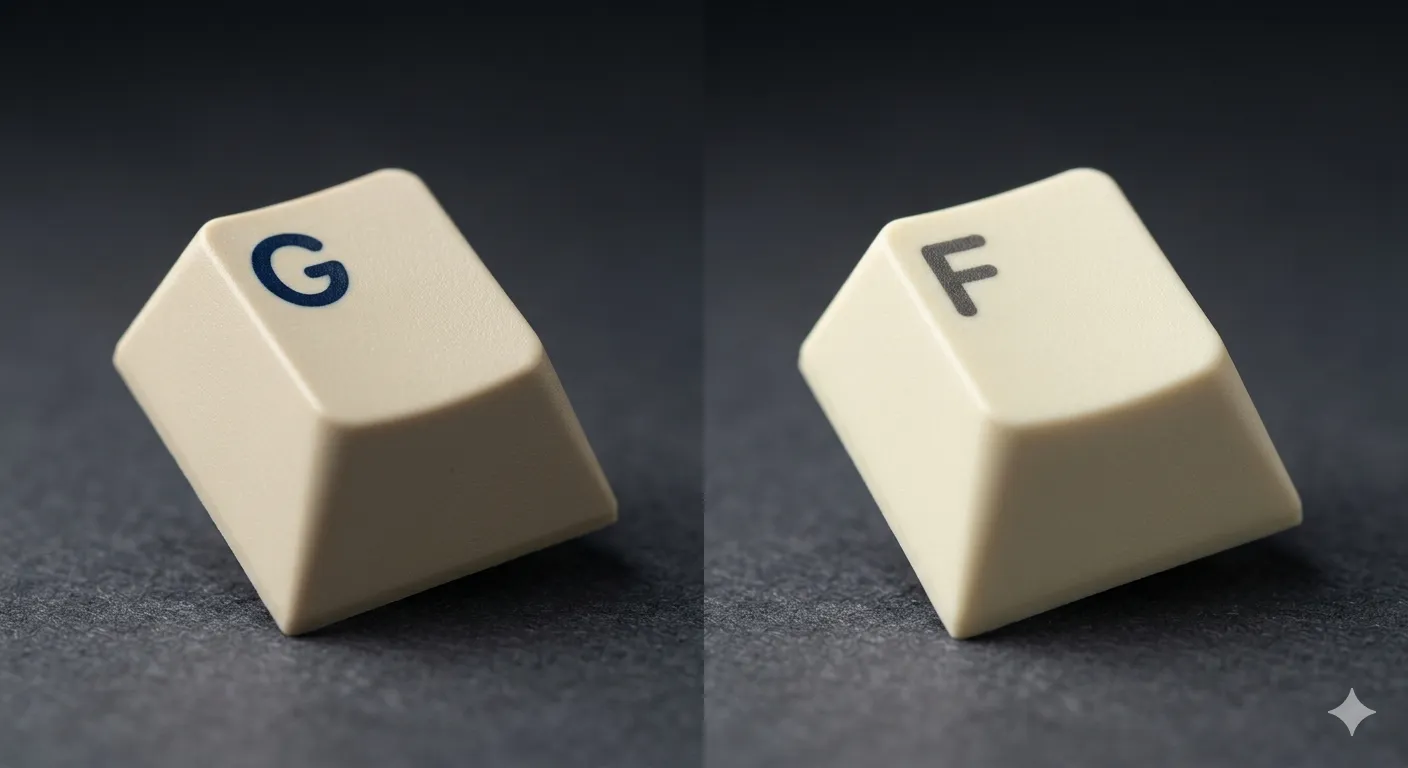
If you want a deeper read on how keycap legend printing affects long-term feel, this breakdown on double-shot vs dye-sub printing is worth your time. It matters here because almost every board in this bracket uses cheap pad-printed legends that wear off inside a year.
1. Redragon K552P — The Best TKL Gaming Keyboard Under $50 Overall
If you only read one section: this is the one I tell most people to buy. The K552P is the hot-swap upgrade of Redragon’s classic K552, and that single feature reshapes the whole conversation.
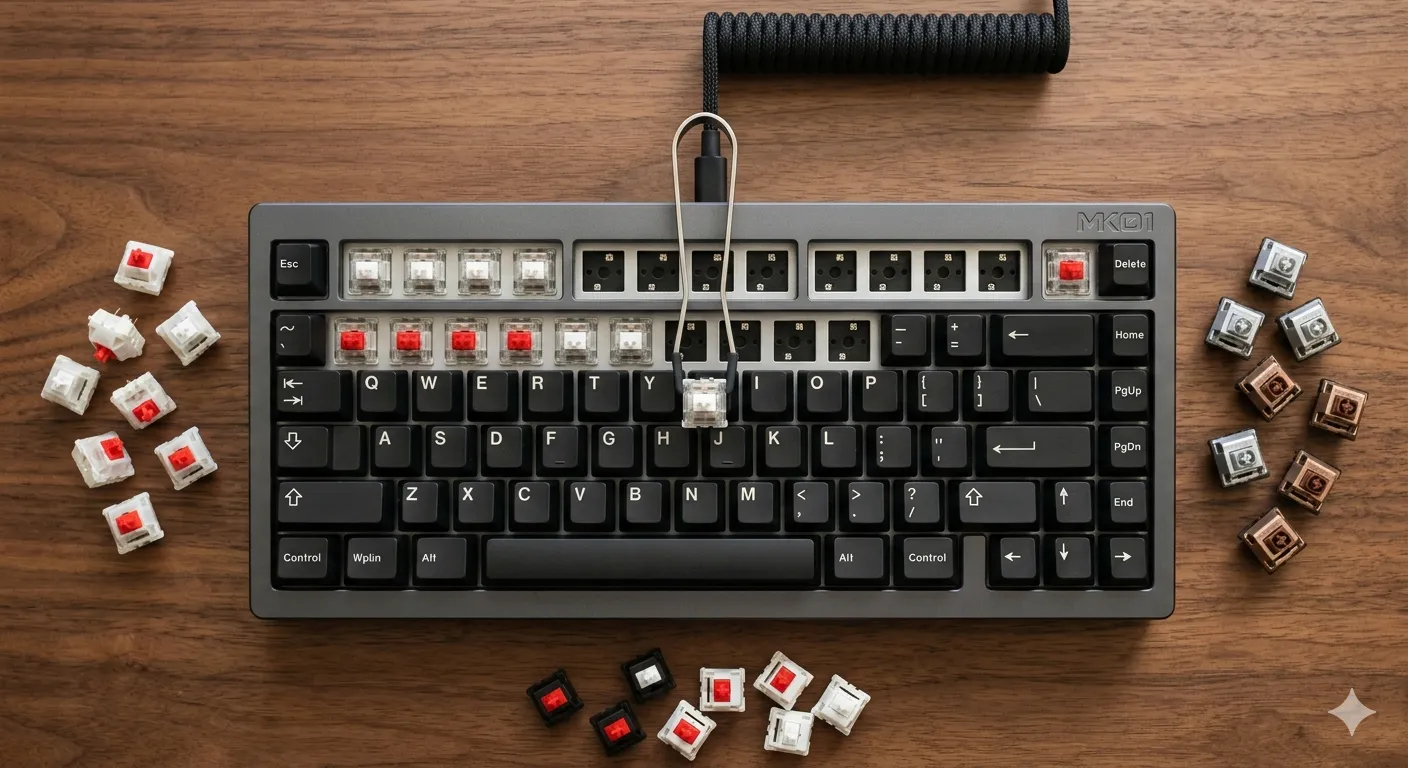
Hot-swap means you can pull the stock Outemu Reds and drop in Gateron Yellows, Kailh Box Whites, or whatever flavor you’re chasing — no soldering, no fear. At under $50, that’s wild. You’re buying a board you can grow into, not one you’ll outgrow.
I ran this as my daily for about two weeks. The stock switches are fine. Not great, just fine. Smooth enough, no scratchiness that made me wince. The 18 backlight modes are mostly silly, but the underglow looks better than it has any right to. The metal top plate gives it a sturdier feel than most plastic-shell boards in this range.
Pros:
- Hot-swap sockets at this price is borderline absurd
- Solid 87-key TKL footprint
- N-key rollover that actually works
- Tougher build than the price suggests
- Programmable macros via software
Cons:
- Stock switches are average — you’ll want to swap eventually
- Stabilizers rattle. Not awful, but you’ll hear the spacebar
- ABS keycaps with pad-printed legends; they’ll shine and fade
- Software interface looks like it was designed in 2009
The honest catch: you’re effectively buying a starter chassis. Plan on $20-30 more in switches and maybe keycaps if you really want to dial it in. Even with that, you’re under $80 for a board that punches well above weight.
- 【Space-Saving for Streamlined Gaming & Productivity】Engineered with a TKL (87-key) compact design, this gaming keyboard …
- 【Customizable RGB Backlit】Unleash vibrant gaming vibes with 18 unique RGB backlight modes! Use software(download on redr…
- 【Built to Last】The K552 KRUMA mechanical keyboard features a robust metal frame and spill-resistant design. Engineered f…
2. Redragon K552-KRS — Best Wireless TKL Under $50
Wireless mechanical TKL under fifty bucks shouldn’t really exist. And yet, here we are.
The K552-KRS gives you Bluetooth, 2.4GHz, and wired USB-C — tri-mode connectivity is the kind of feature you usually pay $120+ for. It’s the same chassis DNA as the regular K552 but with a built-in battery and a wireless module crammed in.
In my testing, the 2.4GHz mode felt instant. Bluetooth had the usual mild lag — fine for typing, less ideal for competitive shooters. Battery life held up across a workweek with backlighting cranked low. Crank the RGB to max and you’ll be charging more often.
Pros:
- True tri-mode wireless at this price is genuinely rare
- TKL layout works well on the go
- Real Red mechanical switches
- Rainbow LED backlight (no per-key, but it’s fine)
Cons:
- Bluetooth latency makes it a poor competitive gaming choice
- Battery drops fast with RGB at full brightness
- Same stab rattle issue as its wired cousin
- No hot-swap on this version
Skip this one if you’re a serious FPS player. Buy it if you bounce between laptop, tablet, and desktop and want one board that follows you.

- 【Amazing Backlit】The gaming keyboard has 19 backlight modes, allowing you to see the keys clearly in the dark, and five …
- 【Tri-Mode up 5 Devices】2.4G Wireless/Bluetooth/Wired, the mode button can easily switch 3 Connection Methods to meet you…
- 【Stylish & Durable】This wireless keyboard adopts a metal panel design, which increases fashion and keyboard texture. The…
3. MageGee 75% / 87-Key TKL — Best Ultra-Budget Mechanical
The MageGee is the keyboard I’d buy a teenager who’s just discovering mechanical switches. It’s cheap. It works. It feels mechanical. That’s the whole pitch, and it’s an honest one.
The board is marketed as “75%” but ships in an 87-key TKL configuration in this listing — slightly confusing, but the layout is standard tenkeyless. The reds are linear, light, and acceptable. The blue LED backlight is the only lighting option, which feels almost retro at this point.
I had this on my desk for a long weekend. It’s loud. The case is hollow. There’s no foam, no dampening, no anything fancy inside. But for the price of a decent steak dinner, it gives you the real mechanical thock-and-clack experience instead of the squishy mush of a $15 membrane.
Pros:
- Lowest cost of entry for actual mechanical switches
- TKL footprint frees up mouse space
- Lightweight and easy to throw in a backpack
- Backlight is simple and not eye-searing
Cons:
- Hollow, plasticky case
- No RGB — single blue color only
- ABS keycaps that’ll shine within months
- No software, no macros, no programmability
Look — if you want a board to learn on, mod a little, and not cry if you spill iced coffee on it, this is fine. Just don’t expect it to last forever.

- 87 KEYS TKL COMPACT LAYOUT: MK-STAR mechanical keyboard features a tenkeyless design, but retain separate arrow keys and…
- MECHANICAL RED SWITCH: characterized for being linear and smoother, slight key sound has no paragraph sense with minimal…
- CHARMING LED BLUE BACKLIT: customize multiple illuminated LED light effects, include static and dynamic, supports about …
4. SteelSeries Apex 3 TKL — Best Quiet Pick (And Best for Spillers)
The Apex 3 TKL is membrane. I want to be upfront about that, because if you’re a switch snob, you’ll skip it. You probably shouldn’t.
SteelSeries built the Apex 3 around their “Whisper Quiet” gaming switches — these are basically really nice rubber domes with a deeper actuation feel than the $15 office board your dad uses. Combine that with IP32 water and dust resistance and 8-zone RGB and you’ve got a legitimately good late-night gaming board.
I tested this against my normal mechanical setups for a week and honestly? For browsing, writing emails, and casual gaming, I forgot it was membrane half the time. For competitive twitch shooters, the lack of clear tactile bump cost me. Different tools for different jobs.
Pros:
- Whisper-quiet — great for shared rooms or late-night sessions
- IP32-rated water and dust resistant (the spill insurance is real)
- Per-zone RGB controllable via SteelSeries software
- Solid brand reliability if you ever need warranty
Cons:
- It’s still membrane — no clicky, no tactile bump
- Keys feel mushy if you’ve been on mechanical for years
- Cable is rubber and tangles
- Not the play if you want to mod anything
The contrarian take: a good membrane is better than a bad mechanical, and the Apex 3 is a genuinely good membrane. Don’t let switch tribalism talk you out of it.

- The compact tenkeyless design is the most popular form factor used by the pros, allowing you to position the keyboard fo…
- Our whisper quiet gaming switches with anti-ghosting technology for keystroke accuracy are made from durable low frictio…
- Designed with IP32 Water & Dust Resistant for extra durability to prevent damage from liquids and dust particles, so you…
5. Corsair K55 CORE TKL RGB — The Safe Big-Brand Pick
The K55 CORE TKL is the boring-but-reliable choice. Boring isn’t bad. Sometimes you just want a board that works, doesn’t make weird noises, and comes from a company that’ll honor a warranty.
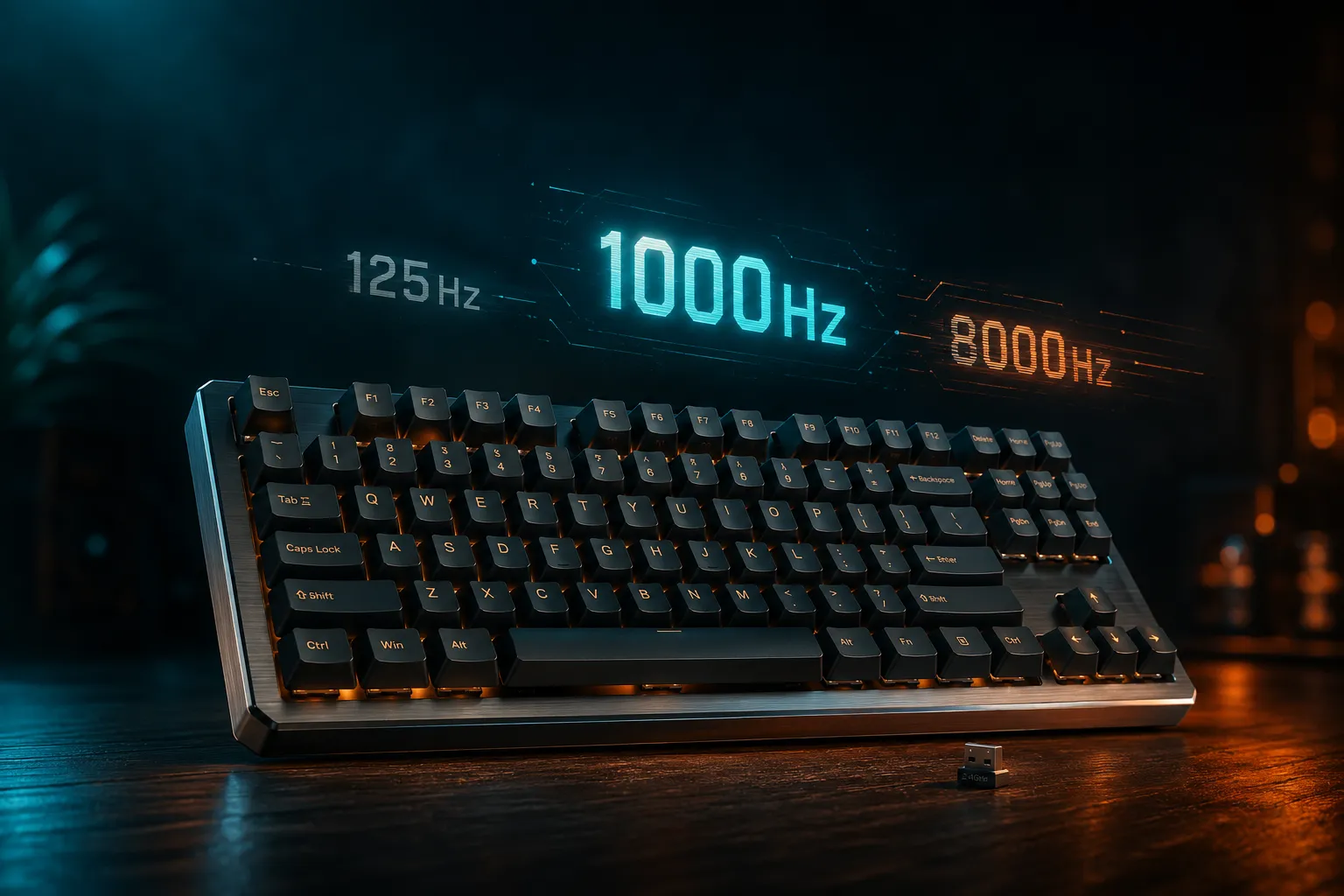
It’s another membrane board, but the 8-zone RGB looks clean, the keys feel notably quieter than the average office board, and Corsair specs a 1000Hz polling rate, which is more than you’ll ever actually need for membrane gaming. Dedicated media keys on a budget TKL are a nice surprise — you don’t usually get those.
Pros:
- Spill resistant (Corsair claims drainage channels — they work)
- 8-zone RGB with iCUE software support
- Dedicated media keys, including a volume roller
- 1000Hz polling rate is overkill but appreciated
- Solid Corsair brand support
Cons:
- Membrane keys, full stop
- Keycap legends are paint-printed and will fade
- iCUE is a heavy software install for what you actually need
- ABS shine comes for everyone
If you want something safe to gift, this is it. If you want to feel something genuinely good under your fingers, scroll back up to the K552P.
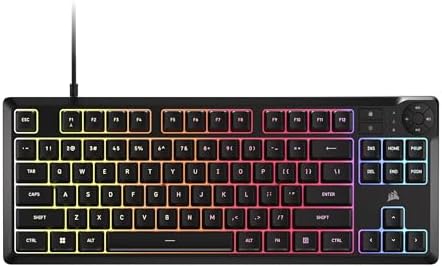
- More Room to Make Big Plays: A compact, space-saving layout designed to give players more room for sweeping mouse moveme…
- Eight Zone RGB Backlighting: Create personalized lighting as dazzling as your clutch plays with 8 zones of brilliant RGB…
- 300ml Spill Resistance: K55 CORE TKL is built for gaming and built to stand up to the perils of daily life. Don’t let a …
Head-to-Head: Redragon K552P vs SteelSeries Apex 3 TKL
If you’re stuck between the two best non-wireless picks, here’s the side-by-side.
| Feature | Redragon K552P | SteelSeries Apex 3 TKL |
|---|---|---|
| Switch Type | Mechanical (Hot-Swap Red) | Quiet Membrane |
| Hot-Swap | ✅ Yes | ❌ No |
| Water Resistance | ❌ No | ✅ IP32 |
| RGB | Per-key, 18 modes | 8-zone |
| Noise Level | Moderate-loud | Whisper quiet |
| Modding Potential | High | Essentially none |
| Best For | Future-proofing | Quiet gaming, klutzes |
Different tools, different jobs. The K552P wins on enthusiast appeal. The Apex 3 wins on living-room peace.
What I’d Actually Tell You to Buy
If you want a board that grows with you, the Redragon K552P is the play. Hot-swap at this price isn’t supposed to exist, and the upgrade path matters more than people admit. You can ride it for a year, swap in nicer switches when you’ve got another $25 to spare, and end up with a board that punches well above its original sticker.
If you live in a shared apartment or game while a partner sleeps, the SteelSeries Apex 3 TKL is the smarter buy. Don’t get talked out of membrane just because Reddit said so. A quiet, well-built membrane beats a loud, rattly mechanical for plenty of real-world use cases.
If you want wireless on the cheap and don’t play competitive shooters, the K552-KRS is the only real choice in this bracket. Tri-mode under fifty bucks is a unicorn.
For more on the budget vs premium debate, this guide on what you actually pay for at higher price points is worth a look. And if you’re weighing whether to step up to a fuller-featured mid-range board, this comparison and this one cover that territory.
Here’s the catch with anything under $50: nothing in this range is built like a forever board. The stabilizers will rattle, the keycaps will shine, and the cases will flex. You’re buying an entry point, not an heirloom. Treat it that way and you’ll be happy. Expect a $200 board for $40 and you’ll be disappointed every time.
The best TKL gaming keyboard under $50 isn’t the one with the longest spec sheet. It’s the one whose tradeoffs match how you actually use it. Pick honestly and you’ll get years out of a forty-dollar board. Pick on marketing copy and you’ll be back here in six months.
This article contains affiliate links. If you buy through them, I earn a small commission at no extra cost to you. I only recommend keyboards I’ve actually tested. As an Amazon Associate I earn from qualifying purchases.

I’ve torn down, lubed, and rebuilt several hundred keyboards — from $20 membranes to $800 enthusiast boards. I review them honestly, even when “honestly” means telling you to skip the one with the bigger marketing budget.