TKL Gaming Keyboards: The Complete Guide for Gamers
This article contains affiliate links. If you buy through them, I earn a small commission at no extra cost to you. I only recommend keyboards I’ve actually tested. As an Amazon Associate I earn from qualifying purchases.
Most “gaming keyboards” you’ll still see on store shelves are full-size boards with a numpad nobody on a competitive roster has touched since their last spreadsheet. That’s the chunk of plastic your mouse hand has been fighting for desk space with — and it’s the whole reason TKL gaming keyboards have quietly taken over the competitive scene.
Watch any CS2, Valorant, or Apex pro lately. Count how many are running anything bigger than a tenkeyless. You won’t get past one hand. That’s not a fashion thing. That’s a “my arm has to swing 200mm faster on every flick” thing.
This is the version of the conversation I wish someone had handed me back when I was overpaying for a full-size RGB tower a decade ago. Here’s what actually matters right now, what doesn’t, and which TKL gaming keyboards I’d put my own money on.
The TL;DR: Best TKL Gaming Keyboards at a Glance
I built this table to answer the only question you actually have: “which one do I click?” Pick your category, click through, get back to your queue.
| Category | Pick | Switch Type | Wireless? | Why It’s the One |
|---|---|---|---|---|
| Best Overall | Wooting 80HE | Lekker Hall Effect (analog) | No | Rapid trigger + adjustable actuation. Still the esports benchmark. |
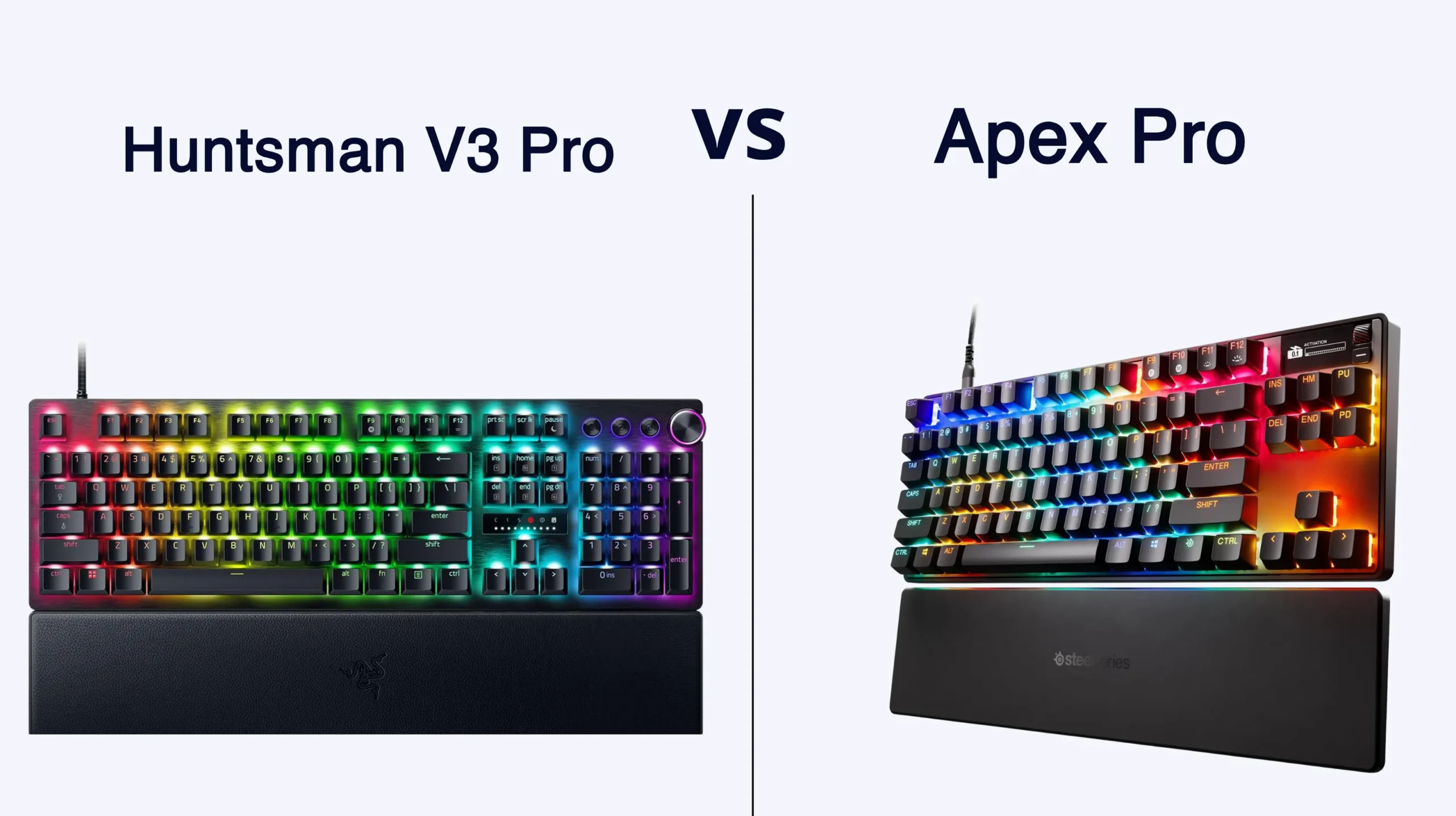
| Best for Competitive FPS | Razer Huntsman V3 Pro TKL | Razer Analog Optical | No | 8000Hz polling, snap-tap–style features baked in. |
| Best Wireless TKL | Logitech G Pro X TKL Lightspeed | GX swappable | Yes (Lightspeed) | Tournament-grade wireless that genuinely feels wired. |
| Best Premium Build | Keychron Q3 Max | Hot-swap MX-style | Yes (Tri-mode) | CNC aluminum, gasket mount, sounds incredible out of the box. |
| Best Value (Under $100) | Keychron V3 Max | Hot-swap MX-style | Yes (Tri-mode) | About 90% of the Q3 Max for half the price. The smartest buy on this list. |
That’s the short version. If you want to know why those picks beat the rest, read on.
Why TKL Gaming Keyboards Took Over
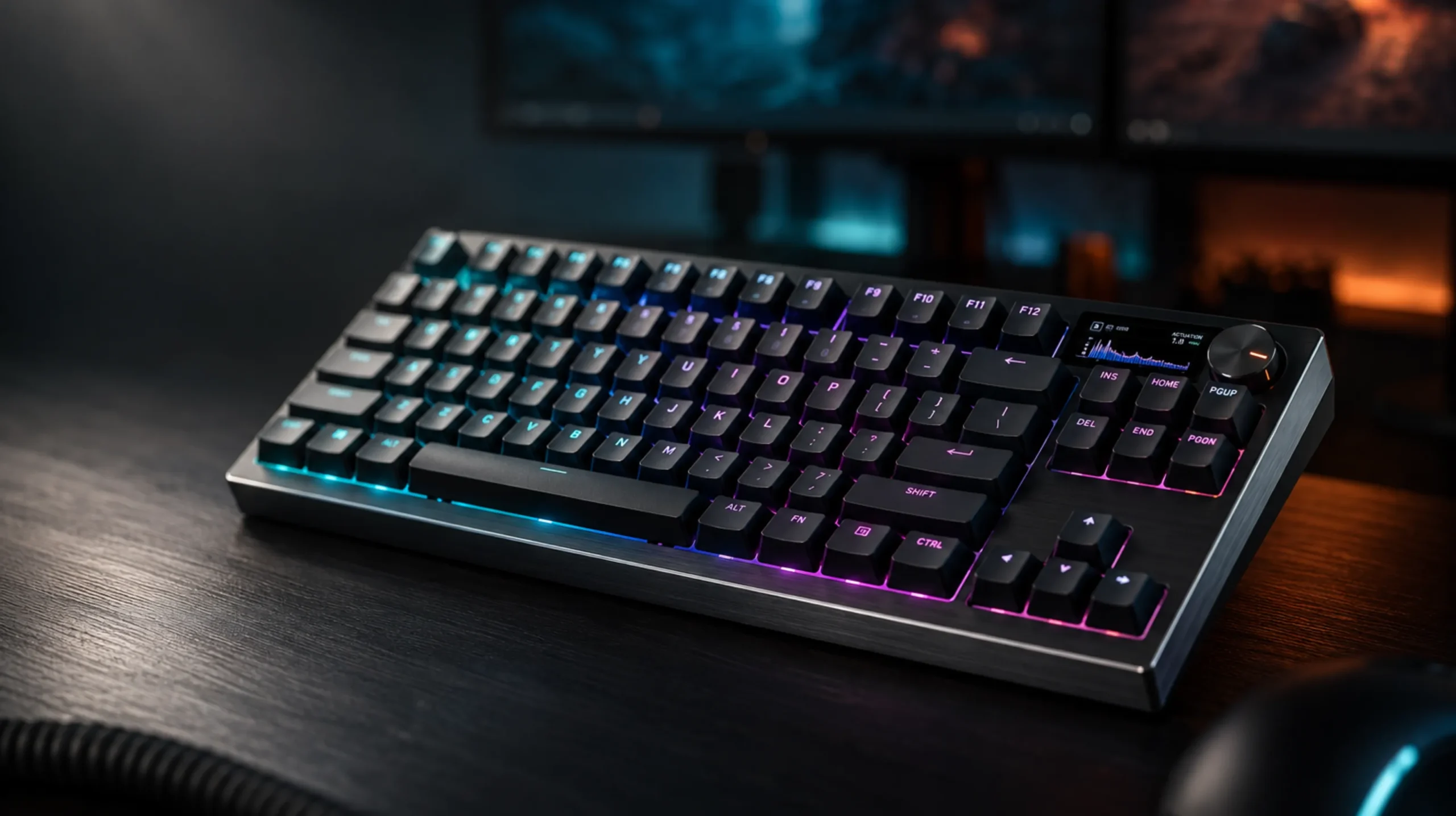
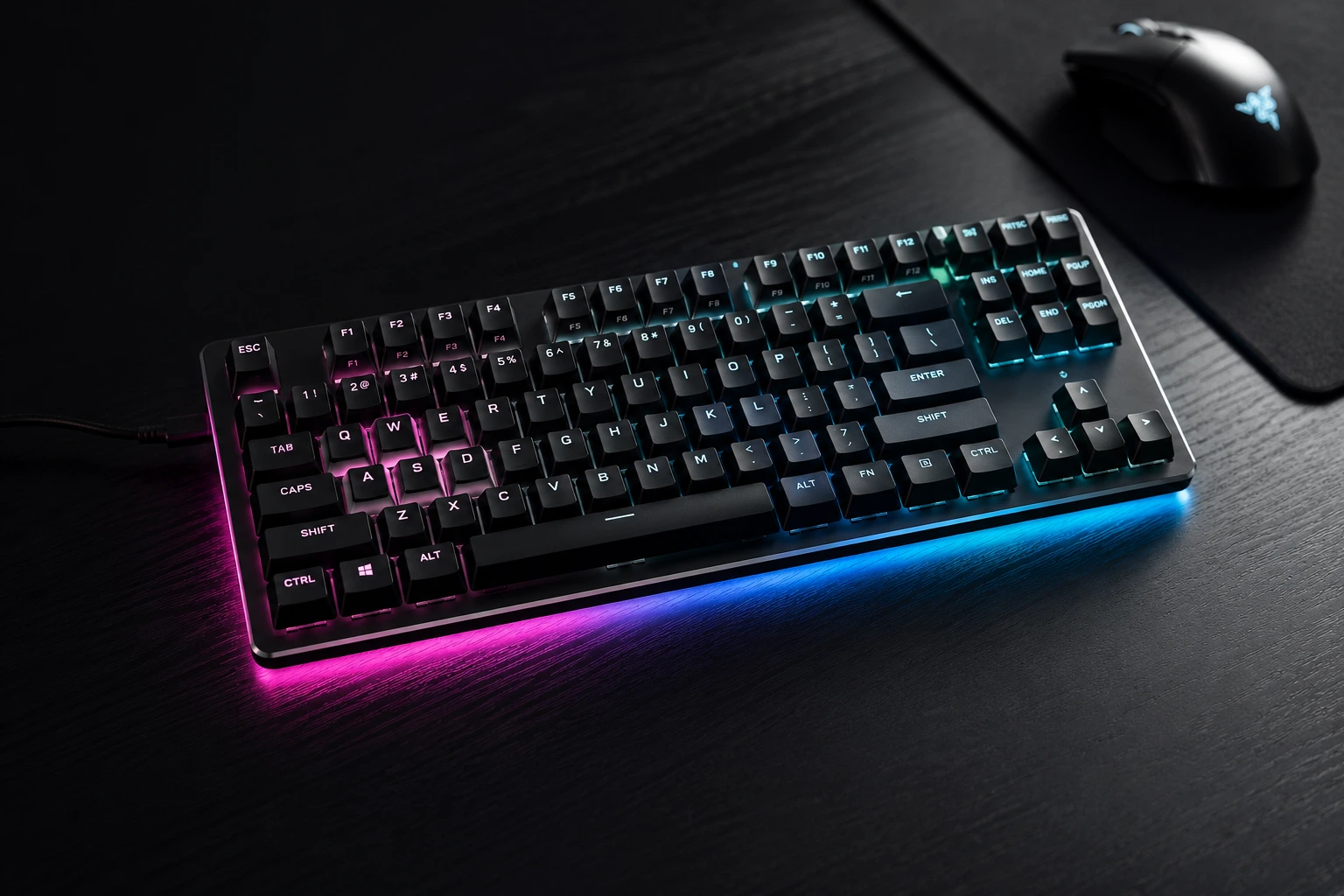
A tenkeyless board is a regular keyboard with the numpad amputated. That’s it. You keep your function row, arrow cluster, and nav keys — everything you actually use — and lose the part you don’t.
The result is roughly 80% of a full-size board’s footprint with 100% of its gaming-relevant keys. That extra ~150mm of recovered desk space goes to one of two places: your mousepad, or your shoulder. Either way you win.
A few reasons TKL gaming keyboards became the default in competitive play:
- Low-sens players need the room. If you’re playing FPS at 800 DPI or under with low in-game sens, a full-size board will run your mouse off the pad on a wide flick. TKL fixes that overnight.
- Your wrist sits straighter. With a smaller board, your mouse stays closer to your home row. Your typing arm and mouse arm stop fighting each other for shoulder angle.
- It still feels like a real keyboard. Unlike 60% or 65% boards, you keep the arrow keys and function row with no layer gymnastics. For most people that’s the sweet spot.
If you spend any time outside games — work, writing, spreadsheets — TKL is also the largest layout that doesn’t bully your desk. The numpad is gone, but everything else is exactly where your fingers expect it.
What Actually Matters in TKL Gaming Keyboards
Spec sheets are a minefield. Here’s what’s worth caring about, and what’s marketing fluff dressed up as innovation.
1. Switch type — the only spec that genuinely changes how you play
The biggest shift recently isn’t lighting or wireless. It’s that Hall Effect and optical analog switches went mainstream. Boards like the Wooting 80HE, Razer Huntsman V3 Pro TKL, and SteelSeries Apex Pro TKL Gen 3 let you set your own actuation point — meaning you can make the W key fire at 0.1mm and the Shift key fire at 3.0mm. Pair that with rapid trigger (which resets the moment you start moving the key back up) and you get a genuine, feelable edge in shooters.
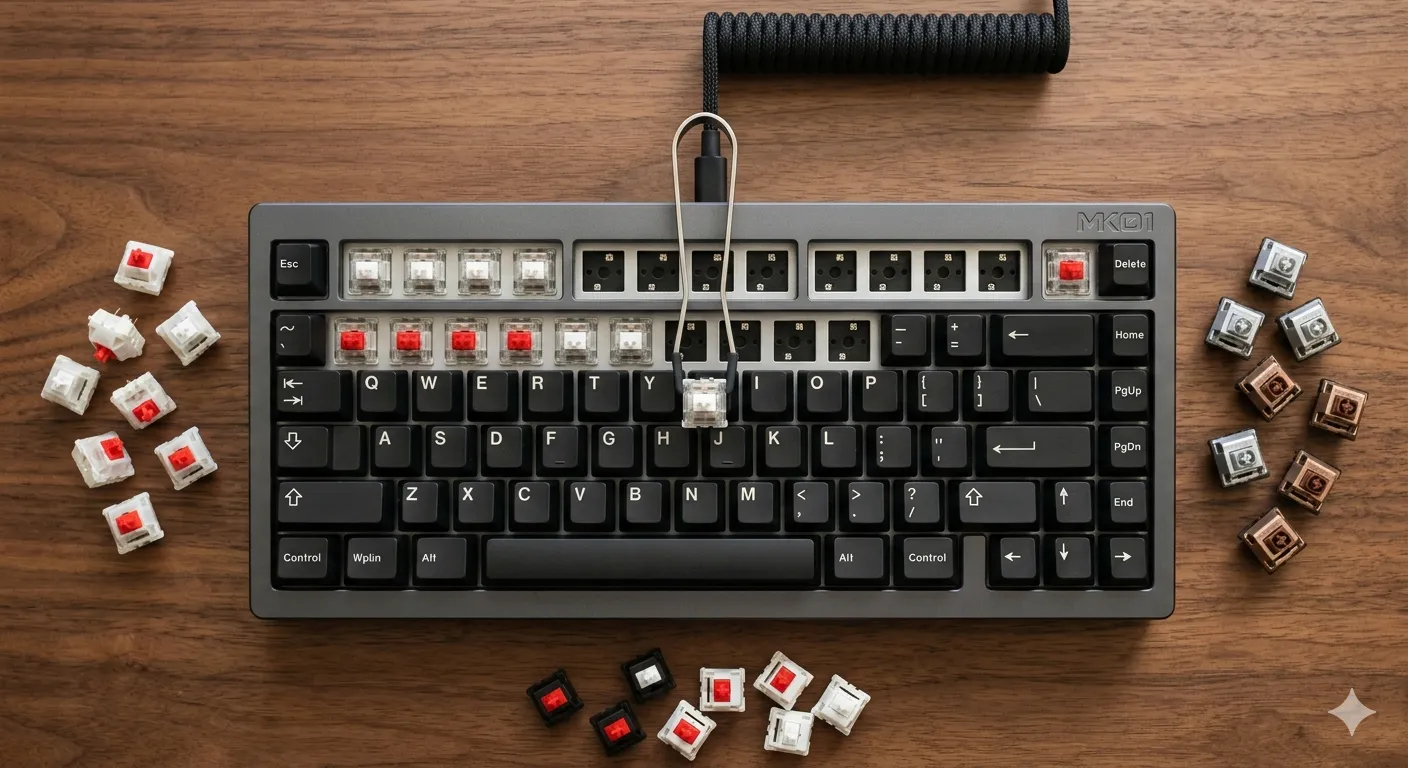
For typing or general use, traditional MX-style switches still feel better to most people. A well-lubed Gateron Oil King or a Keychron Banana will out-type a Hall Effect switch all day. But for pure competitive gaming, magnetic switches have won the argument. If you want a deeper breakdown of the underlying tech, this guide to switch types and what they actually do is a solid next stop.
2. Polling rate (and the 8000Hz hype)
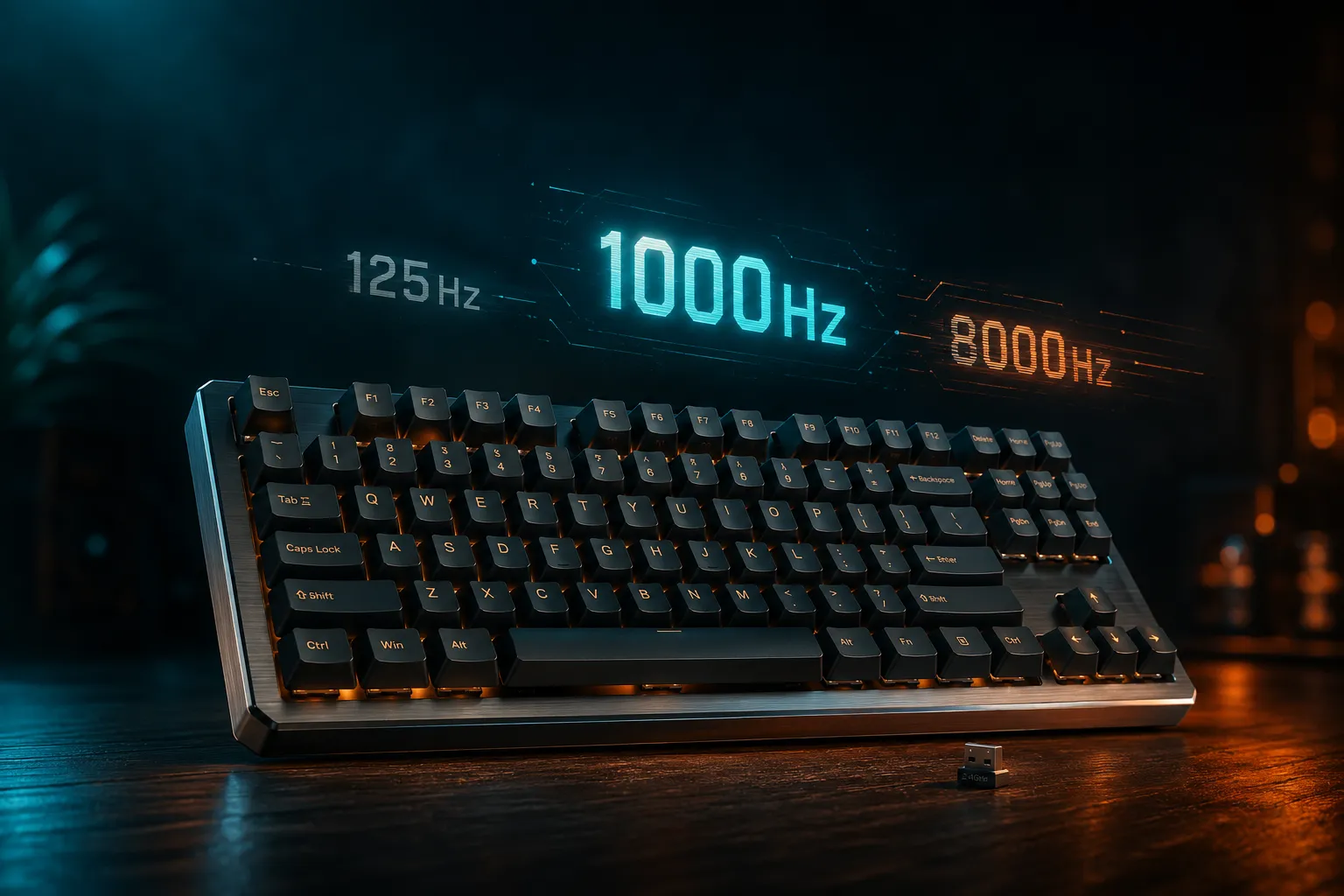
You’ll see boards bragging about 8000Hz polling. Yes, you can measure the latency difference in a lab. In practice, on a 240Hz monitor playing a real match, most people can’t tell 1000Hz from 8000Hz. Don’t pay more for it alone. If your top pick happens to include it, fine.
3. Build quality and sound
A gasket-mounted aluminum board feels and sounds incredible. A plastic tray-mount board sounds like a Tupperware container with springs in it. Whether that matters depends on whether you’re chasing the “thock” or you just want your inputs to register.
Here’s where I’ll push back on my own hobby: the gap between a $90 well-built TKL and a $250 “premium” TKL is real, but it’s nowhere near 3x better. The Keychron V3 Max is about 90% of the experience of a Q3 Max at less than half the price. Take the difference and spend it on switches and keycaps instead.
4. Keycaps and stabilizers
PBT keycaps don’t shine after six months. ABS does. Every TKL gaming keyboard worth buying today should come with PBT by default, and most decent ones do. If a $200 board ships with ABS keycaps, that’s a red flag.
Stabilizers are the unsung hero of every build. Rattly stabs on your space bar will ruin a $300 board. The good news: most prebuilts at $150 and up now ship with pre-lubed screw-in stabs, which is a huge step up from where the market used to be.
5. Hot-swap, wireless, and software
Three quick verdicts:
- Hot-swap sockets — get them. Future-proofs your board. You don’t have to swap switches now, but a couple of years from now you’ll want the option.
- Wireless — fine for productivity, only worth it for gaming if it’s a real low-latency 2.4GHz setup (Lightspeed, ROG SpeedNova, Razer HyperSpeed). Bluetooth alone is too laggy for competitive play. I don’t care what the box says.
- Software — VIA or QMK support beats proprietary apps every time. You don’t want another launcher running in the background just to remap a key.
The Best TKL Gaming Keyboards Worth Your Money
Quick verdicts on each pick in the table, from someone who’s used them all as a daily driver for at least a few weeks:
- Wooting 80HE — Still the board to beat for competitive FPS. The analog Lekker switches with rapid trigger genuinely change how you play. It’s not cheap, the stock keycaps are average, and availability is occasionally a pain. Worth every cent if you take ranked seriously.
- Razer Huntsman V3 Pro TKL — The mainstream answer to Wooting. Easier to actually buy, has snap-tap–style features (where they’re still legal in your title of choice), and 8000Hz polling out of the box. Razer Synapse is heavier than I’d like. The board itself is excellent.
- SteelSeries Apex Pro TKL Gen 3 — For people who want adjustable actuation without going full Hall Effect. The OmniPoint switches feel great. The tiny OLED is a gimmick I keep telling myself I don’t care about and then check every five minutes.
- Logitech G Pro X TKL Lightspeed — If wireless is non-negotiable, this is the one. Lightspeed is genuinely indistinguishable from wired for me in everyday play. Battery life is solid. Build is a touch more plasticky than the Wooting next to it, but it does the job and it does it everywhere.
- Keychron Q3 Max / V3 Max — The V3 Max is the current value champ. Tri-mode wireless, hot-swap, gasket mount, decent stock keycaps, and it doesn’t sound like a toy. Not the best for absolute top-tier FPS — the analog boards beat it there. But for 90% of players, this is the smarter buy.
The Honest Tradeoffs of Going TKL
Here’s the catch nobody mentions. If you do any serious data entry, accounting, or spreadsheet-heavy work, you’ll miss the numpad more than you think you will. A separate numpad solves it, but now you’ve added desk clutter and partly defeated the point.
A TKL gaming keyboard is also still wider than a 65% or 60% board. If you’re chasing maximum mouse room on a small desk, a smaller layout might suit you better. The tradeoff: you give up dedicated arrow keys and the function row, and most people miss them within a week.
Your mileage will vary if you’ve got smaller hands or you’re switching from a low-profile laptop keyboard. Mechanical TKL boards sit noticeably higher off the desk than chiclet boards, and you’ll probably want a wrist rest for the first month while your forearms get used to it.
My Verdict on TKL Gaming Keyboards
If money’s no object and you play competitive shooters, get the Wooting 80HE and stop reading reviews. If you want around 90% of the experience at less than half the price, the Keychron V3 Max is the smartest TKL gaming keyboard you can buy right now.
Skip the RGB-heavy, plastic-tray-mount $200 boards from the legacy gaming brands. They’re charging premium prices for an experience the enthusiast market already lapped twice.
The best TKL gaming keyboards reward people who care about how their keyboard feels under their hands every single day. Pick the one that fits how you actually play, not the one with the most lights.
This article contains affiliate links. If you buy through them, I earn a small commission at no extra cost to you. I only recommend keyboards I’ve actually tested. As an Amazon Associate I earn from qualifying purchases.

I’ve torn down, lubed, and rebuilt several hundred keyboards — from $20 membranes to $800 enthusiast boards. I review them honestly, even when “honestly” means telling you to skip the one with the bigger marketing budget.