Why Pros Use TKL Keyboards It’s Not Just Desk Space
This article contains affiliate links. If you buy through them, I earn a small commission at no extra cost to you. I only recommend keyboards I’ve actually tested. As an Amazon Associate I earn from qualifying purchases.
Watch any CS or Valorant final. Count the tenkeyless boards. It’s basically all of them, and it has been for years.
The stock explanation you’ll hear on Reddit is “more mouse room.” That’s not wrong, but it’s the shallow version. I’ve spent a stupid amount of time studying pro setups — screenshots, behind-the-scenes stream footage, LAN B-roll where you can actually see how a player’s arms sit — and the real reason why pros use TKL keyboards is more physical than the desk-space cliché makes it sound. It’s about shoulder position. Arm angle. Not wrecking your back over a decade-long career.
Here’s what I’ve pieced together, plus what you should actually buy if you want to copy the pro layout without copying the pro price tag.
Quick TKL Comparison (The TL;DR)
| Best for | Board | Why it works |
|---|---|---|
| Serious FPS at 400–800 DPI | Wooting 80HE | Rapid Trigger + analog Hall effect switches, TKL form factor |
| Budget esports pick | Logitech G Pro X TKL Lightspeed | Wireless, LAN-tested, boring in the right ways |
| Analog on a smaller budget | SteelSeries Apex Pro TKL Gen 3 | Adjustable actuation, decent build |
| Work + gaming daily driver | Keychron Q3 | Aluminum, hot-swap, gasket-mounted, plays nice with QMK |
| Quiet office-friendly TKL | Keychron K8 Pro w/ silent linears | Actually usable in a shared room |
None of these are perfect. But those are the boards I’d steer someone toward depending on what they need. More on why below.
If you want a broader look at what makes a keyboard genuinely good for competitive play — beyond just the form factor — this deeper guide on gaming keyboards is worth reading alongside this one.
What “TKL” Actually Means (Skip If You Know)
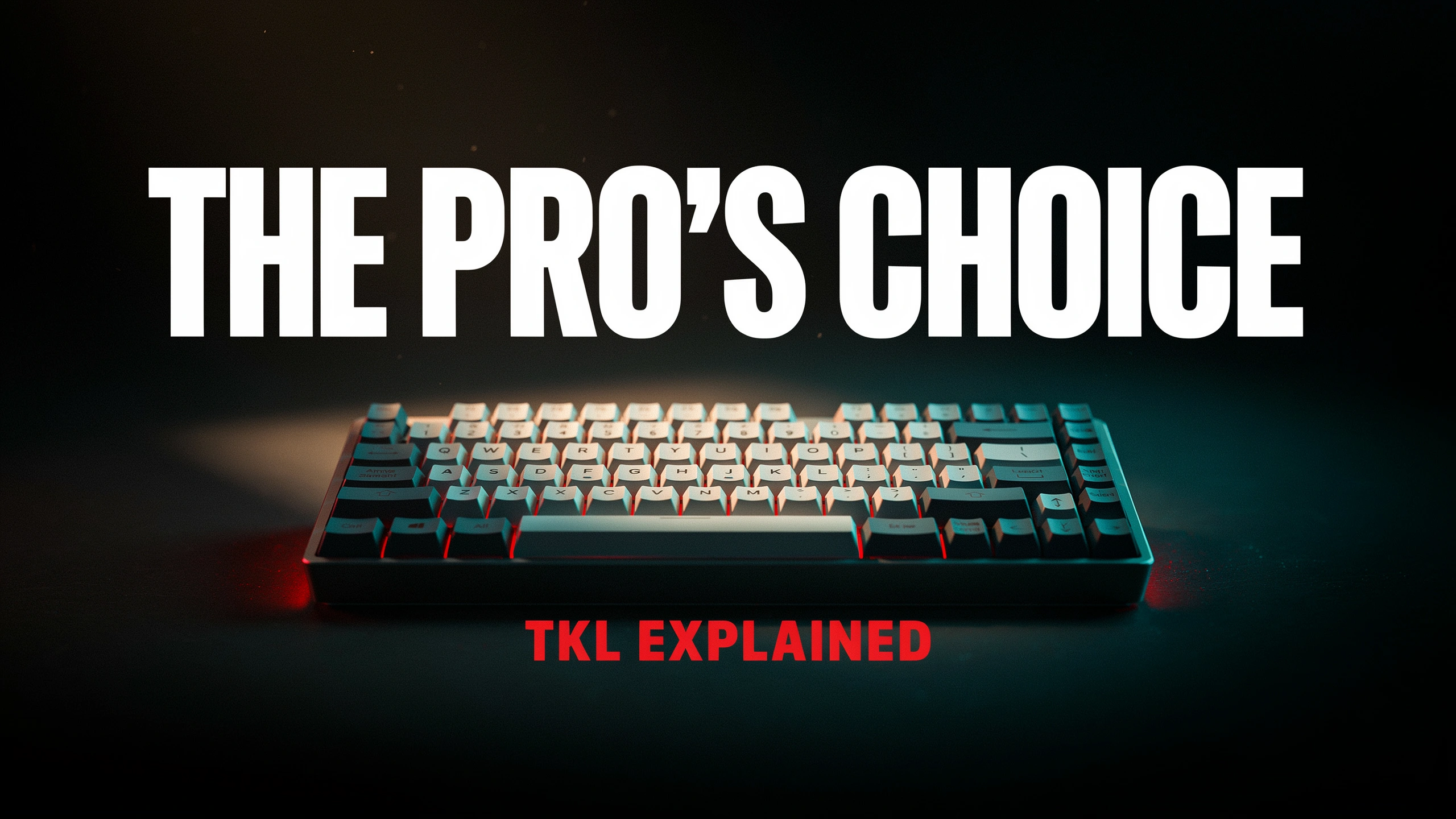
TKL stands for tenkeyless — a full-size layout minus the numpad on the right. You keep everything else: function row, arrow keys, the delete/home/end/page-up/page-down cluster, the whole thing. It’s about 3 to 4 inches shorter than a full-size 104-key board.
That’s it. No secret sauce. Just a full-size with the numpad amputated.
The Real Reason Why Pros Use TKL Keyboards
Here’s the thing people miss.
Pro FPS players run low sensitivity. Really low. CS players commonly play at 400 DPI with an in-game sens somewhere around 0.5 to 1.2 — that’s roughly 25 to 35 cm per 360° turn. Meaning: to spin your character all the way around, you’re physically sweeping the mouse a foot or more across the pad. Valorant is similar. Apex is a bit faster but still low by casual standards.
Now picture that with a full-size keyboard in the way.
Your mouse hand isn’t just cramped for space — it’s forced out to the right of your shoulder line. Your shoulder rotates outward. Your elbow floats. Over one match, fine. Over ten years and thousands of hours of scrims, it’s a repetitive-strain problem waiting to happen.
Pull the numpad off and the mouse comes back toward center. The shoulder relaxes. The elbow can tuck closer to the body. That’s the actual reason why pros use TKL keyboards, and it’s the reason a lot of them are quietly moving to 65% and 60% too — even more real estate reclaimed.
If you want to see how those smaller form factors compare head-to-head, there’s a real argument that the pro pool is trending even more compact.
The Practical Reasons — Ranked
If I had to line up the reasons in the order they actually matter to a competitive player, it’d look like this:
- Mouse arm room. Non-negotiable at low DPI.
- Shoulder and back alignment. The one nobody talks about but everyone benefits from.
- Standard layout without FN combos. Unlike 60% and 65% boards, TKL keeps every gaming-relevant key — F-row, ESC, arrows, dedicated nav cluster — as a real single keypress. No layer-hunting mid-round.
- LAN travel. Fits in a backpack. Slides into most tournament setups. Techs don’t have to fight your wrist rest.
- Less clutter, better focus. Subjective, but real.
Notice I didn’t say “smaller keyboards look cooler.” That’s a byproduct, not a driver.
What Pros Actually Type On
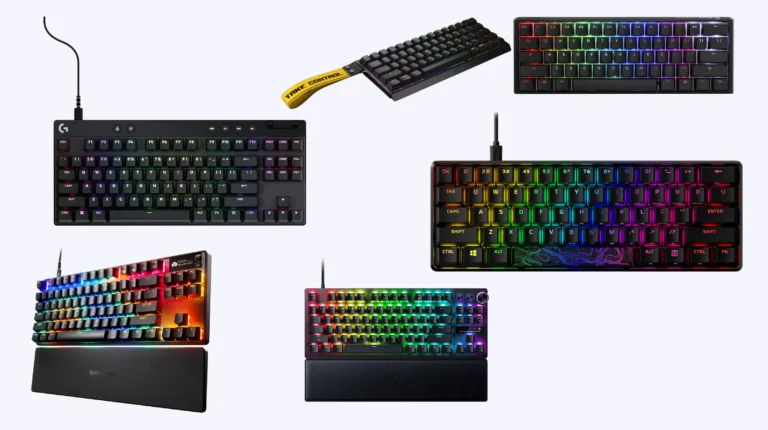
I don’t want to name specific players — rosters shift, sponsorship deals shift, and half of these guys are contractually obligated to be using whatever the current partner brand is anyway. But if you look across CS2, Valorant, Apex, and Overwatch pro pools right now, the boards that keep showing up are these:
- Wooting 80HE — The current darling. Hall effect analog switches, per-key adjustable actuation, and Rapid Trigger, which lets you re-actuate a key the instant it starts coming back up. For counter-strafing in tac shooters, that last feature is genuinely a competitive edge. It’s expensive. It also earned it.
- Logitech G Pro X TKL Lightspeed — The safe pick. Wireless, well-supported, the kind of board a coach recommends because nothing ever goes wrong at the wrong moment.
- Razer Huntsman TE / V3 TKL — Optical or analog options depending on the model. Solid tournament pedigree.
- SteelSeries Apex Pro TKL Gen 3 — Cheaper analog option. Not as refined as Wooting, but half the hassle to buy.
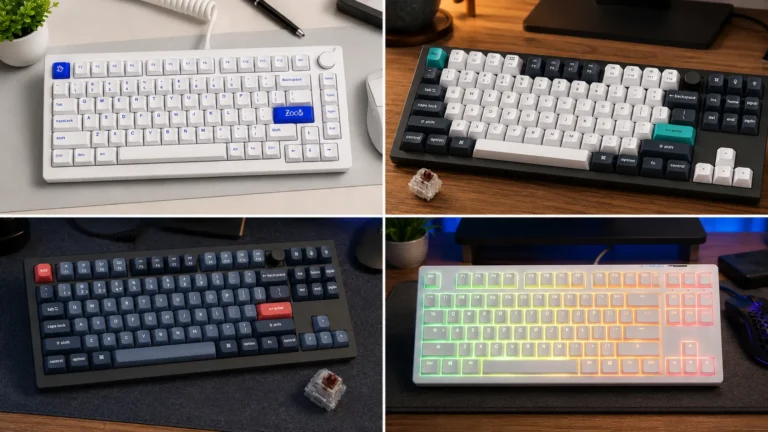
Some pros roll their own custom TKLs too — Keychron Q3, GMMK Pro (technically 75%), various custom builds with lubed linears. That’s the exception, not the rule. Most competitive players want boring, reliable, and warranty-covered.
The switch question matters here too. If you’re not sure whether analog Hall effect is worth the premium over traditional mechanical for how you actually play, this breakdown of switch types and what they mean in real use will save you from overspending on a feature you’ll never notice.
Honest Tradeoffs
I promised I wouldn’t oversell TKL. Here’s the catch.
- No numpad = spreadsheet pain. If you actually use Excel or do any accounting work, you’ll feel this. External numpads exist, but now you’re carrying two things.
- The empty desk feels weird at first. For about a week. Then you’ll never go back.
- Some “TKLs” are bigger than they should be. Manufacturers love to add fat bezels or a giant volume knob and call it minimalist. Measure the actual footprint, not just the key count.
- You’re still bigger than a 60%. If your entire justification is desk space, a Wooting 60HE or a Razer Huntsman Mini gives you more of it. TKL is a compromise — the compromise most pros land on, but a compromise.
There’s also the switch question, which is its own rabbit hole. Analog Hall effect boards (Wooting, Apex Pro) offer real gameplay benefits for tac shooters. For everything else — MOBAs, MMOs, general use — a good linear MX-style switch on a well-built TKL is completely fine. You don’t need to spend $200 to be competitive at the level 99% of us play at.
The Mildly Unpopular Take
TKL isn’t automatically the correct answer anymore.
Five years ago, telling a competitive FPS player to buy a TKL was the obvious call. Today, a real chunk of the pro pool has moved to 65% or 60% boards — the Wooting 60HE specifically kicked off a wave of pros ditching the function row entirely. They just don’t use F-keys in-game, so why keep them?
If you’re a pure FPS grinder and never touch Excel, a 60% might actually be the smarter buy. You get even more mouse room and a lighter board for travel. The reason TKL is still the default recommendation is that it’s the safest middle ground — you don’t lose anything you actually need for typing, and you get most of the ergonomic benefit of going smaller.
Honest answer: TKL if you also work at that desk. 60% or 65% if it’s a pure gaming station and your muscle memory can handle a compact layout.
If you’re on the fence about how much layout actually matters for competitive play versus how much is placebo, this piece on what really moves the needle for FPS performance is worth a read before you spend the money.
Should You Buy a TKL?
If you play FPS games seriously — or if you spend six-plus hours a day at your desk and your mouse arm is starting to complain — yes. Get a TKL. It’s the single easiest ergonomic win you can make without buying a split keyboard or a standing desk.
If you mostly play strategy games, MMOs, or anything that leans on hotbars and macros, a TKL is fine but the numpad-free part isn’t a benefit for you. You’re paying for a smaller footprint you don’t need.
Here’s my actual buying framework, keeping it simple:
- Under $150, you want reliability: Logitech G Pro X TKL Lightspeed, or a Keychron K8 Pro with hot-swap.
- $150–$250, you want the current meta: Wooting 80HE. It’s the one worth the money.
- You care about typing feel more than gaming perf: Keychron Q3. Lube the stabs and it punches way above its price.
- You want the pro look on a budget: SteelSeries Apex Pro TKL Gen 3, or an older Razer Huntsman TE on sale.
Skip the RGB-focused boards from off-brands. Skip anything that lists “N-key rollover” as a headline feature in 2026 — that’s been standard for a decade. And skip any board where the review coverage is 90% about how it sounds unboxing. That’s a tell.
Before you pull the trigger on any of these, it’s worth reading this quick guide on the mistakes most people make buying a gaming keyboard — a lot of buyer’s remorse could be avoided in about five minutes.
Verdict
The reason why pros use TKL keyboards isn’t marketing. It isn’t cool factor. It’s that low-DPI FPS play is basically a full-arm sport, and a TKL gives your mouse arm the room it needs to work without twisting your shoulder into a bad angle for the next ten years.
Get one. Buy it once. Buy it good. Your back will thank you before your K/D does.
This article contains affiliate links. If you buy through them, I earn a small commission at no extra cost to you. I only recommend keyboards I’ve actually tested. As an Amazon Associate I earn from qualifying purchases.

I’ve torn down, lubed, and rebuilt several hundred keyboards — from $20 membranes to $800 enthusiast boards. I review them honestly, even when “honestly” means telling you to skip the one with the bigger marketing budget.